


We publish free wallpapers, and two more go out this week. Most people install them on a multi-screen desk the wrong way and then decide the screens are at fault. So: the settings, the arithmetic, and the honest reason you may not want one picture across two panels at all.
First, make the operating system agree with your desk
Before you touch a wallpaper setting, fix the geometry. On Windows 11, open Settings > System > Display, click Identify, then drag the numbered boxes until their order matches the panels actually in front of you. If the boxes are in the wrong order, a spanned picture runs right to left across a left-to-right desk, and no wallpaper option will fix that.
The Windows setting is called Span
Go to Settings > Personalization > Background. With Picture selected, open Choose a fit for your desktop image and pick Span. Windows then treats your panels as one wide canvas and lays a single image across all of them. Fill, Fit and Stretch repeat the picture once per screen instead, which is what most people are looking at when they conclude that spanning is broken.
Want a different picture on each panel? Same page: right-click a thumbnail under Recent images and choose Set for monitor 1 or Set for monitor 2.
macOS has no Span, and that is worth knowing before you start
Open System Settings > Wallpaper on a Mac and you get one set of controls per display. That is the whole feature. There is no span option anywhere in macOS, so a panorama across two panels means cutting the file in half yourself and setting each piece on its own display. It works, and it is a chore. On a Mac, one picture per panel is the supported path, not a compromise.
The pixel width you actually need
A spanned wallpaper is divided between your panels, so each one only gets a slice of it. Add the widths up before you choose a file.
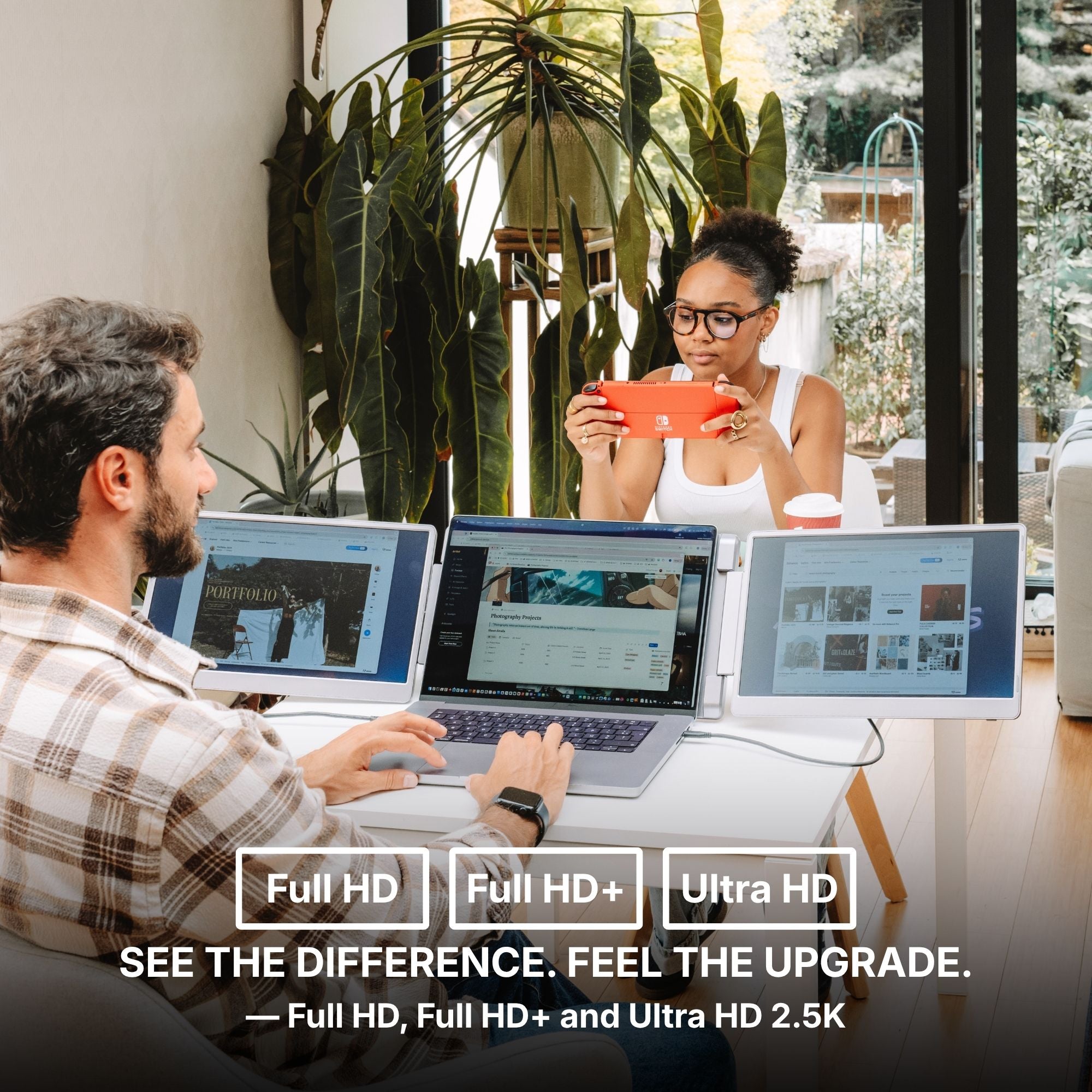
- Our panels declare three resolutions, depending on model and variant: 1920 × 1080 Full HD, 1920 × 1200 2.2K, and 2560 × 1440 QHD 2.5K.
- Two 1920-wide panels want a file at least 3840 pixels wide. Two QHD panels want 5120.
- Our free wallpapers are Full HD, 1920 × 1080. Spanned across two 1920-wide panels, each panel gets roughly 960 pixels of that file, stretched to fill. It will look soft. That is arithmetic, not a defect.
So the free Full HD files are made to sit one per screen. If you want a genuine panorama, start from something wide enough for the whole canvas: our 4K premium wallpaper is 4800 × 2700, which covers two Full HD panels with room left to crop.
The case for one picture per panel
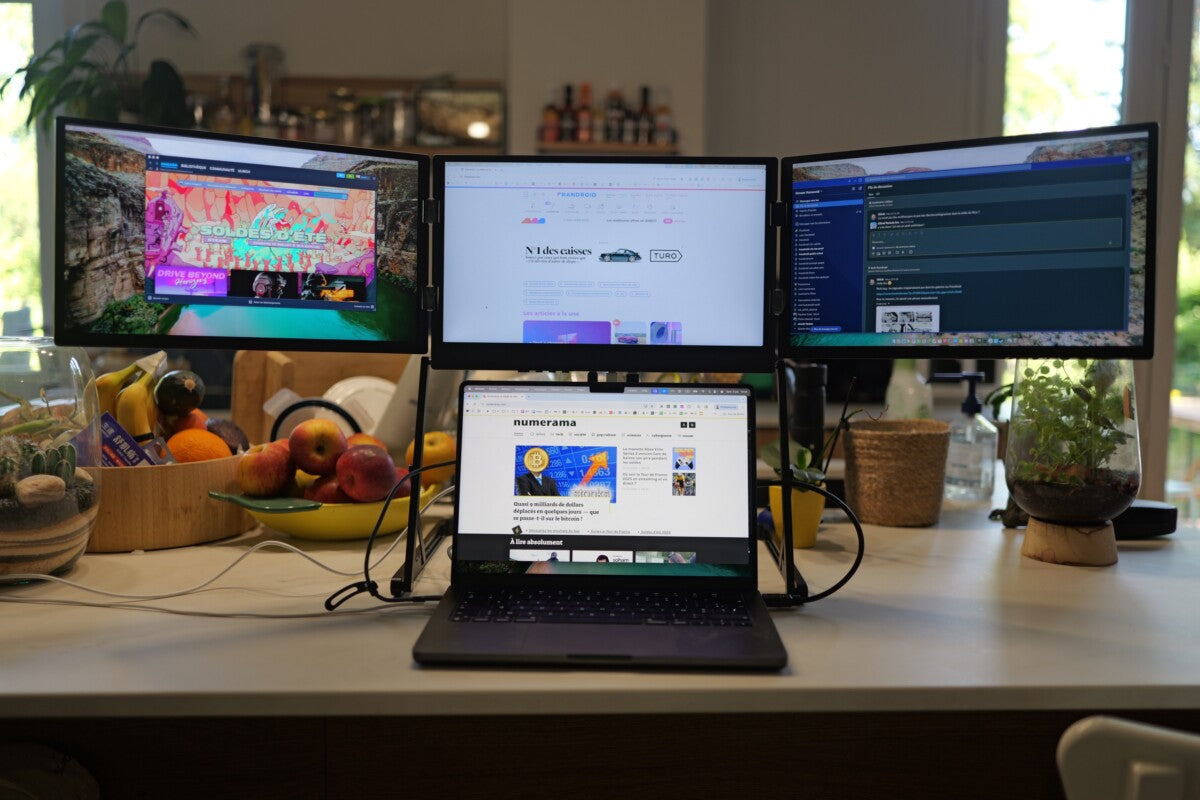
Here is the part that runs against the grain. One image spread over two or three panels photographs beautifully and is mildly irritating to work on. The seam always lands in the middle of the interesting part, and a bright region drifting across the join competes with whatever you are reading.
What works better in practice is one calm, fairly dark picture per panel, related to the other but not continuous. Moonlit Keep and Crimson Spires are free, Full HD, and built as a pair for exactly this. Two files, two screens. That is why we hand them out in twos rather than giving you one wide one.
What a wallpaper will not fix
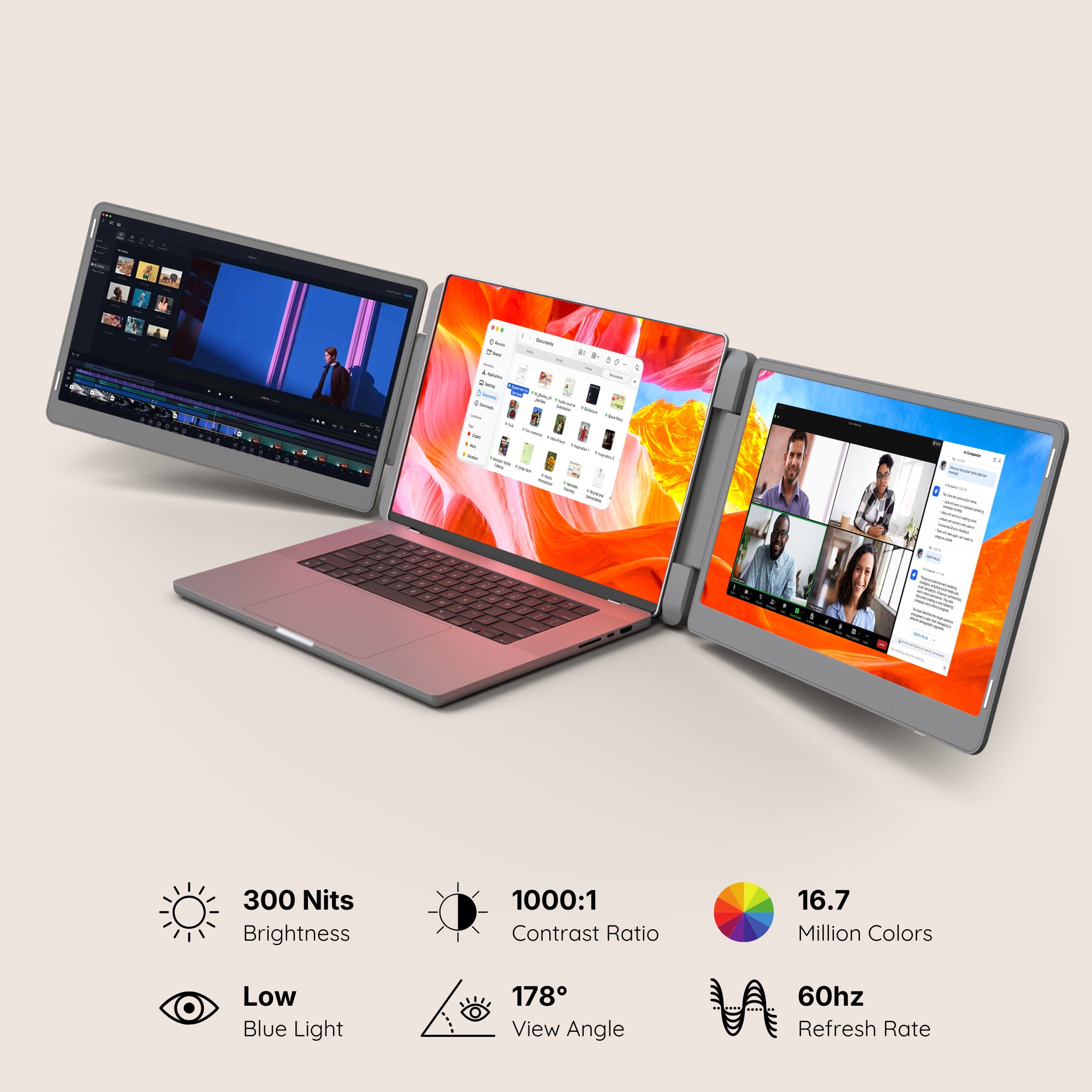
Brightness across our range runs from 280 to 350 nits. That is honest indoor brightness, and a dark wallpaper on a 280-nit panel in a sunlit room stays dark. No product page in our catalogue declares a colour gamut either, so if an image looks richer on one panel than the other, that is not telling you anything you can act on. These panels are for laying work out, not for judging an image.
The screens we would do this on, and the cheaper option
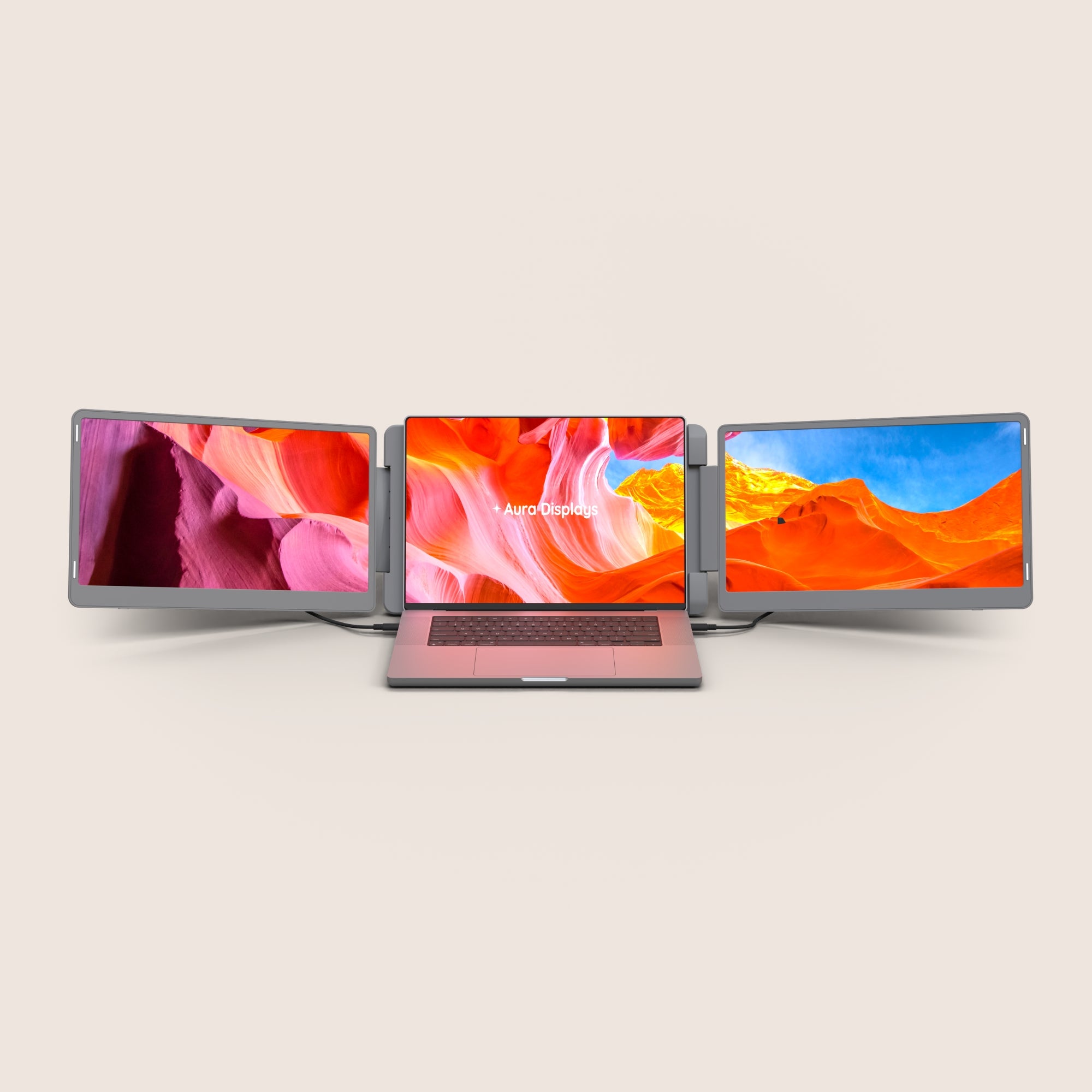
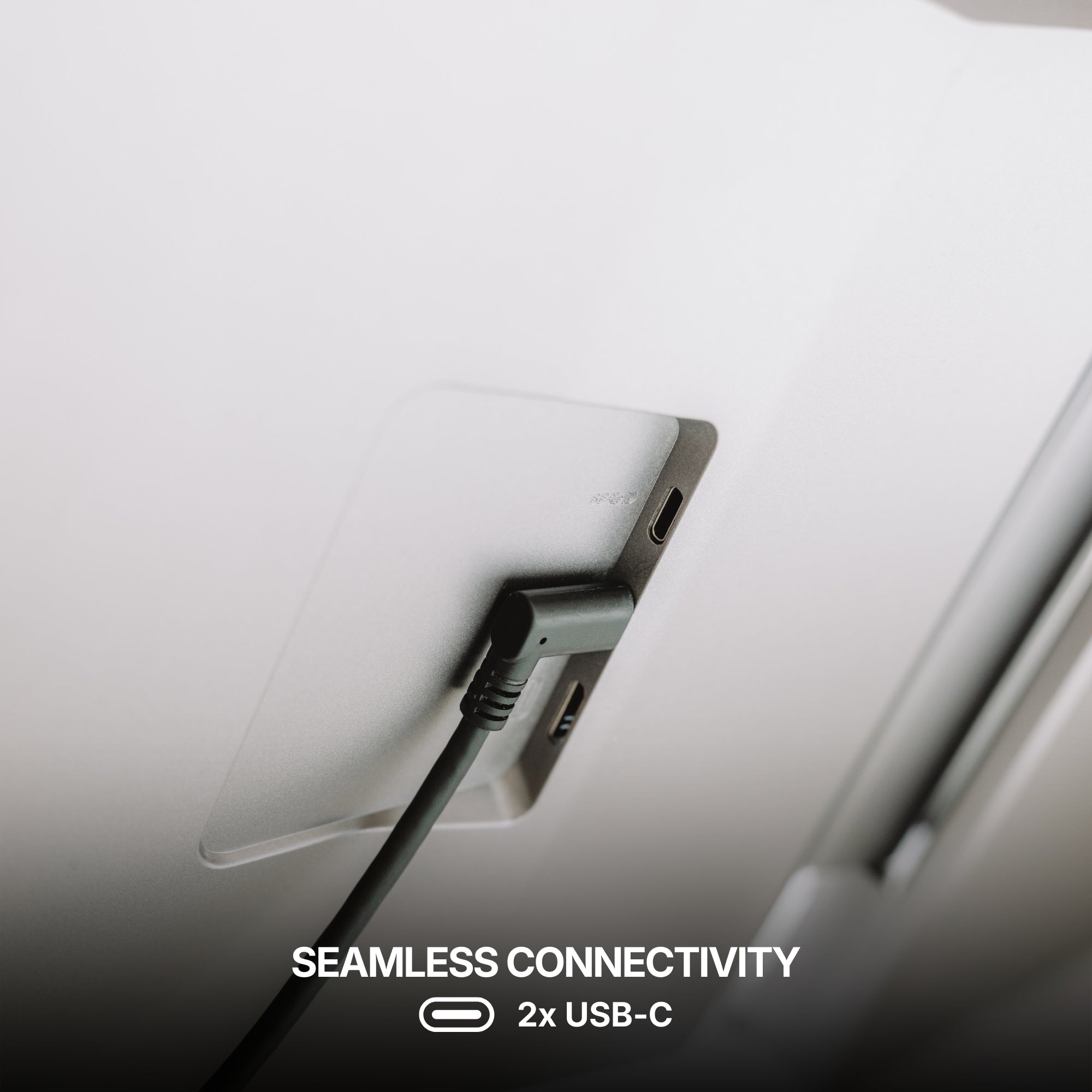
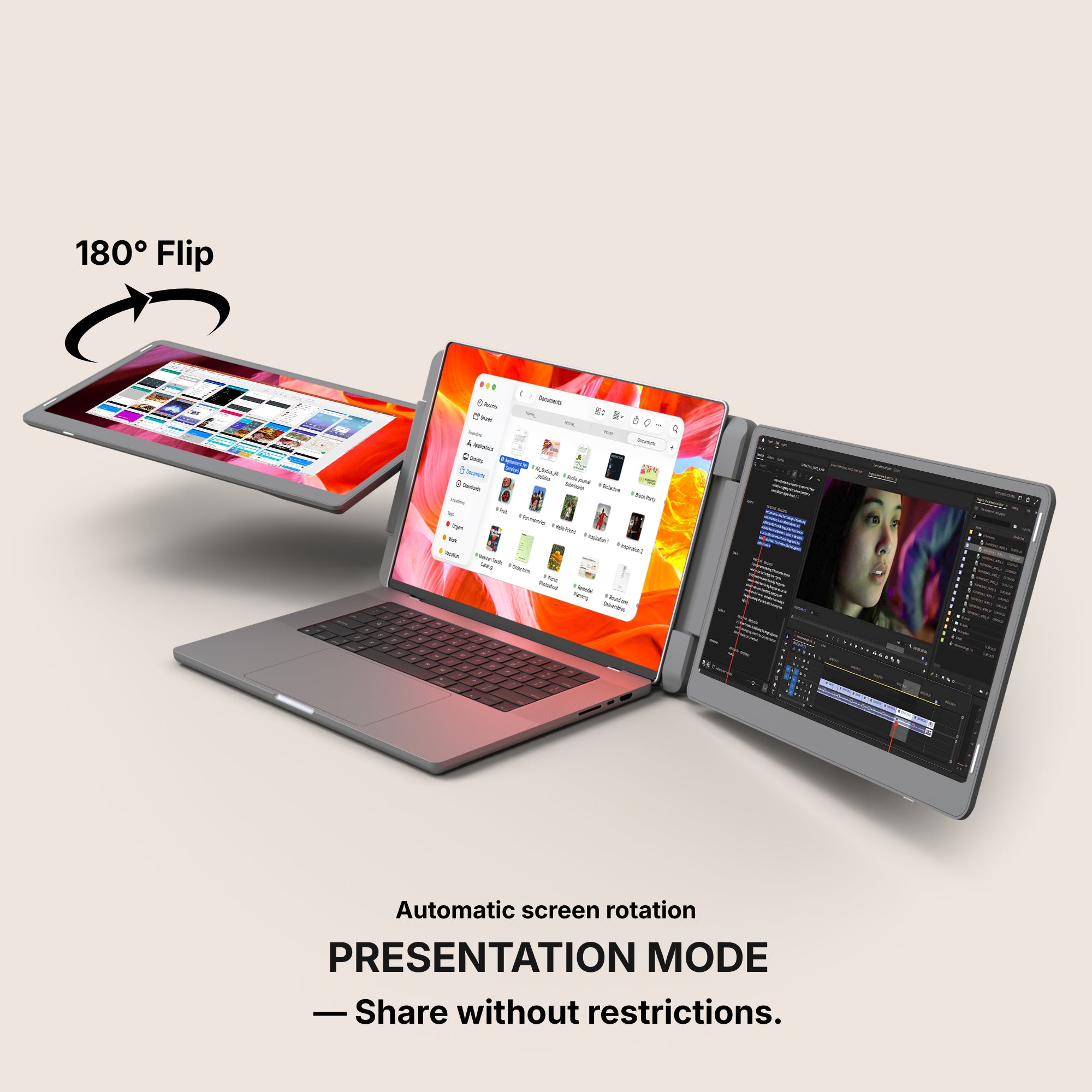
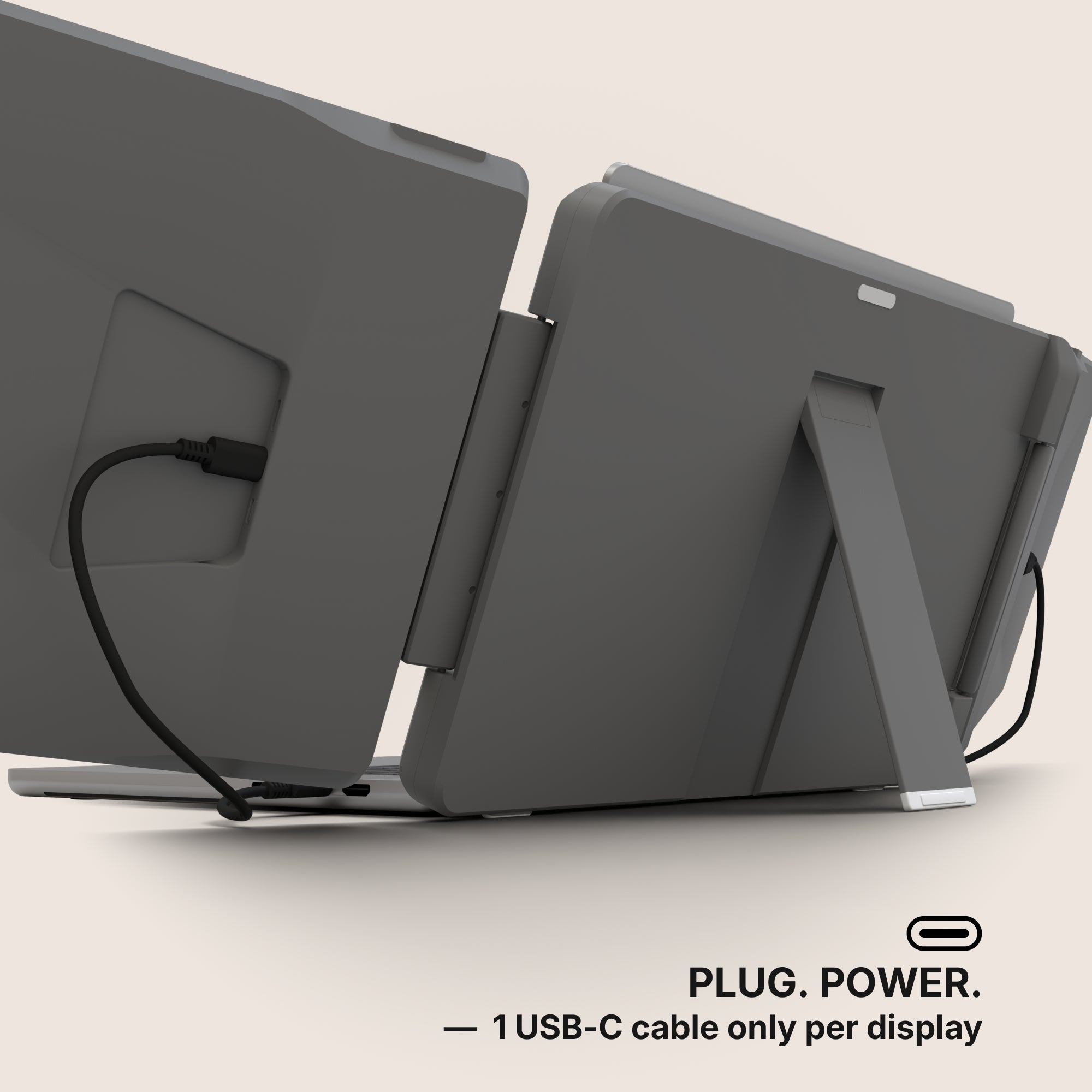
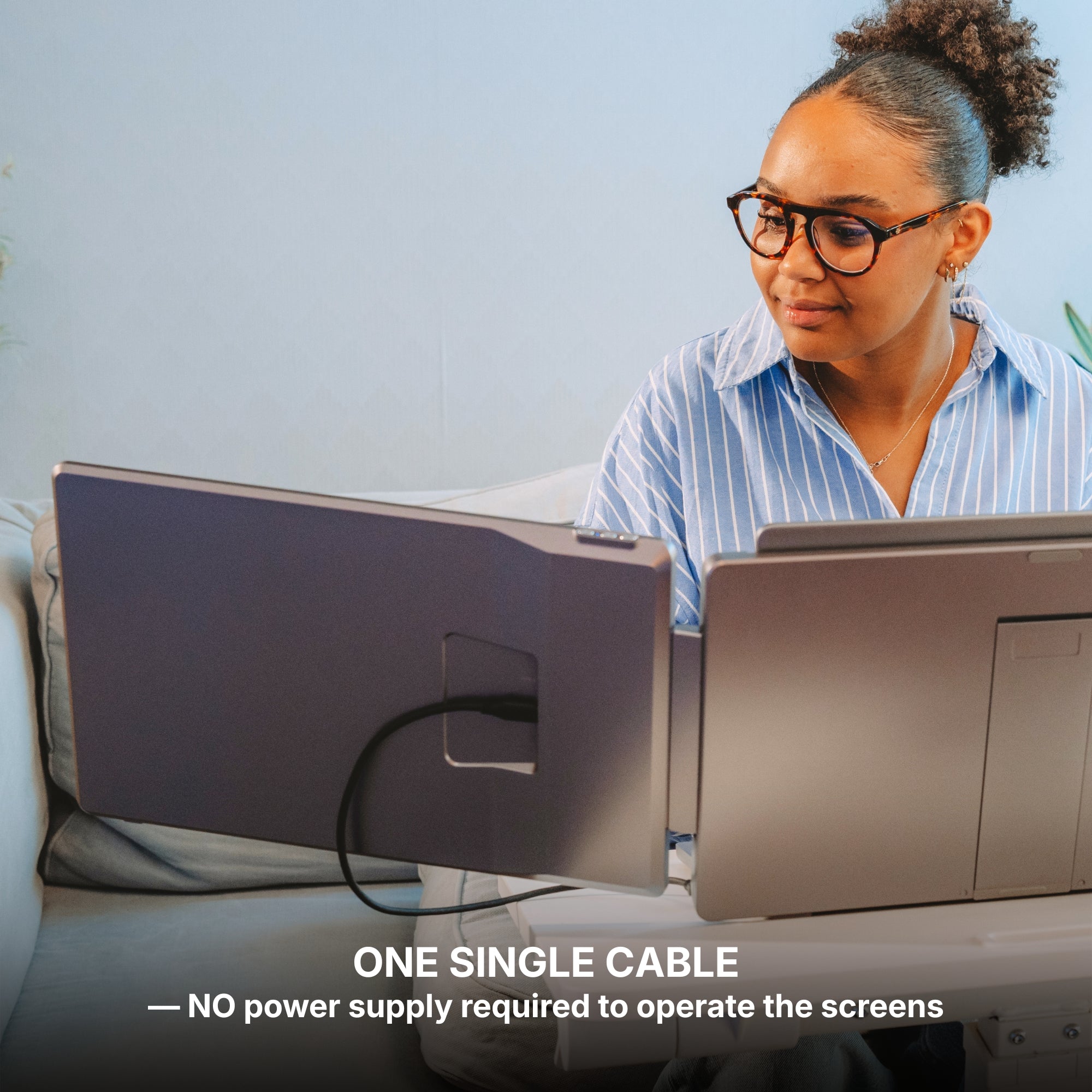
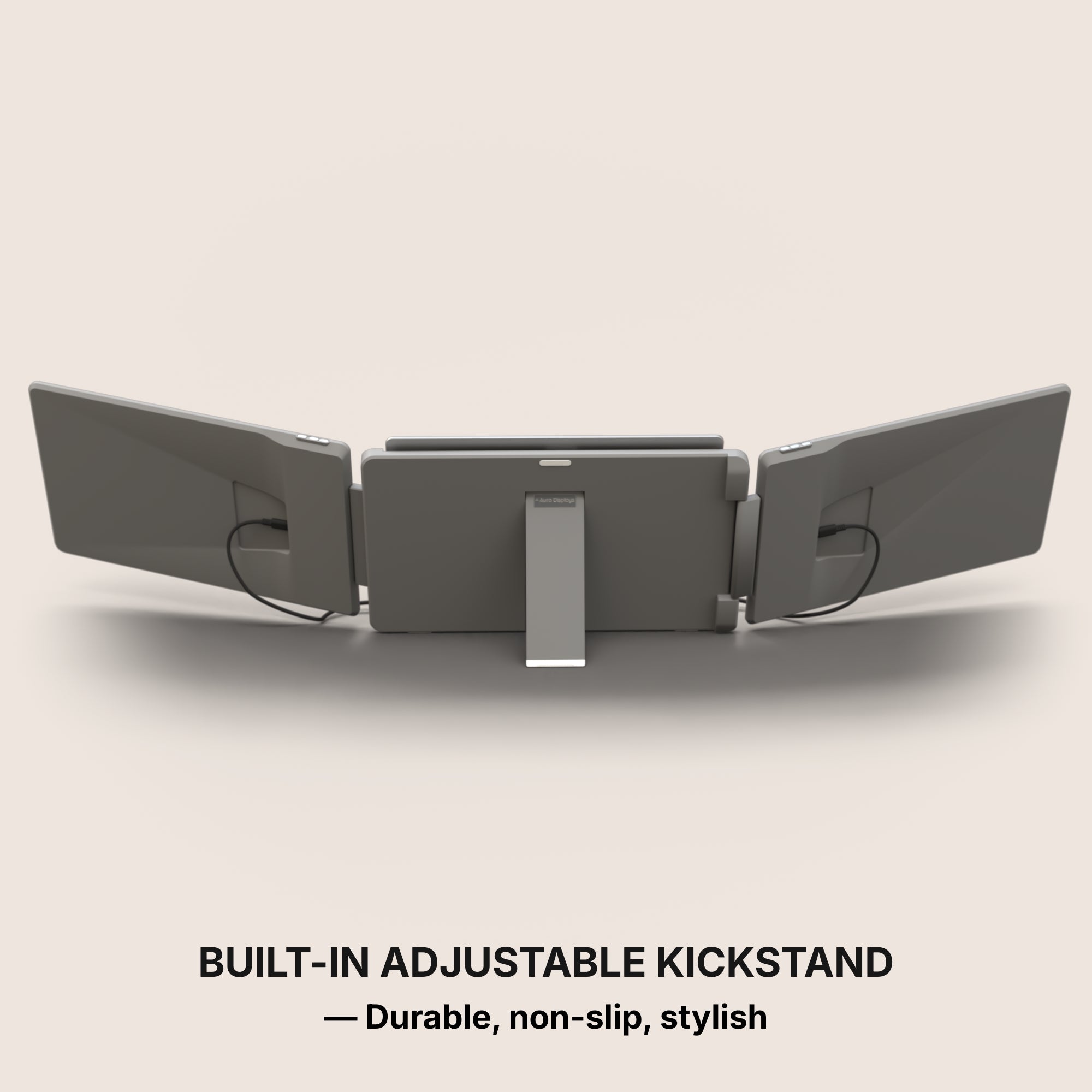
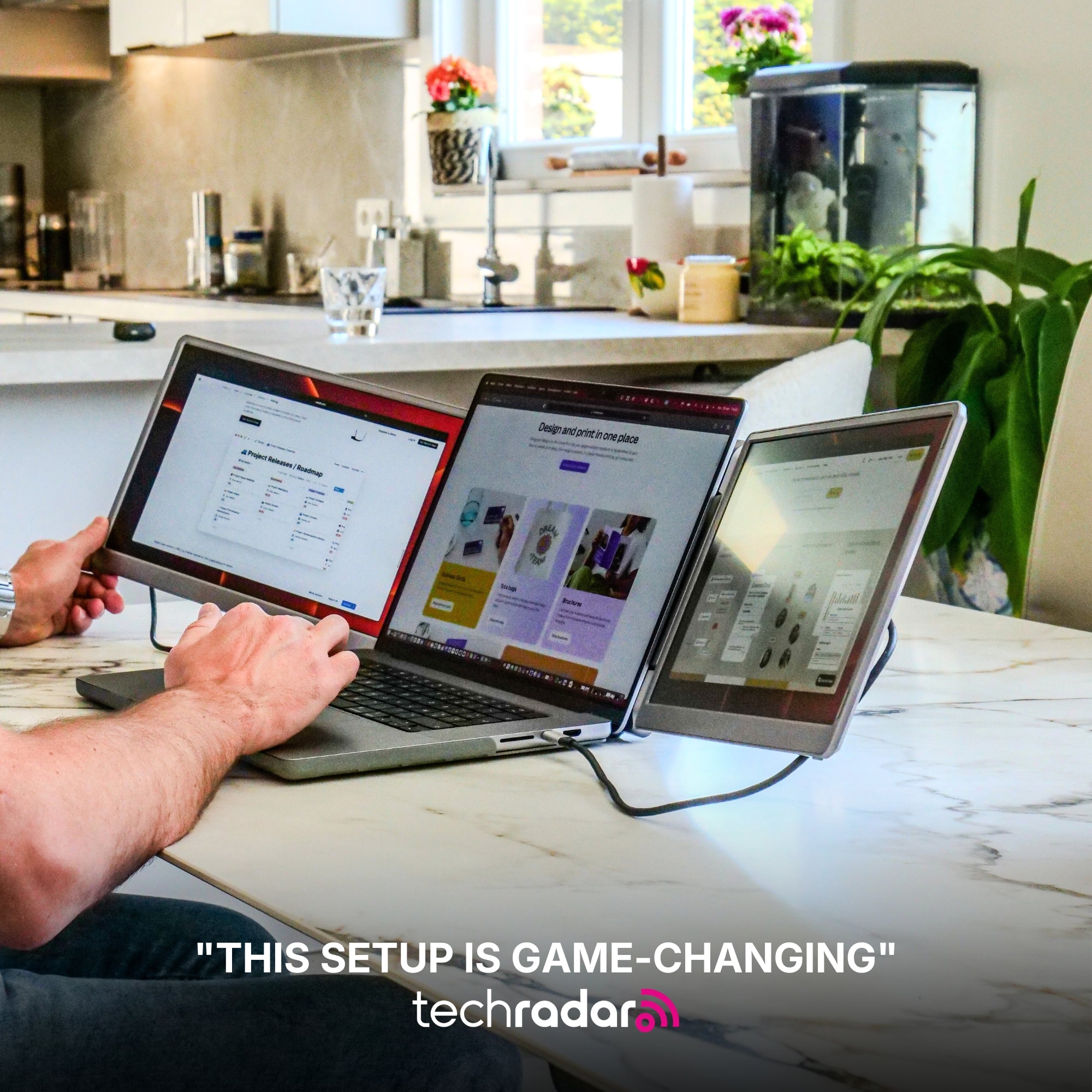
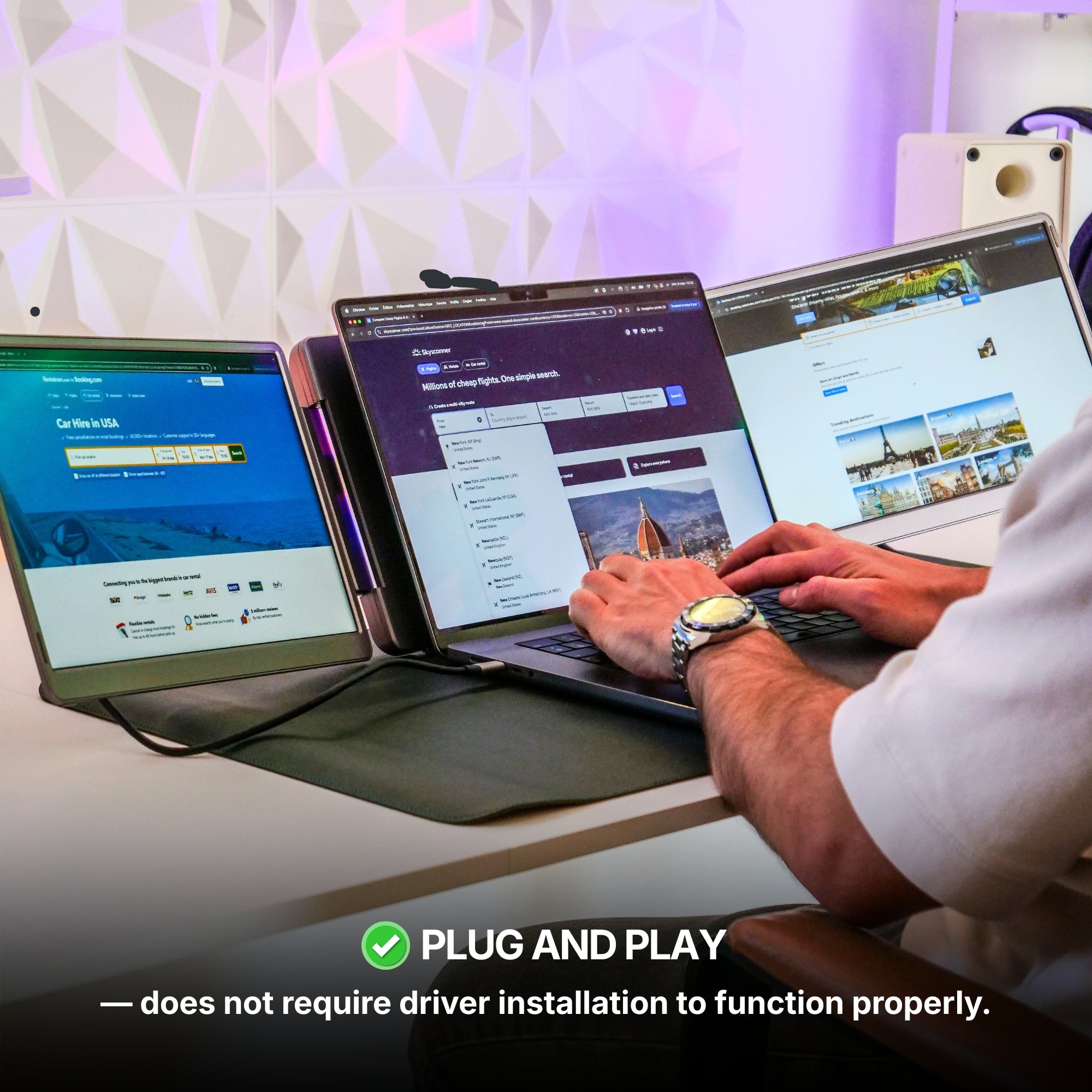
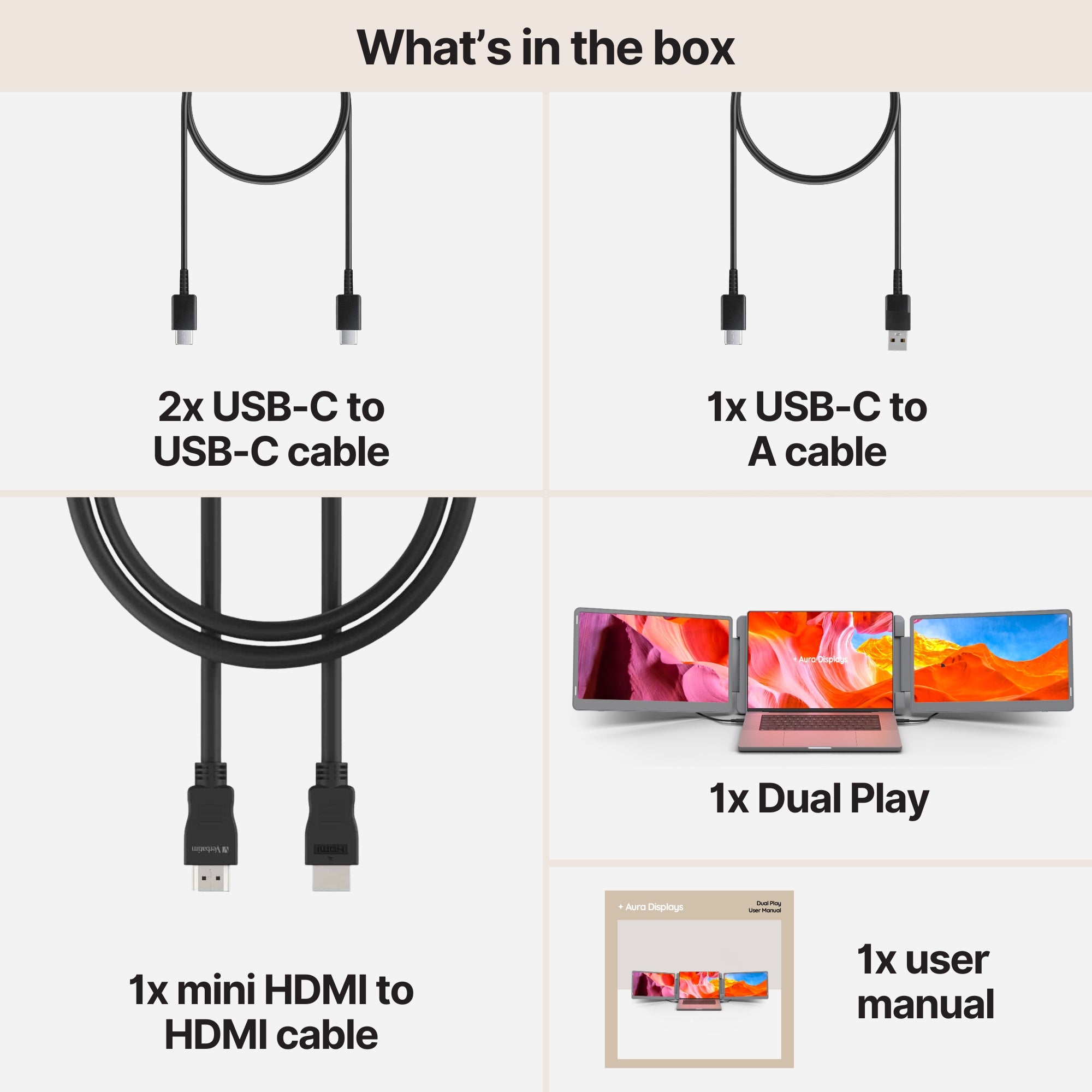
Our recommendation: Dual Play (Gen 3), from $369. Two panels of the same size and resolution either side of the laptop, which is what a spanned picture needs: mismatched panels give a panorama that does not line up. Plug and play with no driver, so Windows treats both panels as ordinary displays and Span behaves. 300 nits, 4× USB-C and 2× mini HDMI. 1920 × 1200 at $369, Full HD 15.6" at $389, QHD 2.5K at $419. Rated 4.75 out of 5 across 593 reviews. If you would rather do it on a single cable, Dual Book Pro (Gen 2) at $389 declares 1 USB-C cable only.
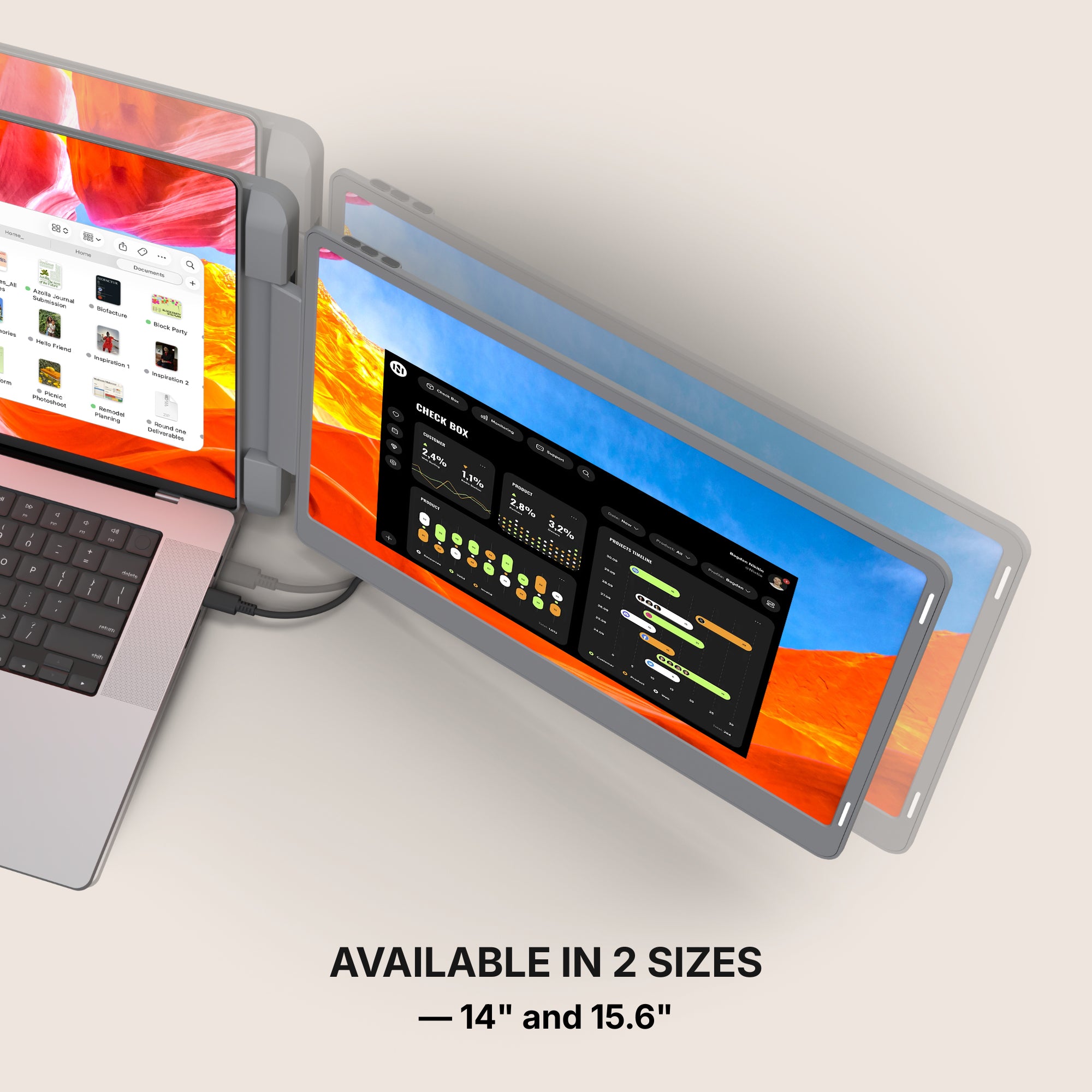
The cheaper option: Single Boost 15.6" at $249. One panel, plug and play, 300 nits, rated 4.79 out of 5 across 137 reviews. There is nothing to span on a single added screen, and that is the point: one picture, done. We find it hard to keep in stock, so it comes and goes.
Why we are not selling you more. Triple Go (Gen 3), from $549, is three panels, and three panels want something like 5760 pixels of width before a panorama stops looking stretched — while the unit's own resolution tops out at 1920 × 1200. It also reads Software required, macOS and Windows only. Buying a third panel to make a wallpaper look better is the most expensive answer to a problem that a second file solves for nothing.


















Share: