


Before you decide between one, two and three screens, find out how many your machine will actually run. It is a chip limit, not a count of holes in the side of the case — and the answer changes what you should buy.
The screen count is set by the silicon, not by the ports
Every laptop has a maximum number of independent displays it will drive, and that ceiling comes from the graphics silicon. Apple publishes it per model: a MacBook Air with an M4 or M5 chip supports up to two external displays alongside its built-in screen, and Apple states plainly that closing the lid does not increase that number. Earlier base-chip Airs were stricter still. Look yours up before you spend anything: Apple menu › About This Mac › More Info, then read the display-support line on your model's specifications page.
On Windows the ceiling comes from the GPU and from how each port is wired, and it is rarely printed anywhere useful. The honest test takes two minutes: plug in what you already have, open Settings › System › Display, click Detect under Multiple displays, and count the numbered rectangles that appear. If a panel never gets a number, the machine is not seeing it as a display.
Three ways a screen connects, and only two are yours to choose
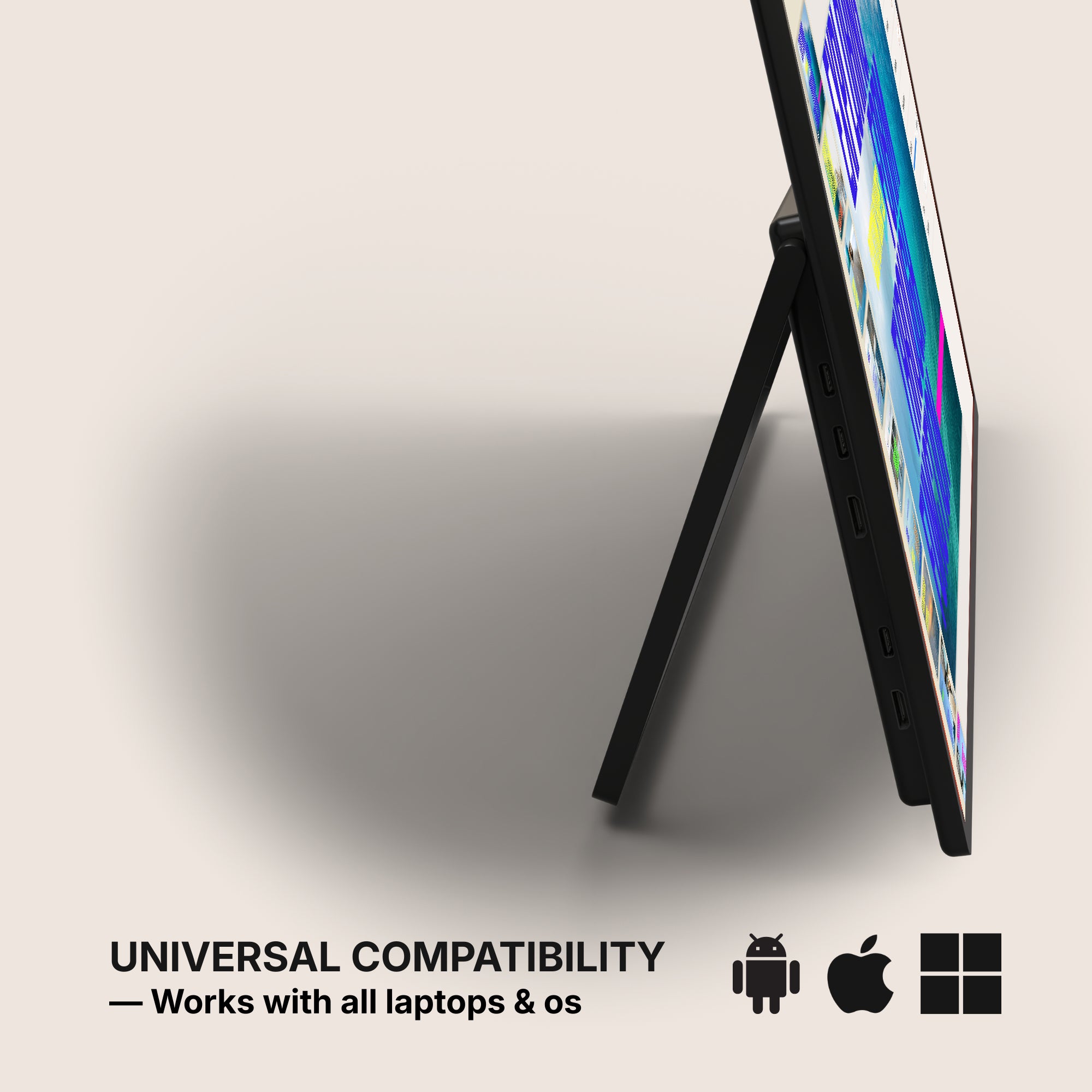
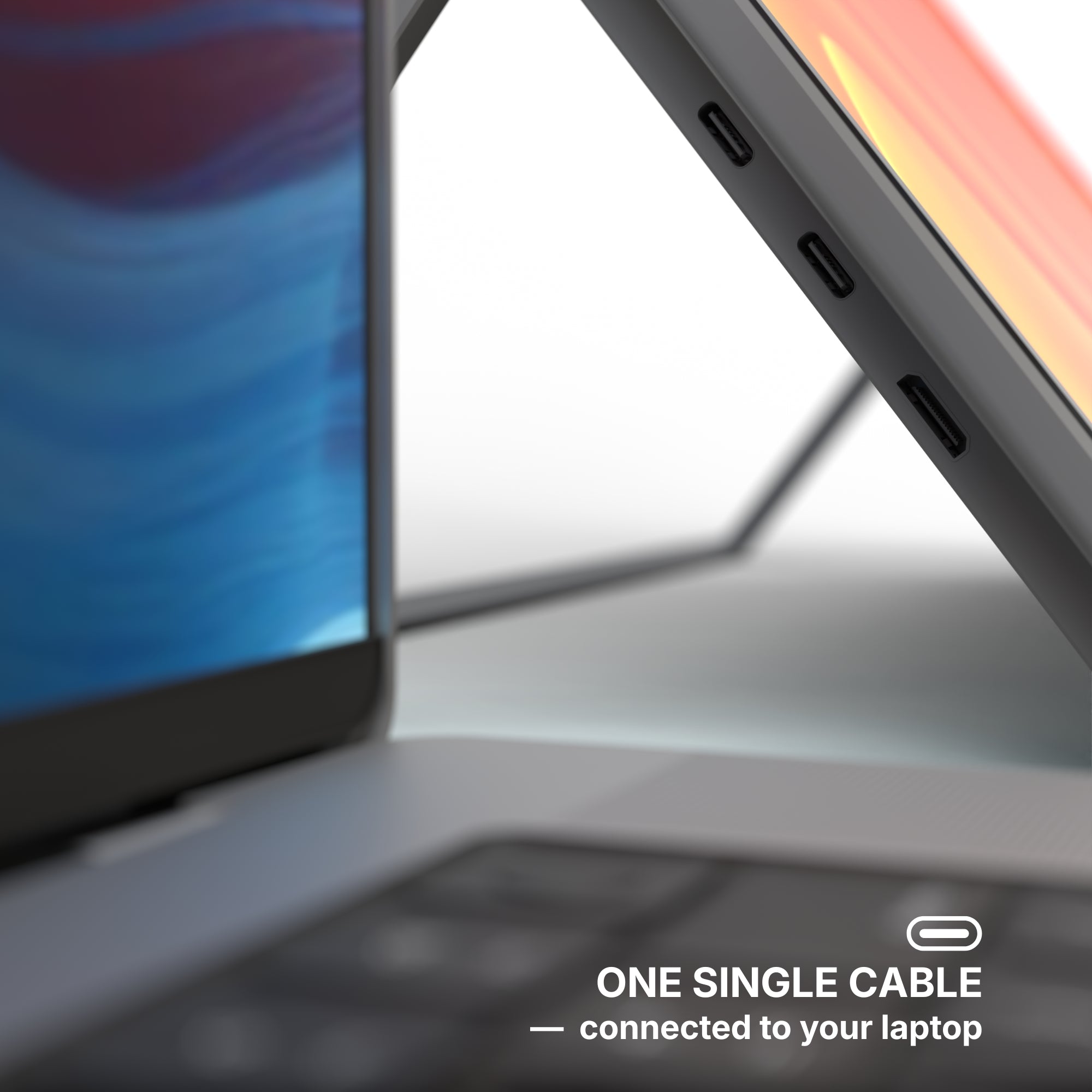
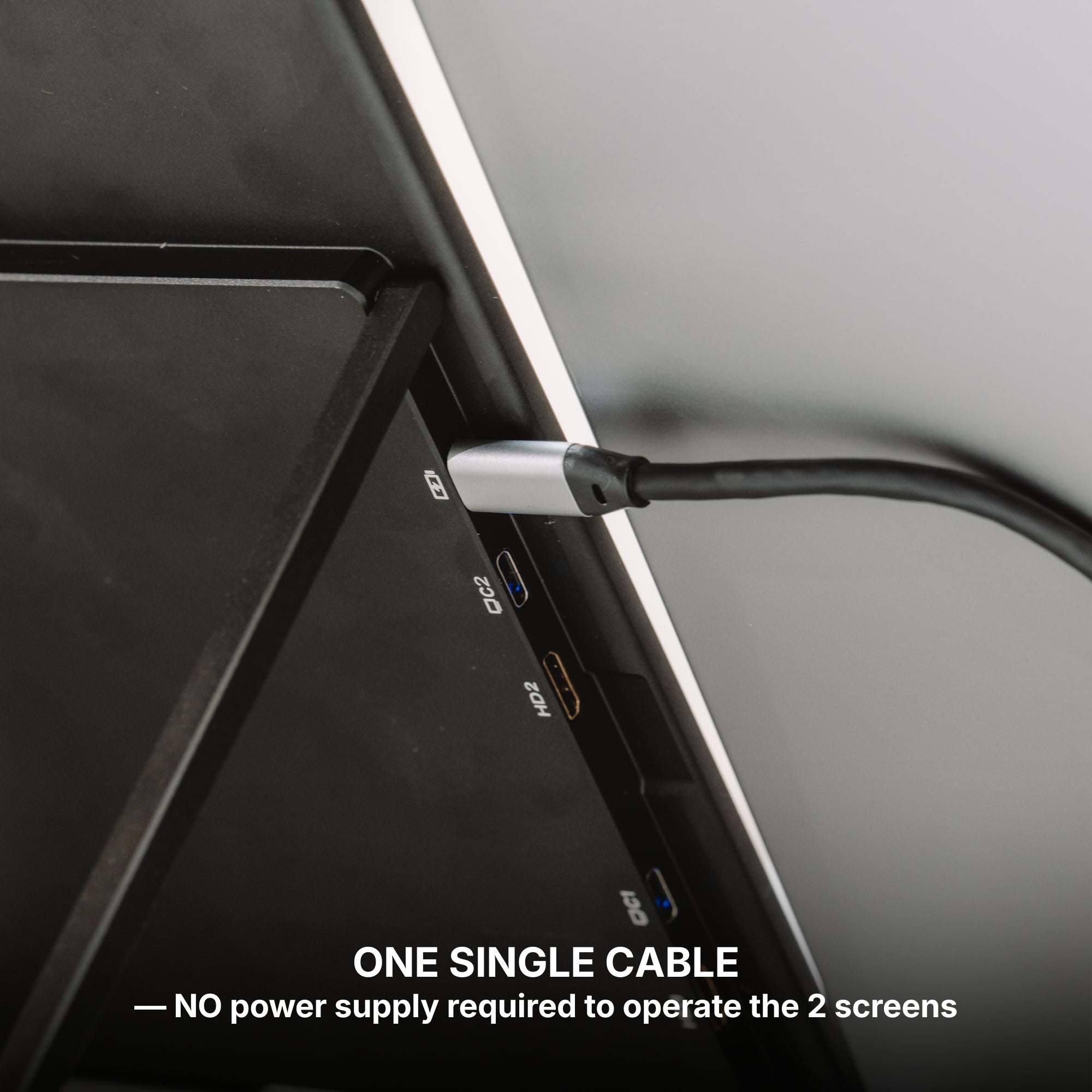
- USB-C carrying video. One USB-C cable can carry a DisplayPort signal along with data and power — but only if that particular port is wired for it. "It has USB-C" is not the same claim as "it will drive a screen".
- HDMI or DisplayPort. A dedicated video output is the least surprising route there is. Our Single Glow Infinity 27" is the one panel in the range built around it: its connections field lists DP, HDMI, DVI and VGA, and no USB-C at all. On a desk that never moves, that is a feature.
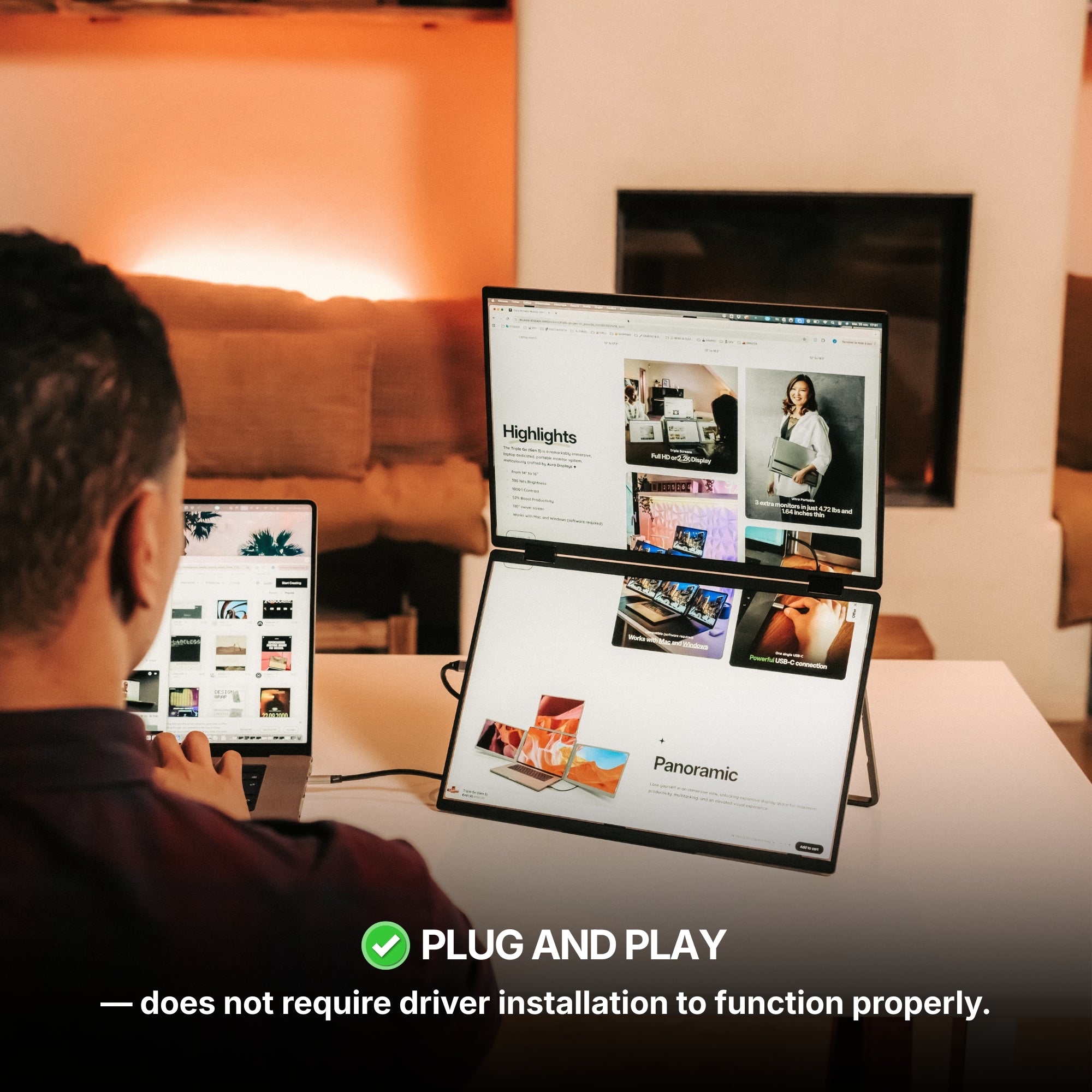
- Software-driven. Some extenders build their extra screens in software instead of taking a native video stream. We publish which is which on every product page, in the Software required field. The Play, Snap, Book, Fly and Air lines read No Software required — Plug and Play. The Boost and Go lines read Software required, and list macOS and Windows only.
The trap: two panels need two video streams
This is where buyers get caught. A two-panel plug-and-play unit is genuinely two displays, and two displays need two streams out of the machine. If your chip tops out at one external display, no plug-and-play hardware can invent the second — you will get one extended panel and a duplicate, not two desktops. That single constraint is the entire reason software-driven extenders exist, and it is the one case where paying the licence and the driver is the right call rather than a compromise.
Daisy-chaining works on Windows and not on macOS
Windows and ChromeOS support DisplayPort MST, so a single output can feed two panels in a chain and you get two independent desktops out of it. macOS does not extend over MST — it mirrors the chain instead, showing you the same picture twice. If you are on a Mac and you were planning to chain your way to three screens, that plan does not work.
What knowing your limit will not fix
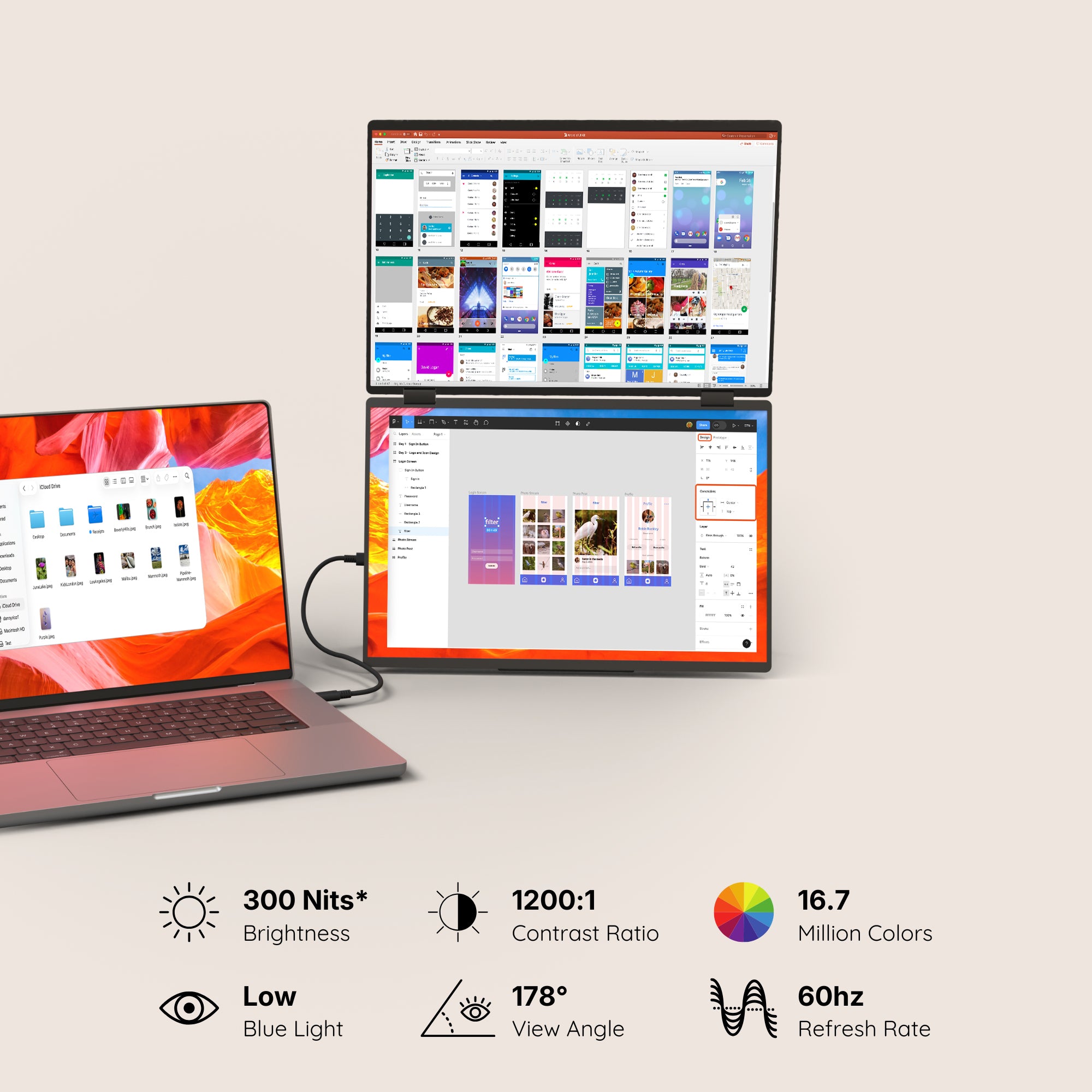
It will not raise the limit. It will not make a cramped desk deeper, and it will not make a panel worth carrying if you switch windows four times a day. And it has nothing to say about colour: no panel in our catalogue declares a colour gamut, and brightness across the range runs from 280 to 350 nits. If the job is judging a colour, the number of screens is not your problem and none of these is your answer — they are for laying work out, not for grading it.
What we would buy at one, two and three
One screen. Single Play (Gen 2), from $289. Plug and play, one panel, one cable, 280 nits, 14" or 15.6". Rated 4.78 out of 5 across 379 reviews. If your chip only allows one external display, this is not a downgrade — it is the correct purchase.
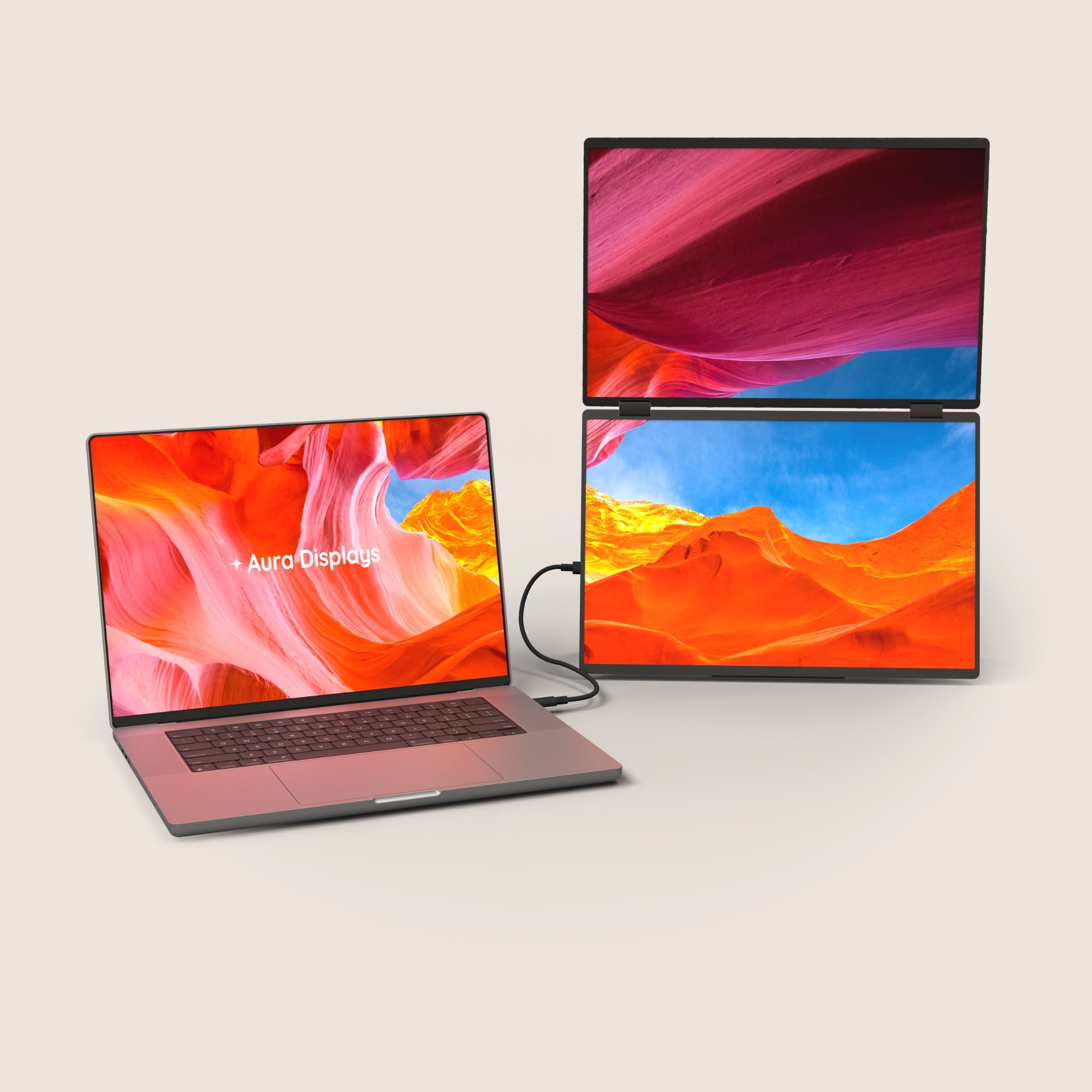
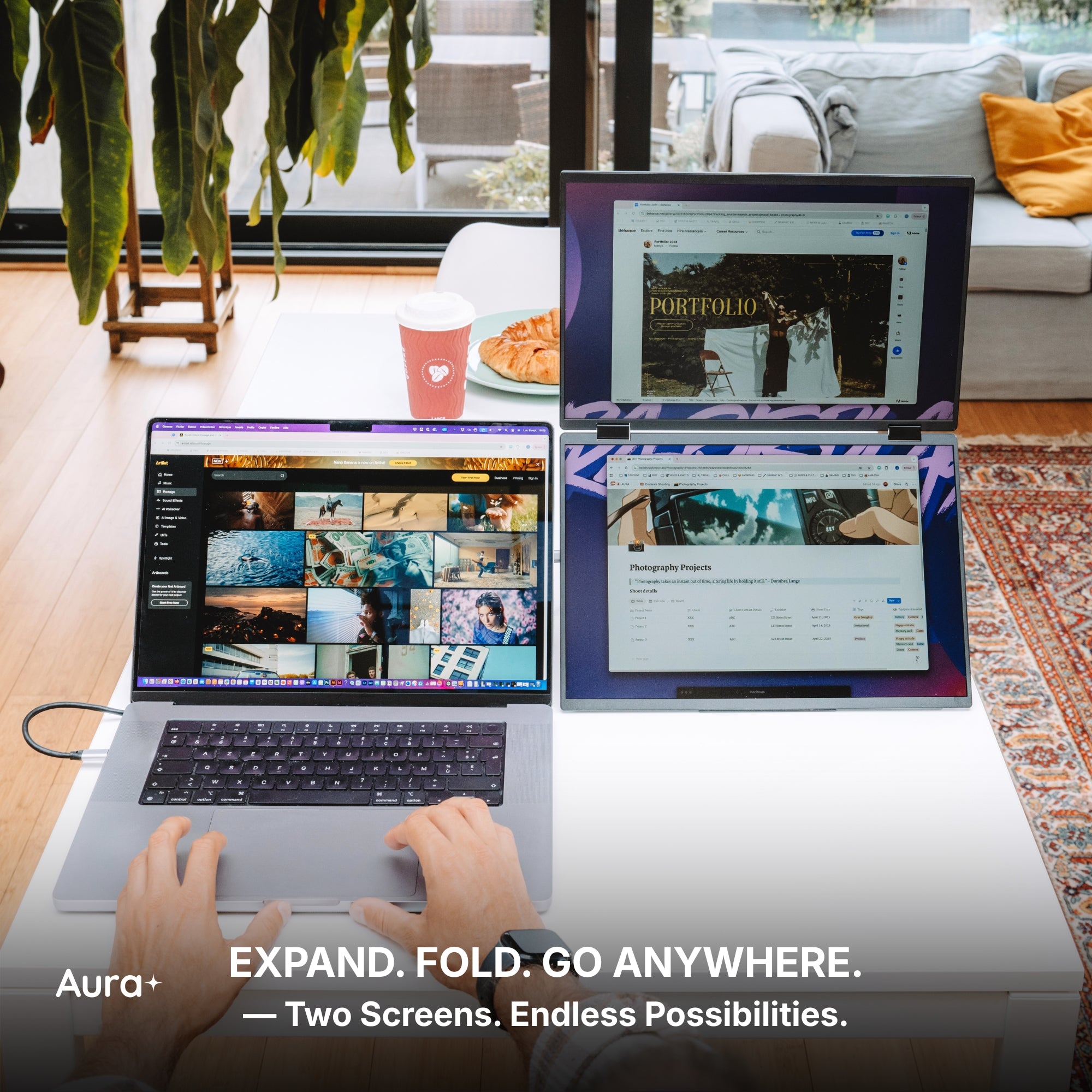
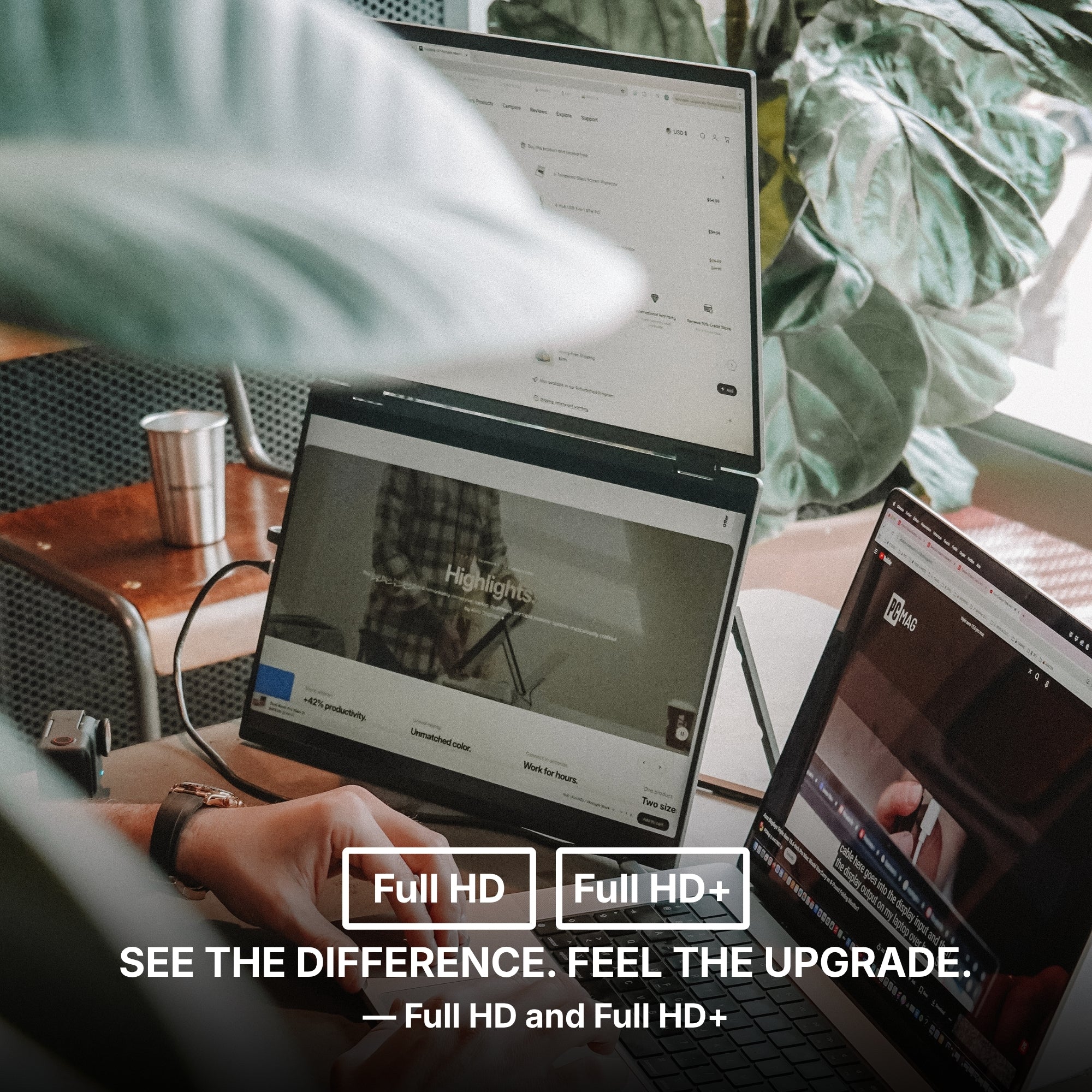
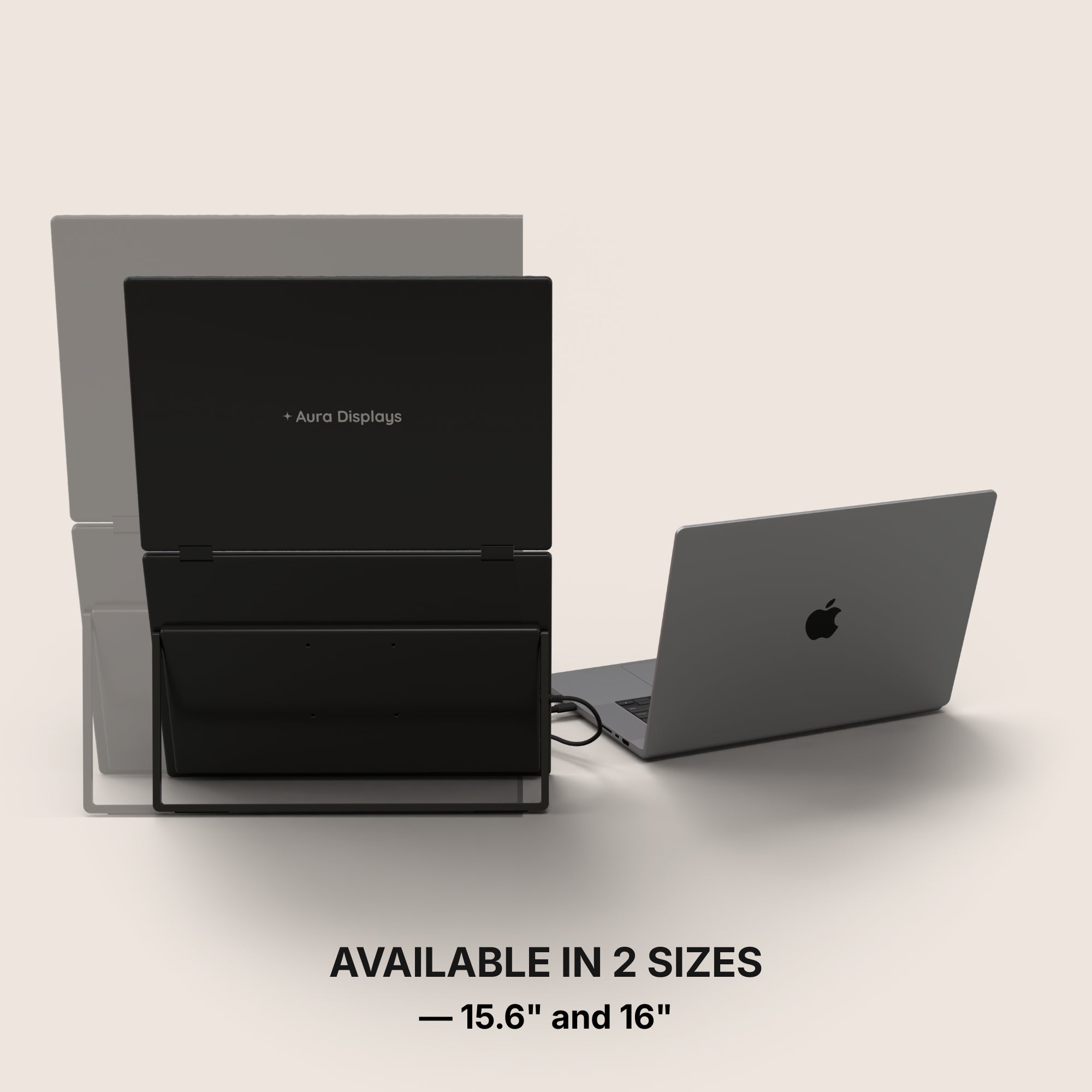
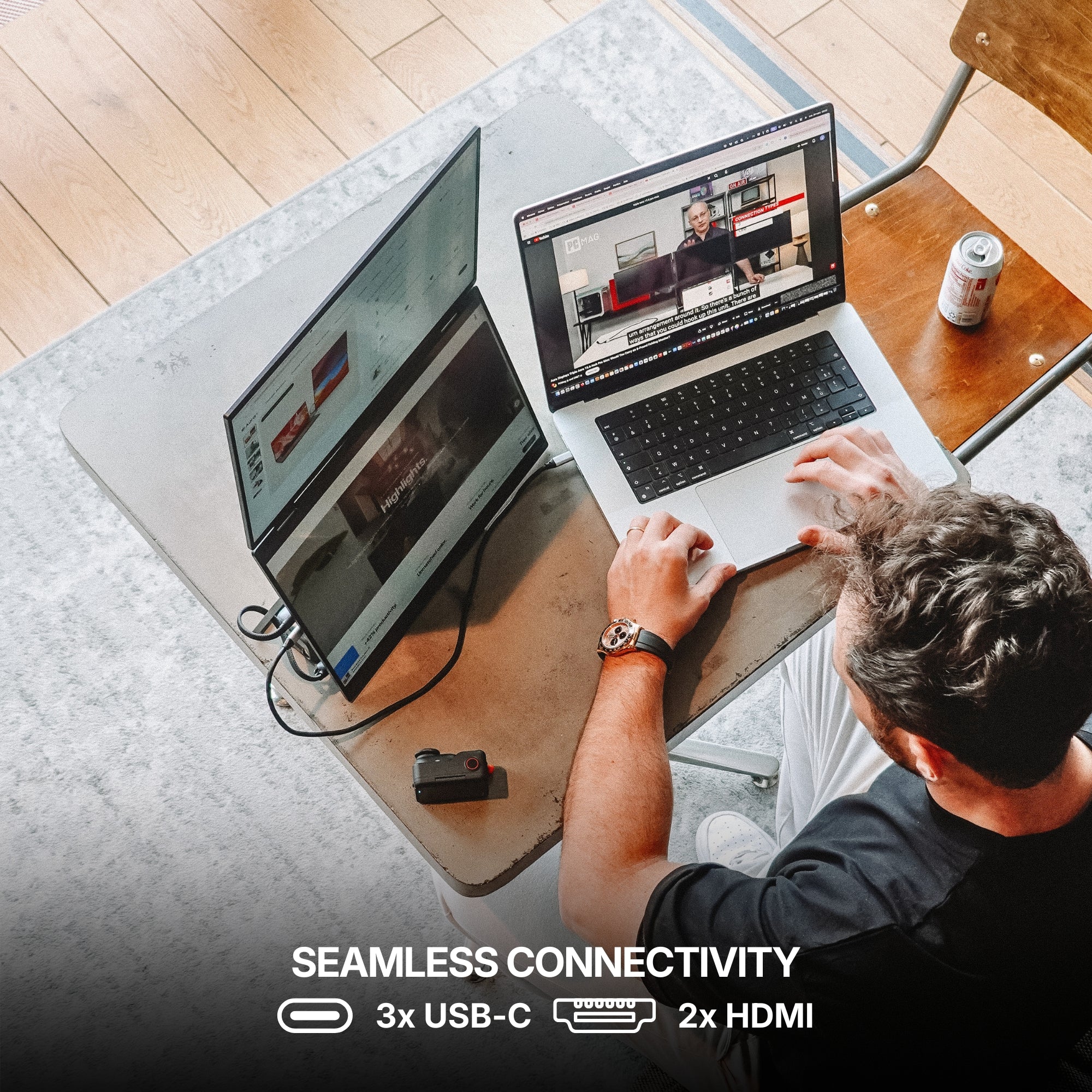
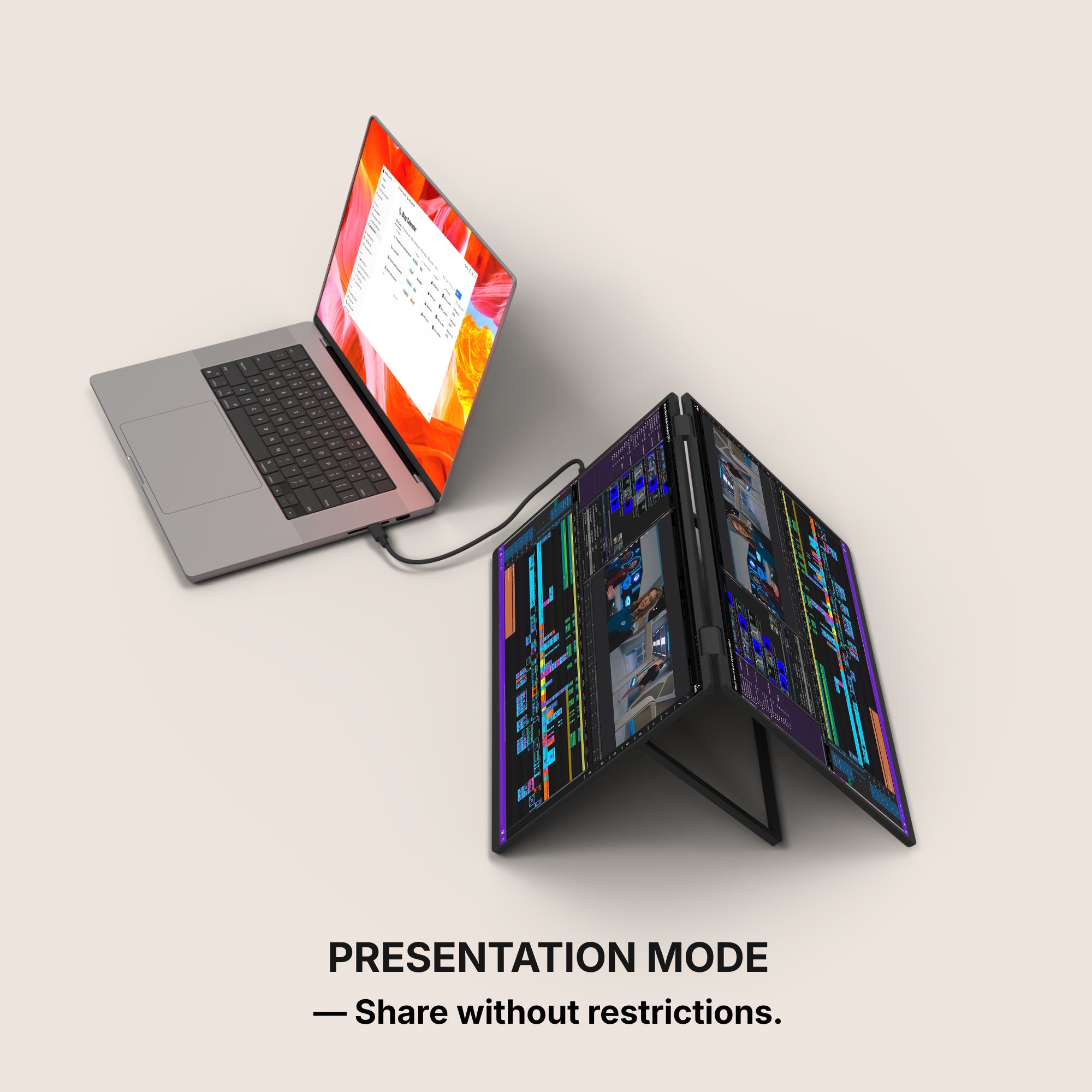
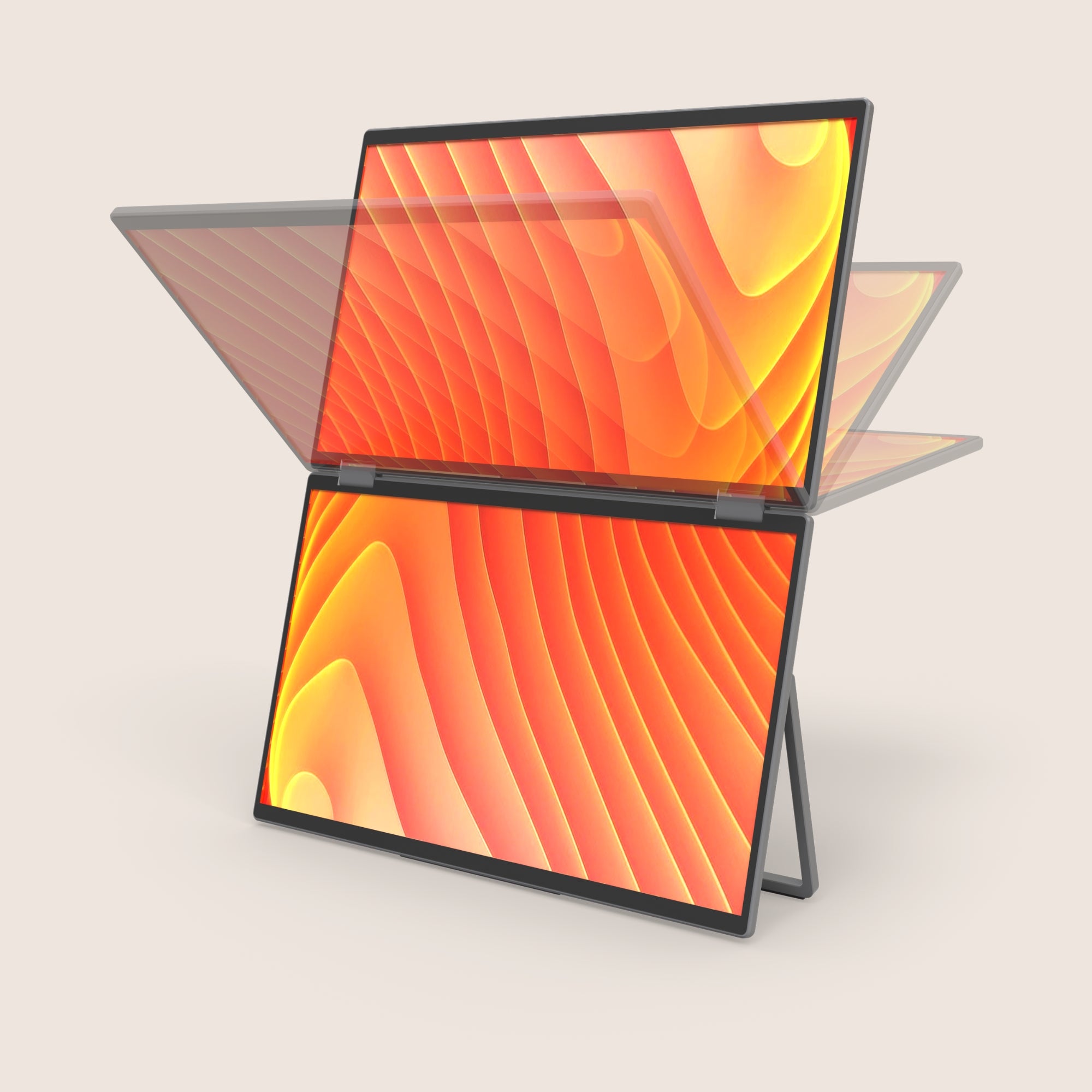
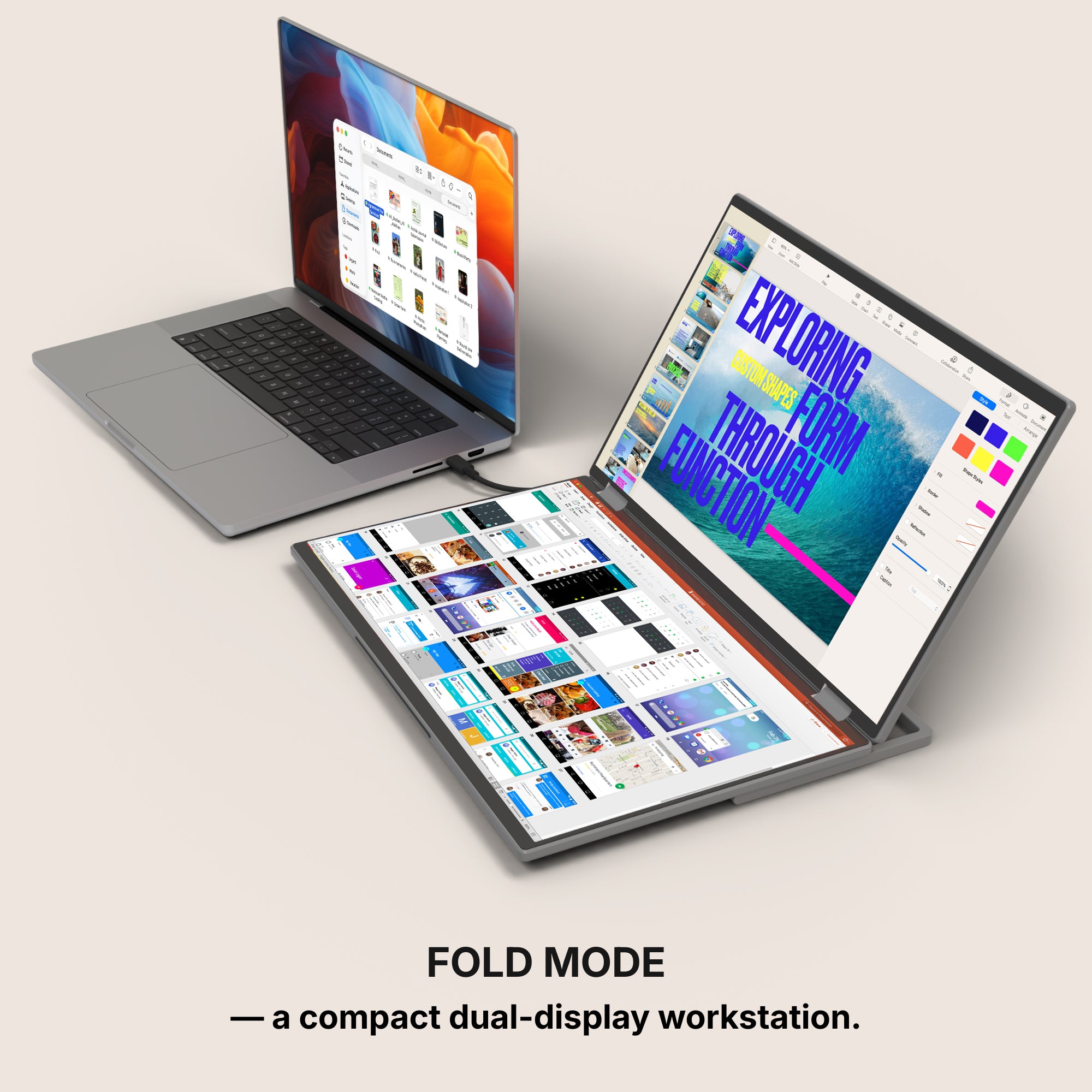
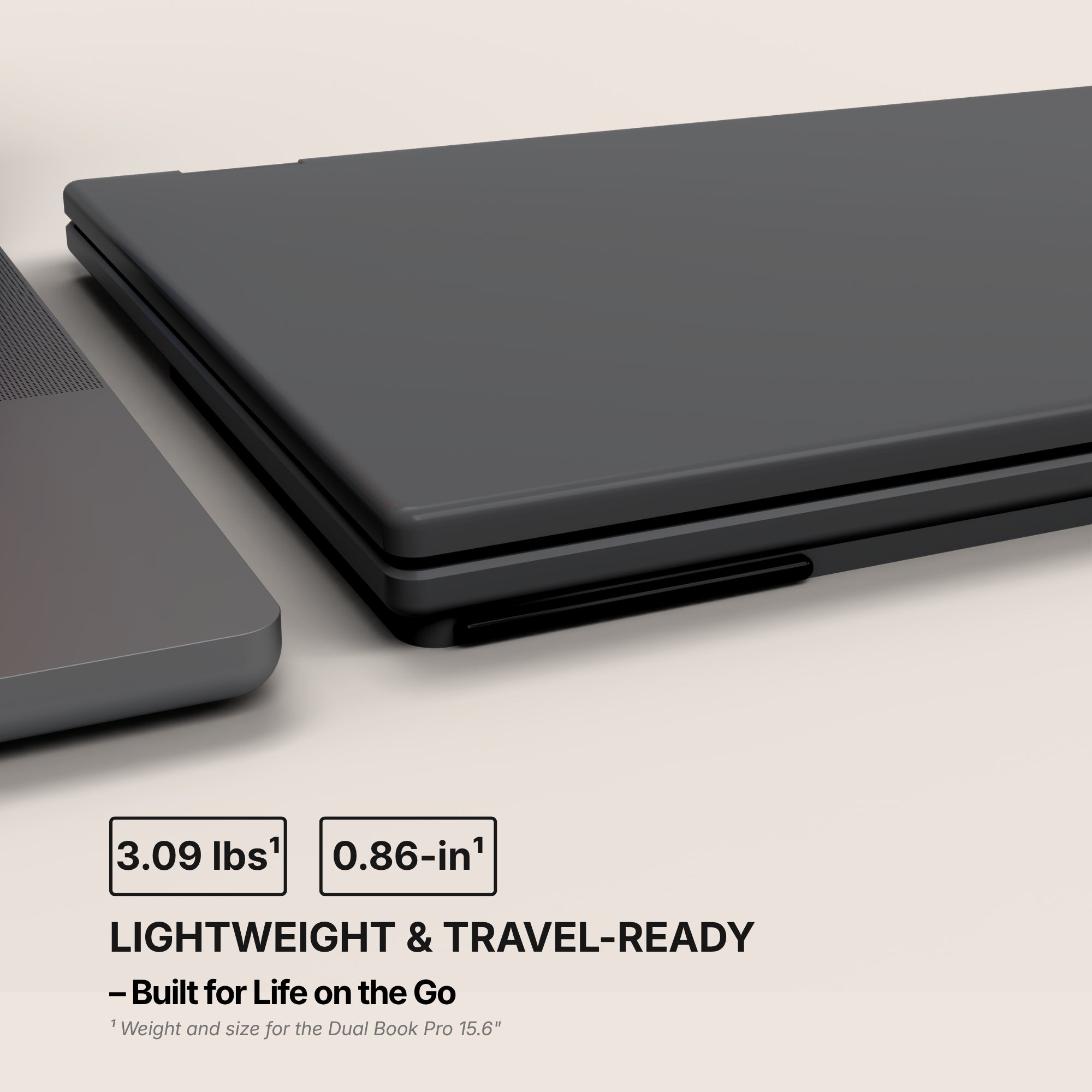
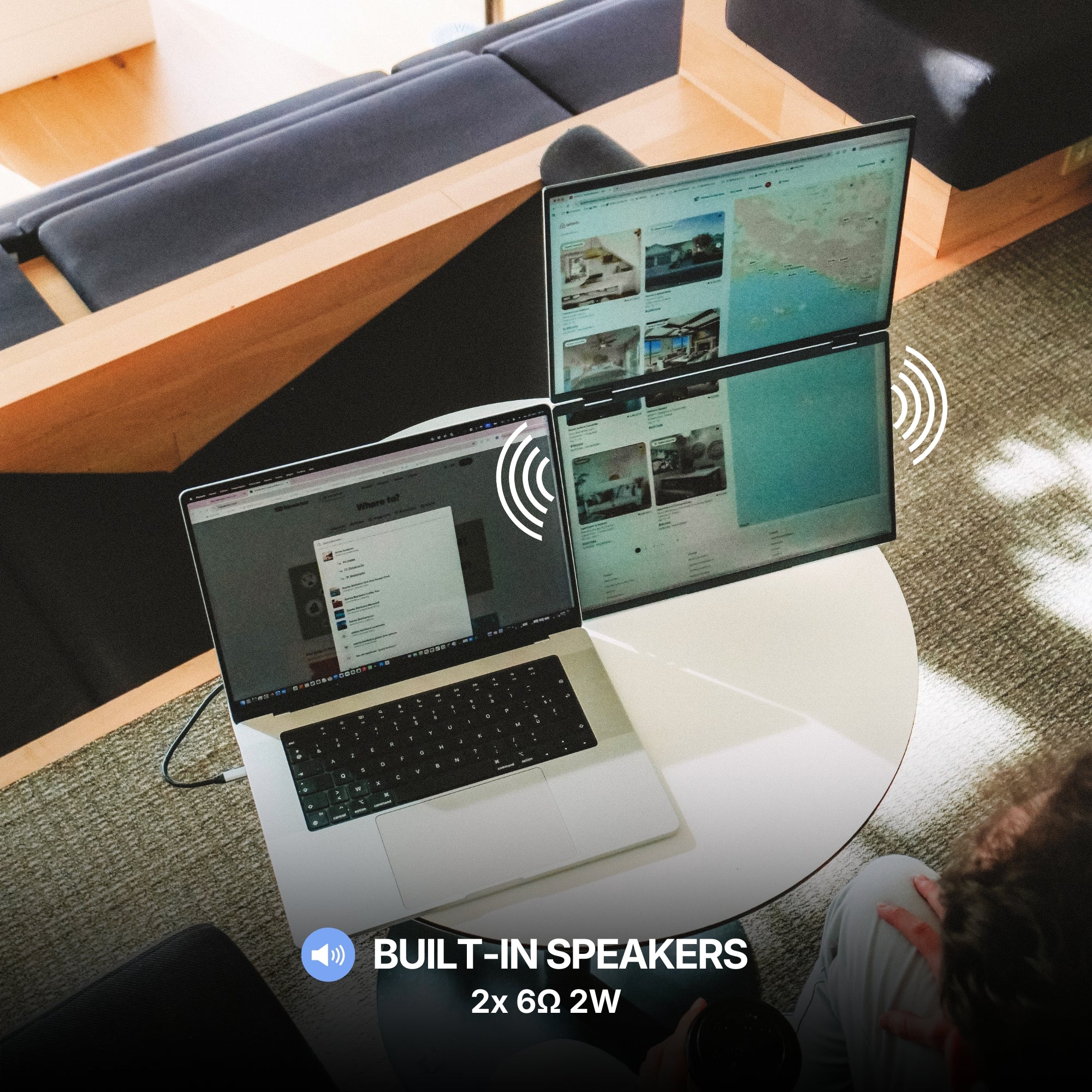
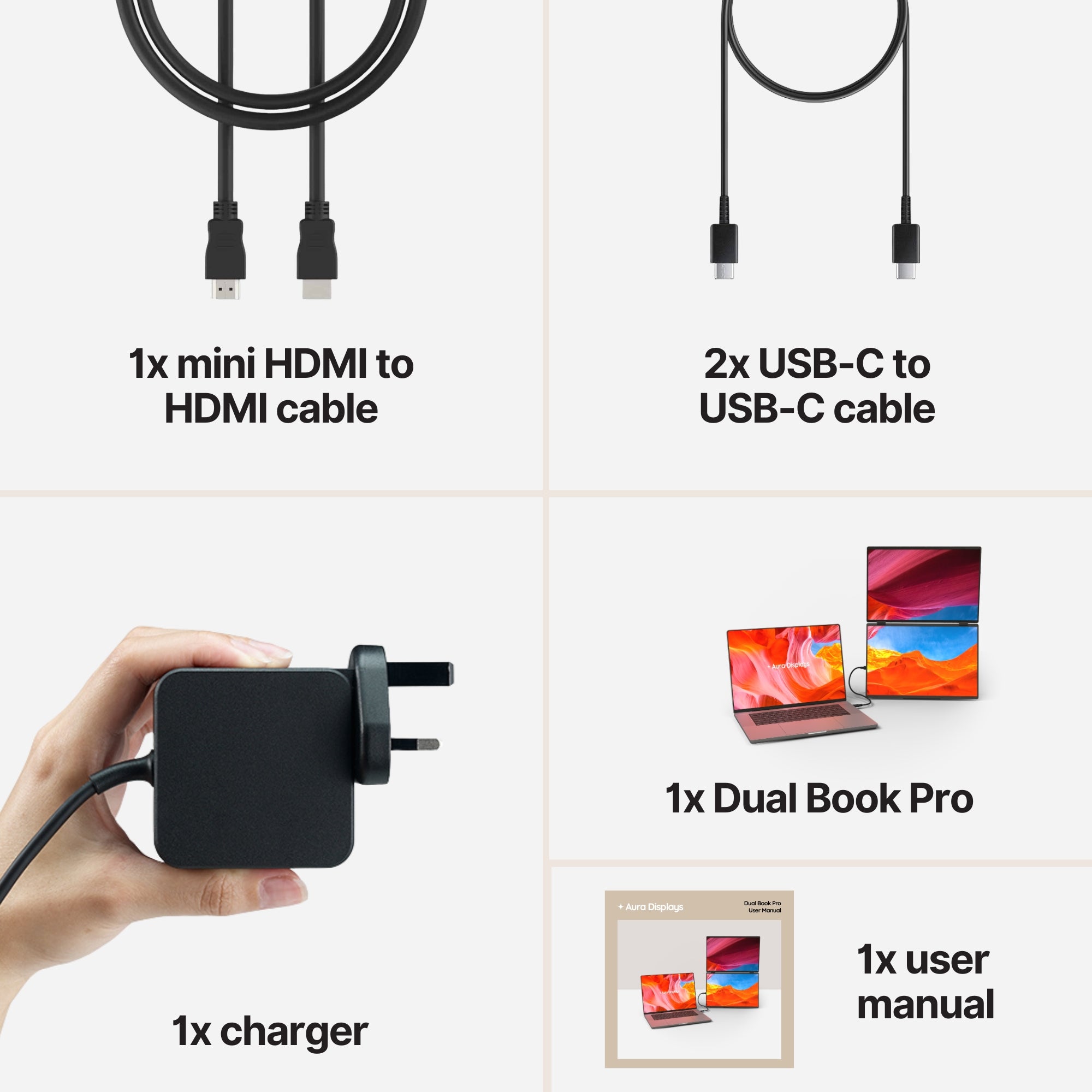
Two screens — our recommendation. Dual Book Pro (Gen 2), from $389. Two panels, no driver to install, and the widest input set we make: 3× USB-C, 2× mini HDMI and a 3.5 mm jack, in 15.6" or 16", Full HD or 1920 × 1200. Because it takes HDMI as well as USB-C, it is the easiest way to feed two panels from a machine whose USB-C ports are not all wired for video. Rated 4.63 out of 5 across 153 reviews.
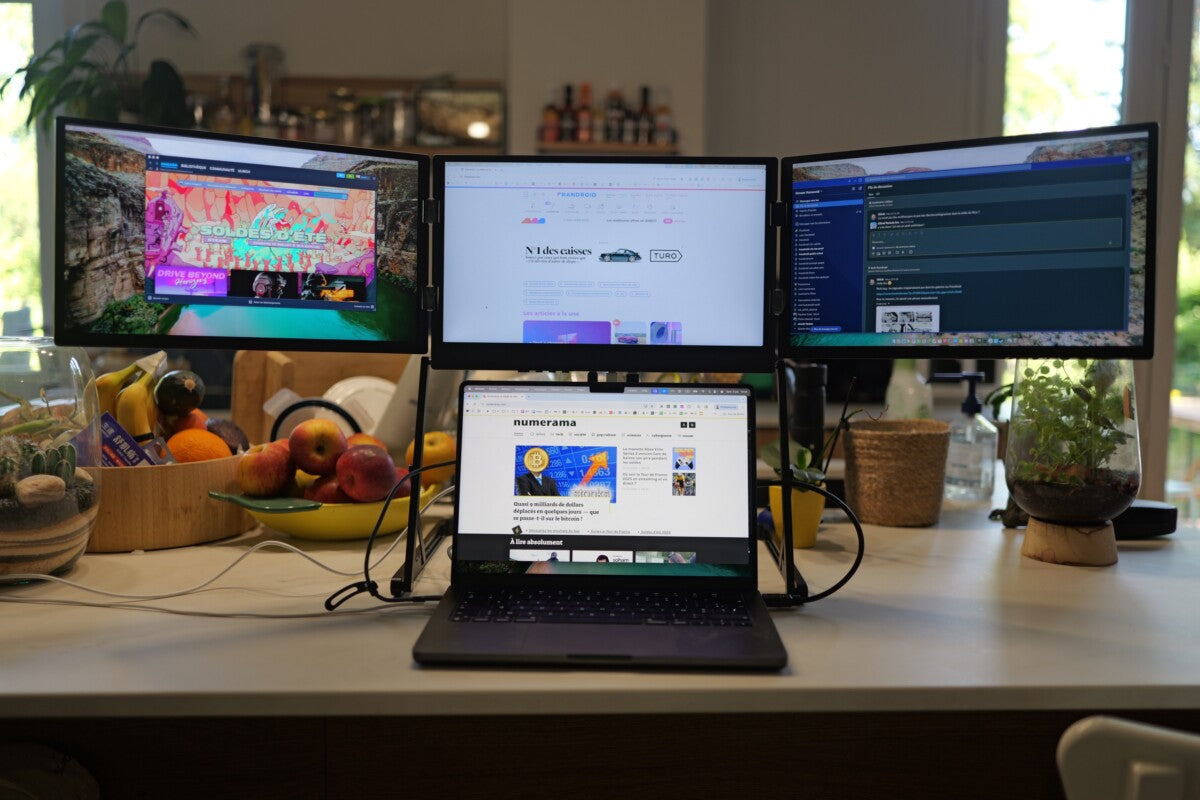
Three screens. Triple Go (Gen 3), from $549 — software required, macOS and Windows only, no console support. It gets you past your chip's ceiling, which is the point, but read those two fields before you buy rather than after.
The cheaper option. Single Boost 15.6" at $249, plug and play, 300 nits, 4.79 out of 5 across 137 reviews. It is stock we find hard to keep on the shelf, so it comes and goes.
And the honest version of the whole question: most people asking for a third screen have a two-screen problem and a one-screen machine. Find the ceiling, then buy once.



















Share: