


Early Black Friday lands on a single day this year, and the week before it is when people pick a model. Price is the easy part. The thing that decides whether a second screen works on your laptop is duller, and it never goes on sale: how many of your sockets carry a video signal, and how many are still free once the charger is in.
What an input list tells you, and what it does not
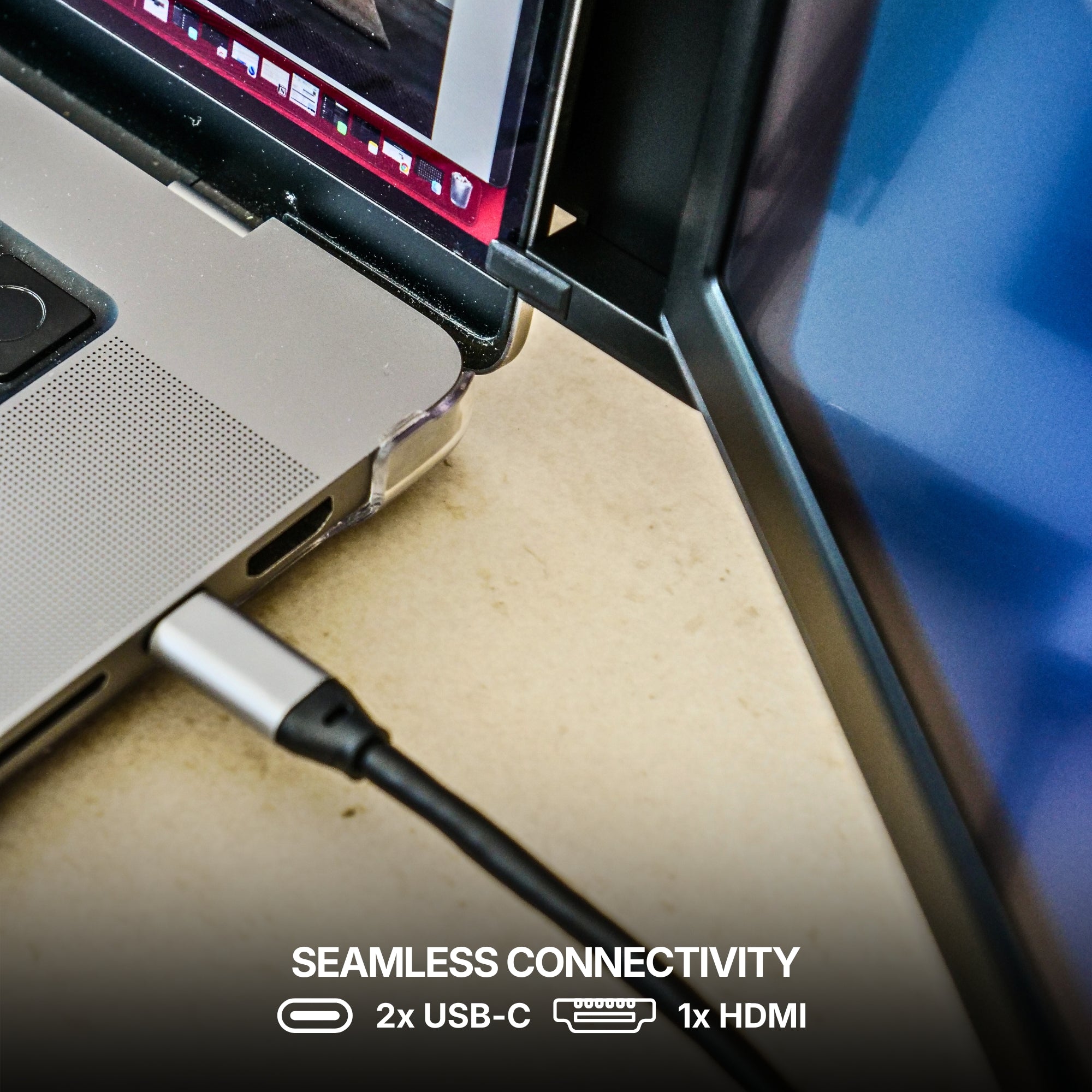
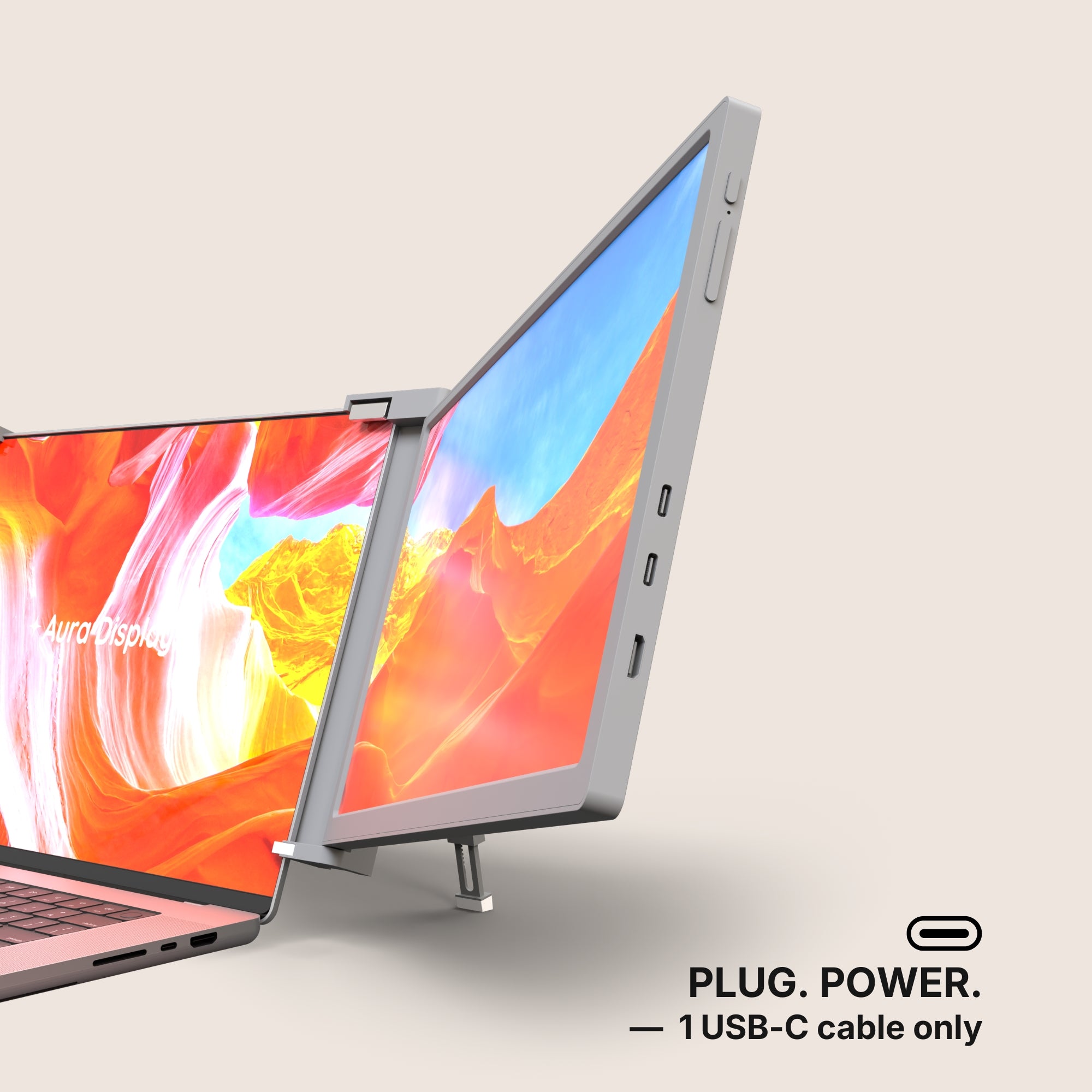
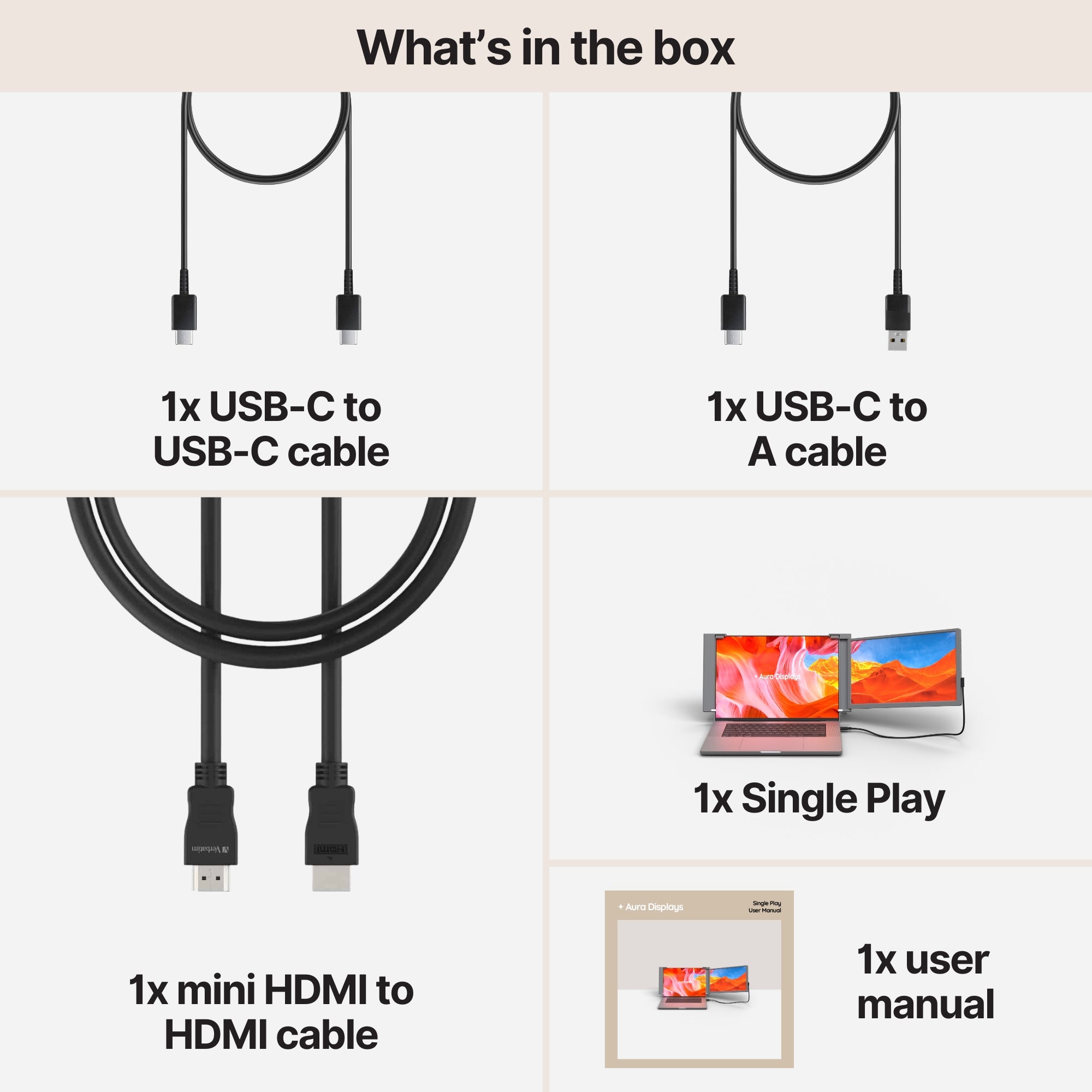
Every monitor page we publish carries an input list. Ours read like this. Single Play (Gen 2) lists 2x USB-C and 1x mini HDMI. Dual Play (Gen 3) and Dual Snap (Gen 1) both list 4x USB-C and 2x mini HDMI. Dual Book Pro (Gen 2) lists 3x USB-C, 2x mini HDMI and a 3.5 mm jack. Dual Boost Pro (Gen 4) lists 2x USB-C and nothing else. Single Glow Infinity (Gen 1) lists DisplayPort, HDMI, DVI and VGA, plus a mic input, an audio output and a mains connector.
That list is the panel's side of the handshake. It is useful and it is not the answer, because it says nothing whatsoever about your machine. Read it as a set of ways to get a signal in — then go and count what you have to give.
Count the laptop first
- Not every USB-C port carries video. Plenty are charge and data only. The feature has a name — DisplayPort Alt Mode, or Thunderbolt — and the only reliable place to check it is your laptop maker's own spec page for your exact model. We cannot tell you from here, and neither can a review.
- Find out how many external screens your machine supports at all. Apple publishes this per model in its tech specs, and PC makers publish it per graphics option. It is a hard ceiling: two panels on a machine rated for one will not both light up, whatever you plug them into.
- Windows 11: Settings > System > Display, then Multiple displays and Detect. If a panel never appears there, suspect the port before you suspect the panel.
- macOS: System Settings > Displays. A panel that takes power but shows nothing is the same symptom with the same likely cause.
- Subtract the charger. Two USB-C ports with the power brick in one of them is one port. That is the arithmetic that catches people out, and it is why the number of panels you can run is often decided by where you charge.
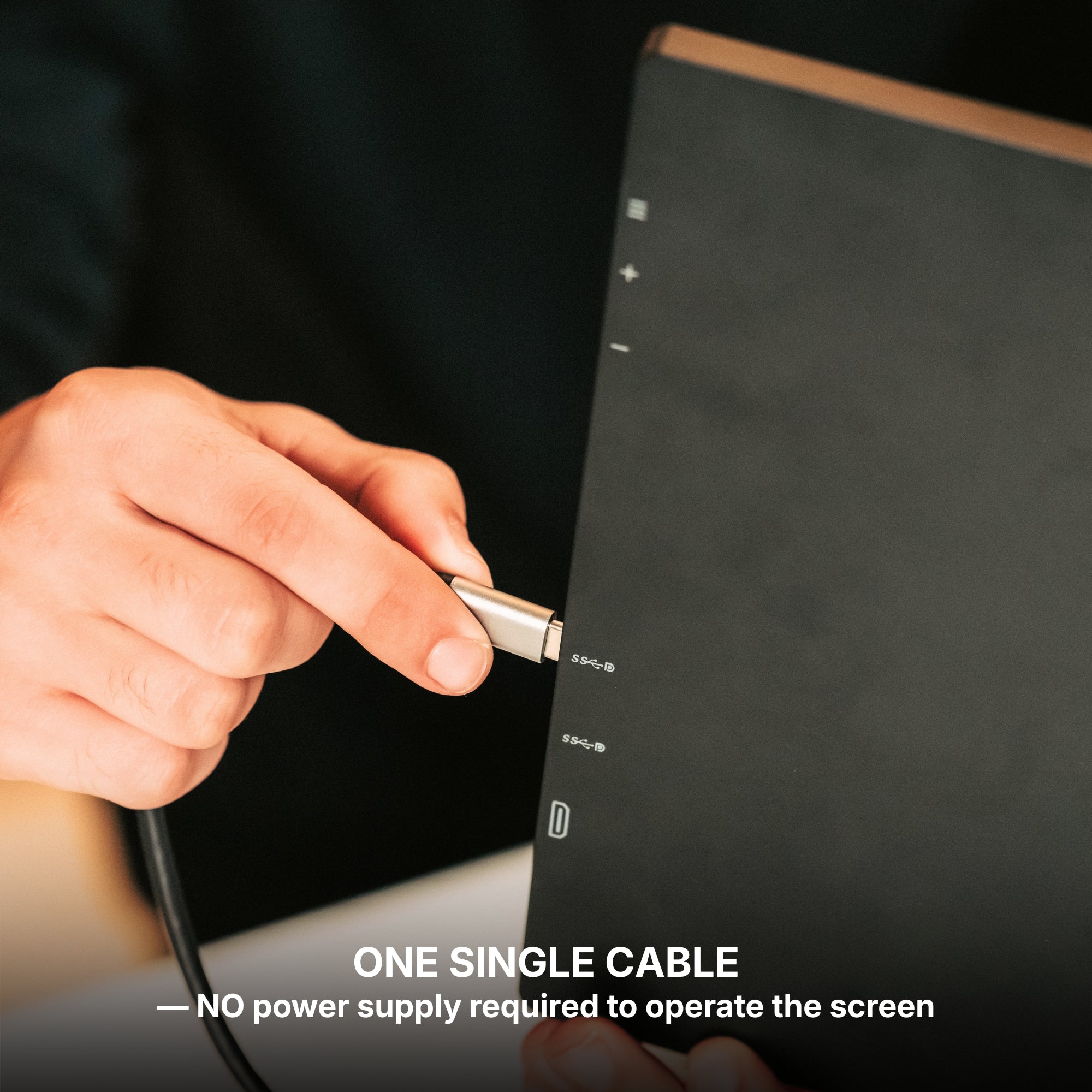
- The mini HDMI inputs are the way round it. A panel that publishes a mini HDMI input can take a laptop's HDMI output instead, which leaves the USB-C port free for power. Single Play, Dual Play, Dual Snap and Dual Book Pro all publish mini HDMI inputs. Dual Boost Pro and Triple Go (Gen 3) publish USB-C only.
- A hub does not create a second video path. It puts several things behind one upstream port and they share it. If that port does not carry video, nothing downstream of it will either.
What none of this will fix
A port count is not bandwidth. Knowing that a socket carries video does not tell you what it will carry at once, and we publish no figure for that.
No cable upgrades a port. A data-only socket stays a data-only socket.
And if you cannot install software, the port question is academic. Our Boost and Triple ranges read Software required under Filter: Driver. On a machine you have no admin rights on, that is a wall no amount of cabling gets you over — read that field before you read the input list.
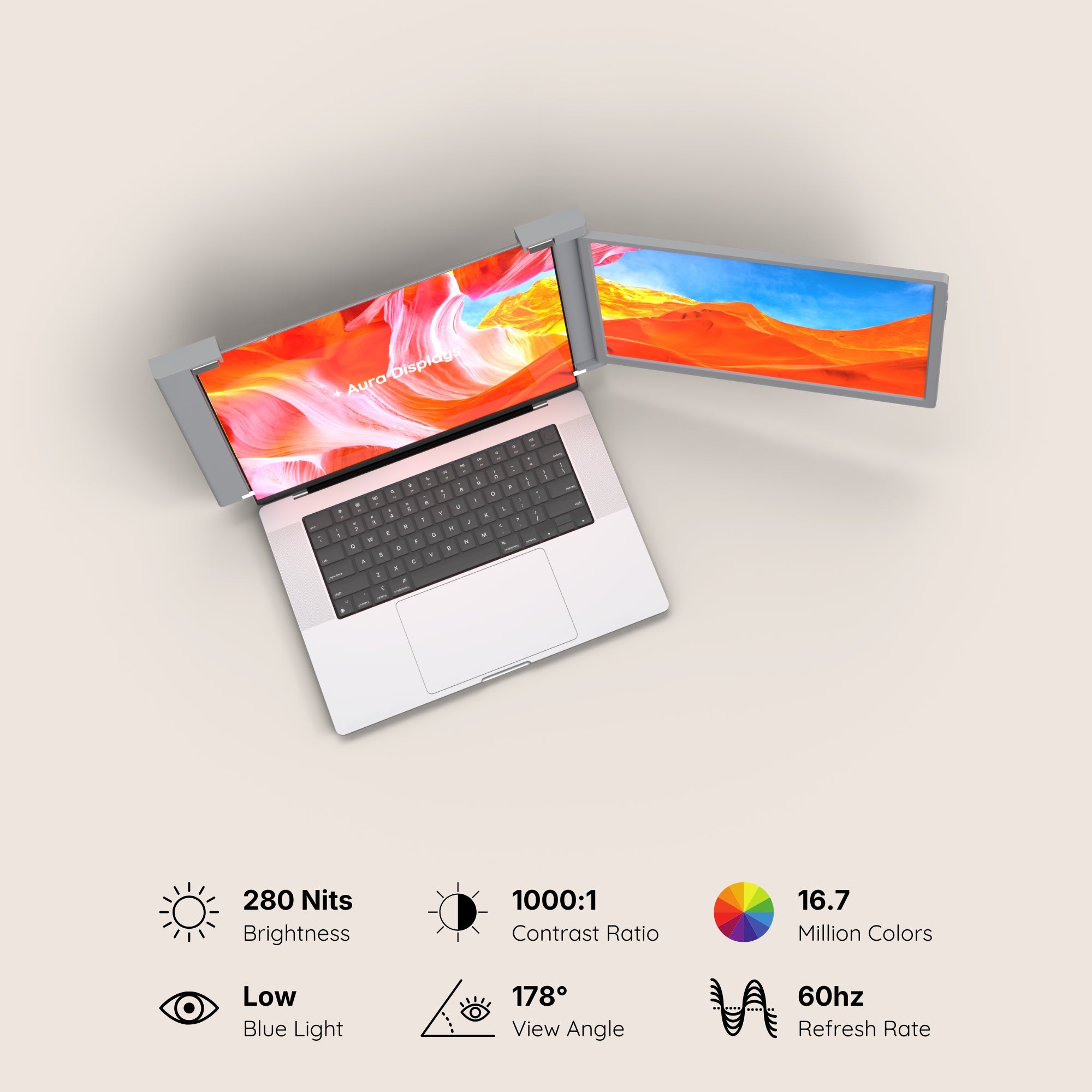
Colour, as ever. No product page in our catalogue declares a colour gamut, and our panels sit between 280 and 320 nits. They are surfaces for documents, code and spreadsheets.
What we would buy, and when to go bigger
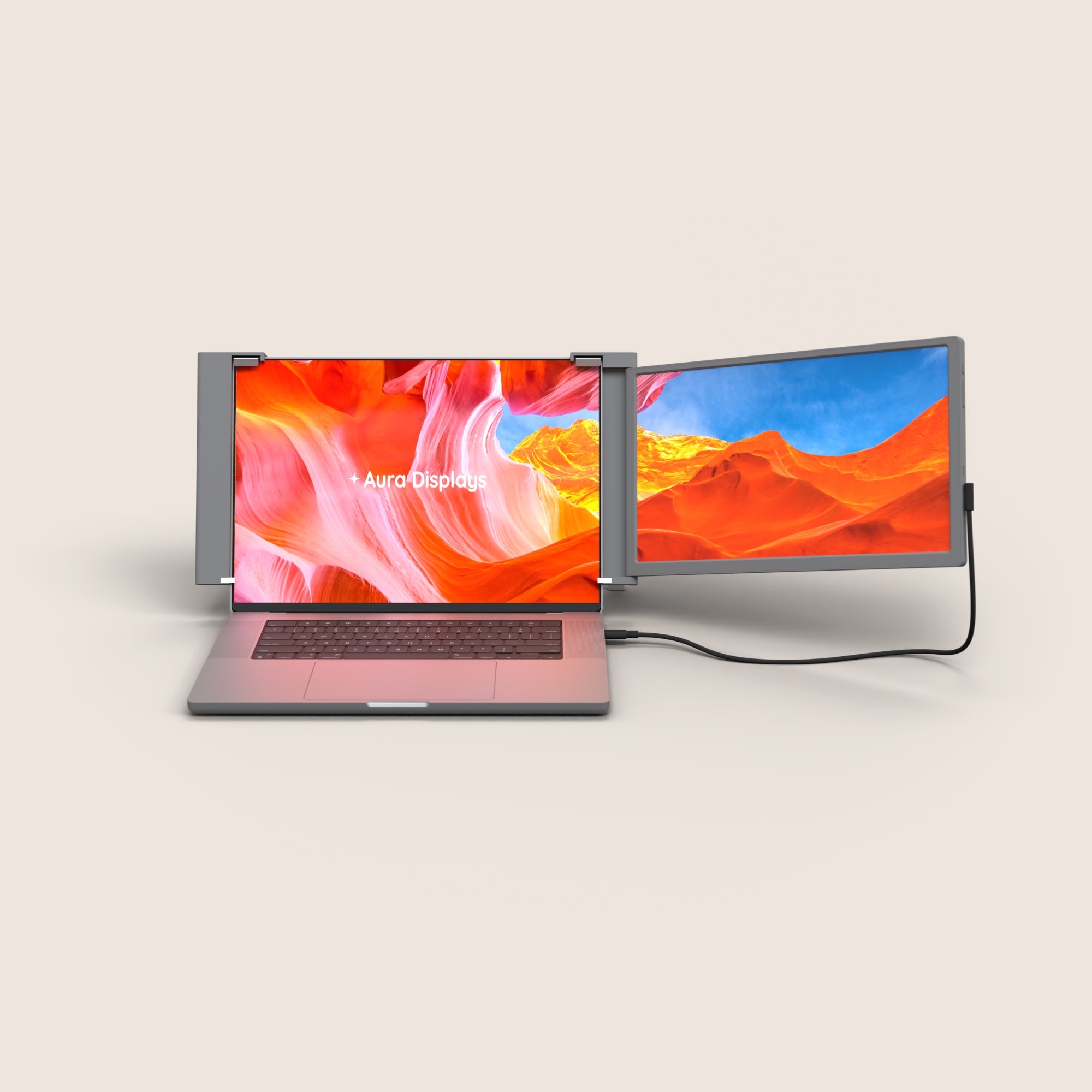
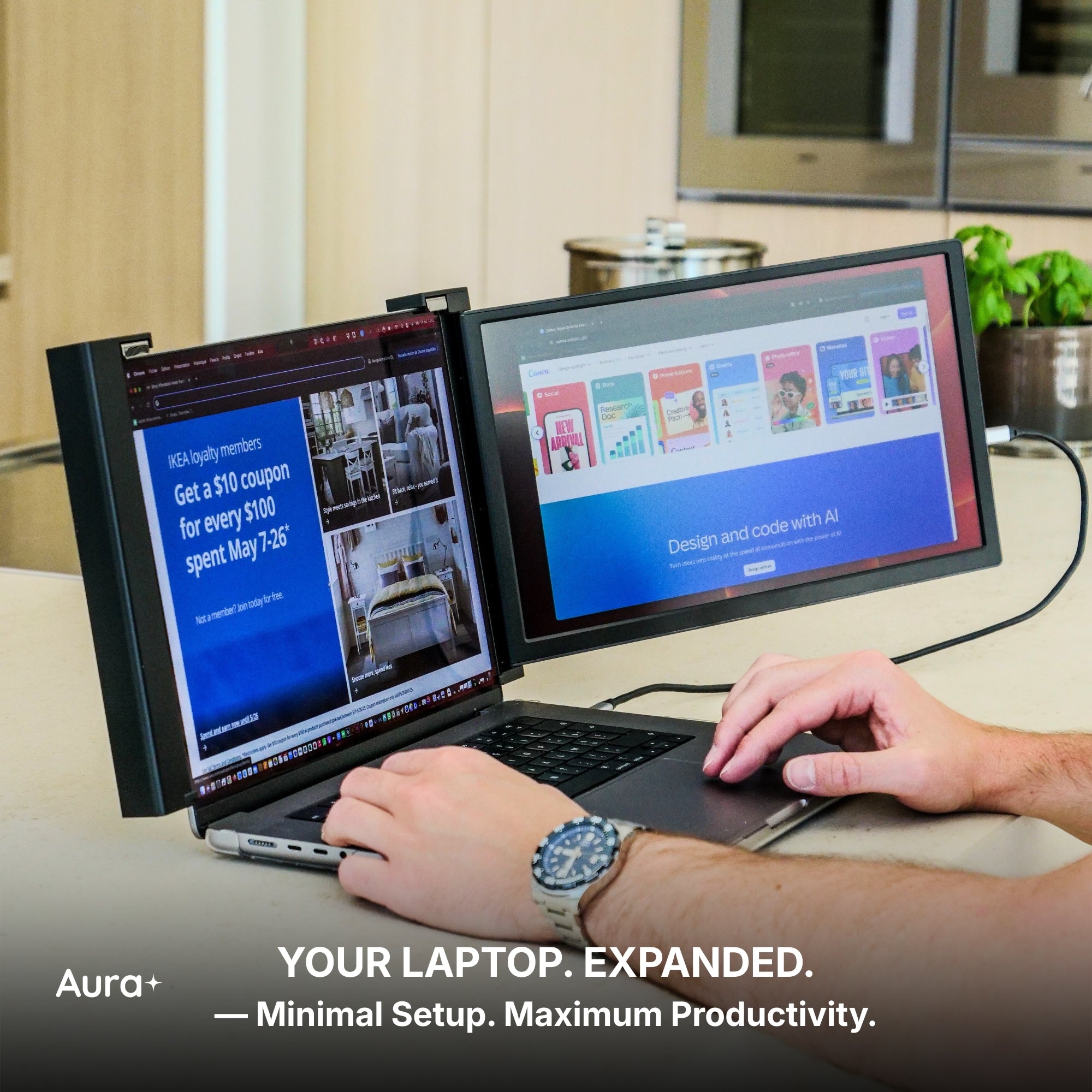
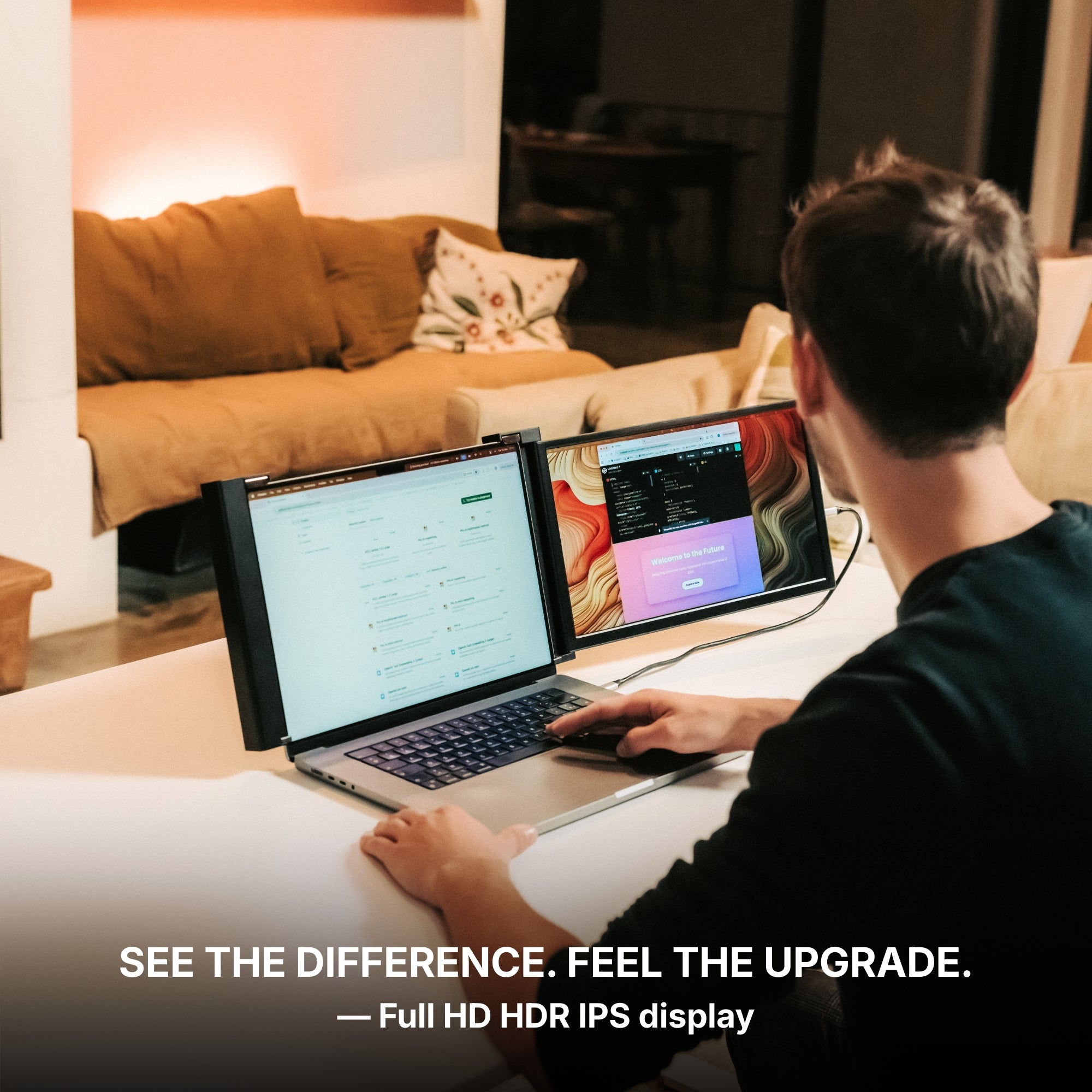
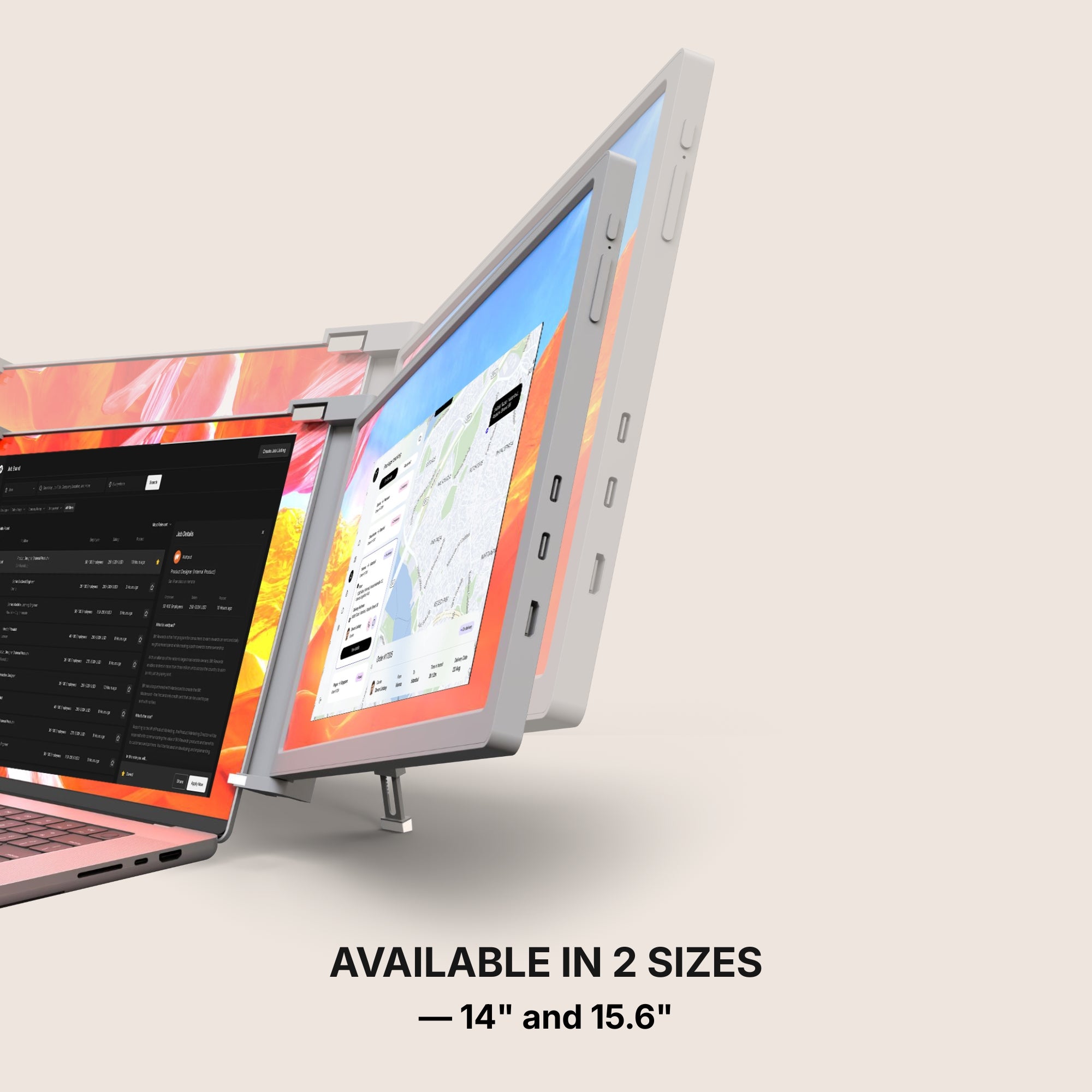
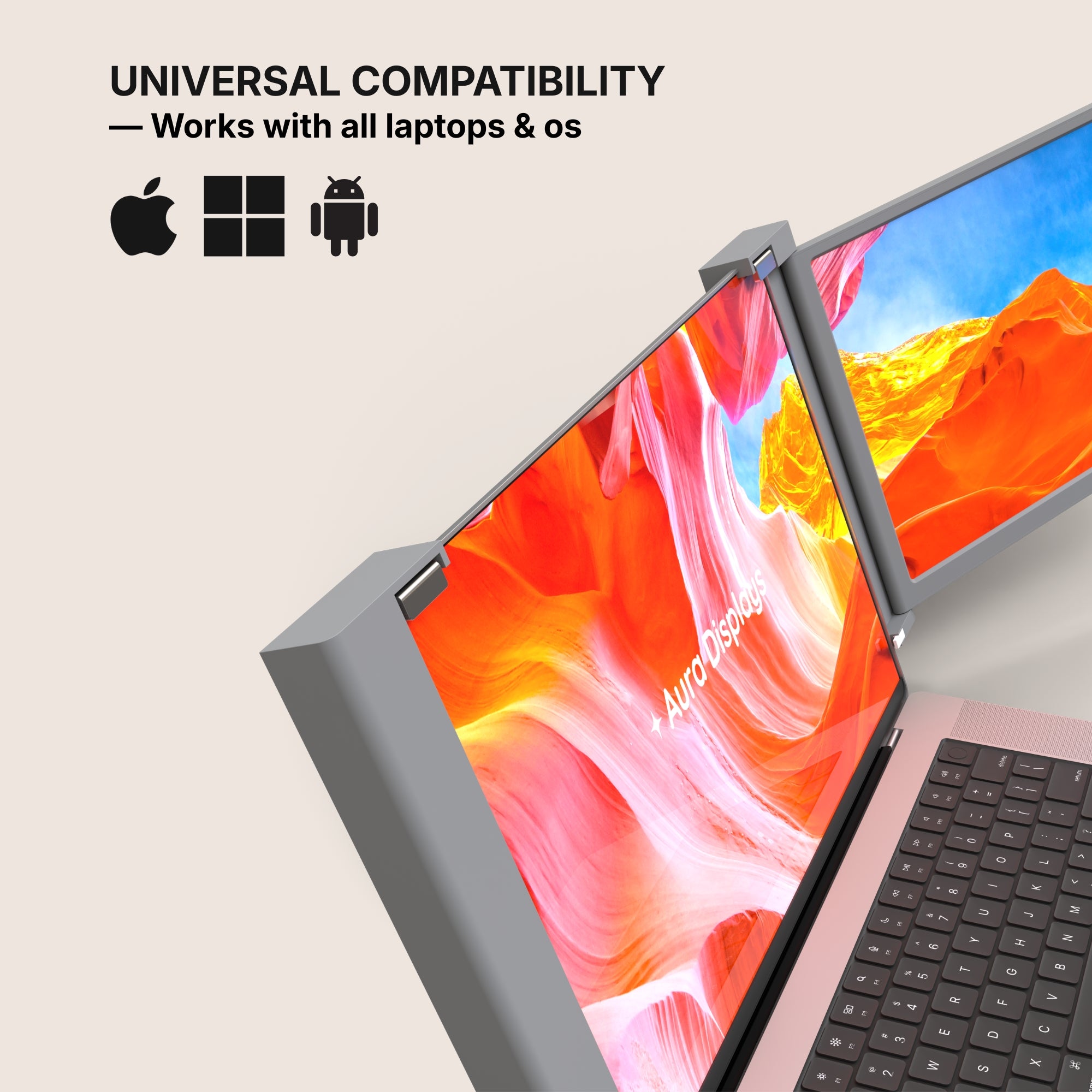
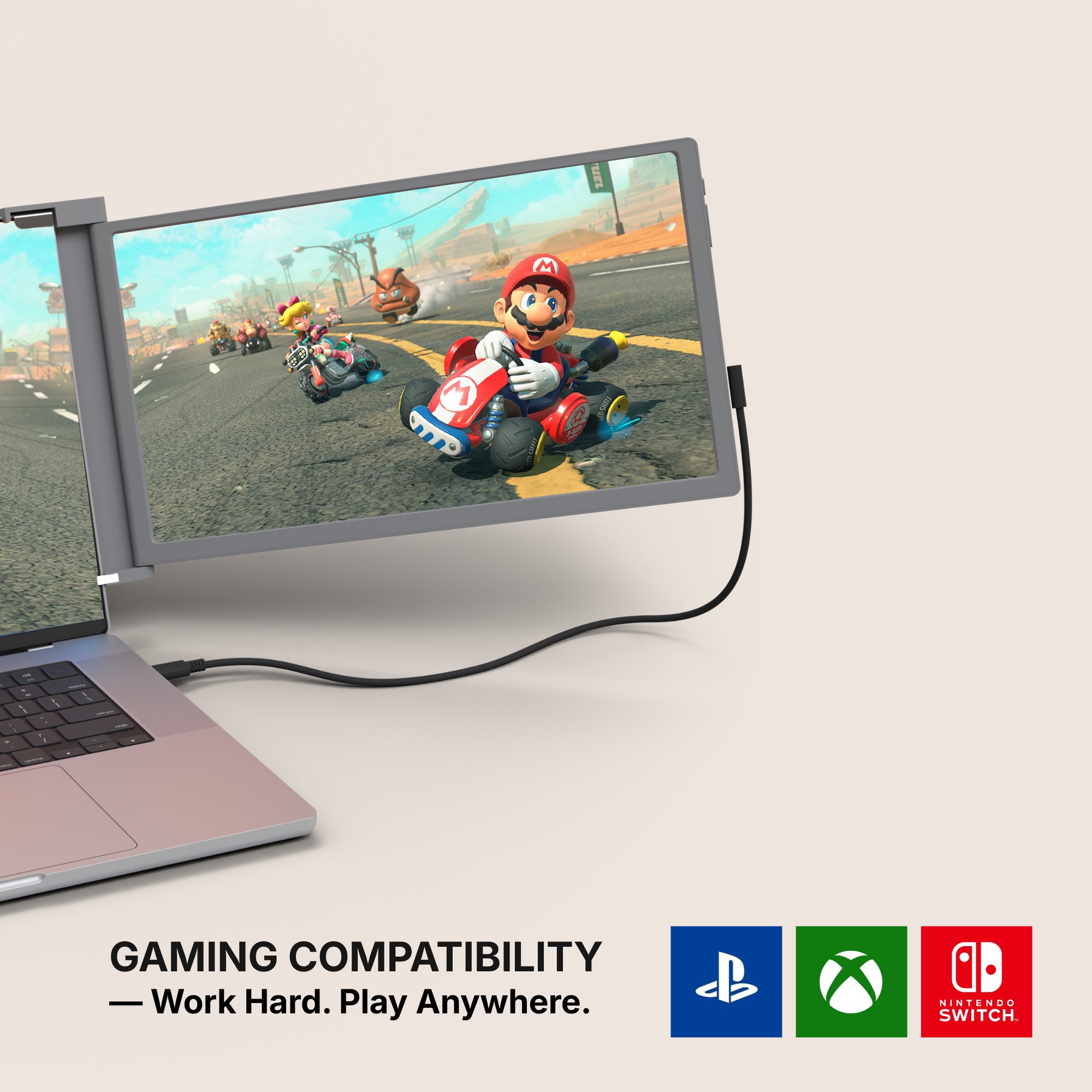
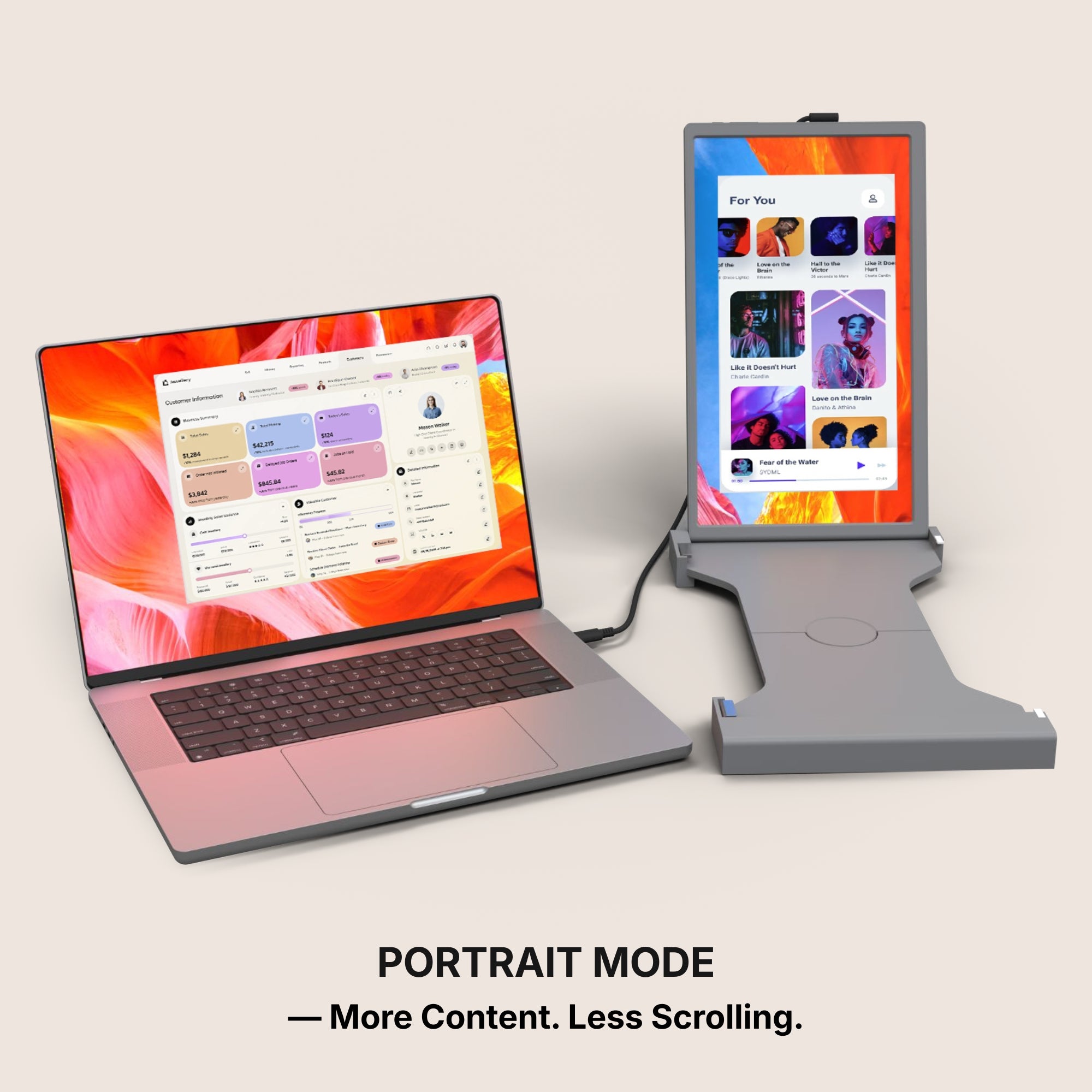
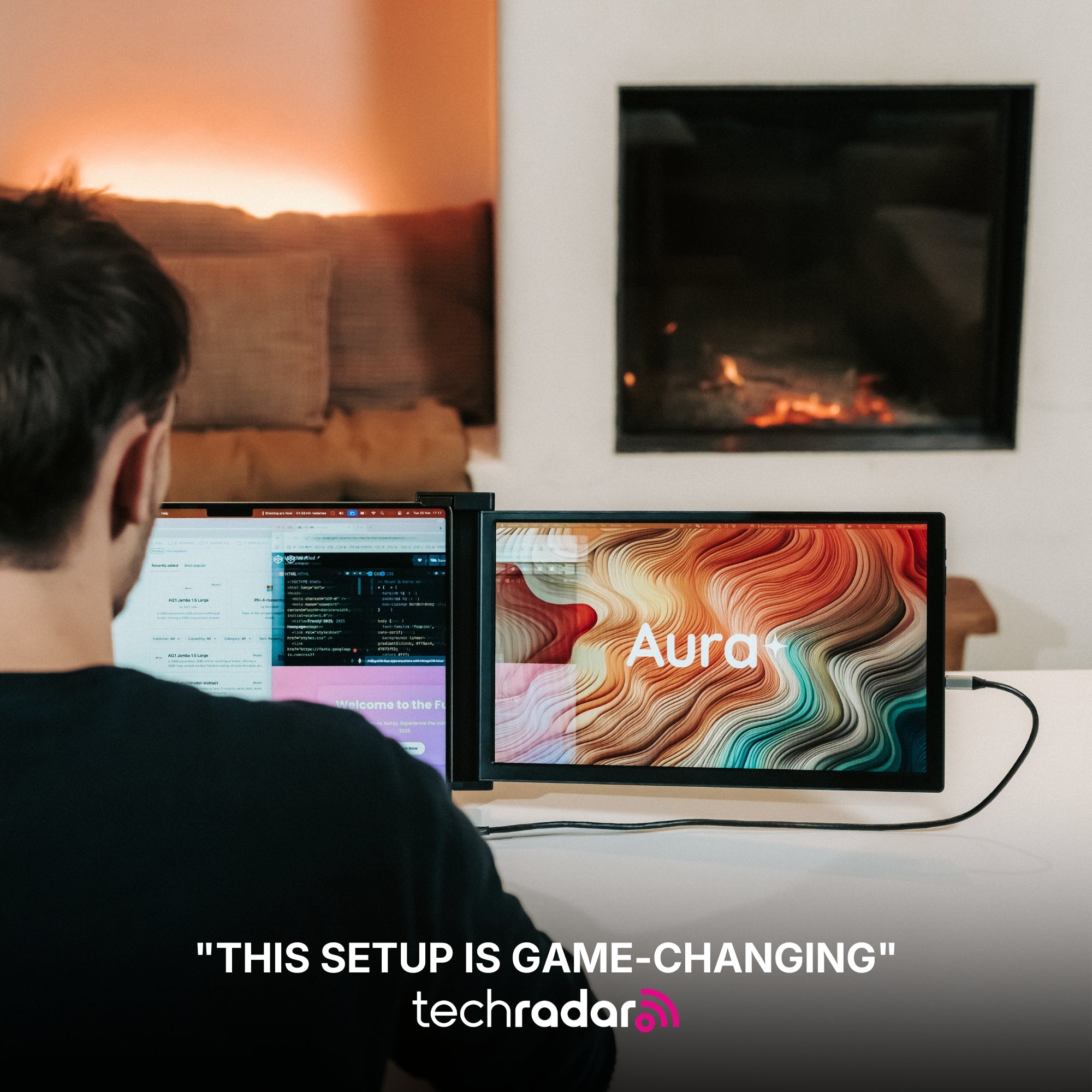
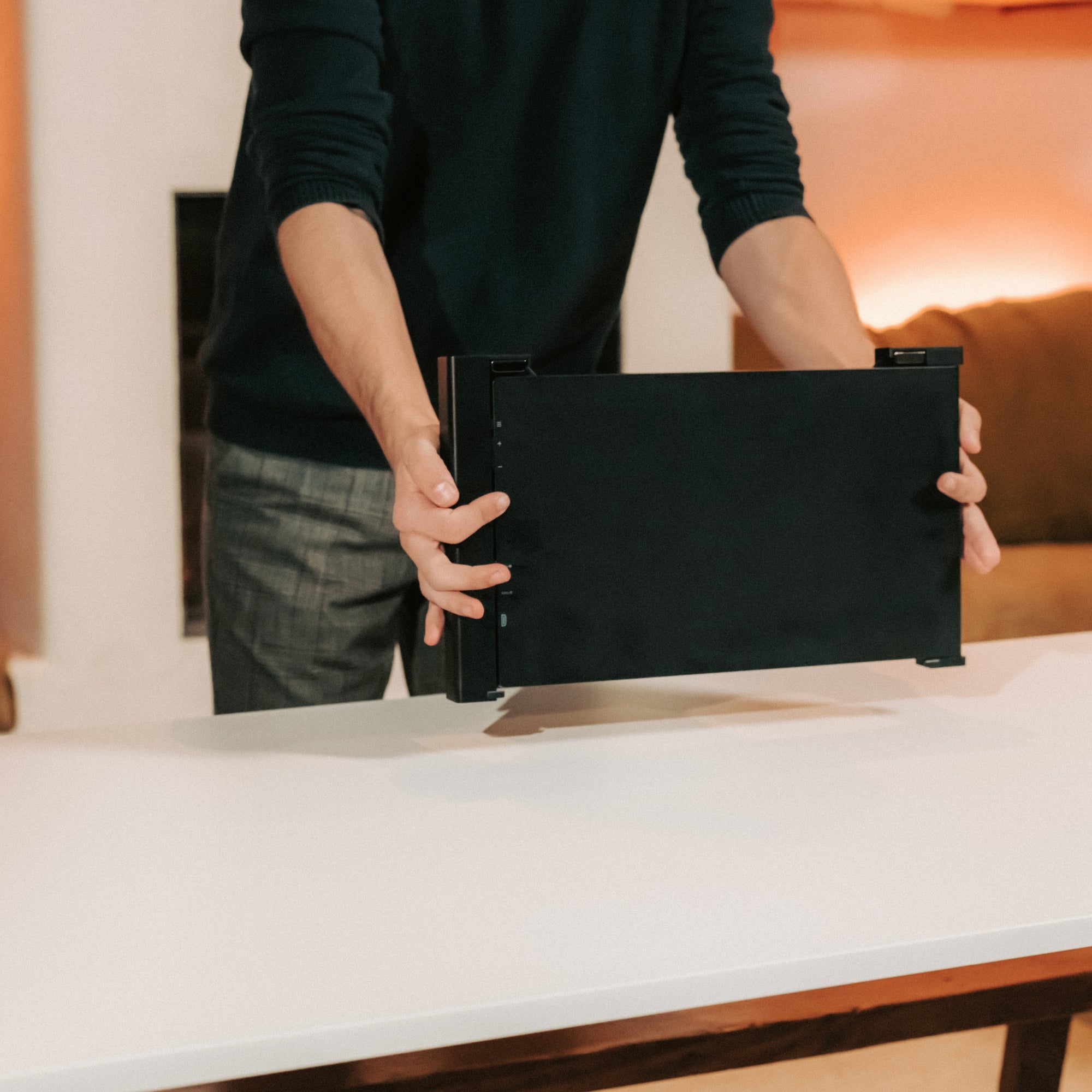
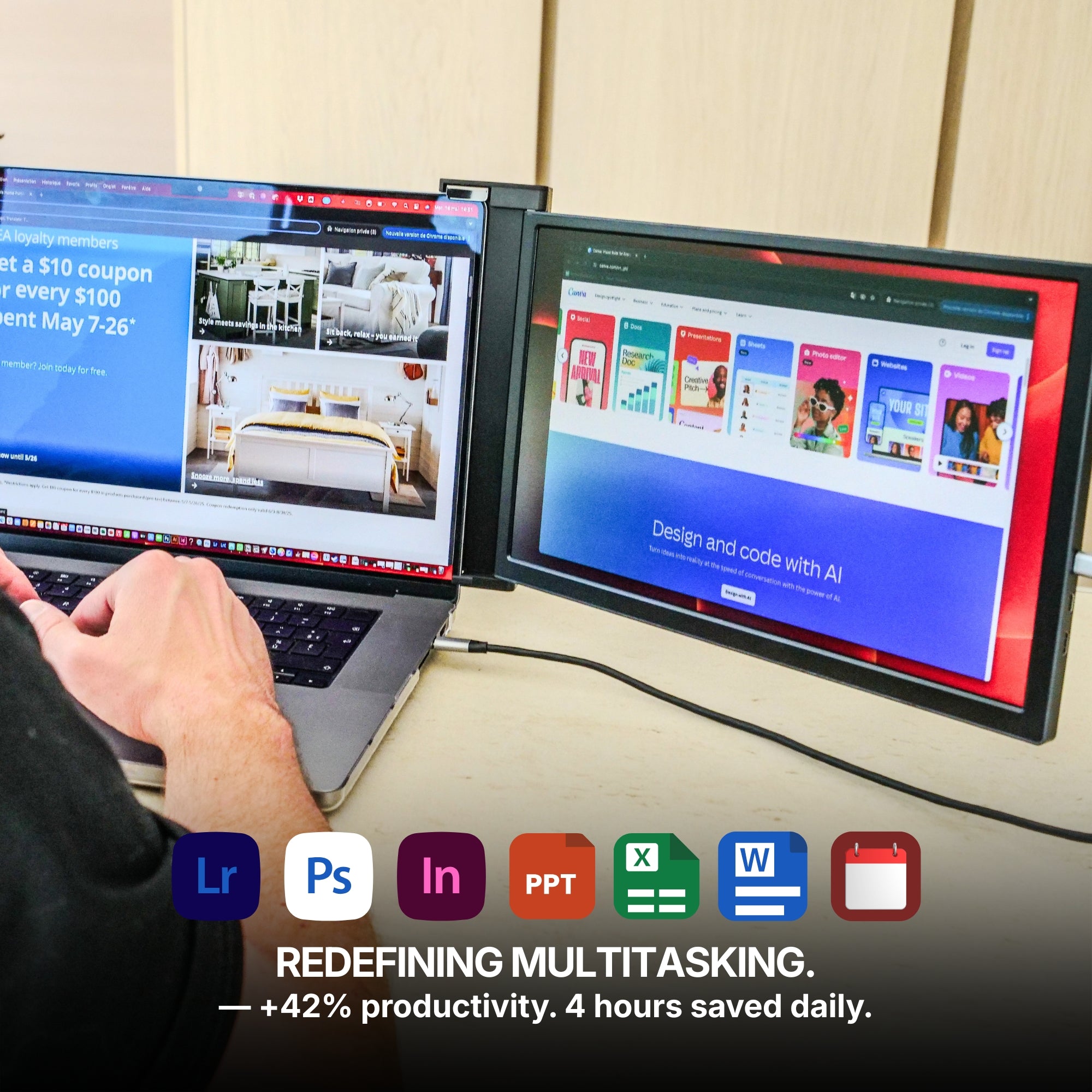
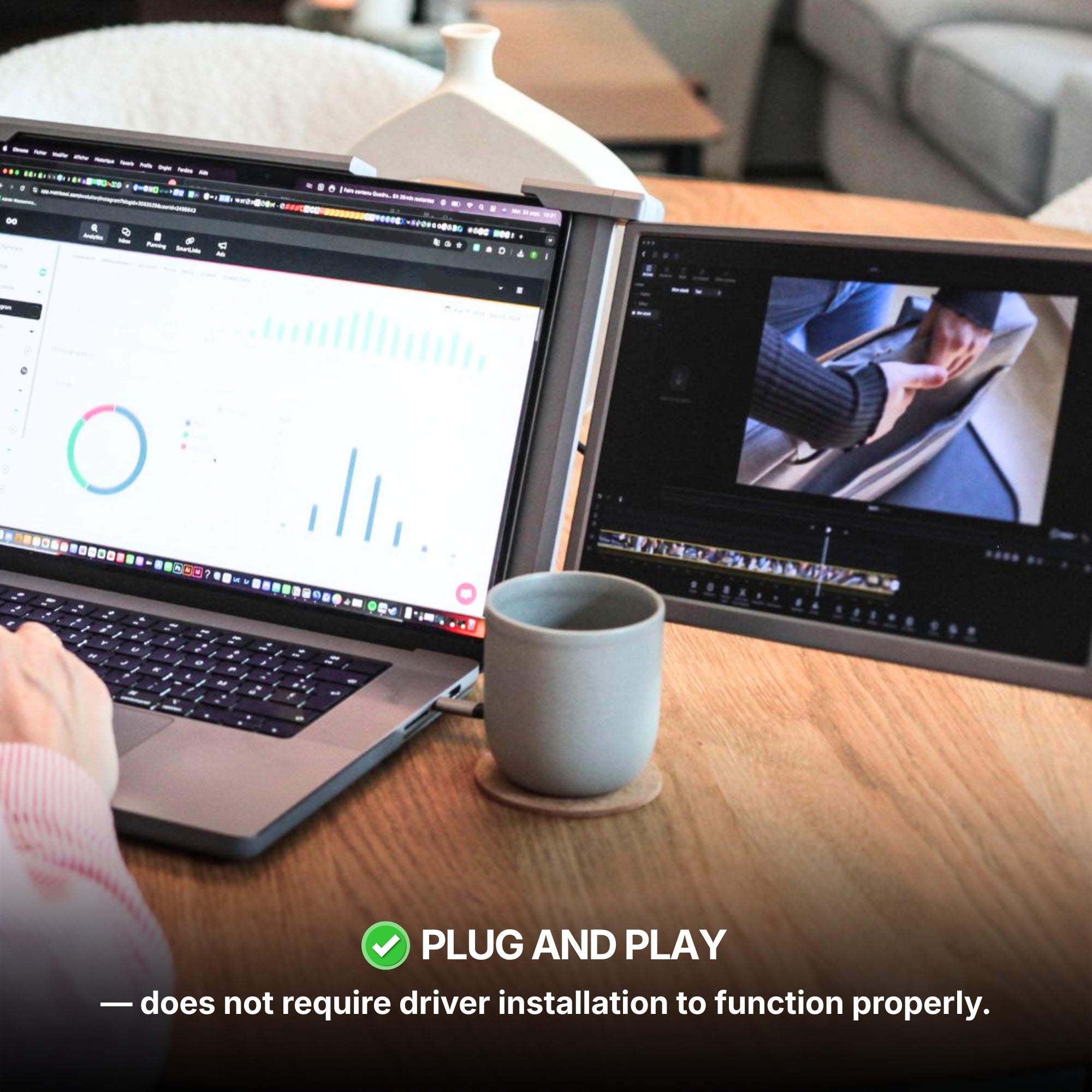
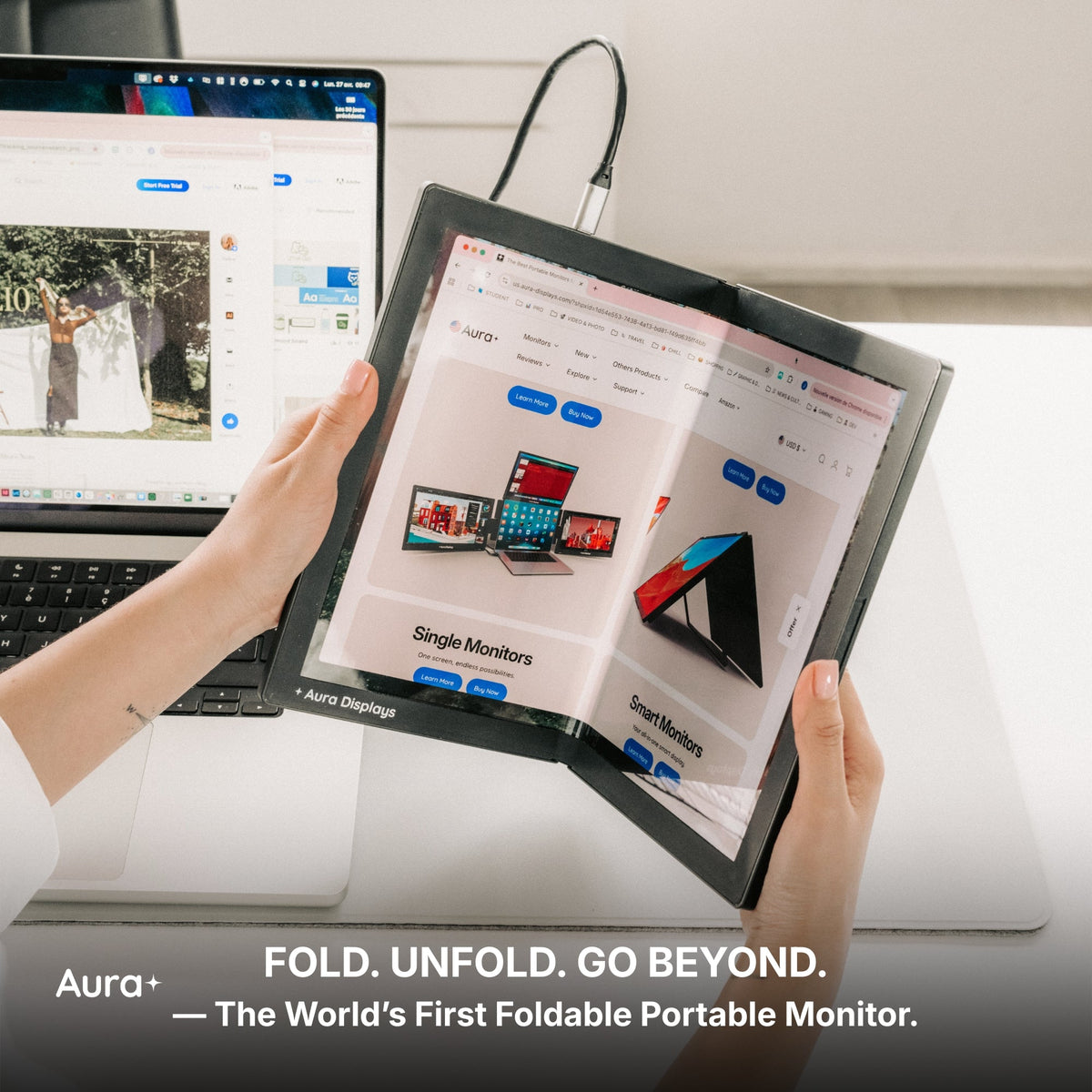
Our recommendation: Single Play (Gen 2), from $289. One attachable panel, plug and play with no driver, Full HD, 280 nits, 2x USB-C and 1x mini HDMI, and the widest operating-system list we publish: macOS, Windows, Android, Linux, Chromebook, Surface, game consoles and USB-C iPhones and iPads. It is here for the port arithmetic. One panel asks for one input, and if your only video-capable USB-C port is holding the charger, that mini HDMI input is the way in. $289 for the 14", $299 for the 15.6". Rated 4.78 out of 5 across 379 reviews.
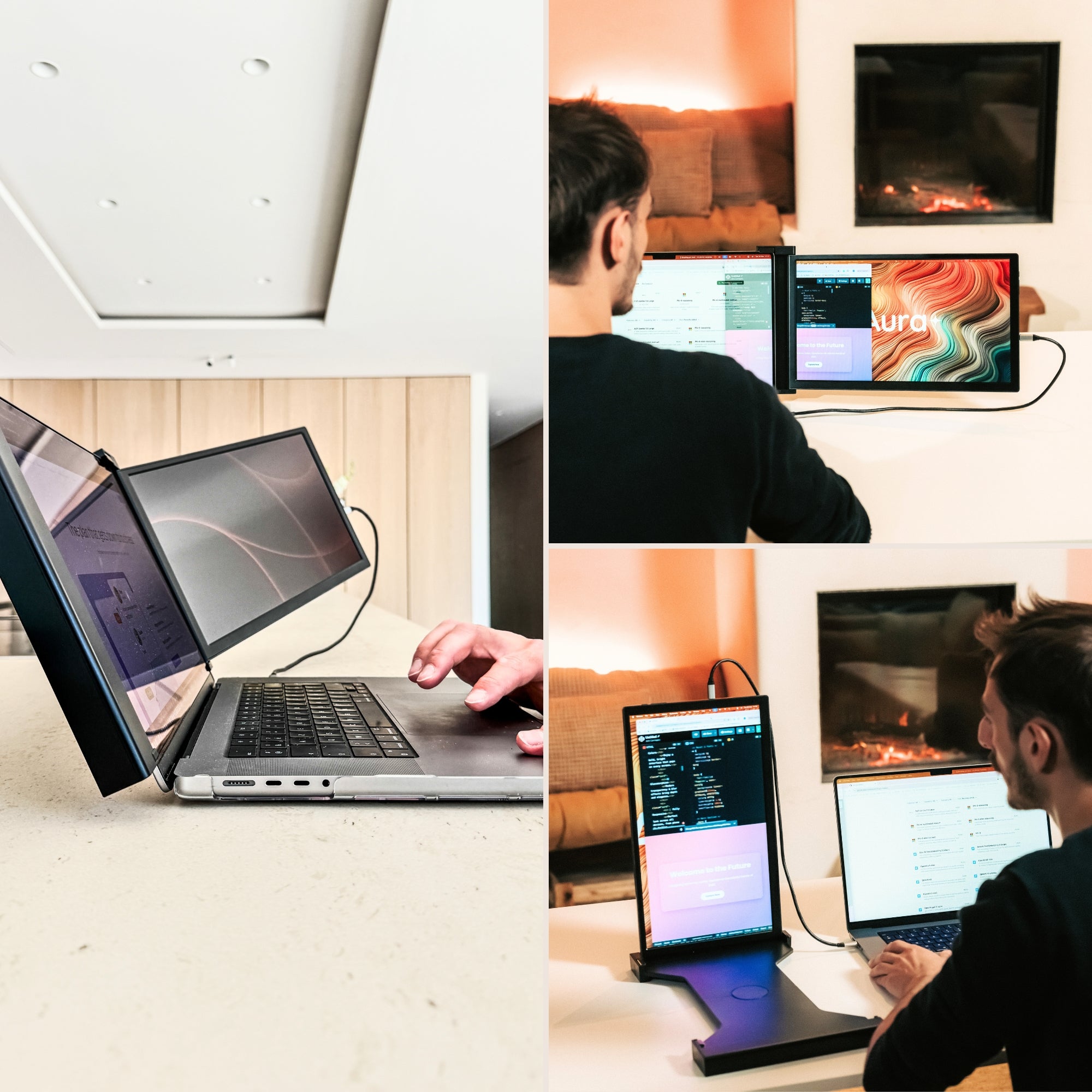
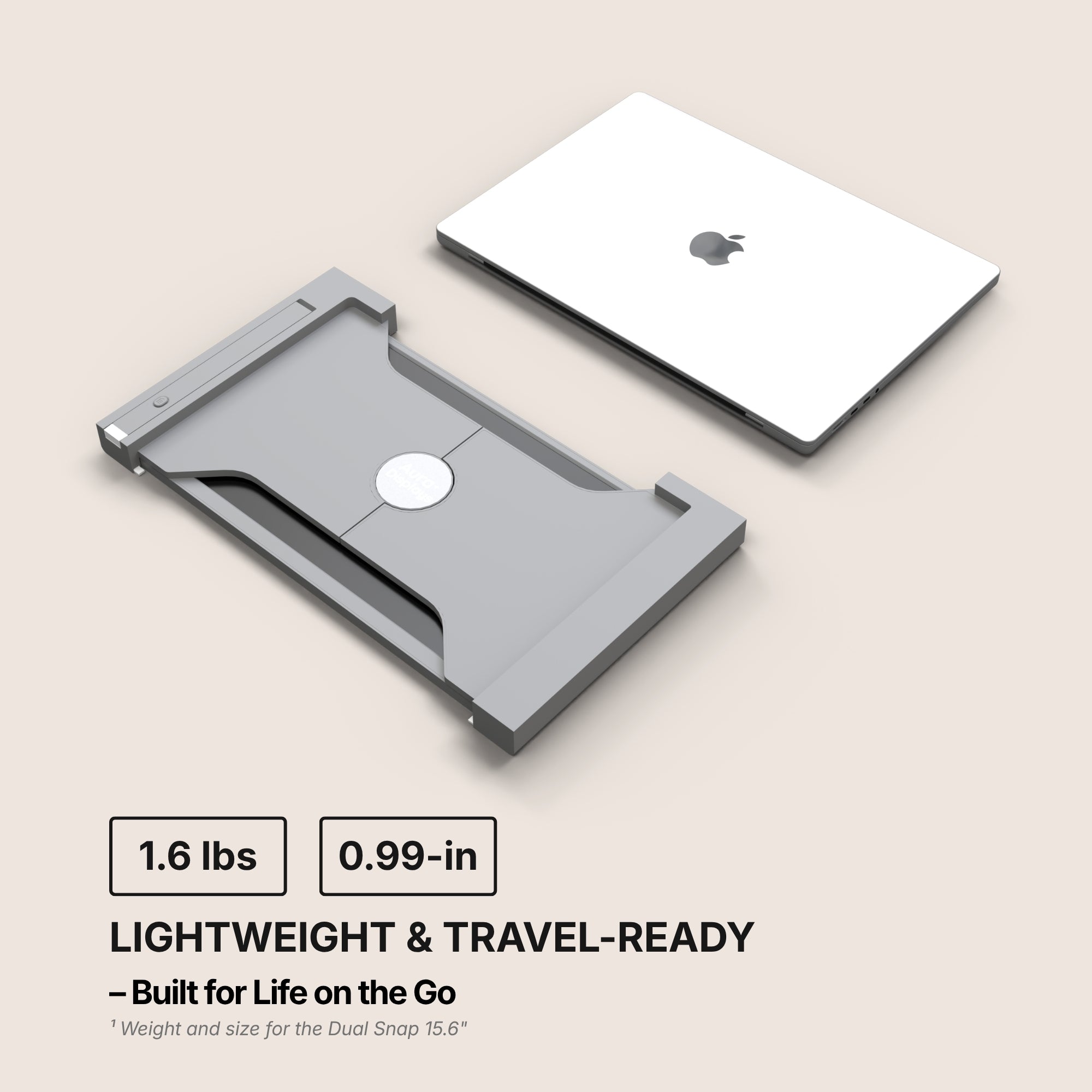
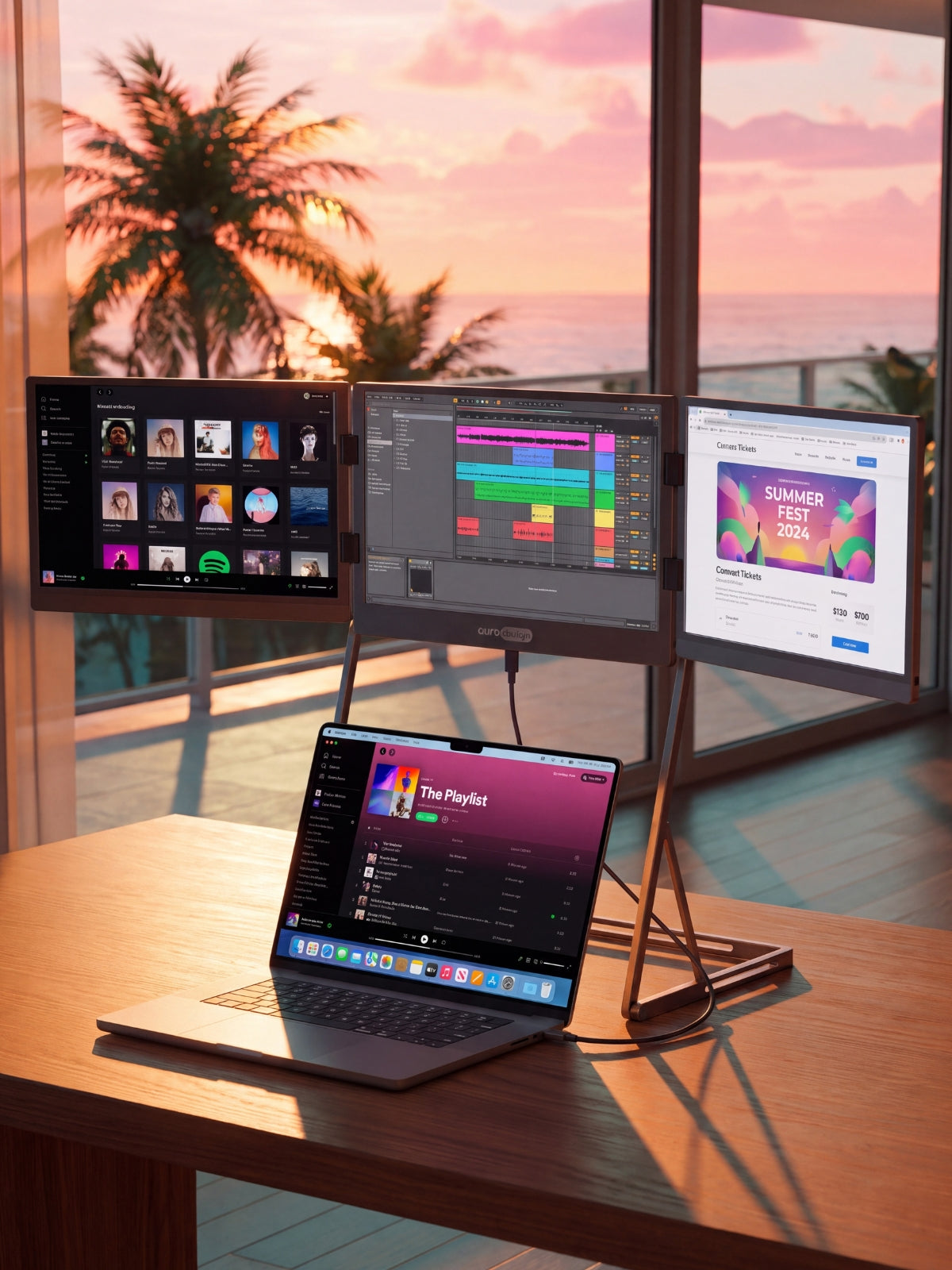
If you genuinely need two panels: Dual Play (Gen 3) from $369, or Dual Snap (Gen 1) from $409. Both are plug and play, both publish 4x USB-C and 2x mini HDMI. Check your machine's external-display ceiling before you order either — that is the check that saves a return.
Why we are not selling you more. Triple Go (Gen 3), from $549, reads Software required, lists macOS and Windows only, and publishes 2x USB-C with no HDMI input: more panels, fewer ways in. Single Glow Infinity (Gen 1), at $419, goes the other way — DisplayPort or HDMI, no software, no USB-C needed at all — but it runs on mains power and it does not travel. Neither of those is a pricing problem, which is the point. A week of lower prices will not add a socket to your laptop.













Share: