


If you picked up a new iPhone this month, or you have had a USB-C one for a while, it can already put its picture on a bigger screen with one cable. No dock, no app, no laptop in the middle. What it does once it gets there is more limited than most people expect, and knowing those limits before you buy is what keeps a second screen out of a drawer.
What you need
- An iPhone with a USB-C port. That means iPhone 15 or later. Lightning iPhones need an adapter and are a different conversation.
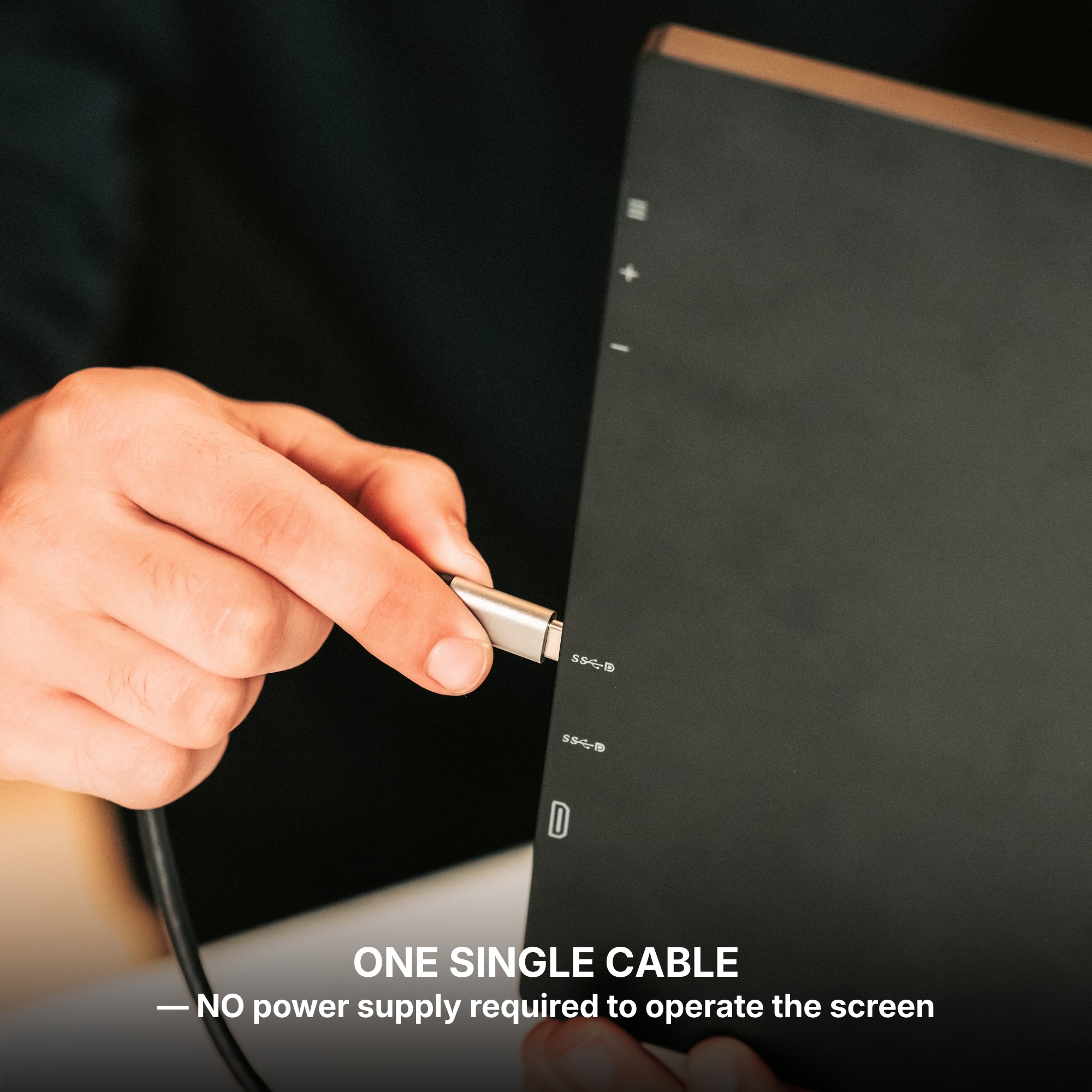
- A USB-C cable that carries video. The cable in the iPhone box is a USB 2 charging cable and will not carry a picture. You want one rated for video: usually marked USB 3.1 or 3.2, 10Gbps, or DisplayPort.
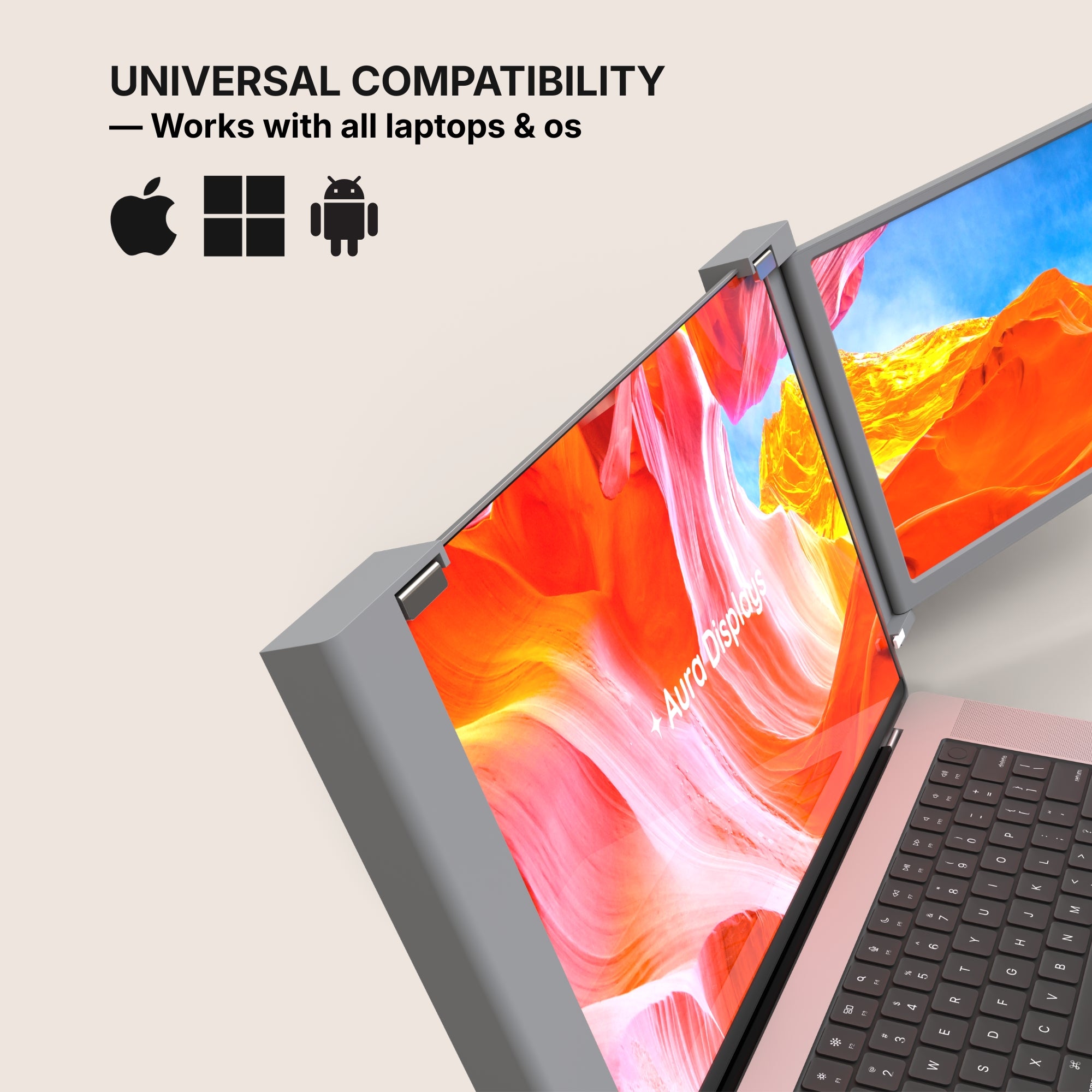
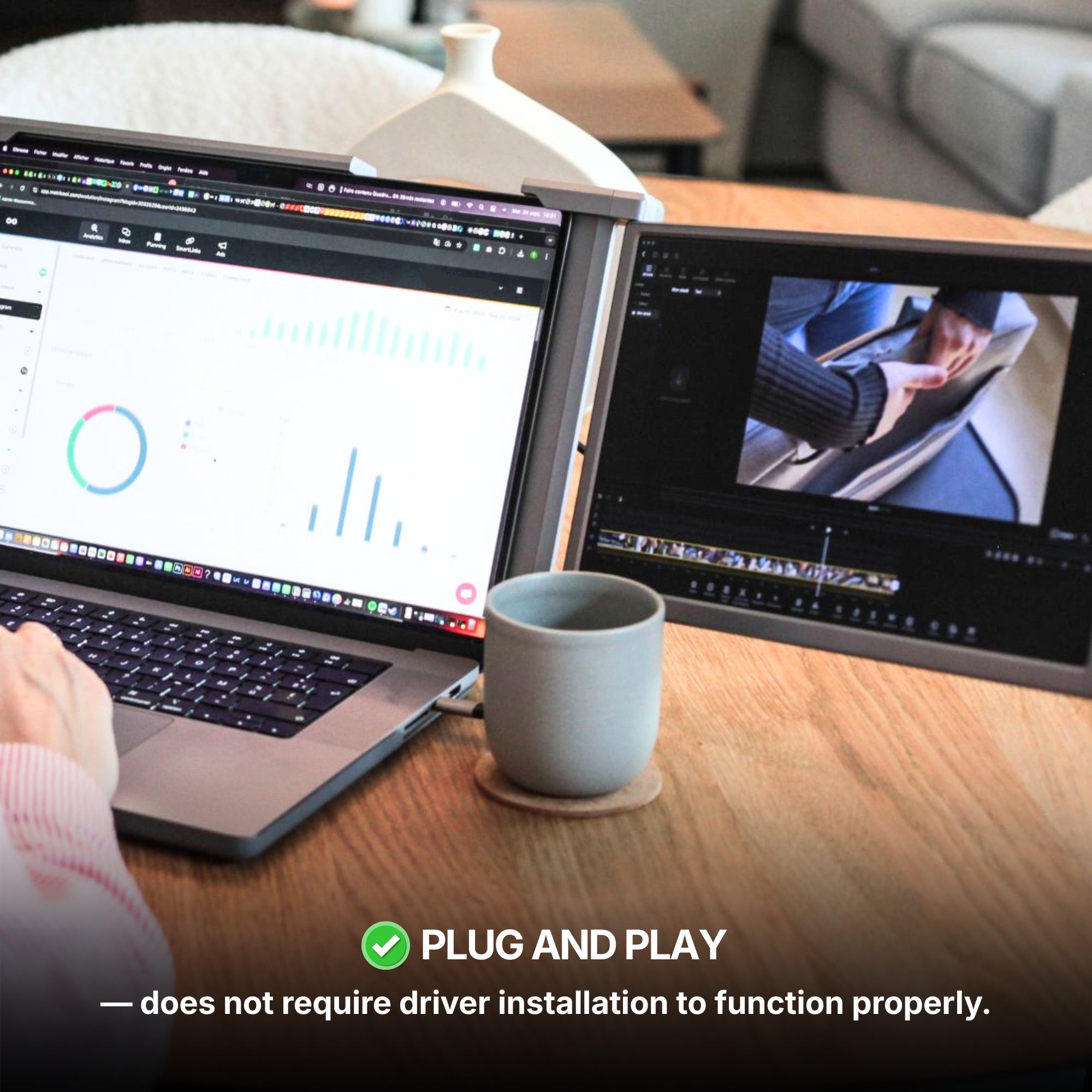
- A plug-and-play screen whose compatibility list names the iPhone. On our product pages, look for "iPhone (with USB-C)" in the operating systems list. A screen that needs companion software will not work with a phone at all, because there is nowhere to install it.
What happens when you plug in: a mirror, not a desktop
An iPhone mirrors. Whatever is on your phone appears on the monitor, in the same orientation. Hold the phone upright and you get a narrow portrait strip in the middle of a landscape panel, with black bars on both sides. There is no desktop mode, no second workspace, no dragging a window from one screen to the other. As of iOS 26, the iPhone simply does not do that.
The exception is apps built for an external display. Many video, photo and presentation apps send a full-screen landscape picture to the monitor while the phone turns into the remote. Keynote is the clearest example: slides on the big screen, presenter notes on the phone. Some streaming apps block external output for protected content, so test the ones you care about before relying on them.
So where does it earn its place? Watching something on a hotel desk. Showing photos to a room. Presenting without a laptop. Following a recipe or a workout video at a size you can read from across the room. Where it does not: actual work. Two documents side by side still needs a laptop or an iPad.
An iPad is a different story
On an iPad with an M-series chip, turn on Stage Manager (in iPadOS 26 it sits under Settings, Multitasking & Gestures) and the external screen stops mirroring and becomes its own workspace: some apps on the monitor, others on the iPad. Once the panel is connected, its arrangement appears under Settings, Display & Brightness. Older iPads without an M-series chip mirror, exactly like the iPhone.
Three settings that save you frustration
- Turn the phone sideways. Switch off Portrait Orientation Lock in Control Center and rotate the phone in any app that supports landscape. A landscape mirror fills most of the panel instead of a sliver of it.
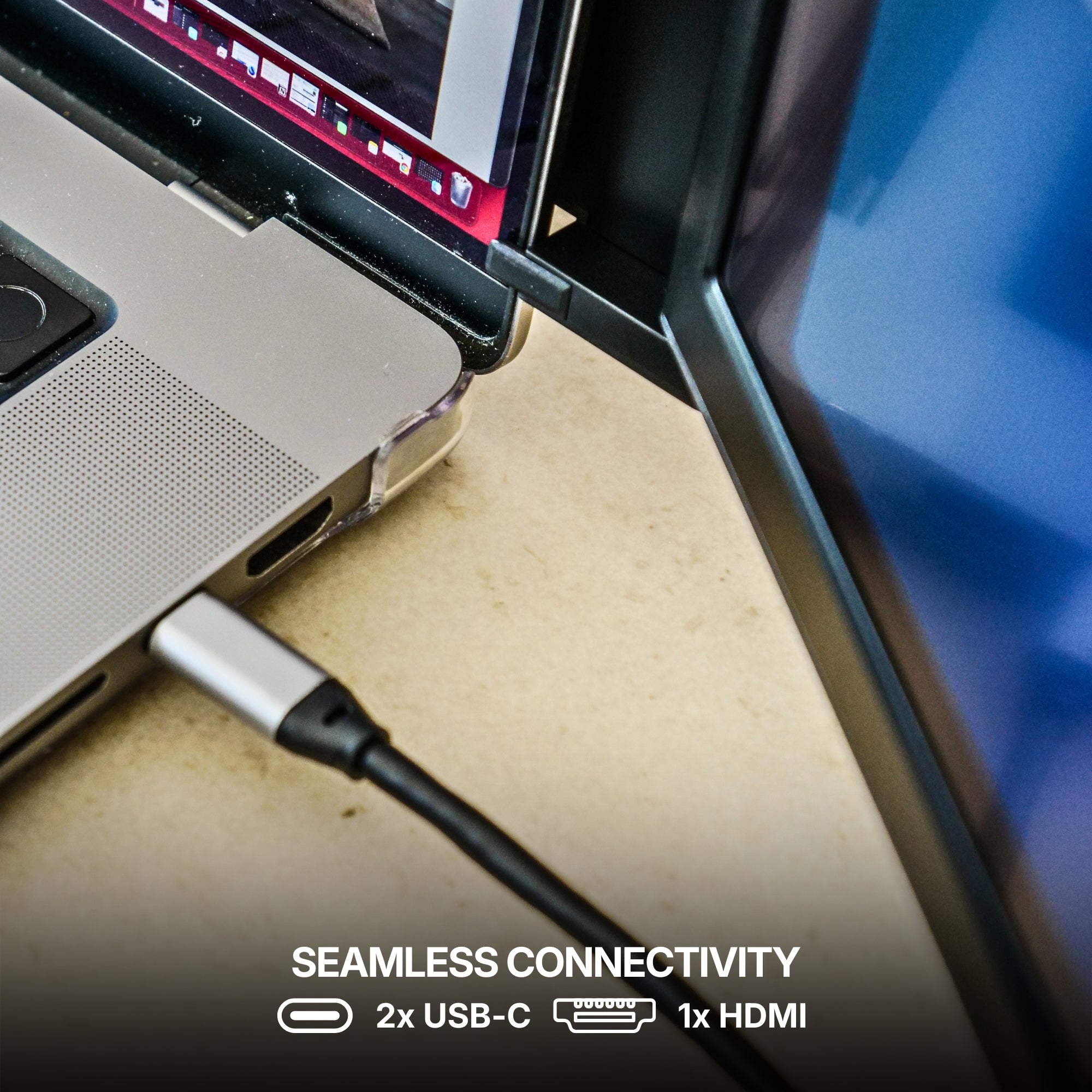
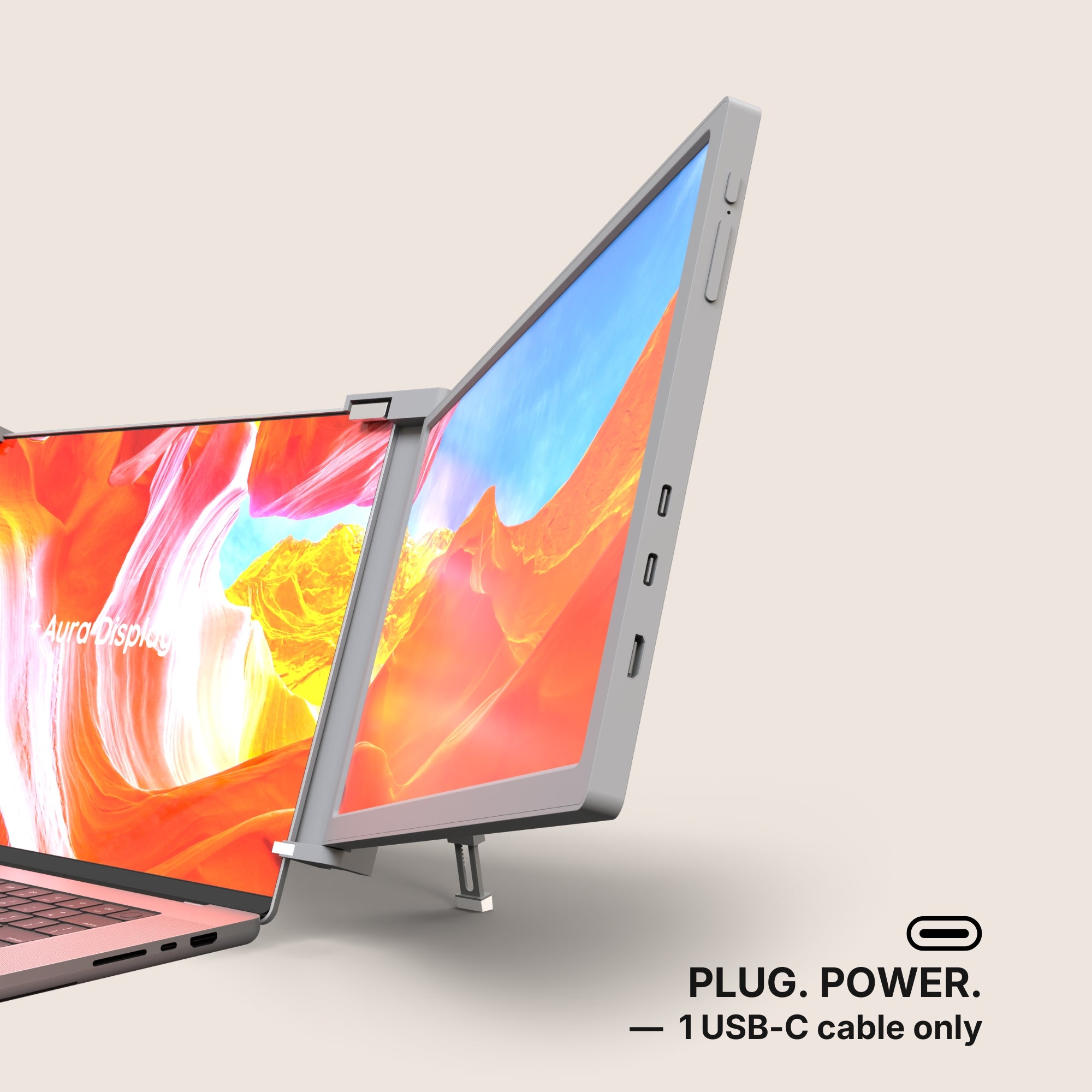
- Power the screen separately. A phone battery is small, and a panel drawing from it drains it fast. Give the monitor its own charger on its second USB-C port; the product page tells you which port takes power. We did the arithmetic in our power math article.
- Turn on a Focus before you present. A mirror shows everything, including the message banner that slides in halfway through your slides.
What this will not do for you
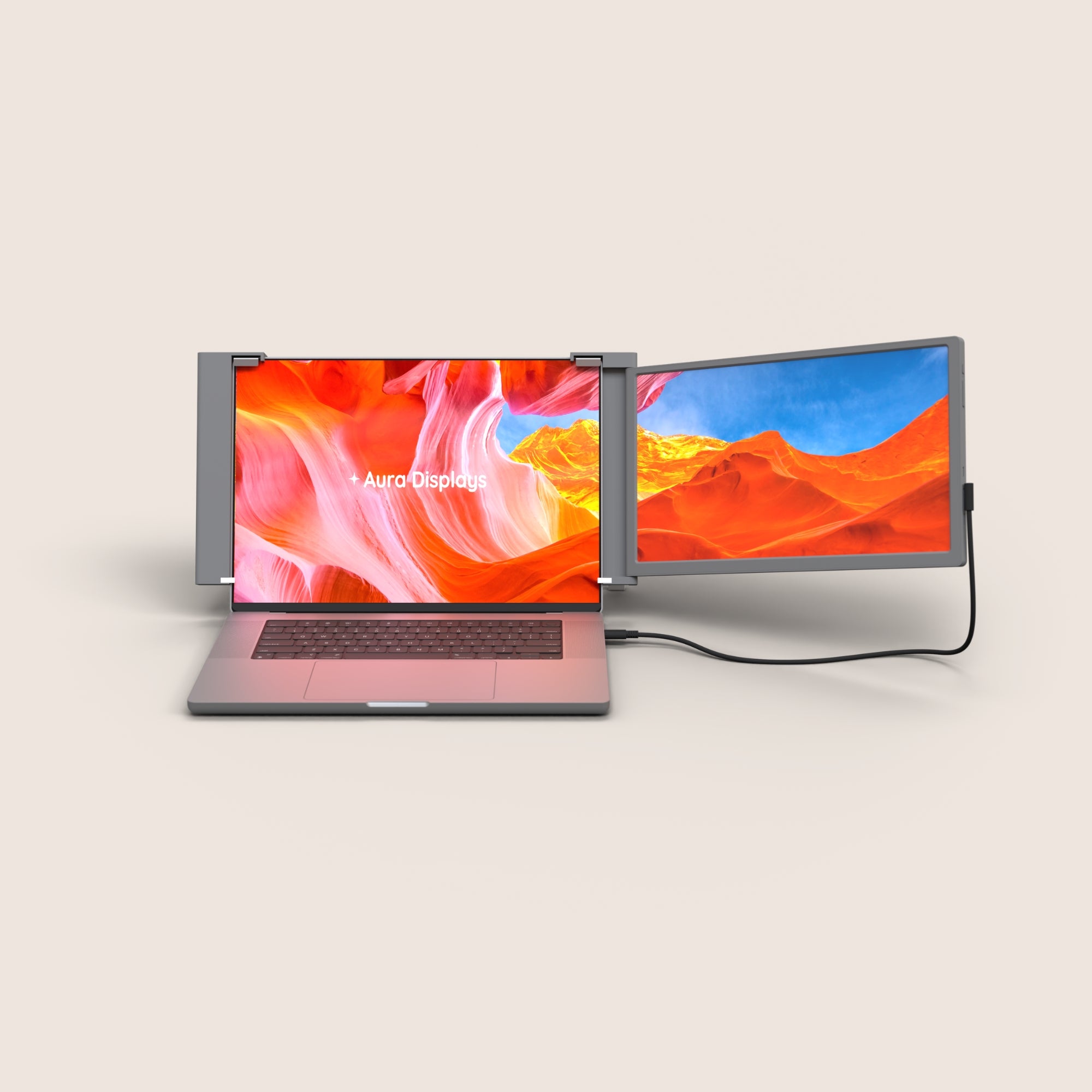
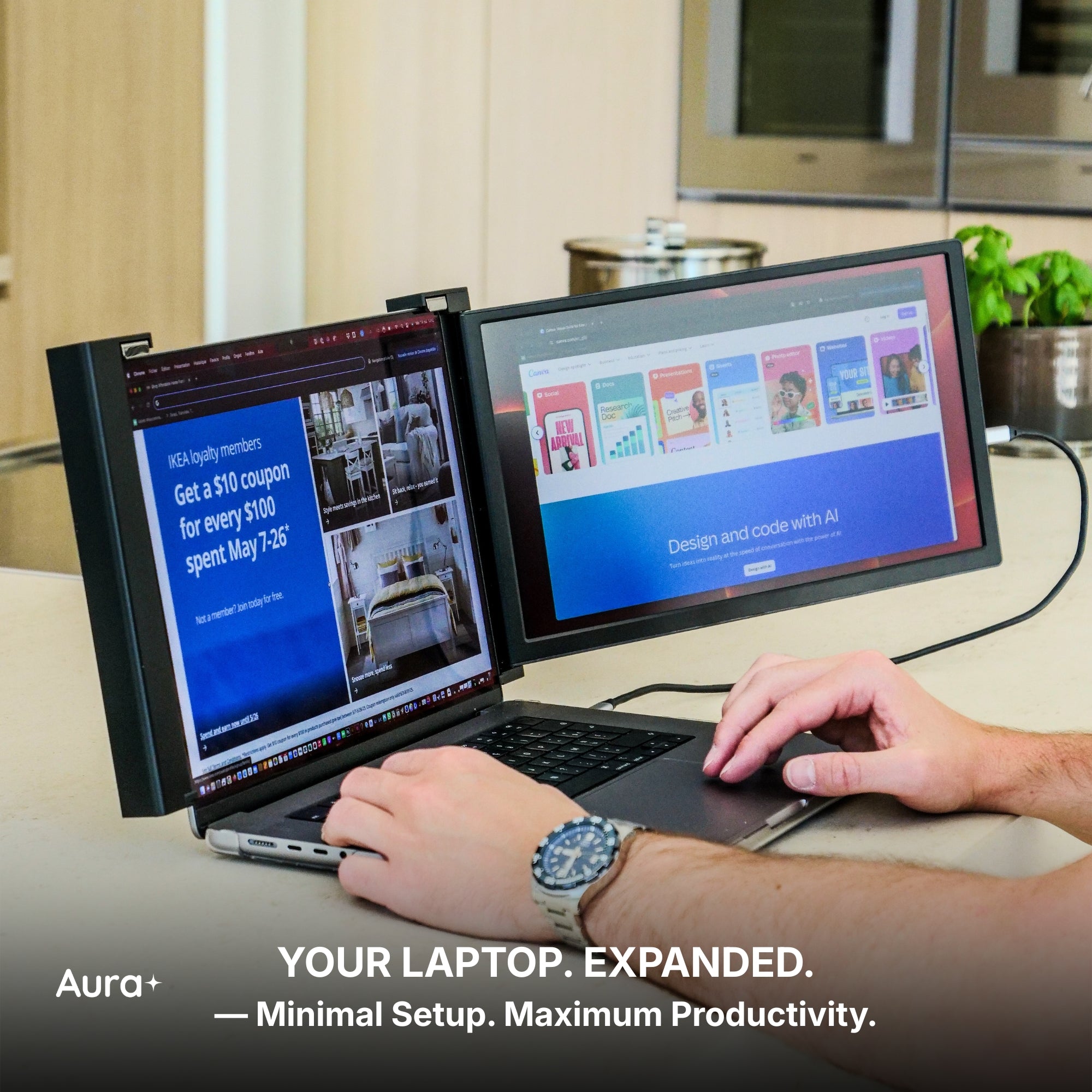
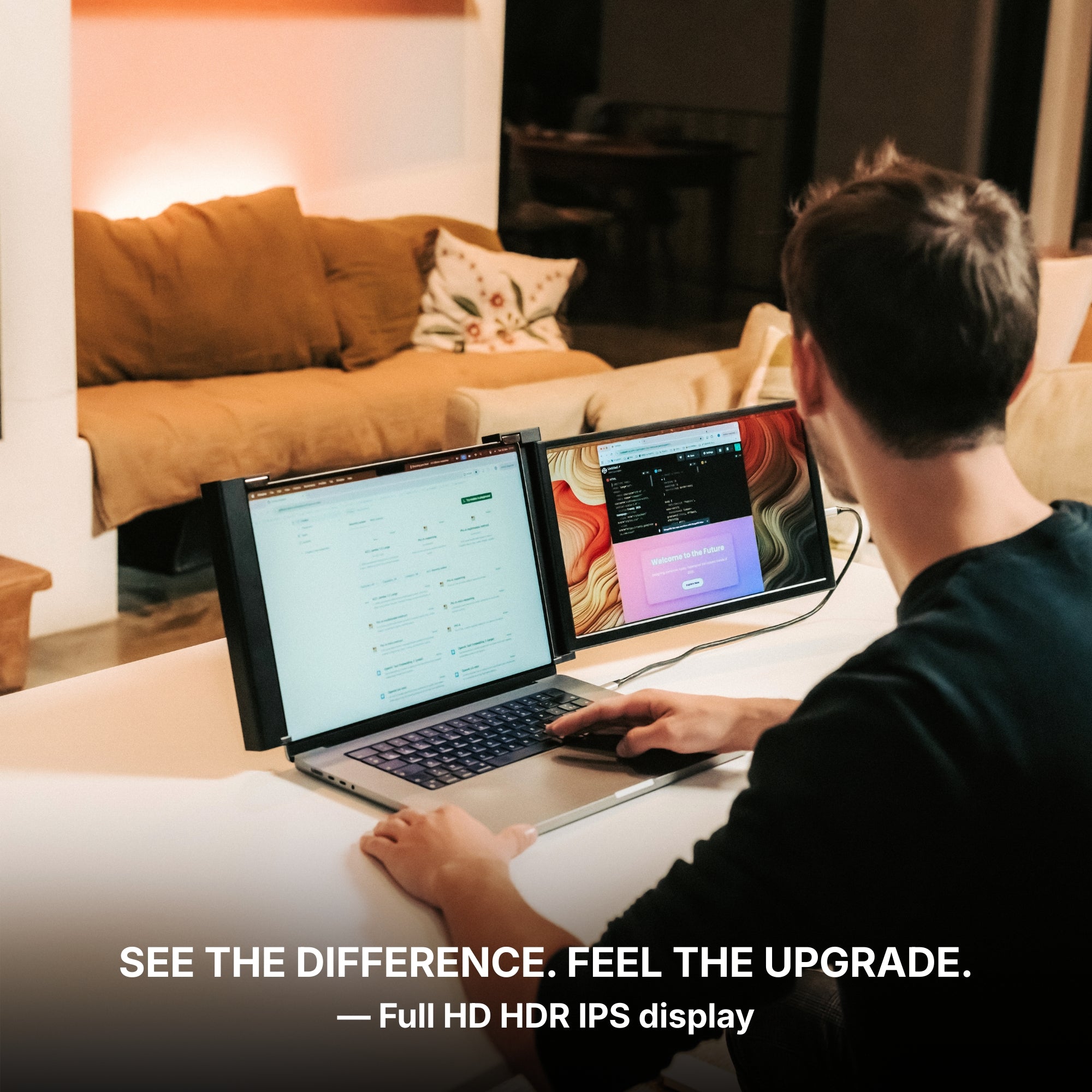
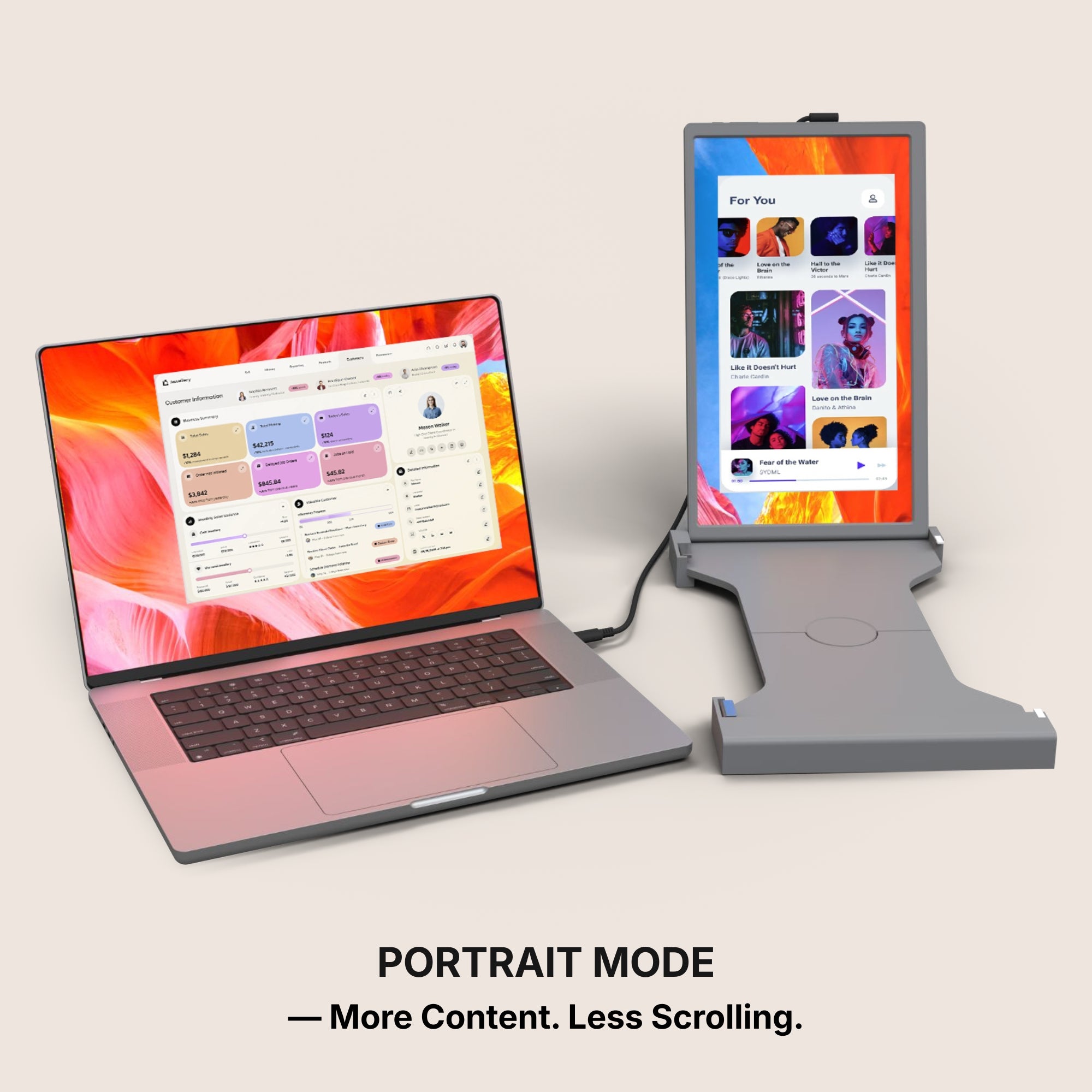
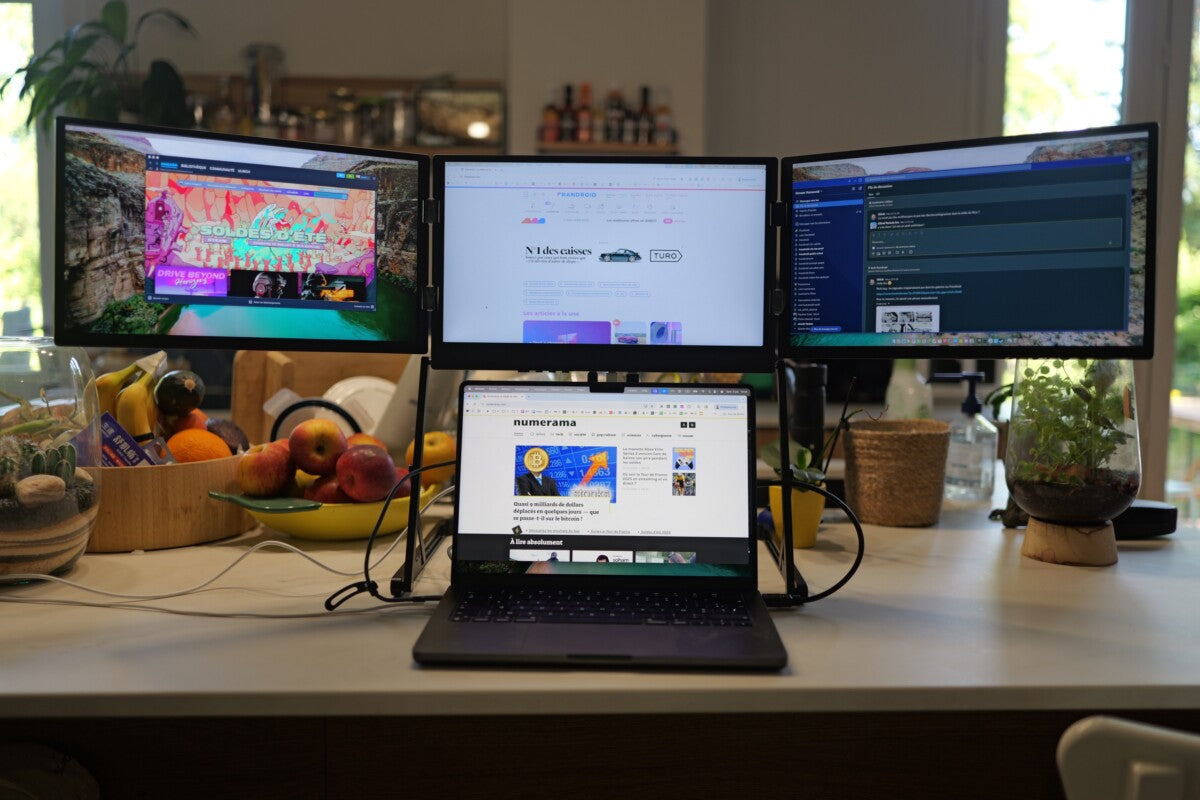
It will not turn your phone into a computer. An iPhone sends one image, full stop. Plug it into a dual-panel model and you still get one picture, not two workspaces. If the screen is mainly for your phone, one panel is enough. A dual earns its place when a laptop is also in the picture, and that is a decision about the laptop, not the phone.
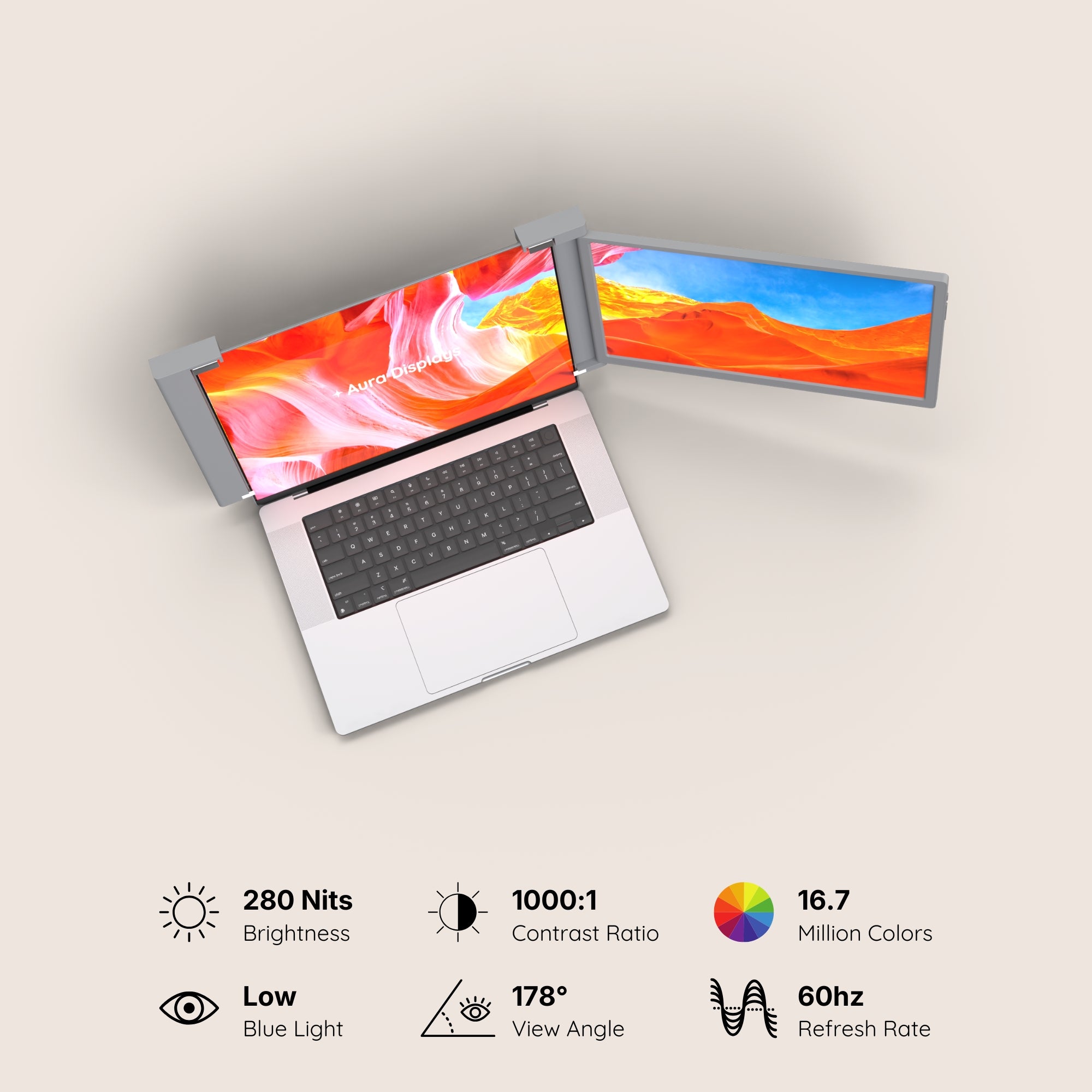
It will not beat the sun either. The screens below run 280 to 300 nits. That is comfortable indoors and by a window, not on a terrace at noon.
What we would buy for a phone, and the cheaper one
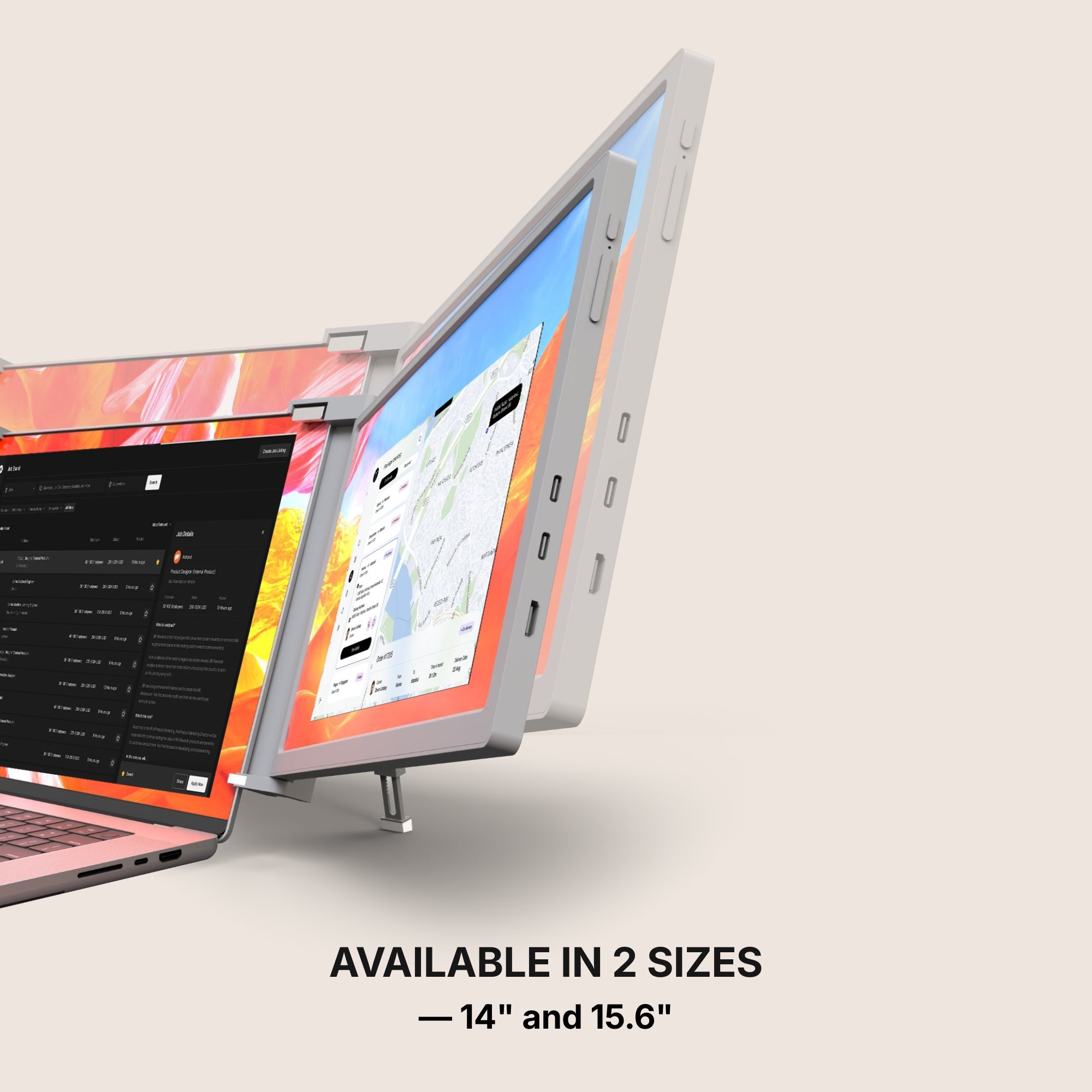
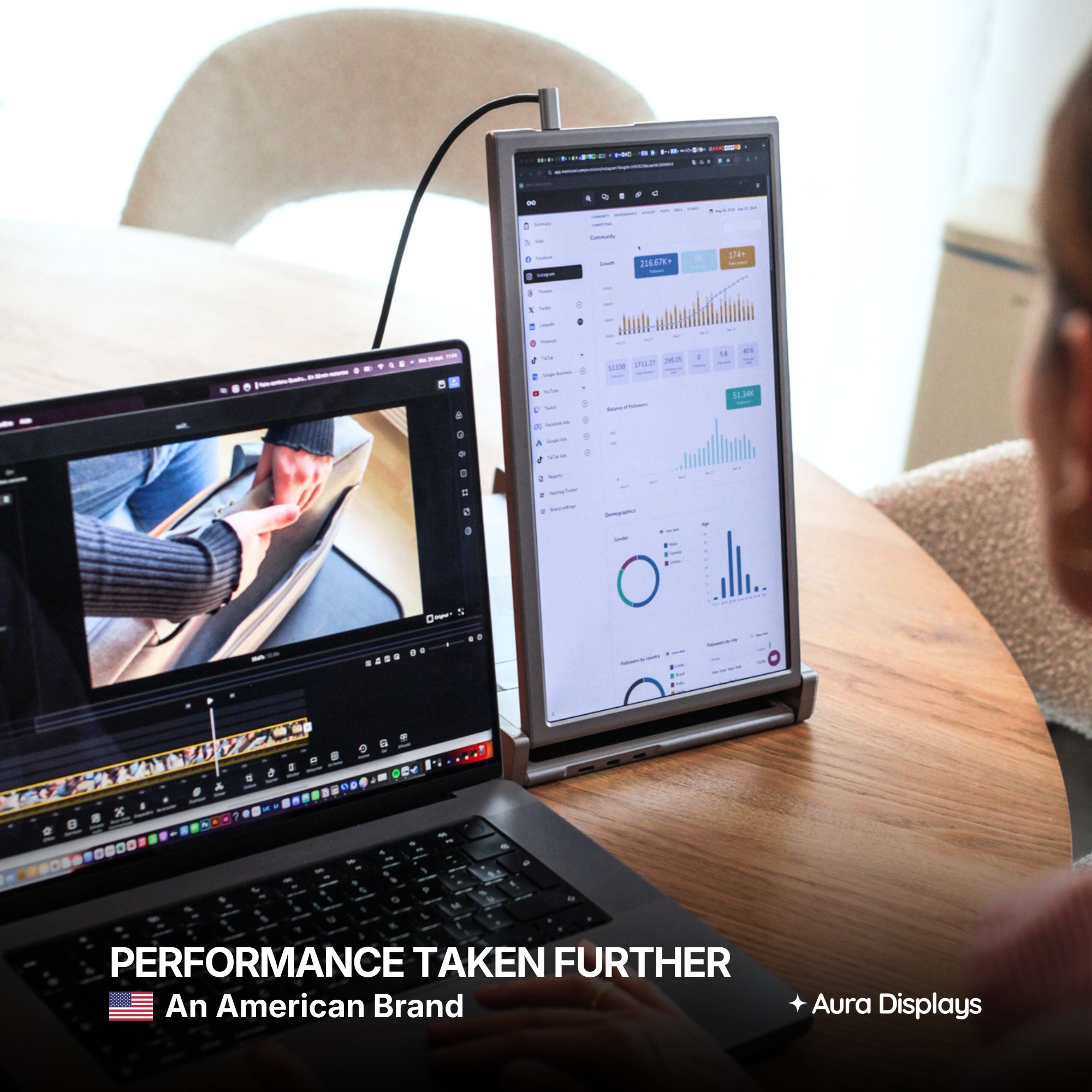
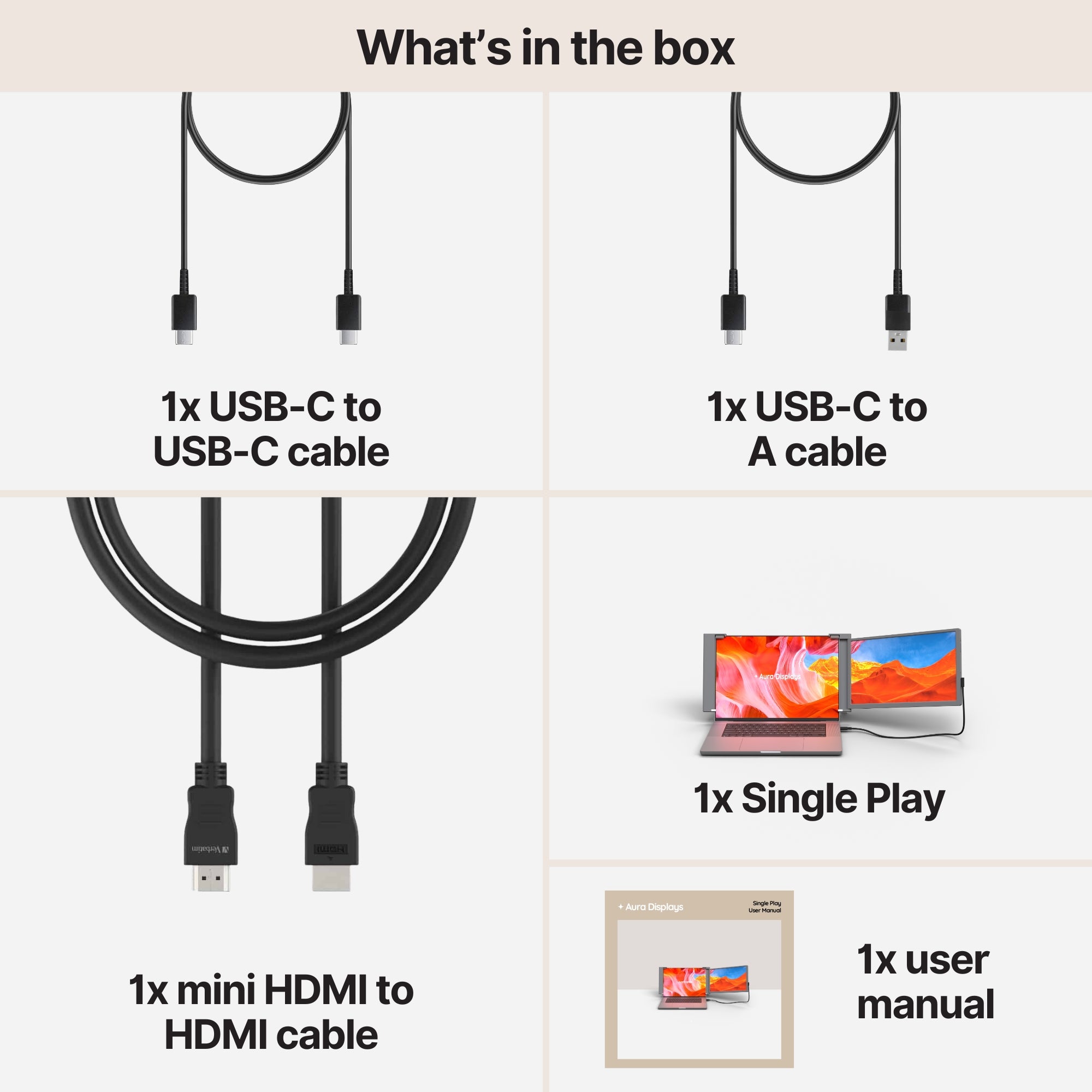
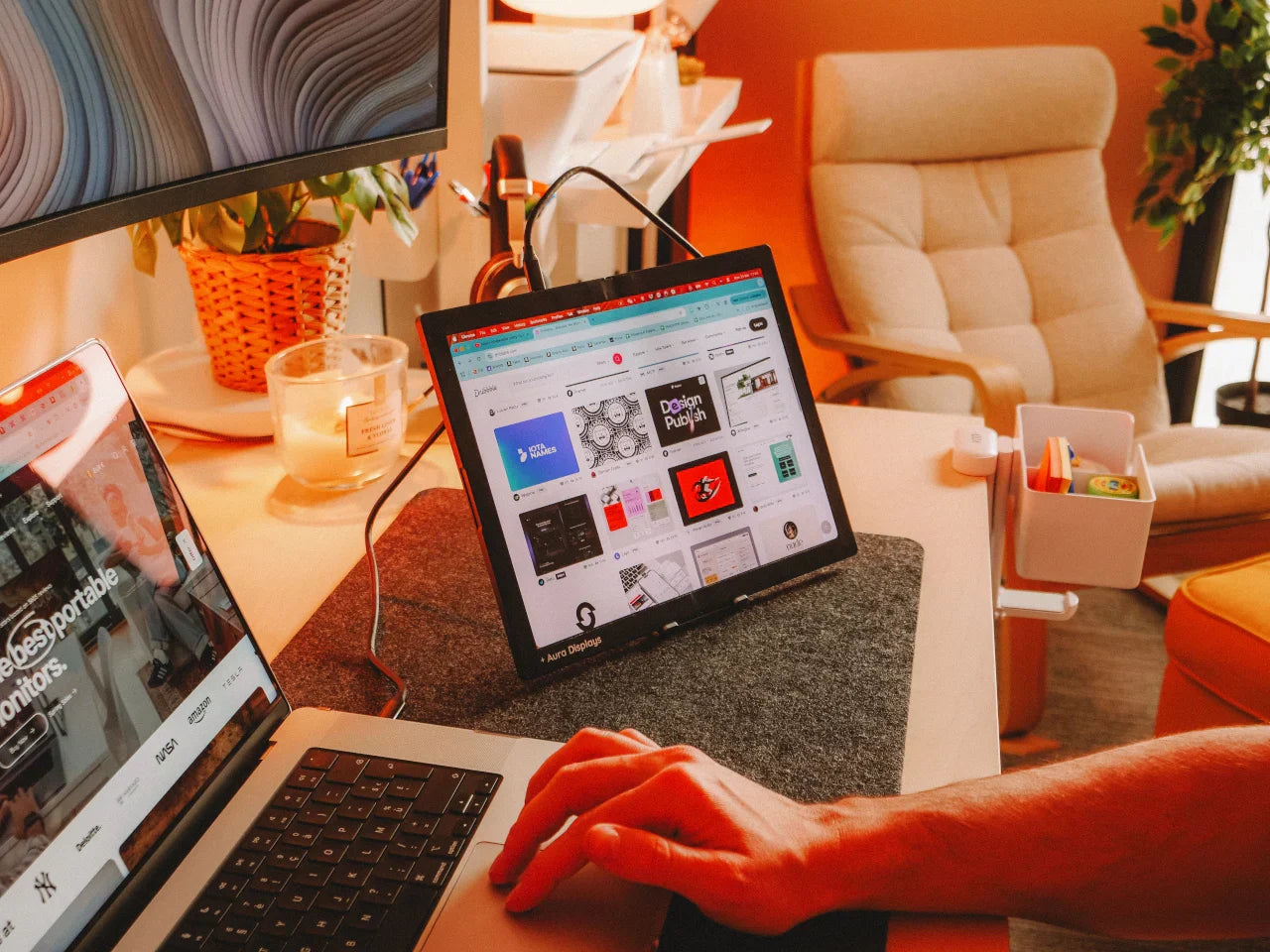
For a phone or a tablet, the Single Play (Gen 2) is the one we would pick: $289 at 14 inches, $299 at 15.6. It is plug and play with no companion software, its compatibility list includes iPhone and iPad with USB-C, and it runs Full HD at 280 nits from a single cable, with a second USB-C port and a mini HDMI input. The 14-inch is the size that slides into the same bag as a tablet. Rated 4.78 out of 5 across 379 reviews.
If you want more screen for less money and do not mind carrying it, the Single Boost 15.6" (Gen 2) is $249. Also plug and play, also lists the iPhone, Full HD at 300 nits, with two USB-C ports, mini HDMI and a headphone jack for when the phone's own speaker is not enough. Rated 4.79 out of 5 across 137 reviews.
Why we would not sell you more than that for a phone: everything past one panel is a picture your iPhone cannot send. Buy the second panel when you have a laptop to feed it.












Share: