


Hybrid work keeps shifting your desk from home to office to public spaces. You already know how challenging it is to stay organized when hopping between environments. Often, adding more display space improves focus and keeps tasks visible. External Monitor for Laptop and laptop screen extender options both promise smoother multitasking, but they solve different problems depending on how you work.
You want efficiency without feeling tied down to a single desk. That is why choosing between these setups takes more than comparing technical specs. It is about matching technology to your daily routine.
Understanding the Two Display Approaches
Laptop Screen Extender
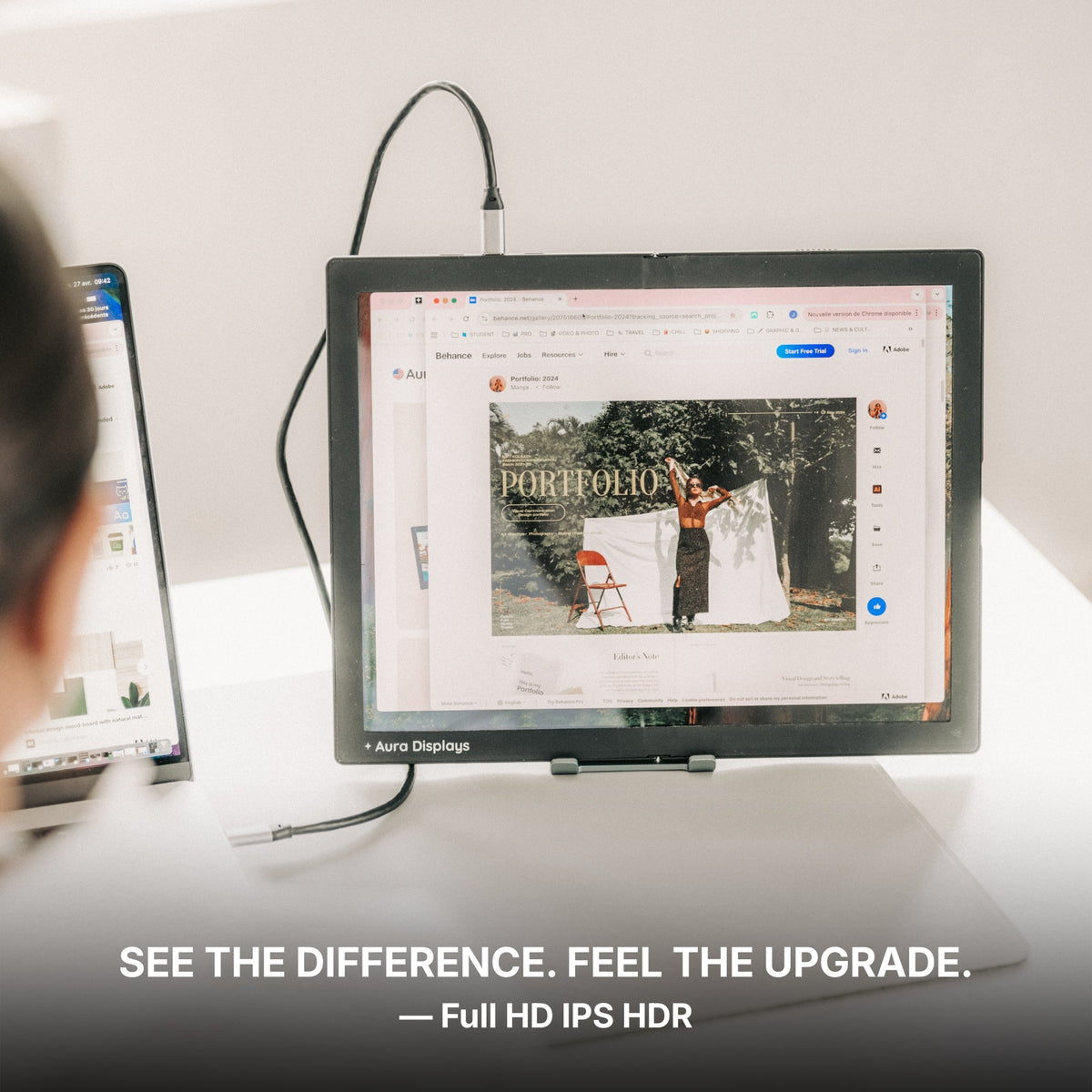
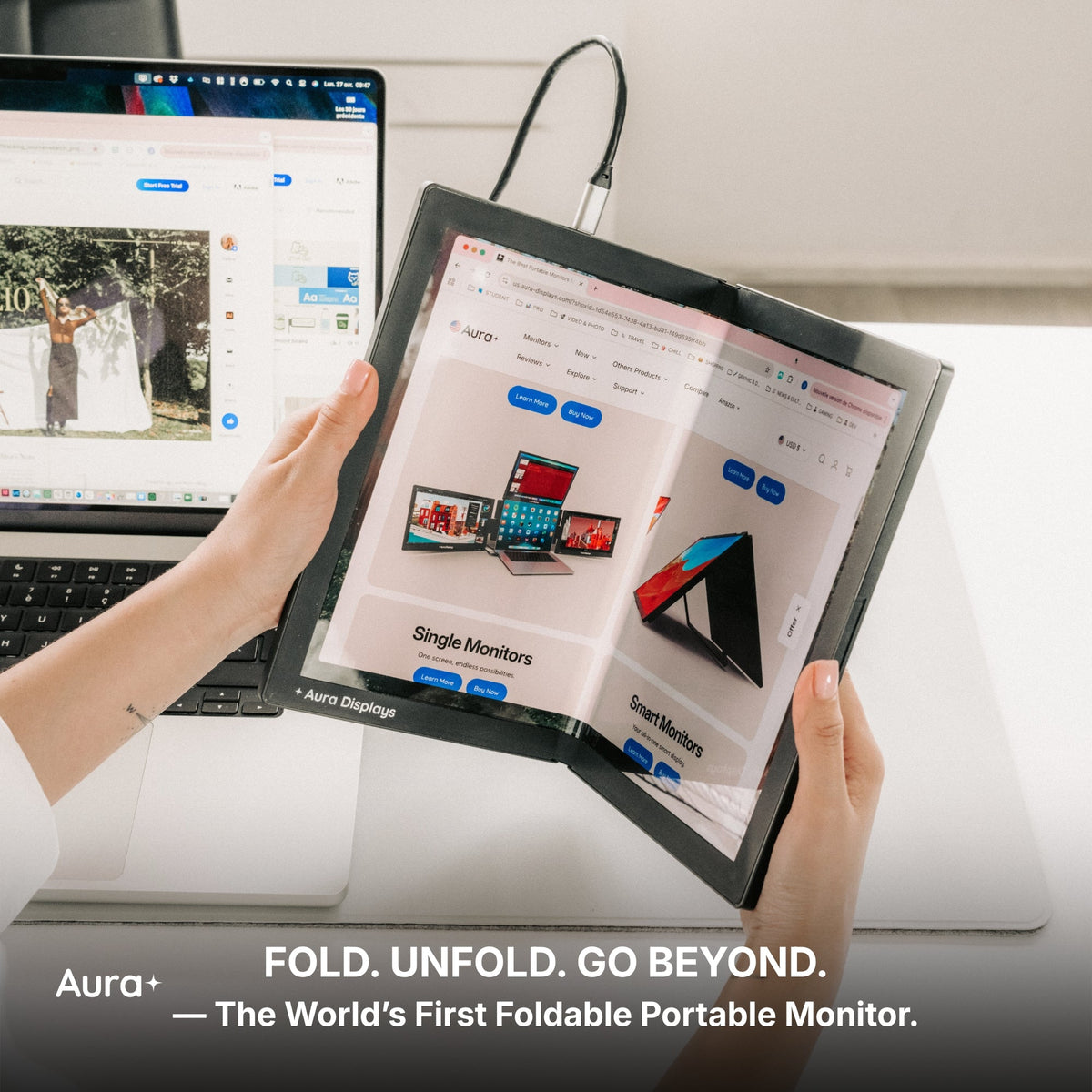
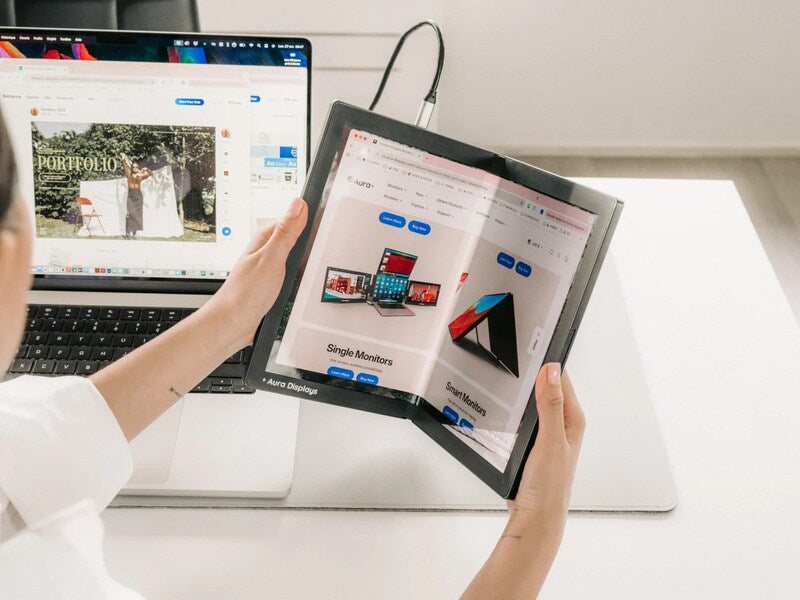
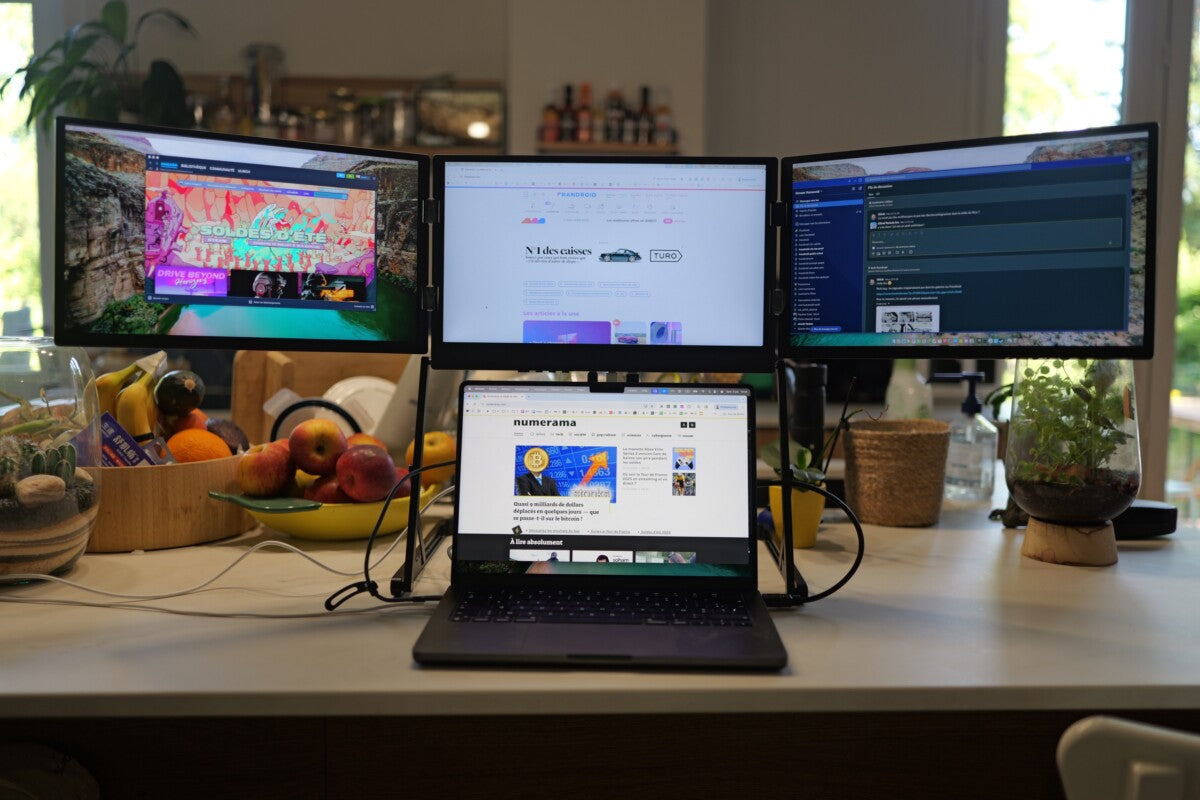
This setup creates an extra display area directly attached to your laptop. The additional panel folds or slides out next to the existing screen. You keep everything compact, and you do not need extra desk hardware to support it.
External Monitor for Laptop
A separate screen that connects through USB-C or HDMI and sits on its own stand. It offers more space and a comfortable viewing height, but it typically remains stationary on a desk rather than traveling with you.
You might work from different locations throughout the week, and that constant movement decides between these two solutions more meaningful than it first appears.
A Look at the Core Differences
1. Setup and Workspace Comfort
When you set up an external monitor, you instantly gain a more relaxed posture and plenty of room to arrange windows. It becomes a fixed workstation that encourages longer work sessions. The catch: you need a dedicated surface large enough to support it, and once it is arranged, you probably will not move it again that day.
With a laptop screen extender, the footprint stays small. You clip it on, open it up, and start working almost anywhere: a couch, café, plane tray, or shared desk. It is made for flexibility and fast transitions.
2. Mobility and Real-World Use
Imagine moving from a morning meeting at the coworking space to an afternoon video call in a quiet café. Carrying a full monitor is not realistic for that schedule. A lightweight accessory that packs into your bag makes location changes painless.
If your week includes travel or unpredictable seating arrangements, mobility matters more than inches of display area. A portable monitor for a laptop solves this problem without feeling bulky.
3. Visual Space and Productivity
Research tracking task switching shows measurable gains when you spread applications across a larger screen area. Working on spreadsheets, editing files, or monitoring call notes becomes easier when you do not constantly minimize or layer windows.
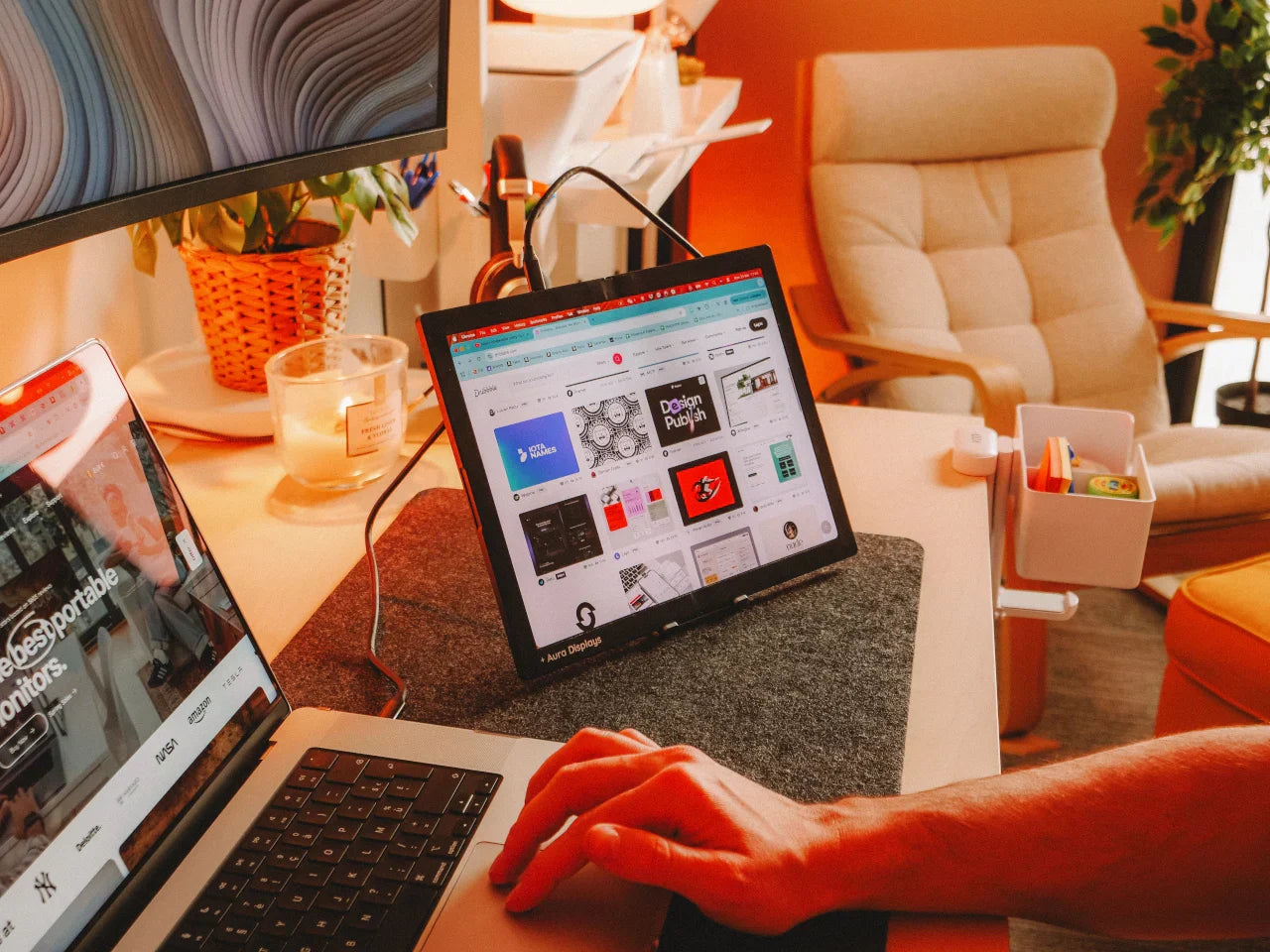
A big external display gives room for side-by-side layouts perfect for design software, large financial documents, or dashboard monitoring. Contrarily, a laptop screen extender helps when you need just enough expansion to hold reference material, chat windows, or active tools while keeping everything travel-friendly.
If your work involves creative editing or deep numeric analysis, a larger screen can help reduce eye strain and cut decision fatigue. If your work jumps from one window to another throughout the day, having a small dual-screen laptop makes it easier to keep up and stay organized.
4. Cost, Hardware, and Daily Practicality
Fixed external displays come in many sizes and quality levels, and pricing often matches performance. They are an investment when you are committed to a long-term desk layout.
Screen extender systems usually cost less and skip heavy stands, extra power cables, and large packaging. You get a practical companion that does not overshoot your needs.
The important question is not which is “better,” but which matches where you actually spend most of your time working.
Which Setup Fits Your Hybrid Lifestyle?
● If you spend most days at a stable desk with plenty of space and want a traditional workstation feel, an external monitor makes sense.
● If you move daily between multiple environments or travel often, a laptop screen extender keeps your second screen available anywhere.
● If your tasks depend on high-resolution visuals or large-format layouts, the bigger display wins.
● If convenience and quick setup are more important than screen size, the extender shines.
In today’s flexible work culture, the best choice is the one that supports real-life habits instead of forcing you to adapt around your gear.
Aura Displays focuses on tools that enable you to work without limits, keeping performance accessible whether you are at a full desk or balancing work from unexpected locations. Designing display systems that adapt to you rather than the other way around is at the core of how these products are created.
The smartest screen solution is the one that keeps your attention on the work that matters instead of the space you lack. Choose what aligns with how you operate each day, and see how much easier your workflow becomes.



Share: