


In today’s fast-moving digital world, getting work done efficiently is not just a goal; it’s essential. Managing everything on a single laptop screen often feels limiting. Managing multiple applications, documents, and projects becomes cumbersome. A dual-screen laptop provides the space and flexibility to handle more tasks simultaneously, reducing the constant need to switch windows and helping you work faster and smarter.
Why Dual Screens Are a Game-Changer ?
Dual-screen setups are no longer just a perk for tech enthusiasts; they are essential tools for professionals across industries. Many professionals find that using multiple monitors improves efficiency and reduces errors, allowing complex workflows to be managed more smoothly.
For example, you can have design software open on one screen while keeping client feedback and inspiration boards on the other. Similarly, you can monitor live dashboards while updating reports, minimizing mistakes caused by frequent window switching.
Key Benefits of Dual-Screen Technology
-
Smarter Multitasking
Dual screens allow you to work on multiple projects immediately. You can draft a report on one monitor while keeping a video call or messaging app open on the other. This reduces cognitive load and improves focus since you do not need to constantly switch between tabs.
-
Improved Collaboration
Remote teams and virtual meetings are now standard. With dual screens, you can participate in video conferences on one display while referencing documents, charts, or project plans on the other. This setup helps you stay responsive, organized, and professional.
-
Increased Accuracy in Data-Heavy Tasks
If your work involves spreadsheets, coding, or financial models, dual screens help you compare data side by side, track multiple metrics, and analyze trends without losing context. For example, you can watch live stock feeds on one monitor while updating strategies on the other.
-
Ergonomic and Health Benefits
Prolonged screen use on a single laptop often leads to neck strain and eye fatigue. Dual screens allow you to position displays ergonomically, reducing discomfort and supporting healthier work habits over long hours.
Level Up Your Workday with Dual-Screen Laptop Setups
Even with a dual-screen setup, some workflows require additional screen space to manage multiple tasks efficiently. Adding an extra display helps you organize work better, reduce window-switching, and keep essential information visible.
For instance, you can place the main footage on one screen and the editing timeline on another while keeping a preview of the final output on your laptop display. You can monitor live market data on one screen while updating spreadsheets or reports on the other. This arrangement improves both speed and accuracy.
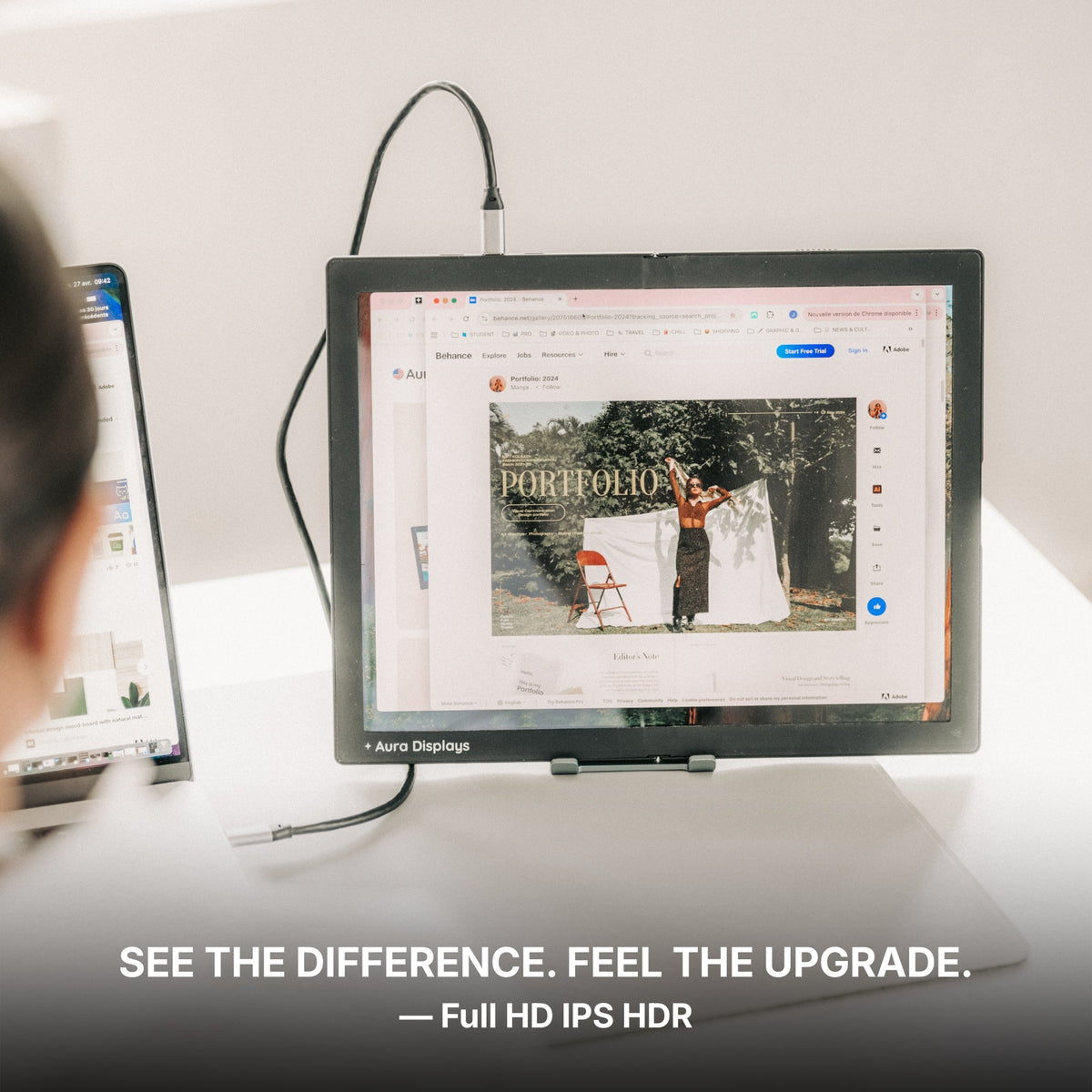
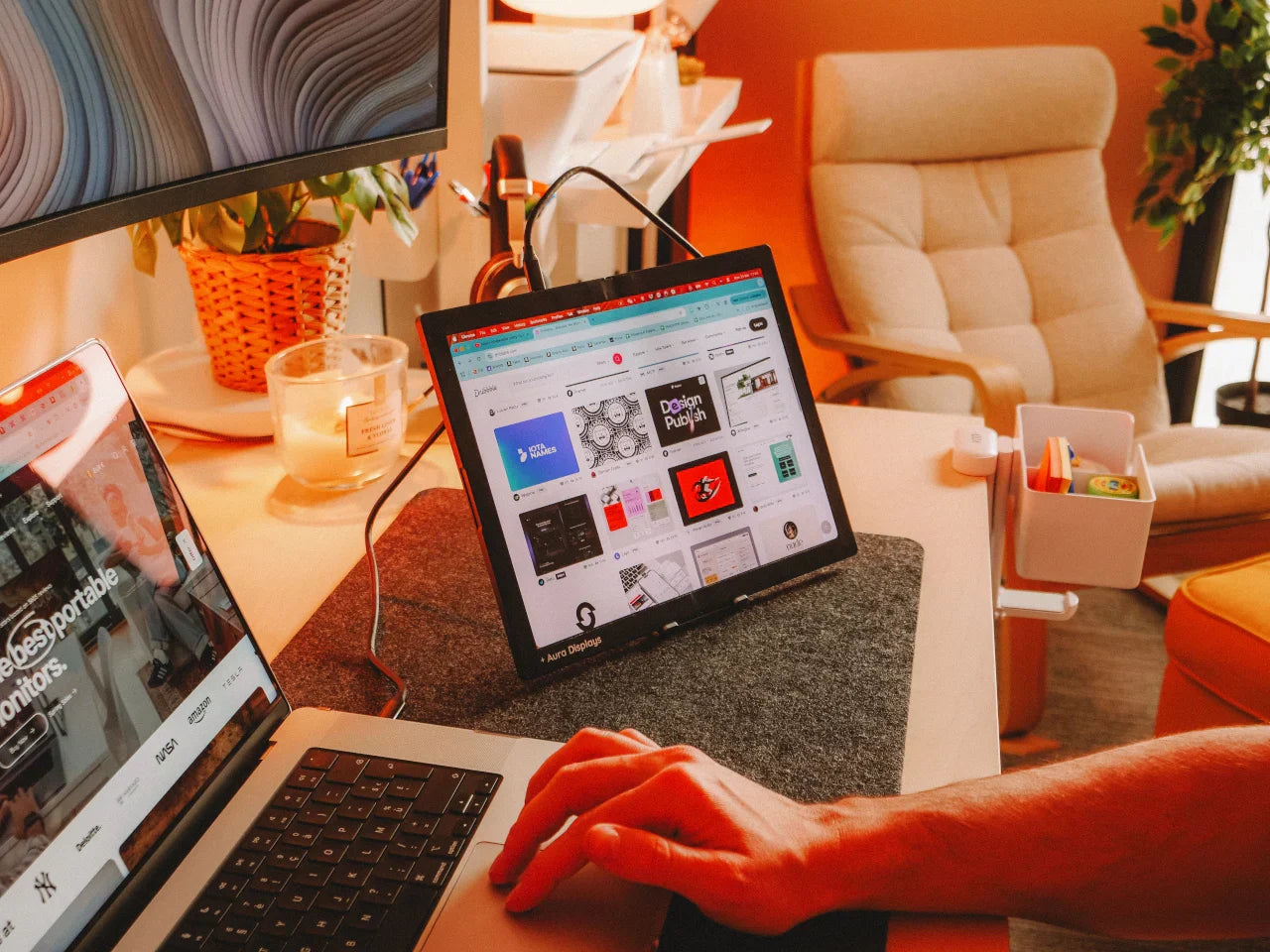
Using an external monitor for a laptop provides additional workspace without replacing your primary setup. You can dedicate this monitor to dashboards, reference materials, or communication tools while keeping your laptop screen for active tasks.
By thoughtfully expanding your setup, each display serves a clear purpose, helping you work smarter, faster, and more efficiently.
Aura Displays: Making Dual Screens Practical
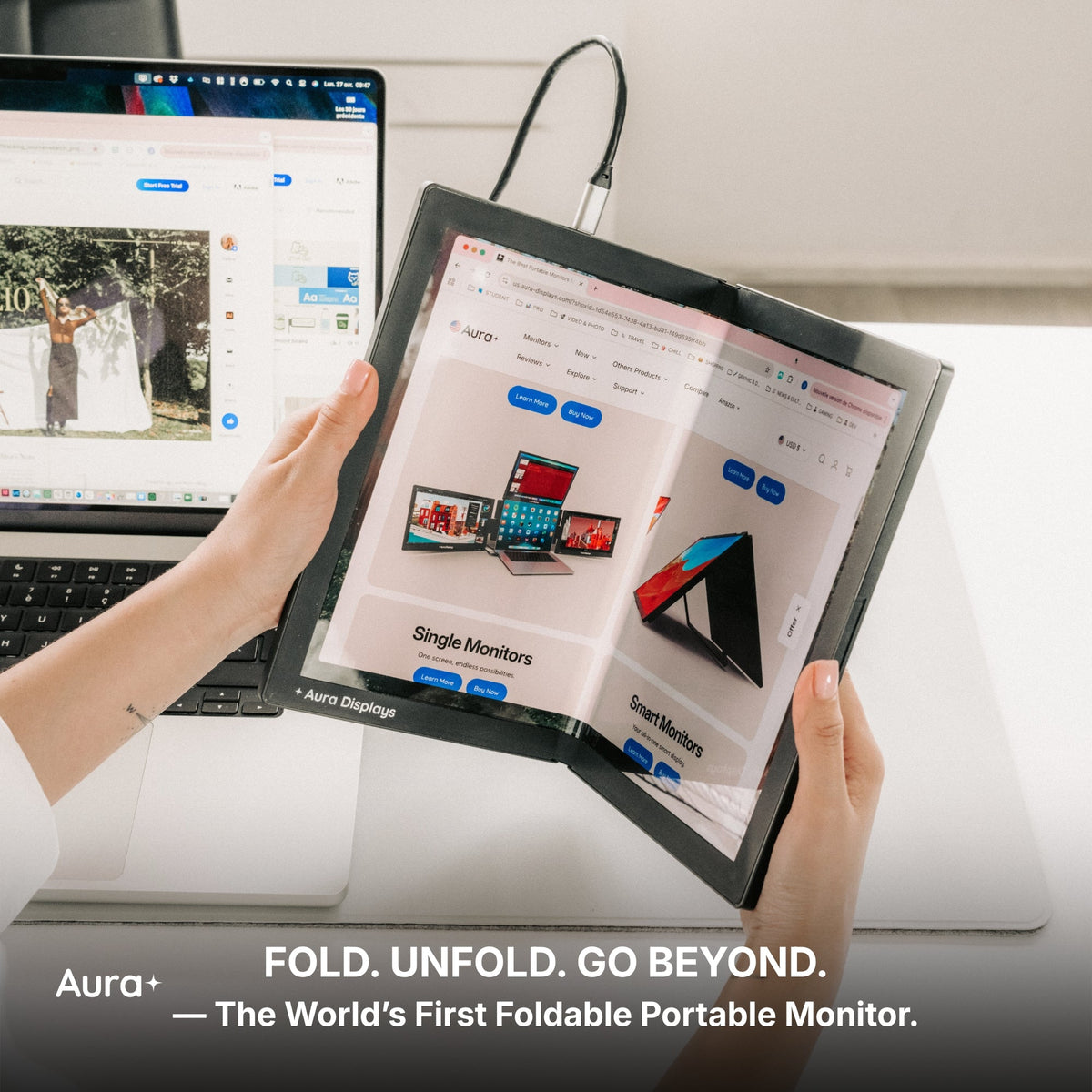
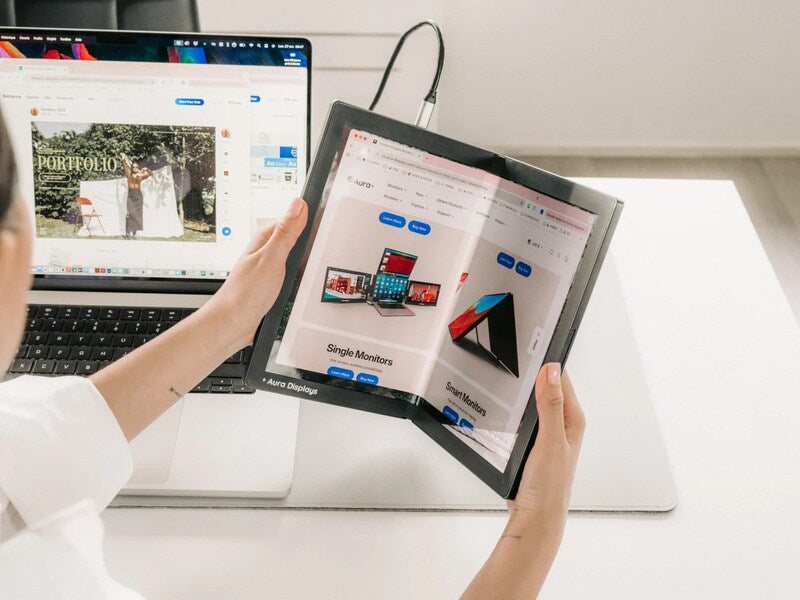
Aura Displays creates lightweight, portable dual monitors that clip right onto your laptop, making it easy for you to expand your screen space anywhere you work. Unlike traditional setups requiring heavy equipment, Aura’s monitors are plug-and-play and compatible with both Windows and macOS. This allows you to create a multiscreen workstation anywhere from your home office to a coworking space without sacrificing portability.
Real-World Applications
-
Content Creators: Edit videos or graphics on one screen while monitoring analytics and social media engagement on the other.
-
Remote Workers: Keep communication tools visible on one monitor while completing core tasks on the other.
-
Data Analysts: Track live data streams while simultaneously updating reports or visualizations.
-
Software Developers: Write code, debug, and test applications efficiently without losing context.
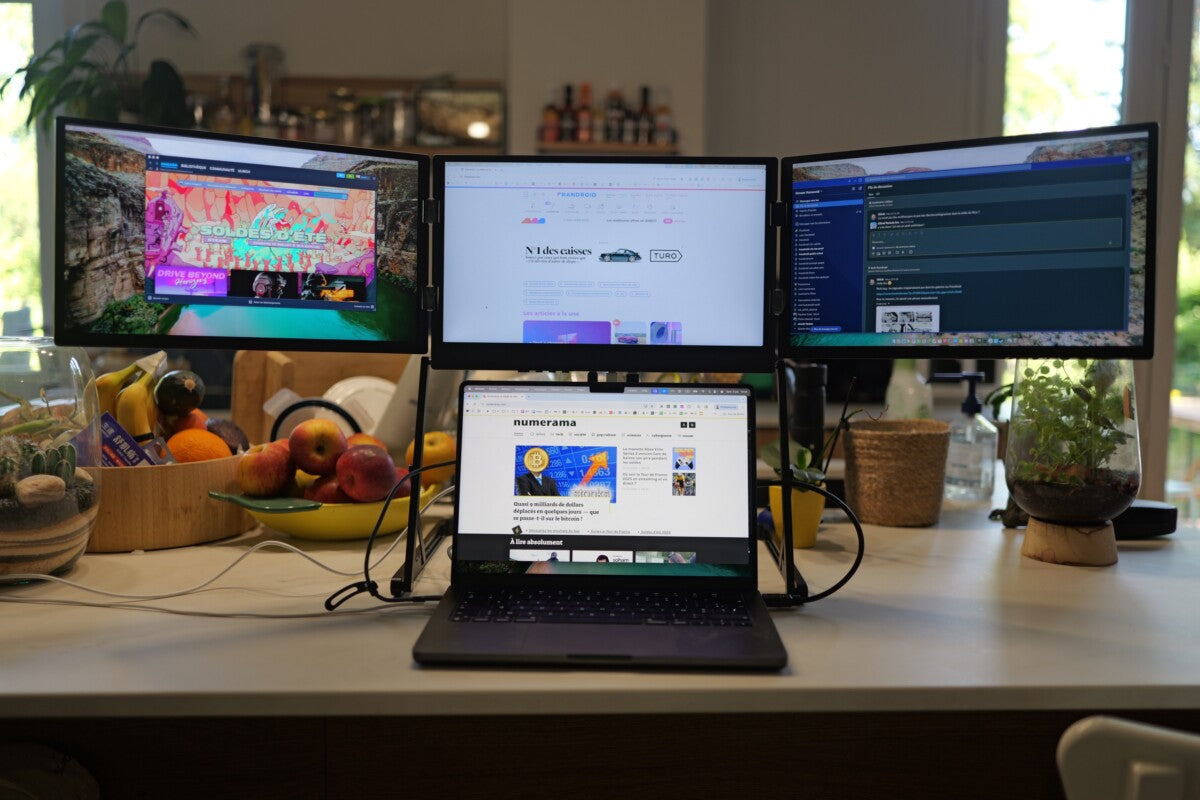
For managing complex projects, a triple-screen laptop extender allows multiple applications to remain visible immediately, reducing task-switching and creating a highly efficient, organized workspace. For example, you can code on one screen, debug on another, and monitor project management tools on a third.
Aura Displays helps you streamline tasks, reduce errors, and improve focus by giving you the screen space to manage multiple projects seamlessly.
Tips for Maximizing Dual-Screen Productivity
-
Prioritize Key Applications
Keep frequently used tools on one monitor and secondary apps on the other.
-
Adjust Screen Placement
Position screens at eye level to reduce glare and neck strain.
-
Use Productivity Shortcuts
Move applications between screens quickly using multi-window features.
-
Integrate Collaboration Tools
Keep project management or communication apps on a separate display to stay updated without interrupting your workflow.
The Future of Workflows with Dual Screens
As hybrid work becomes the norm, dual-screen setups are increasingly vital for productivity. They save you time, reduce errors, and improve focus, collaboration, and ergonomics. Whether you are a designer, analyst, developer, or content creator, dual screens transform a standard laptop into a flexible, high-performance workstation.
With Aura Displays, adopting dual-screen technology is simple and efficient, giving you the ability to manage multiple tasks, track essential data, and improve your workflow without complicated setups. Expanding your workspace thoughtfully creates a smarter, more productive environment that supports every aspect of your work.



Share: