


Today’s professionals, gamers, and digital creators demand more from their tech — more flexibility, more power, and more mobility.
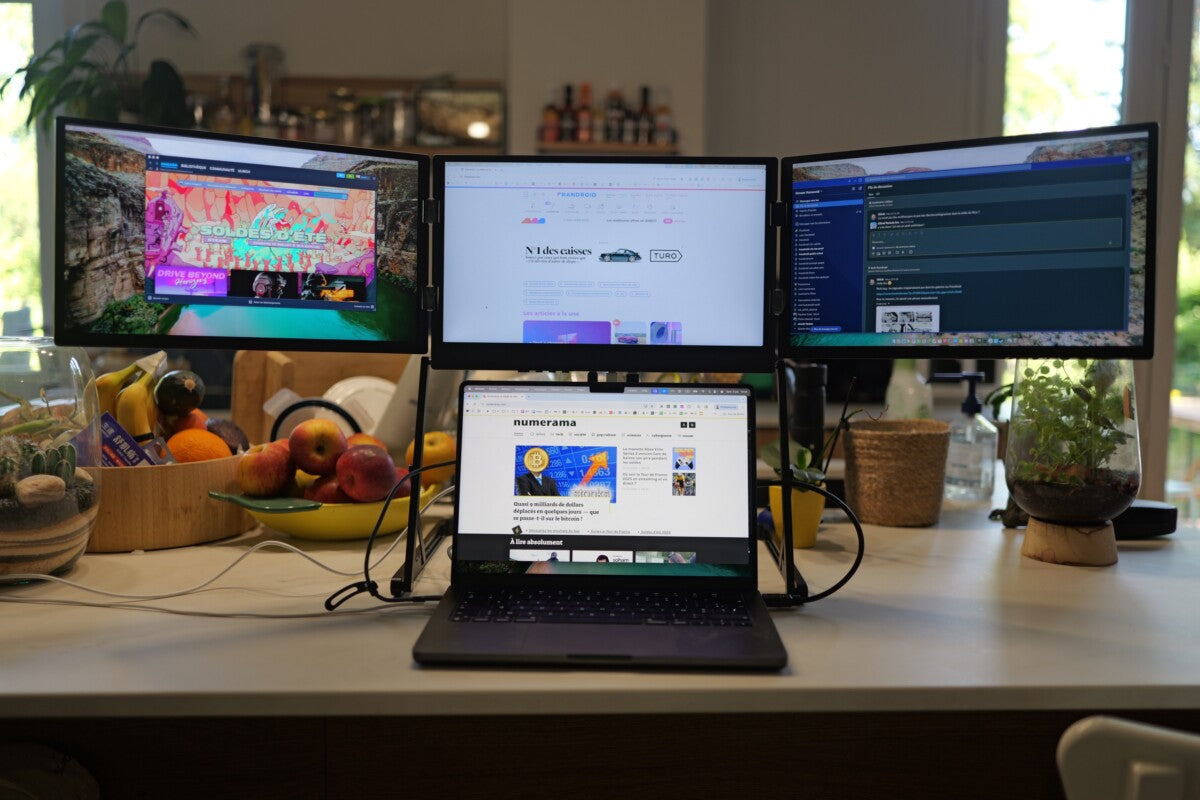
That's why many are turning to a portable monitor for laptop setups, adding a second screen without losing the freedom to move.
Whether you're working from home, a coffee shop, or on the road, having extra display space makes tasks faster, easier, and more enjoyable.
Why a Portable Monitor Changes Everything
First, think about how often you feel cramped while multitasking on your laptop screen. Jumping between tabs, resizing windows, and straining your eyes gets exhausting over time. A portable monitor solves these frustrations by instantly expanding your workspace.
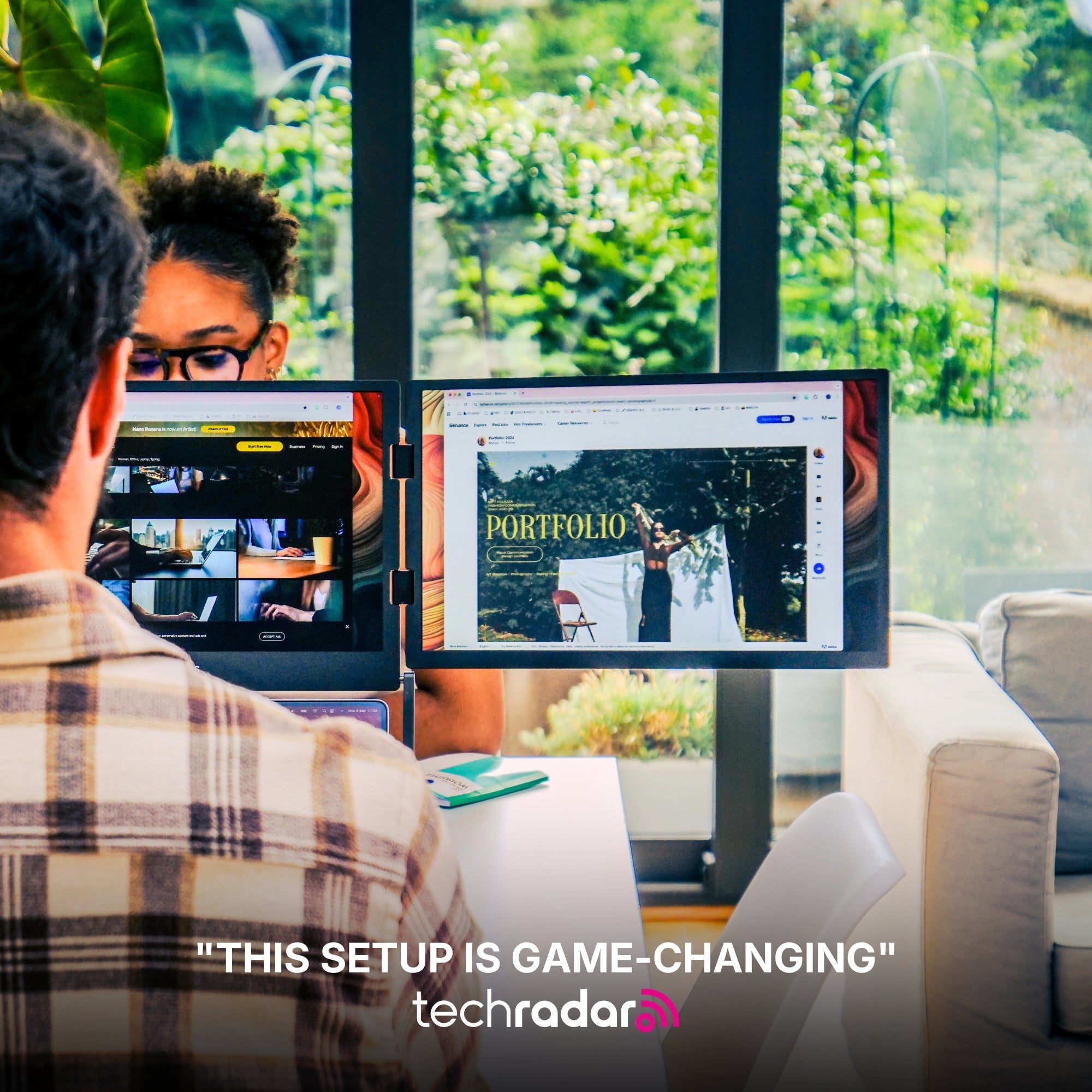
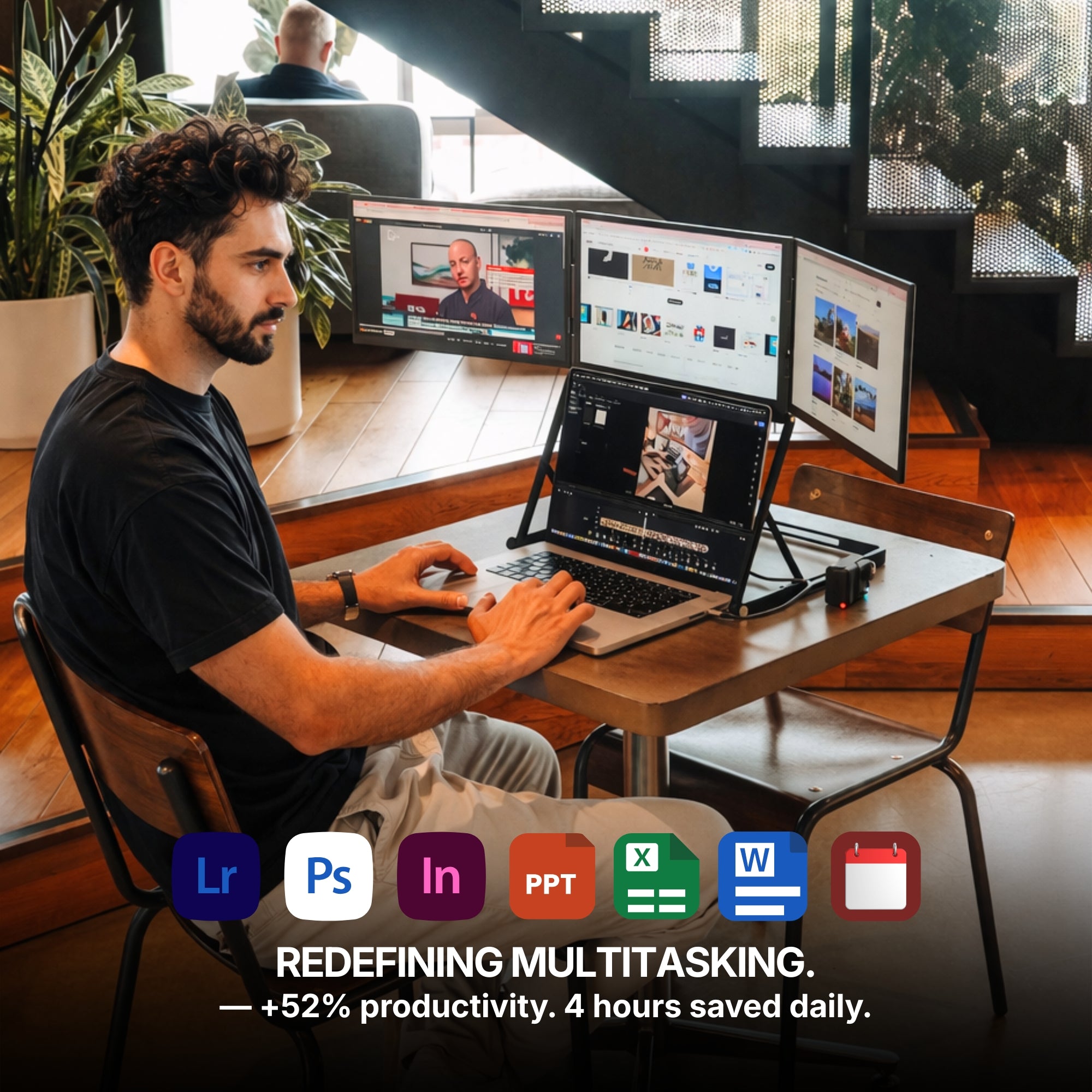
Not only does it give you more room to breathe, but it also boosts efficiency. Research shows that dual-screen setups can increase productivity by up to 42%, making it easier to manage emails, meetings, creative projects, and gaming all at once.
Key Features to Consider Before You Buy
Of course, not all portable monitors are built the same. To find the right one for your needs, it’s important to focus on certain core features that matter most.
Display Size and Quality
The sweet spot for portable screens usually falls between 13.3 inches and 17.3 inches. A 15.6-inch model is especially popular — large enough to give you a clear, comfortable view without being too bulky to carry.
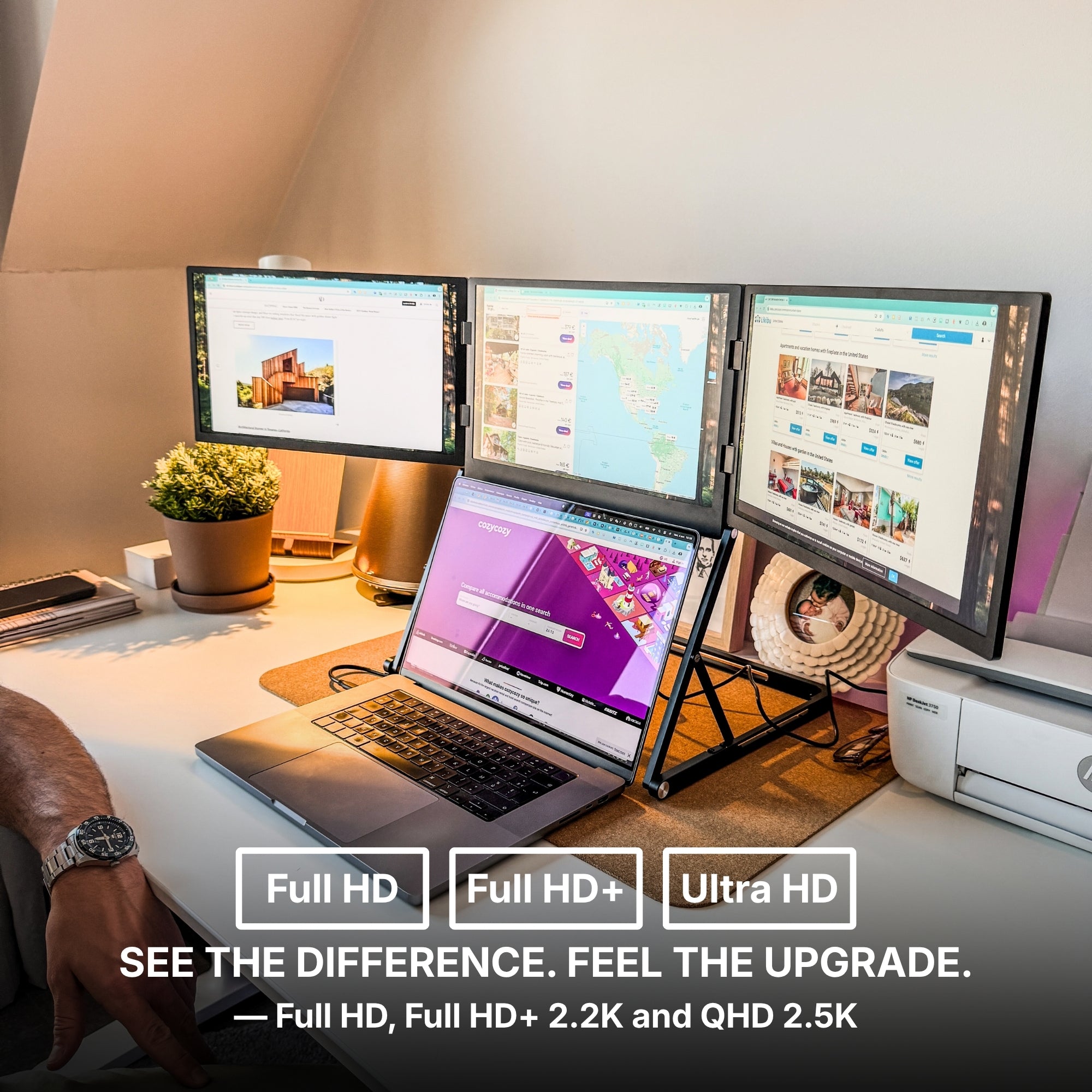
For resolution, Full HD (1920x1080) offers crisp visuals for everyday tasks, but if you’re doing photo editing, video production, or gaming, consider a 2K or 4K option for even greater detail.
Connectivity Options
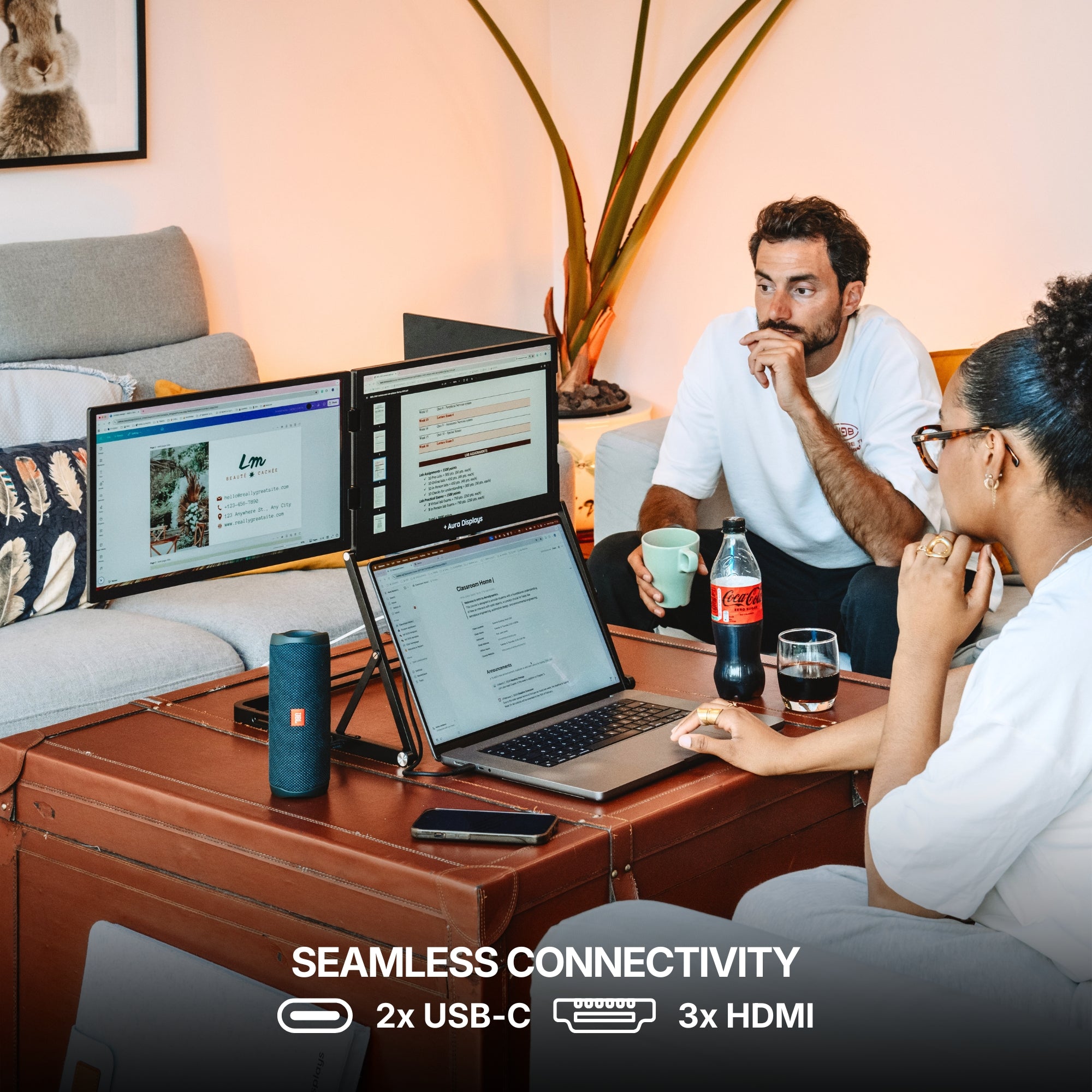
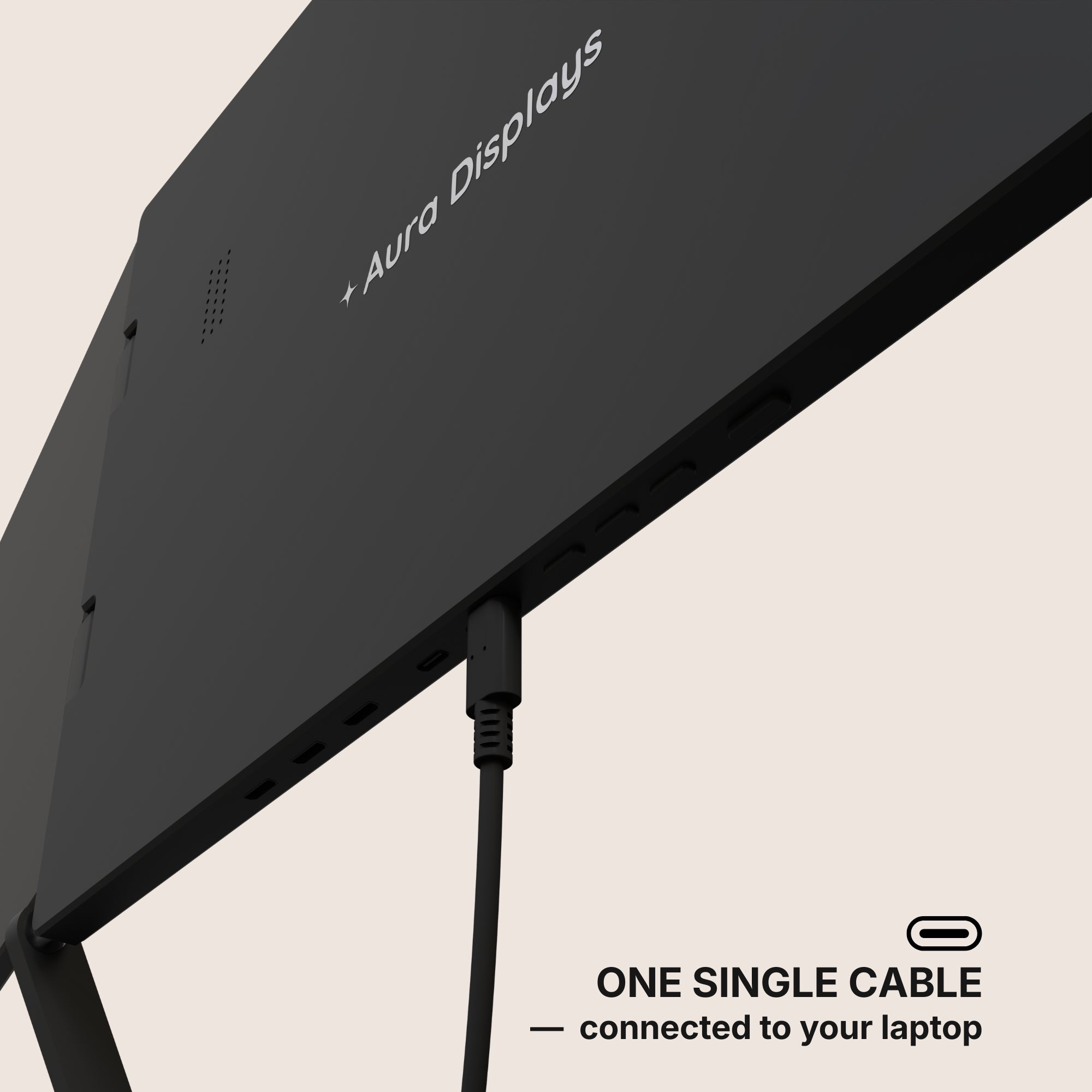
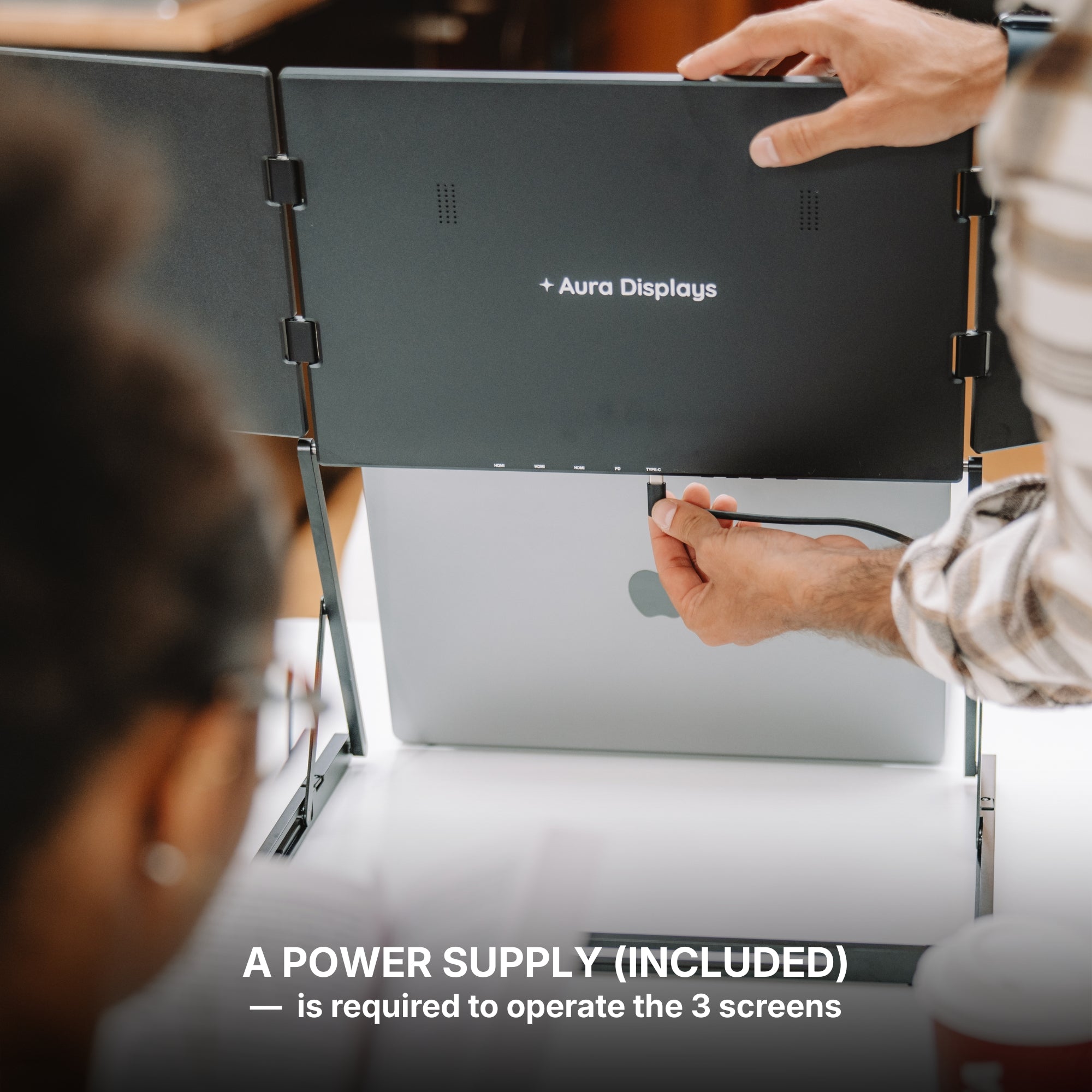
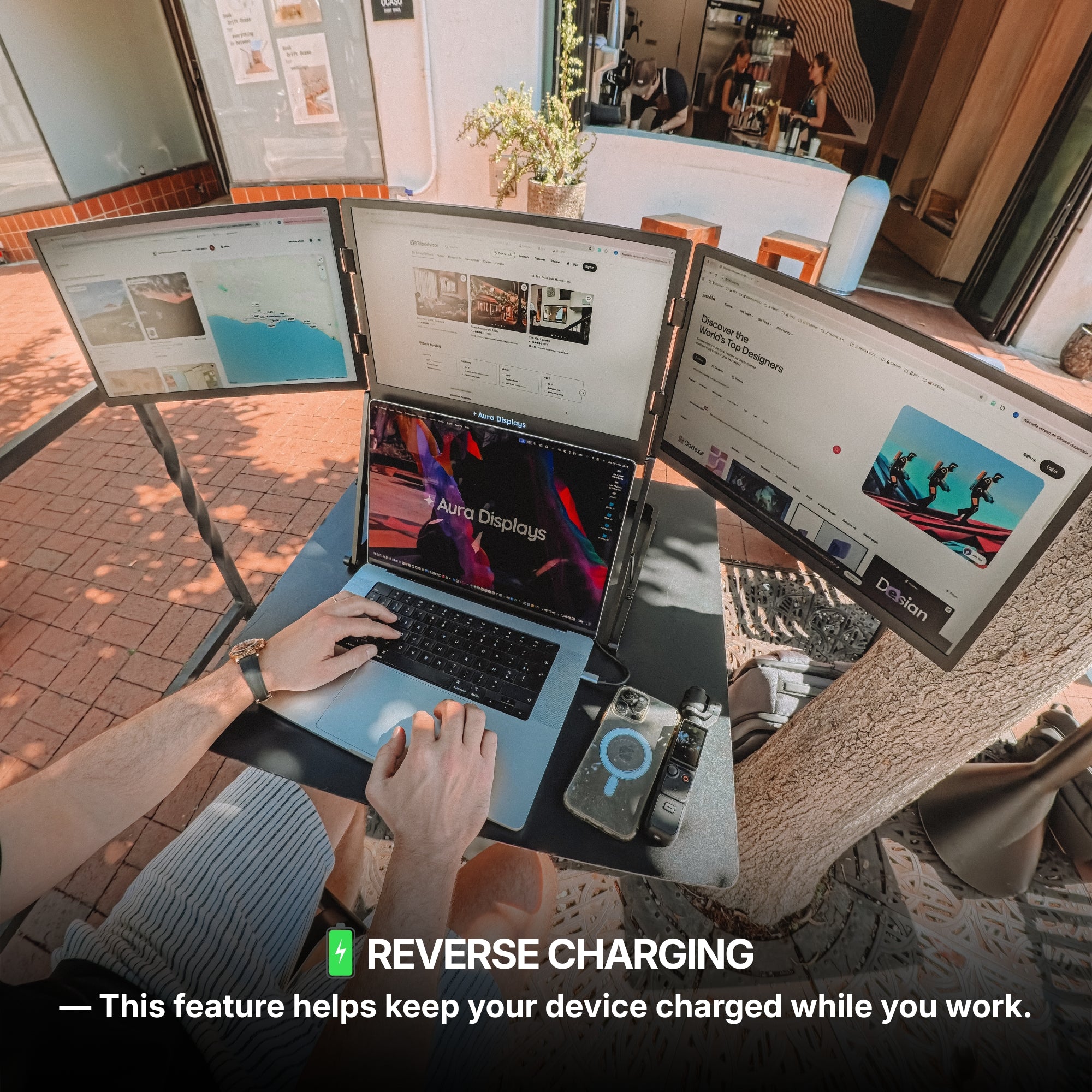
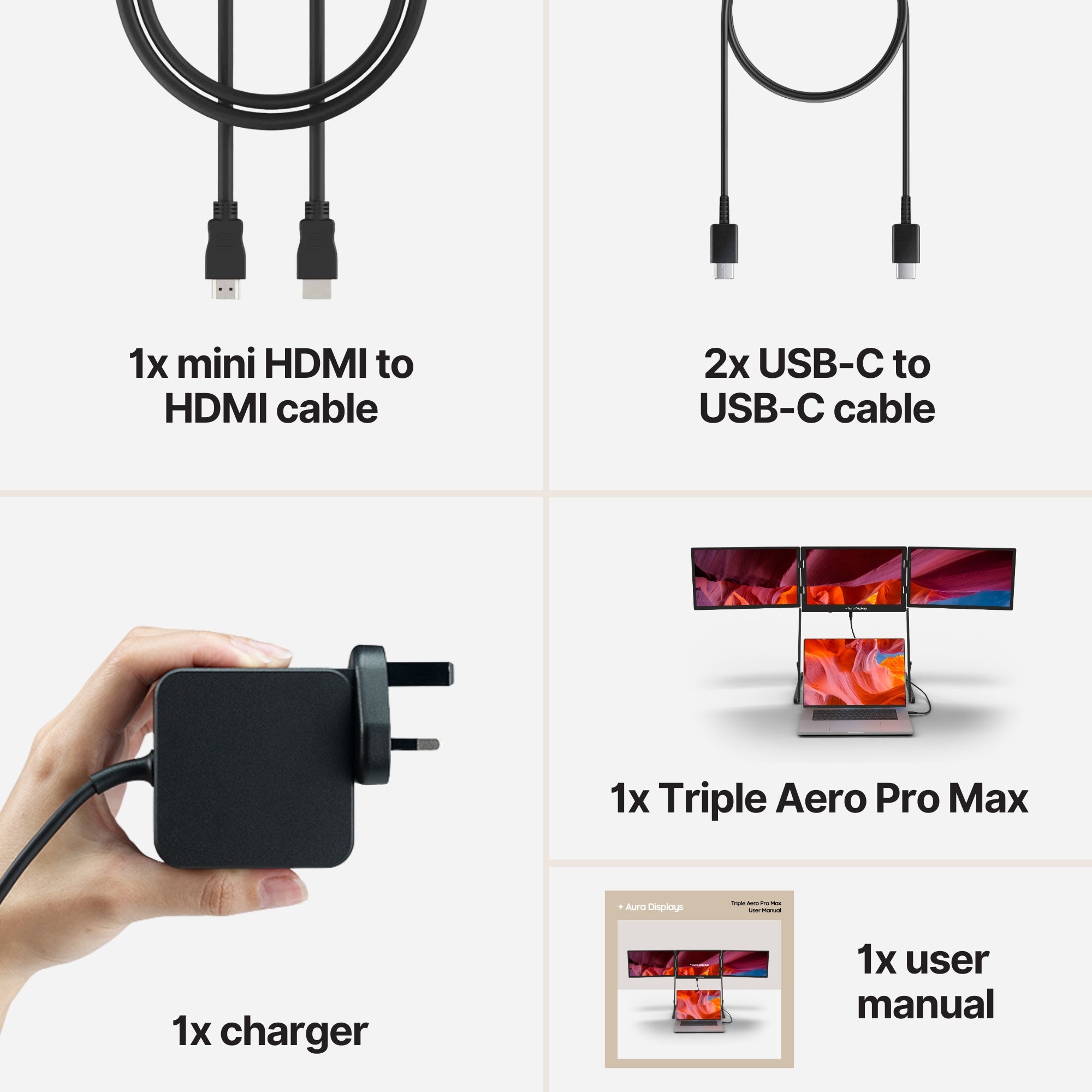
Next, check how the monitor connects to your laptop. USB-C is the most popular and convenient connection today, allowing for power and video through a single cable. Some models also offer mini-HDMI or DisplayPort, giving you extra flexibility with different devices like game consoles or tablets.
Portability and Weight
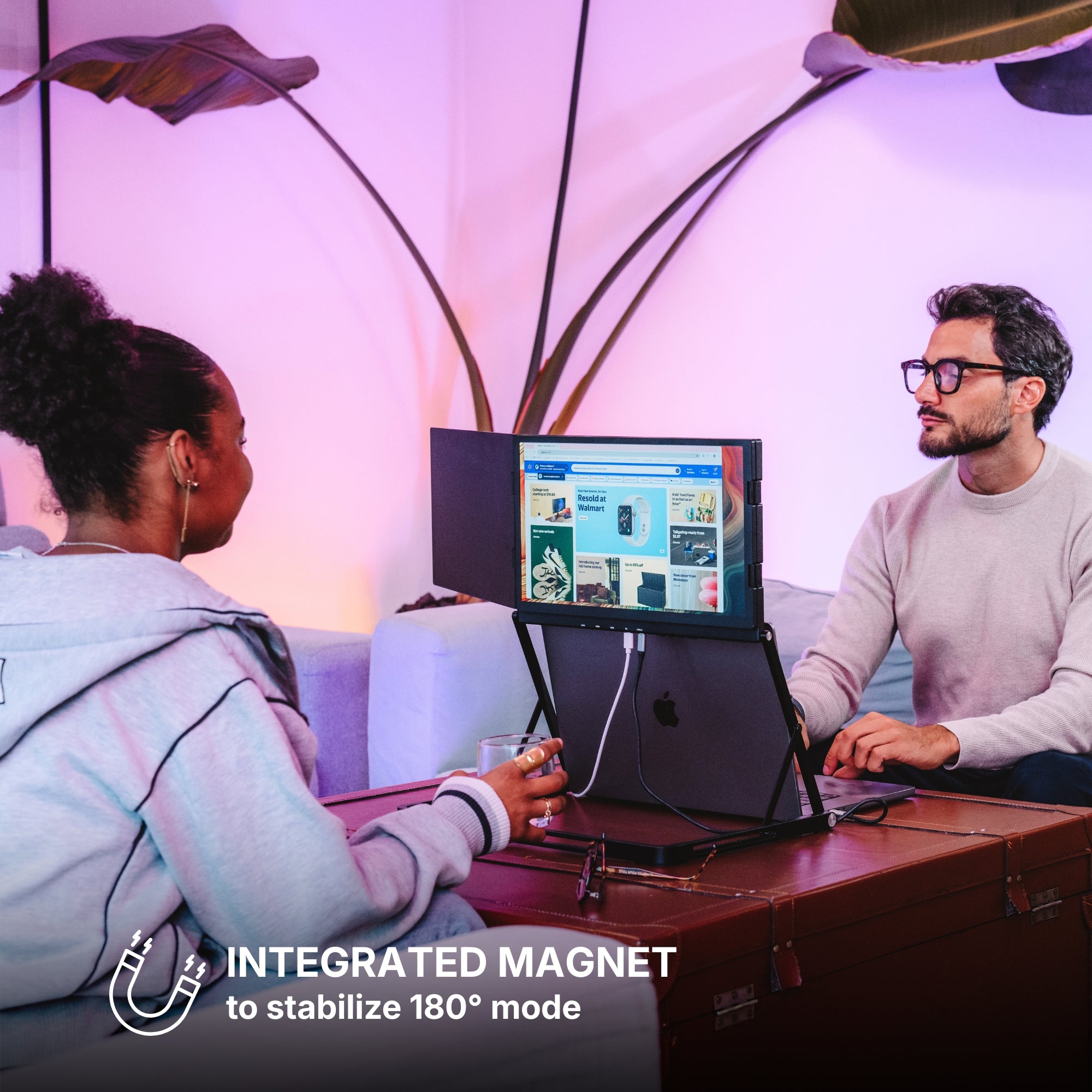
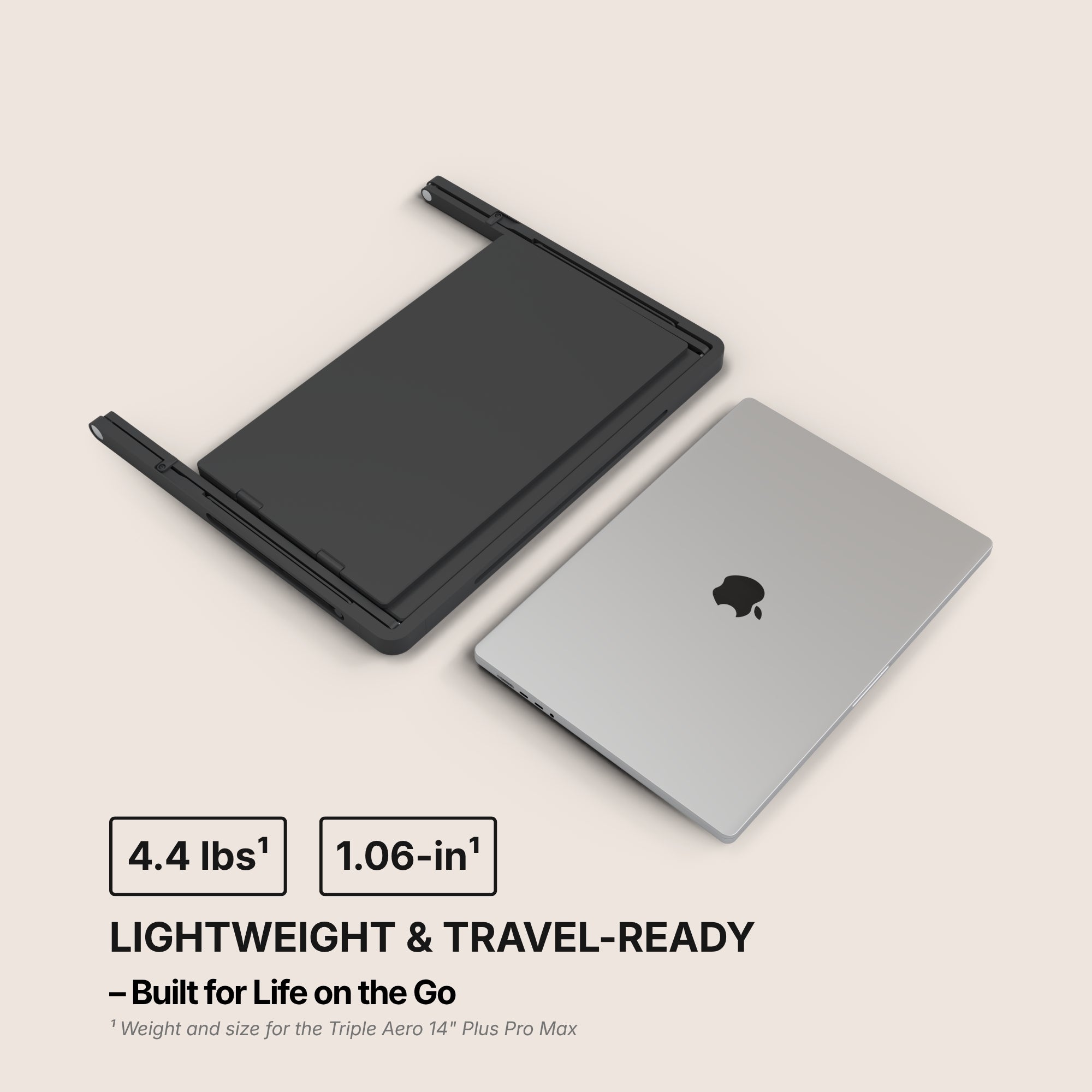
A true portable monitor should be slim and lightweight — ideally under 2.5 pounds — so you can slip it into your backpack or laptop bag without a second thought. Look for designs with thin bezels, magnetic covers, and durable frames to make transport even easier.
Where Portable Monitors Make a Big Difference
It’s not just about work. A portable monitor can enhance many aspects of your tech life — no matter where you are.
Remote Work and Travel
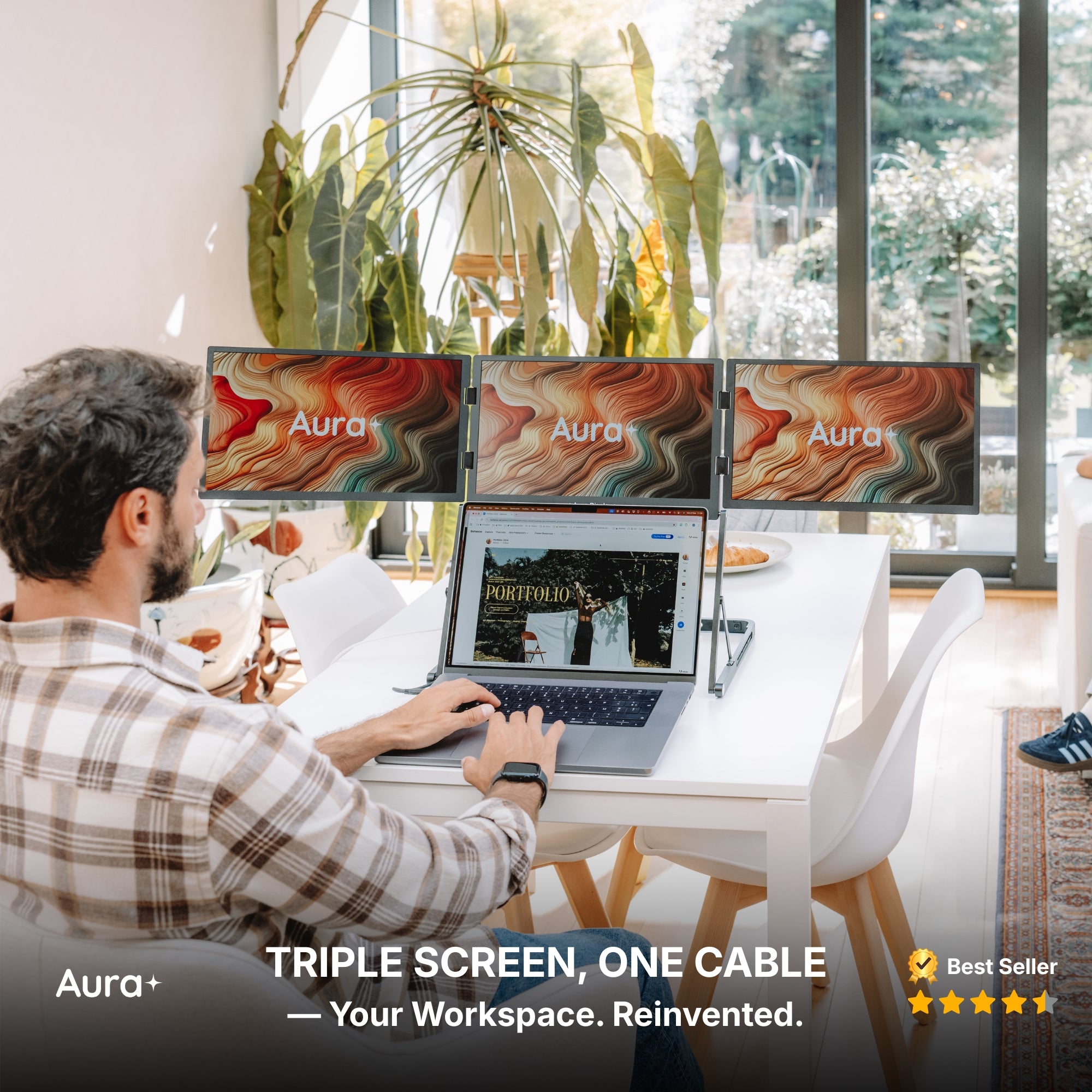
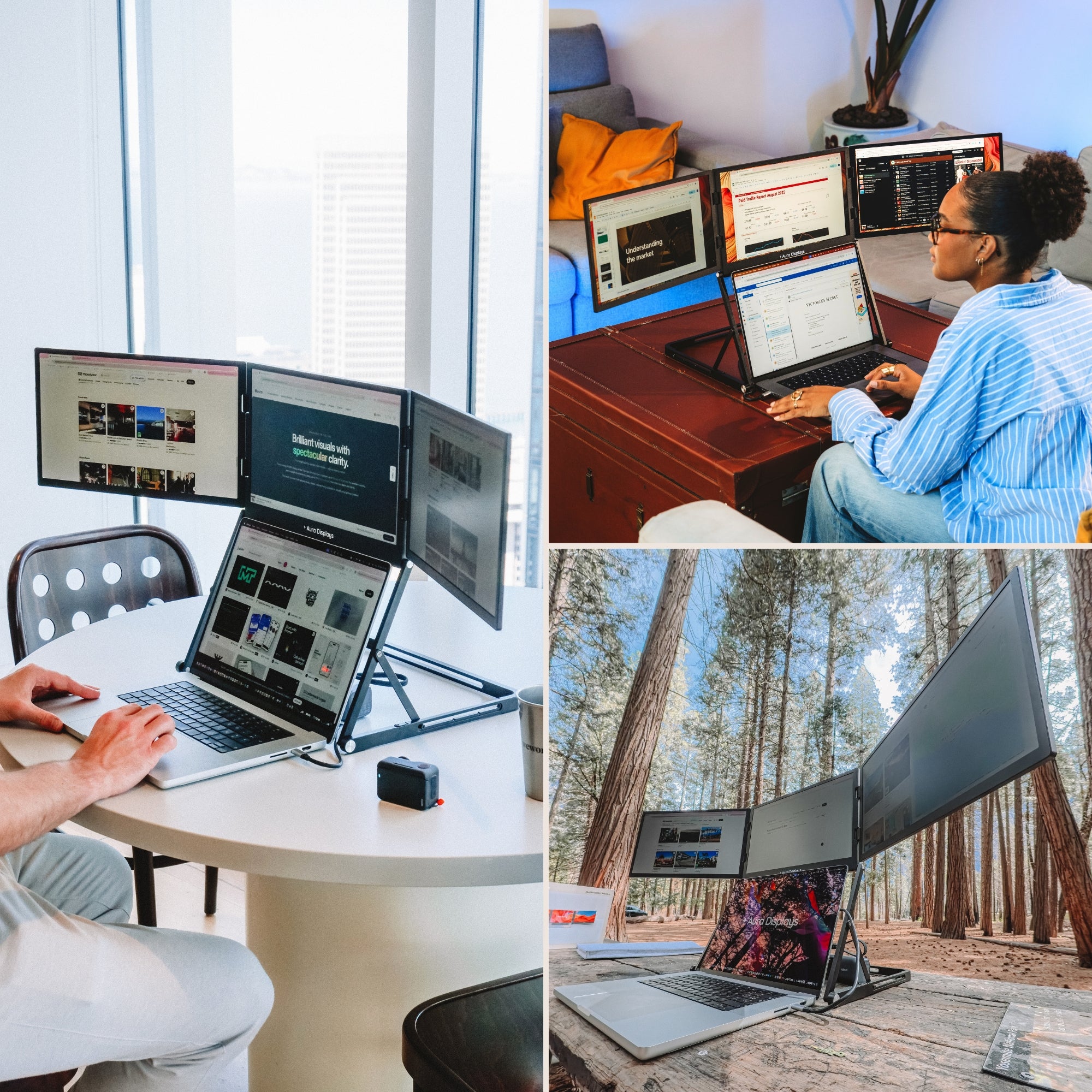
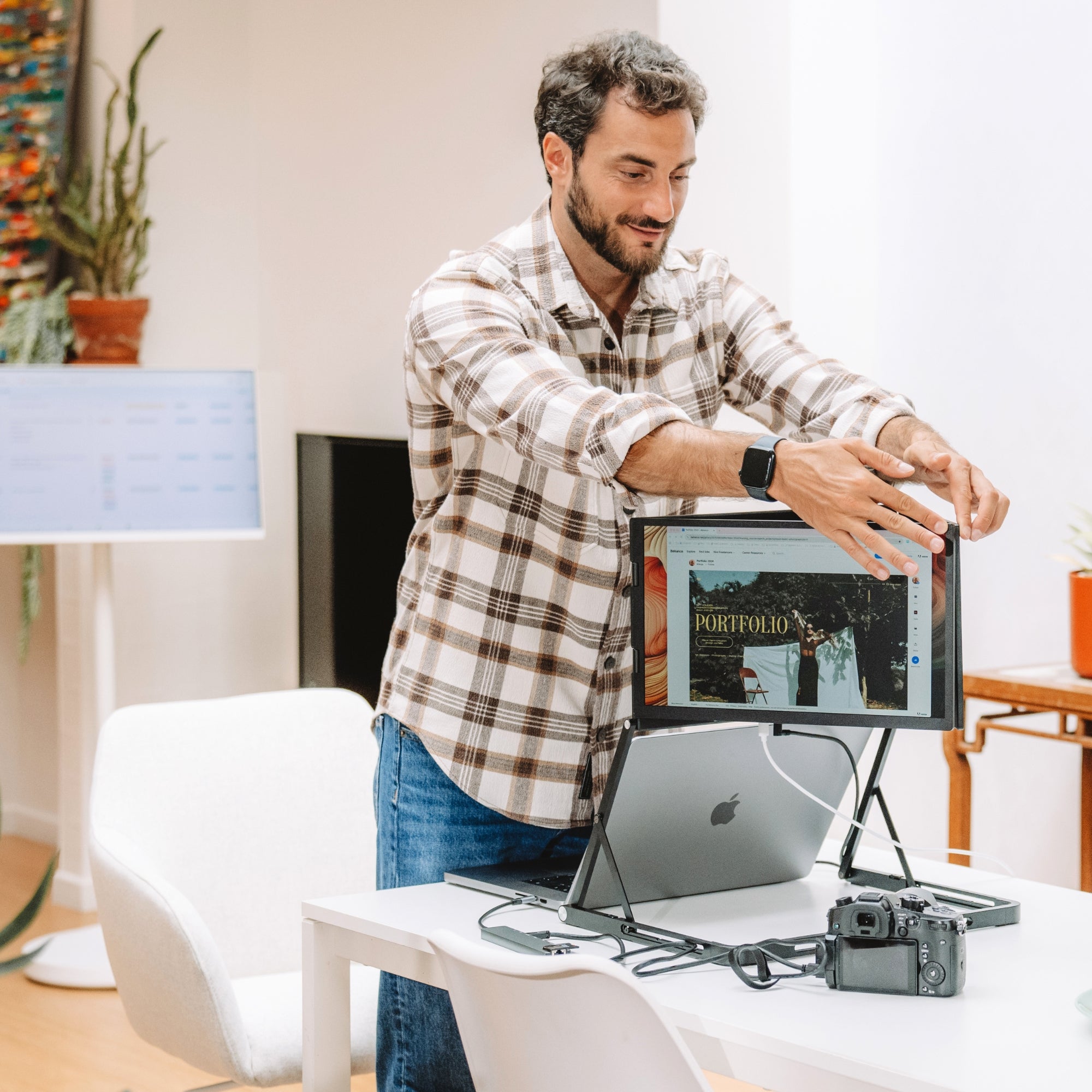
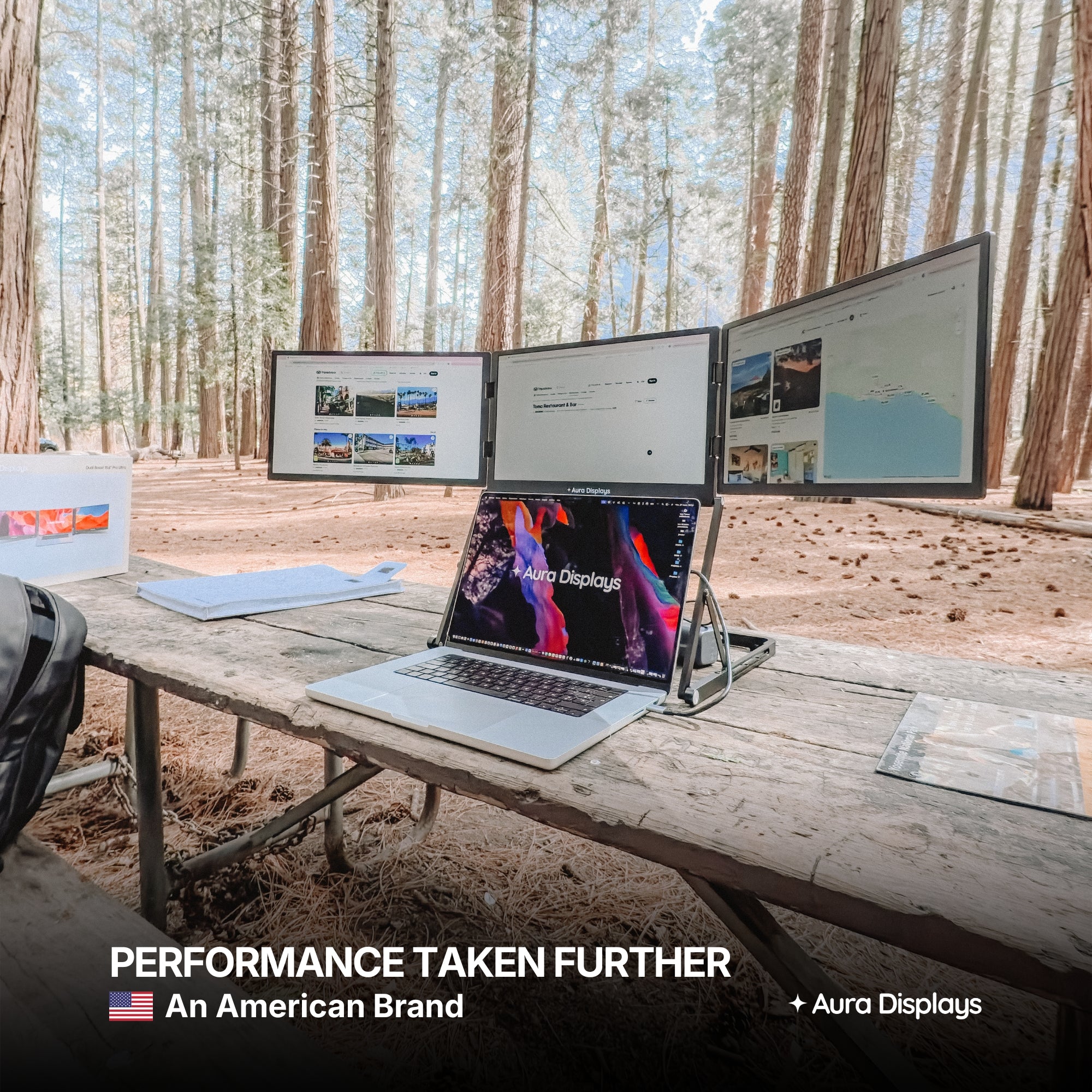
If you're constantly hopping between locations or working from different cities, a portable monitor is a lifesaver. Set up your dual-screen workstation in hotel rooms, airports, or cafes in minutes.
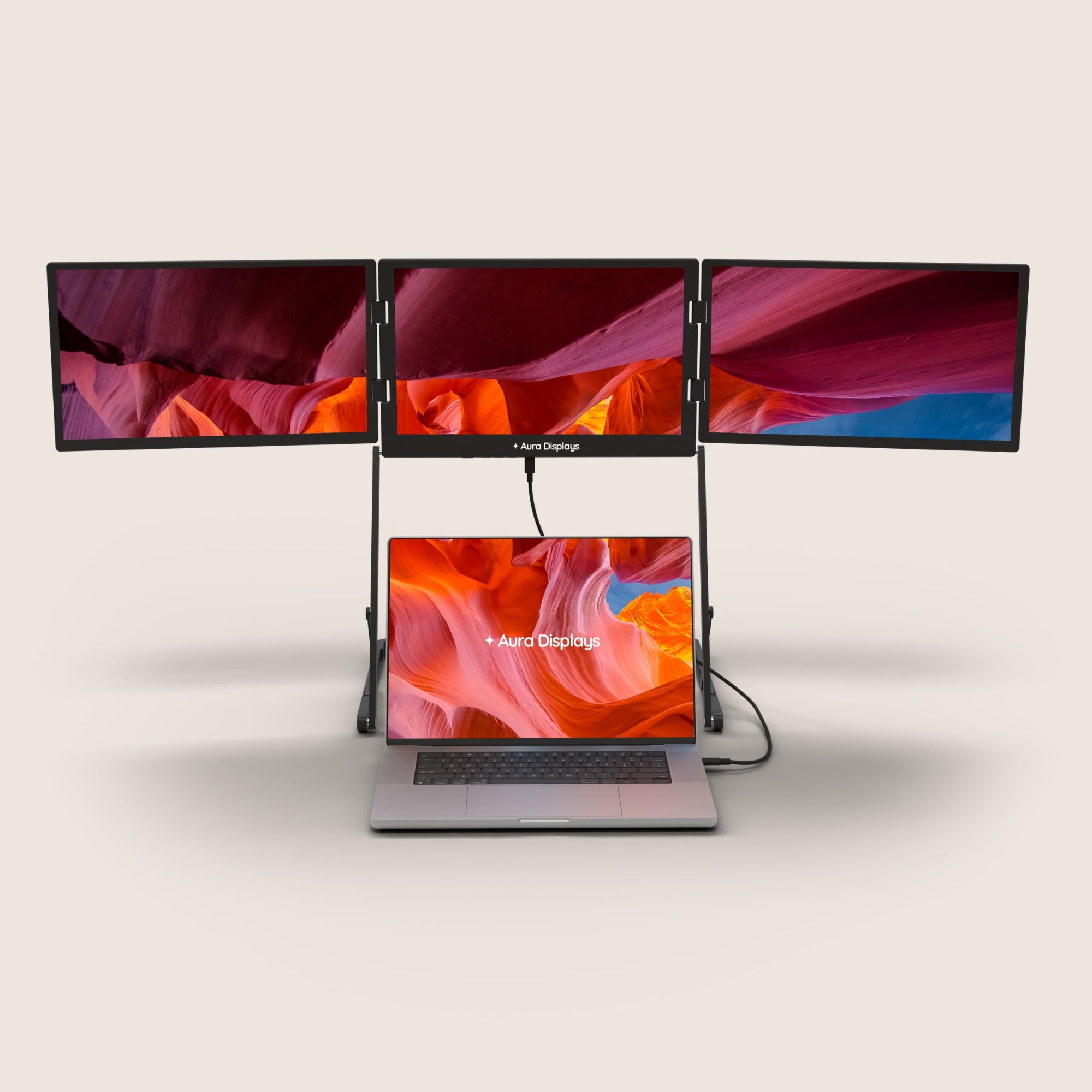
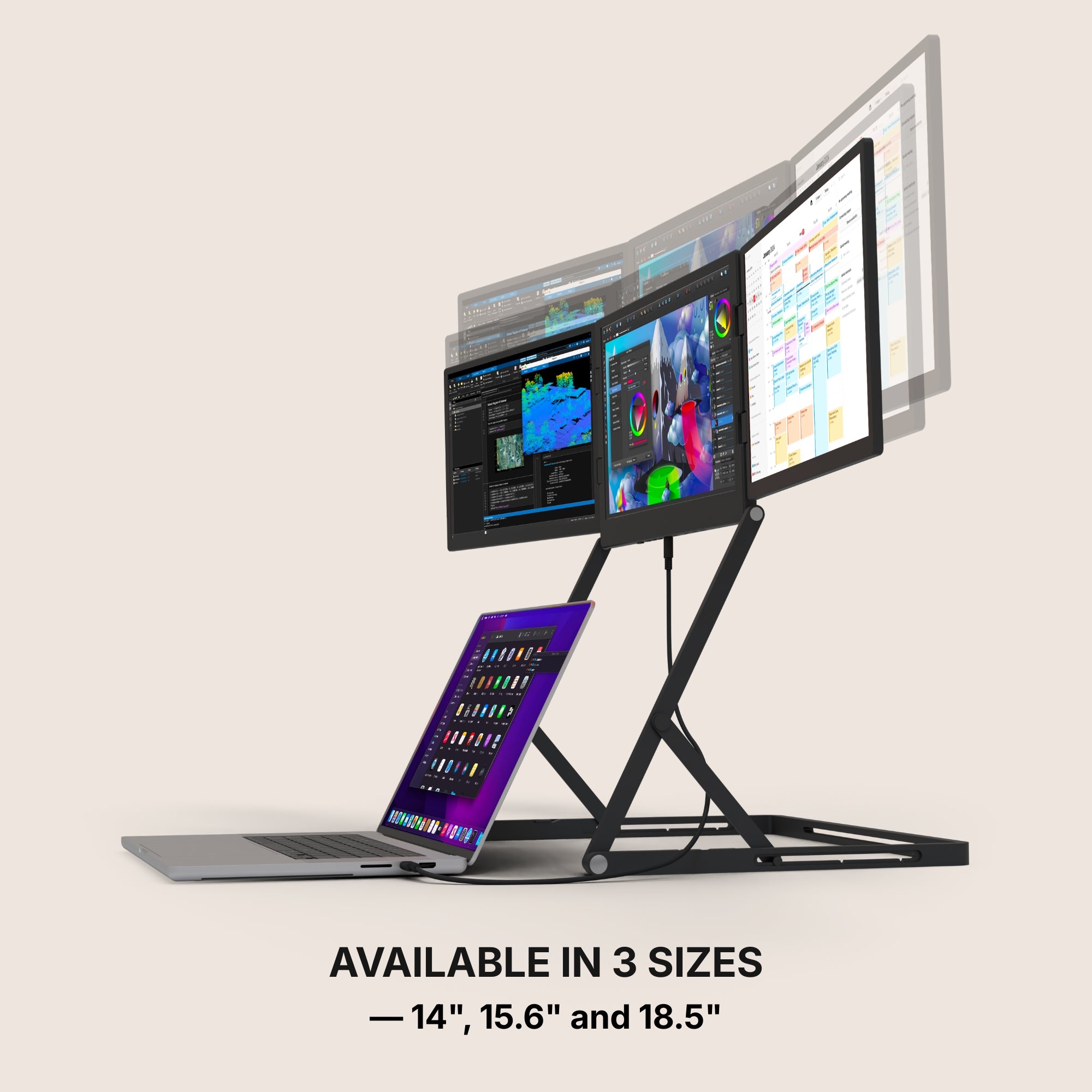
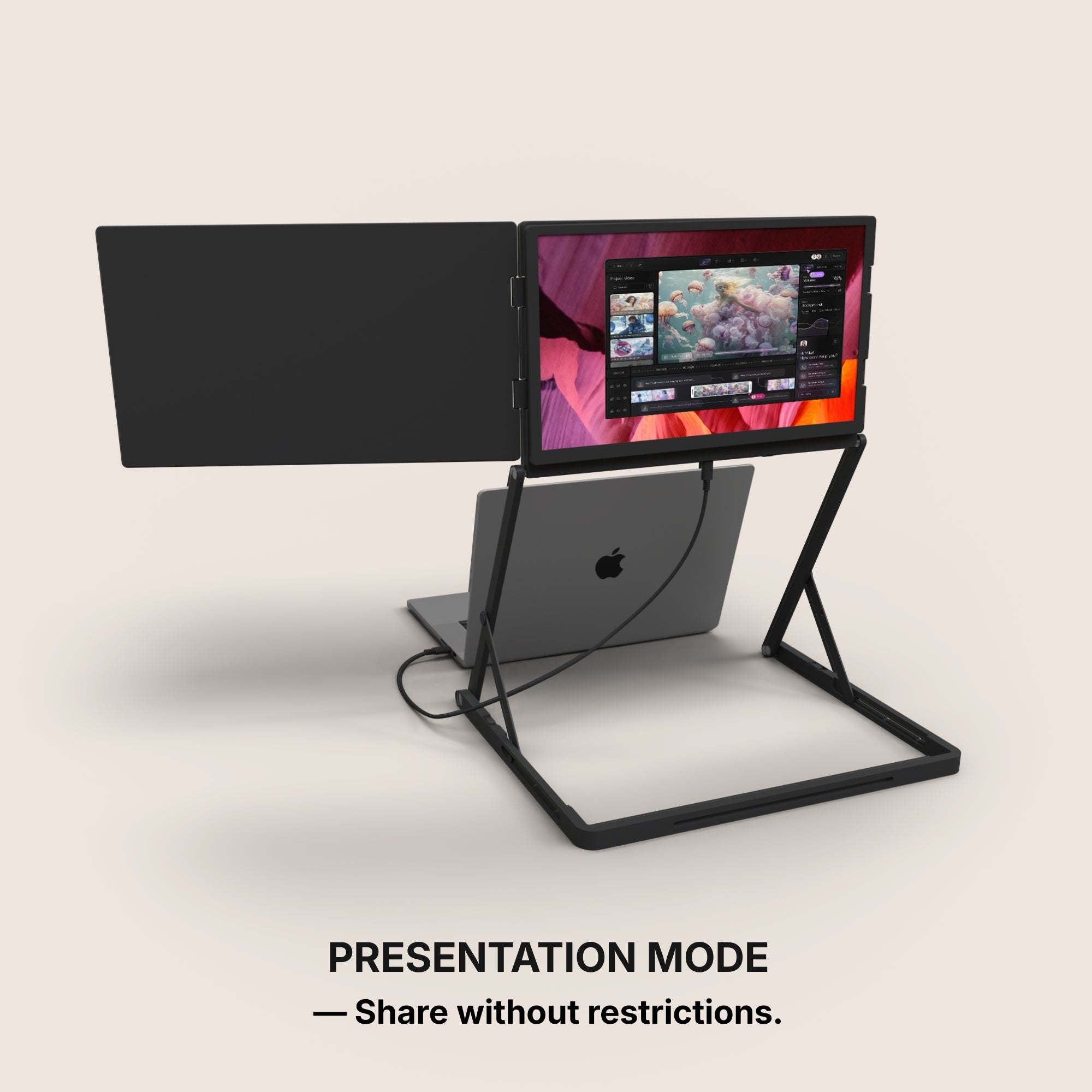
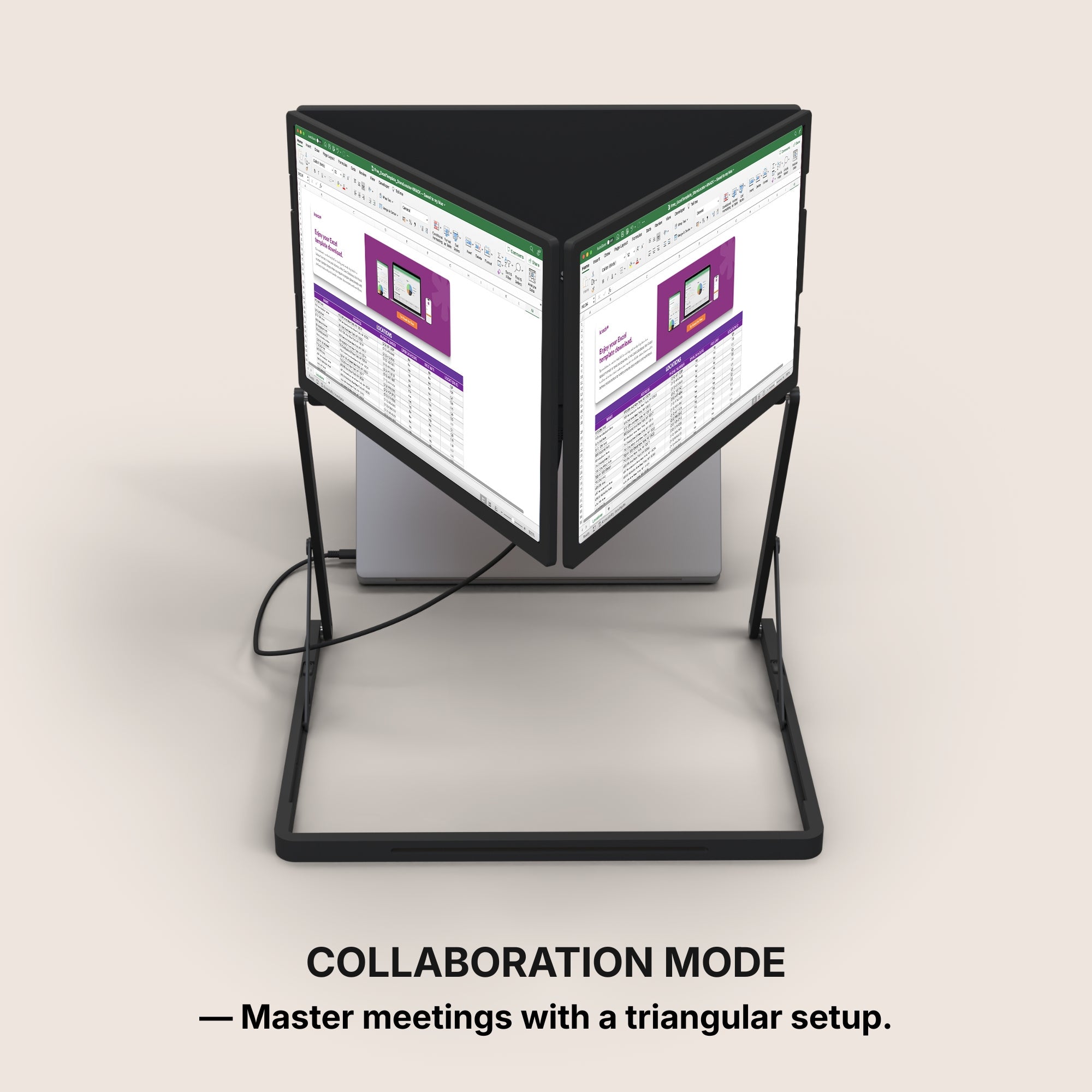
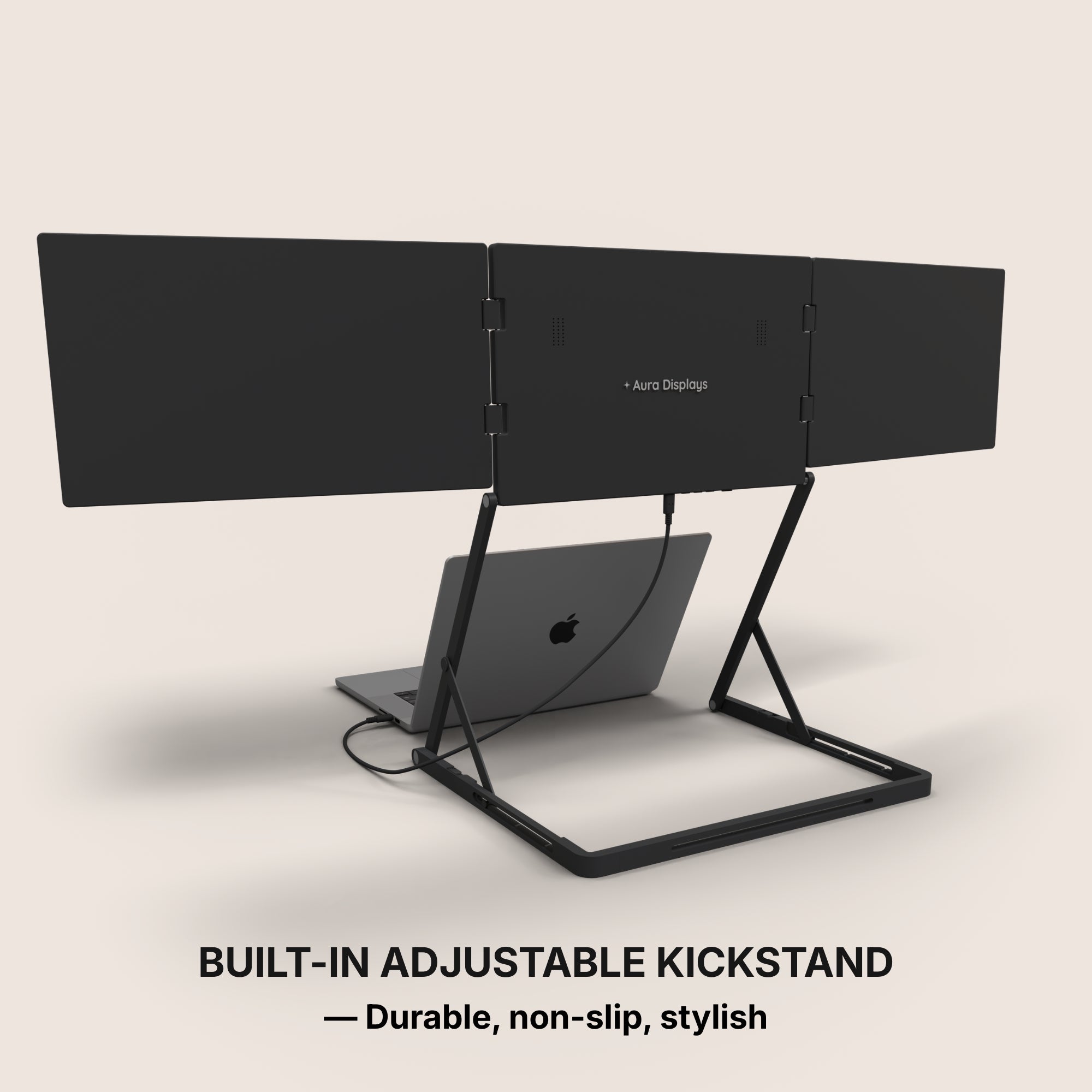
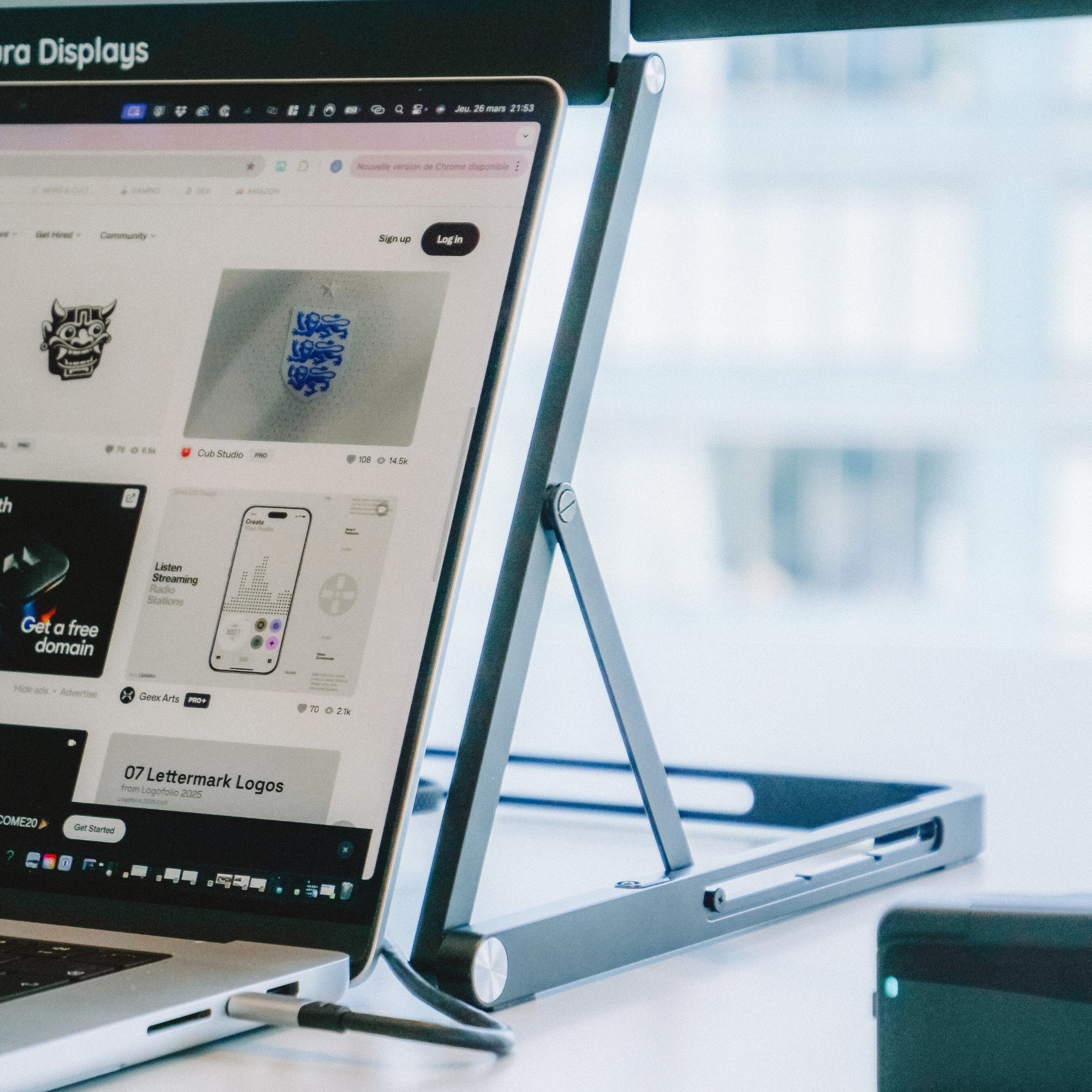
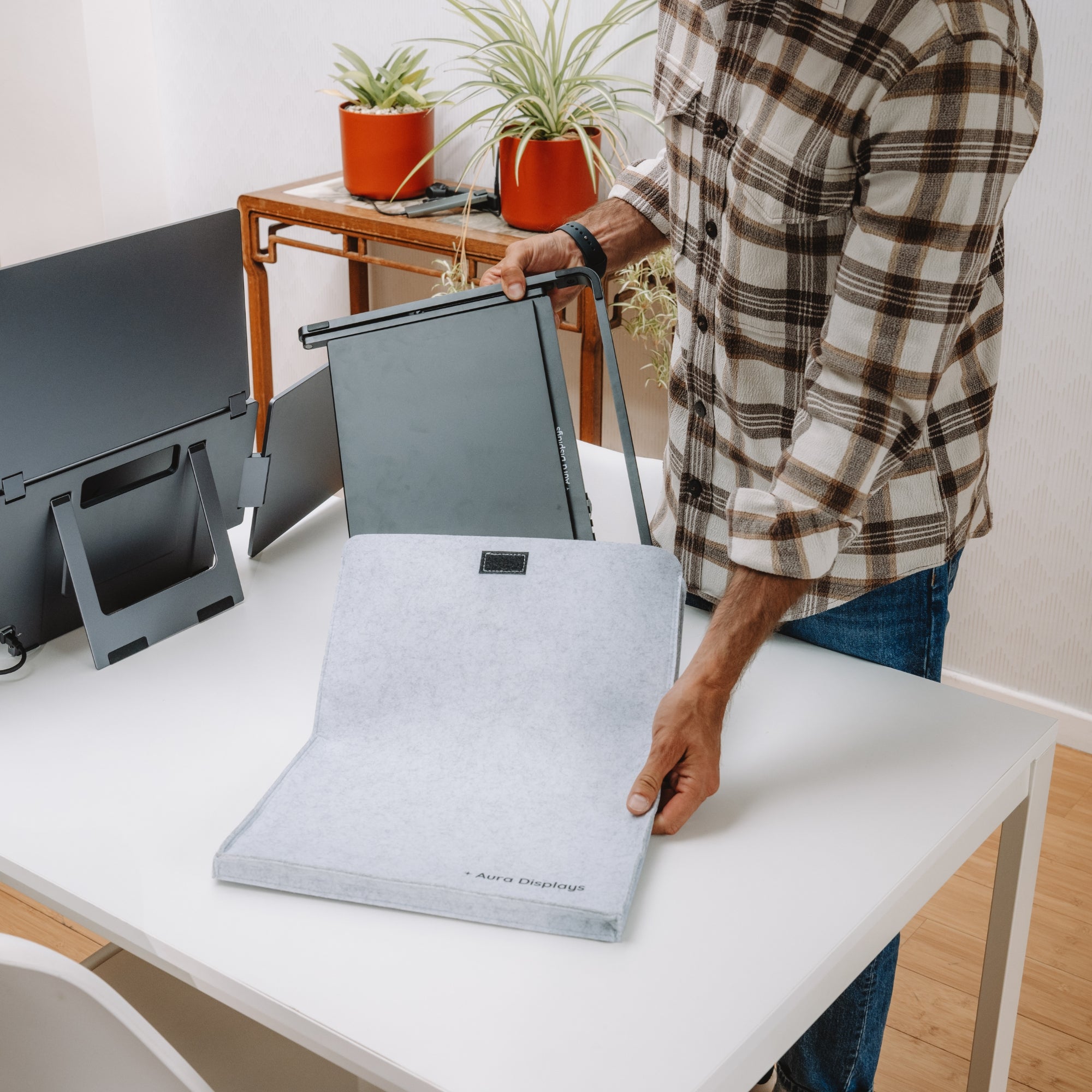
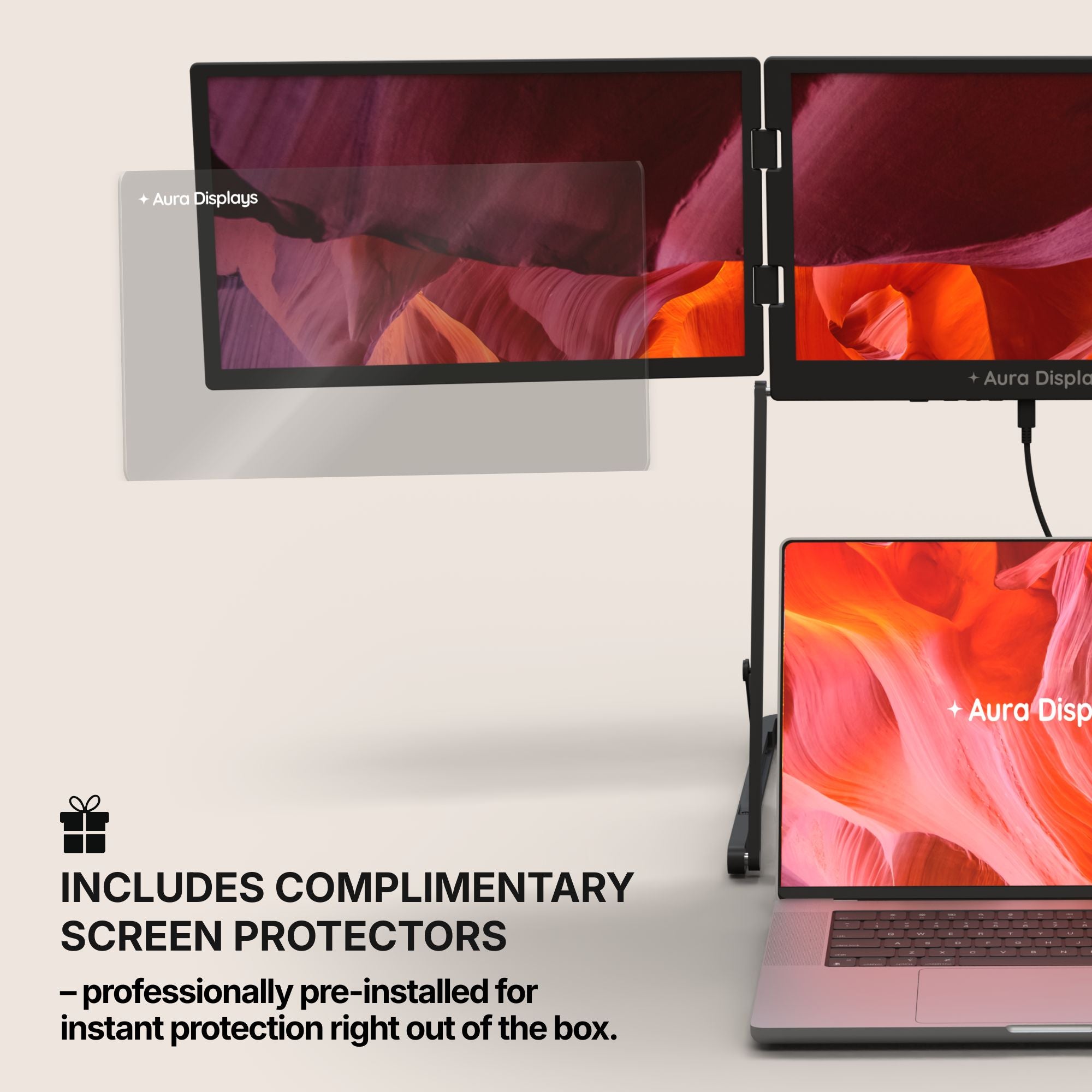
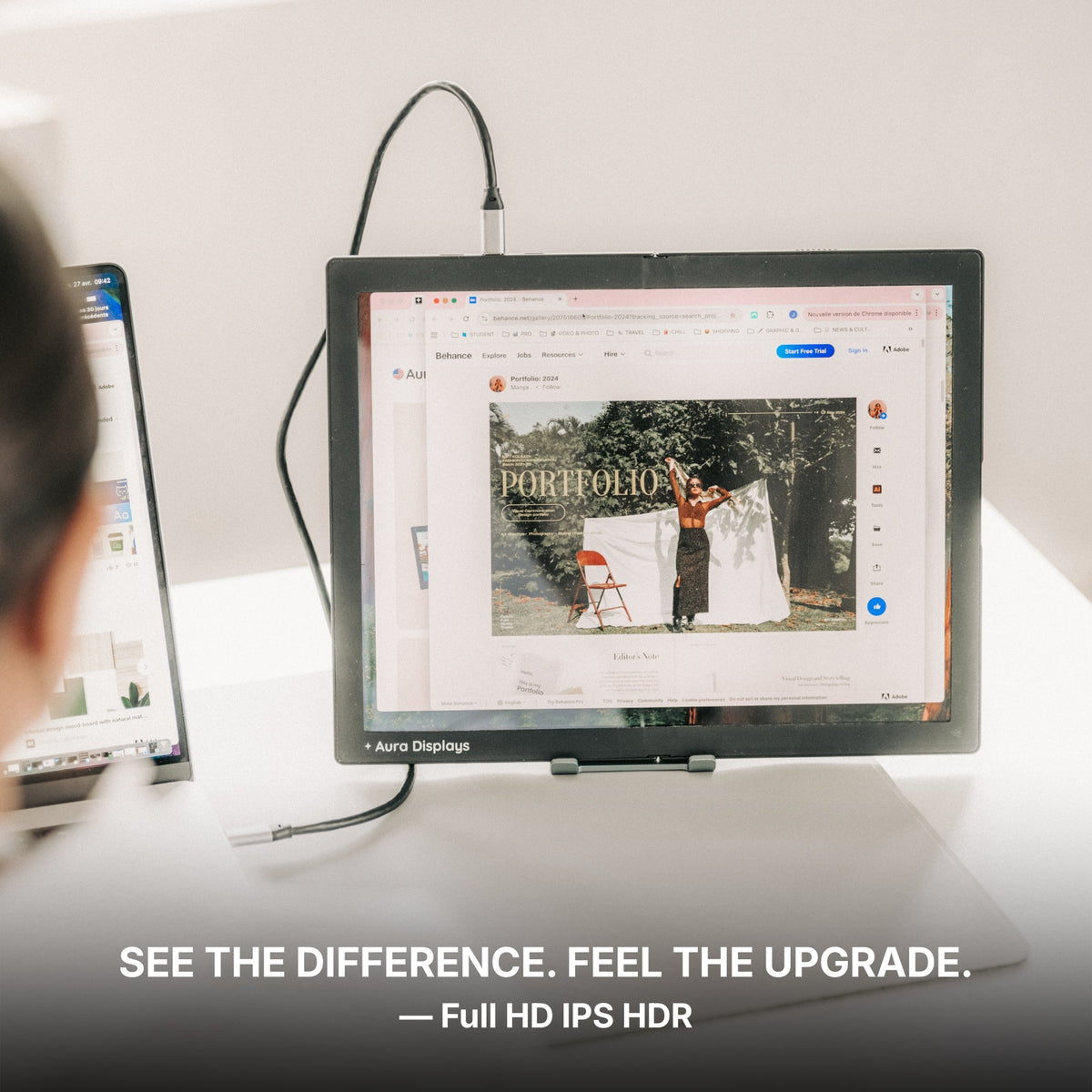
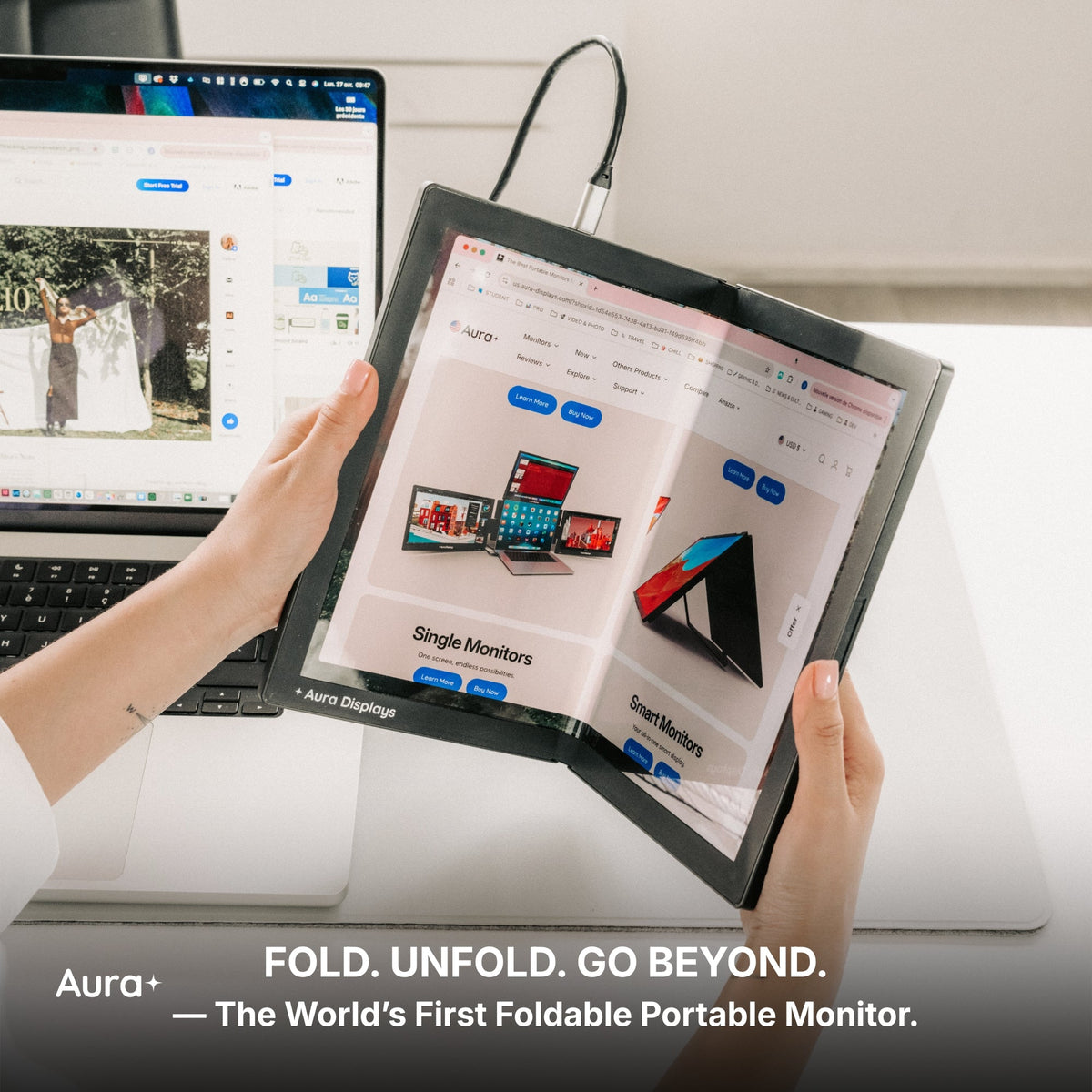
Plus, models from Aura Displays include adjustable stands and protective covers, so you can quickly adapt your setup based on your environment without lugging around heavy equipment.
Gaming On the Go
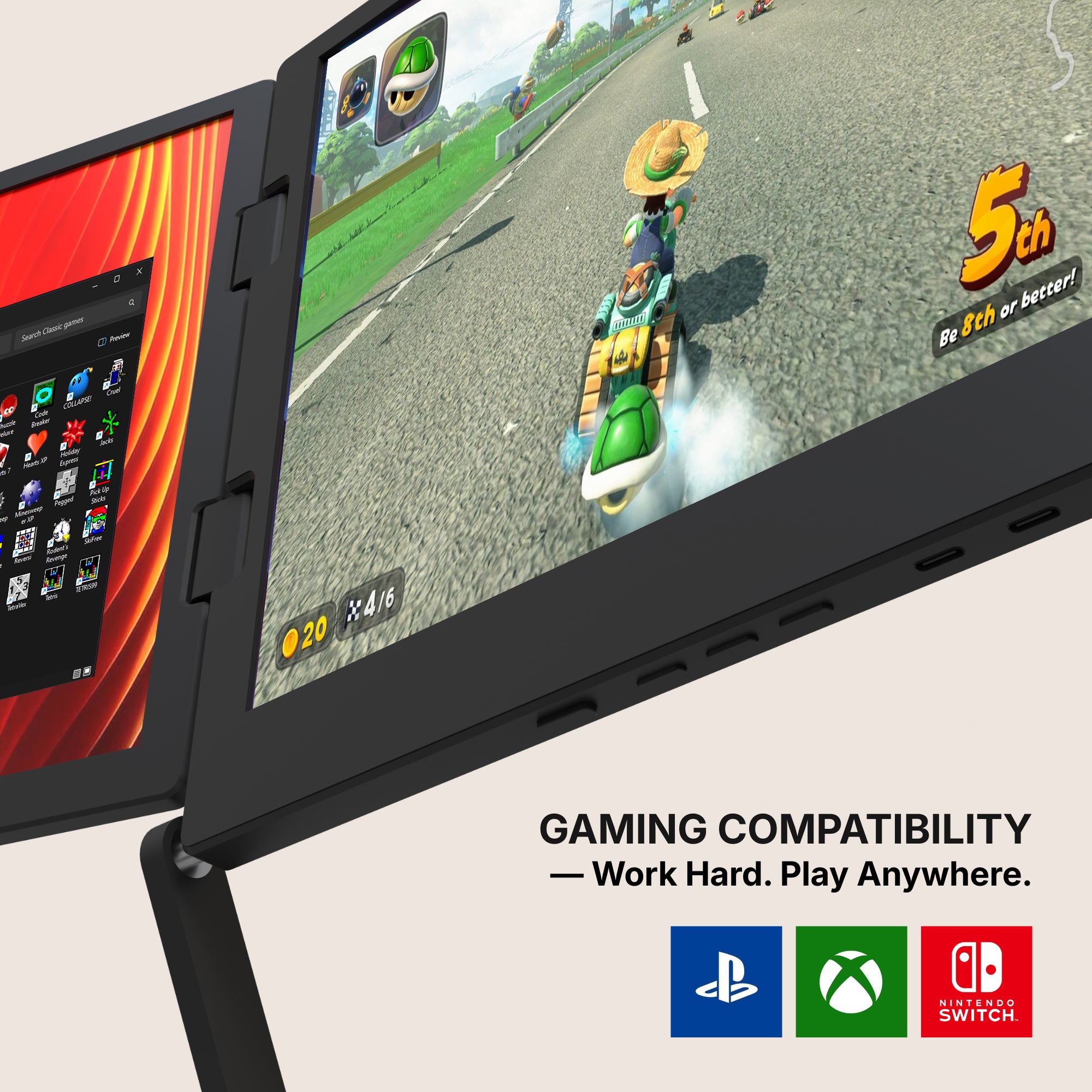
Gamers love portable monitors for good reason. Devices like the Nintendo Switch, Steam Deck, and even PlayStation 5 benefit from having a larger, sharper display while traveling.
Choose a monitor with a high refresh rate (at least 120Hz) and low response time (under 5ms) to keep gameplay fluid and immersive, no matter where the battle takes you.
Creative Work and Media Editing
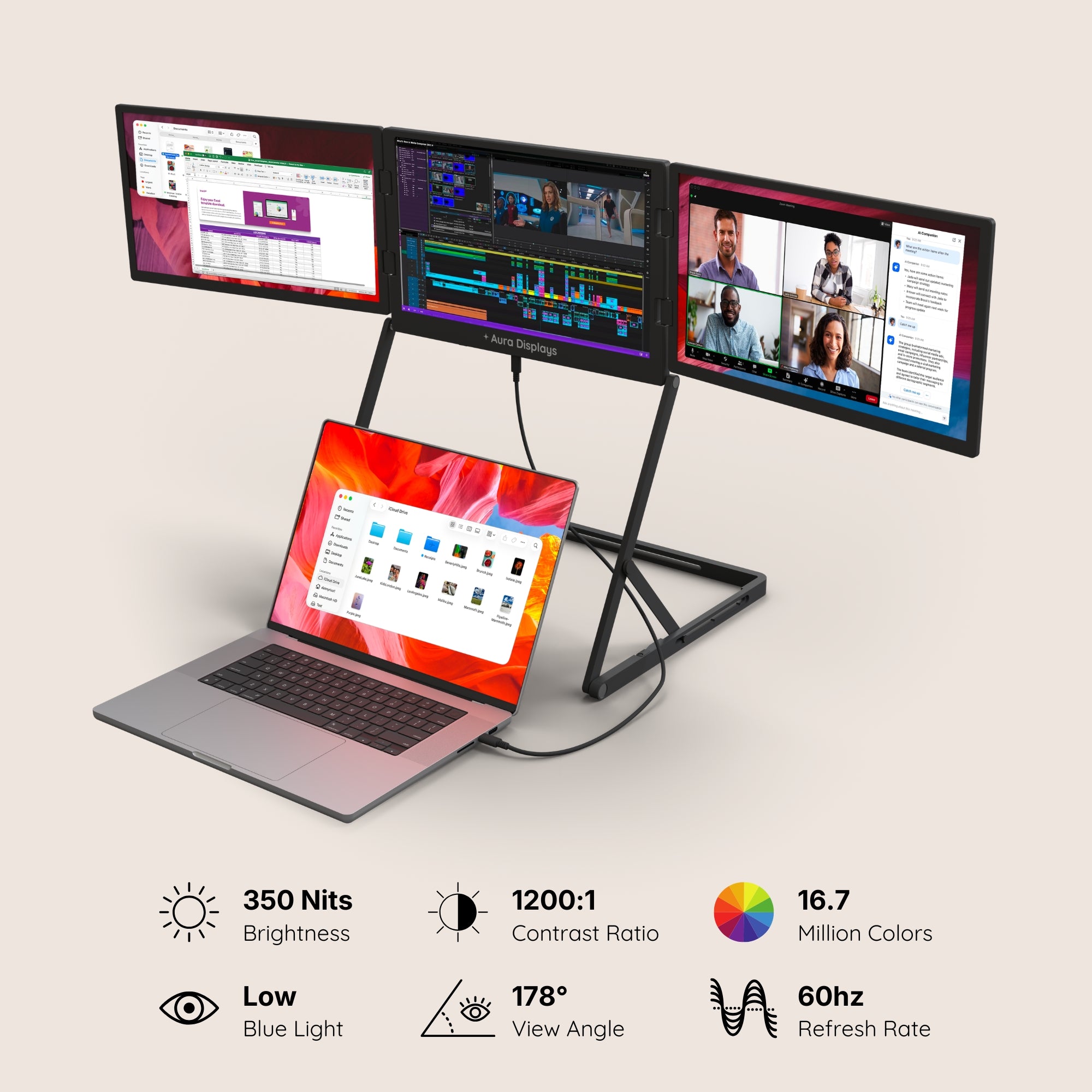
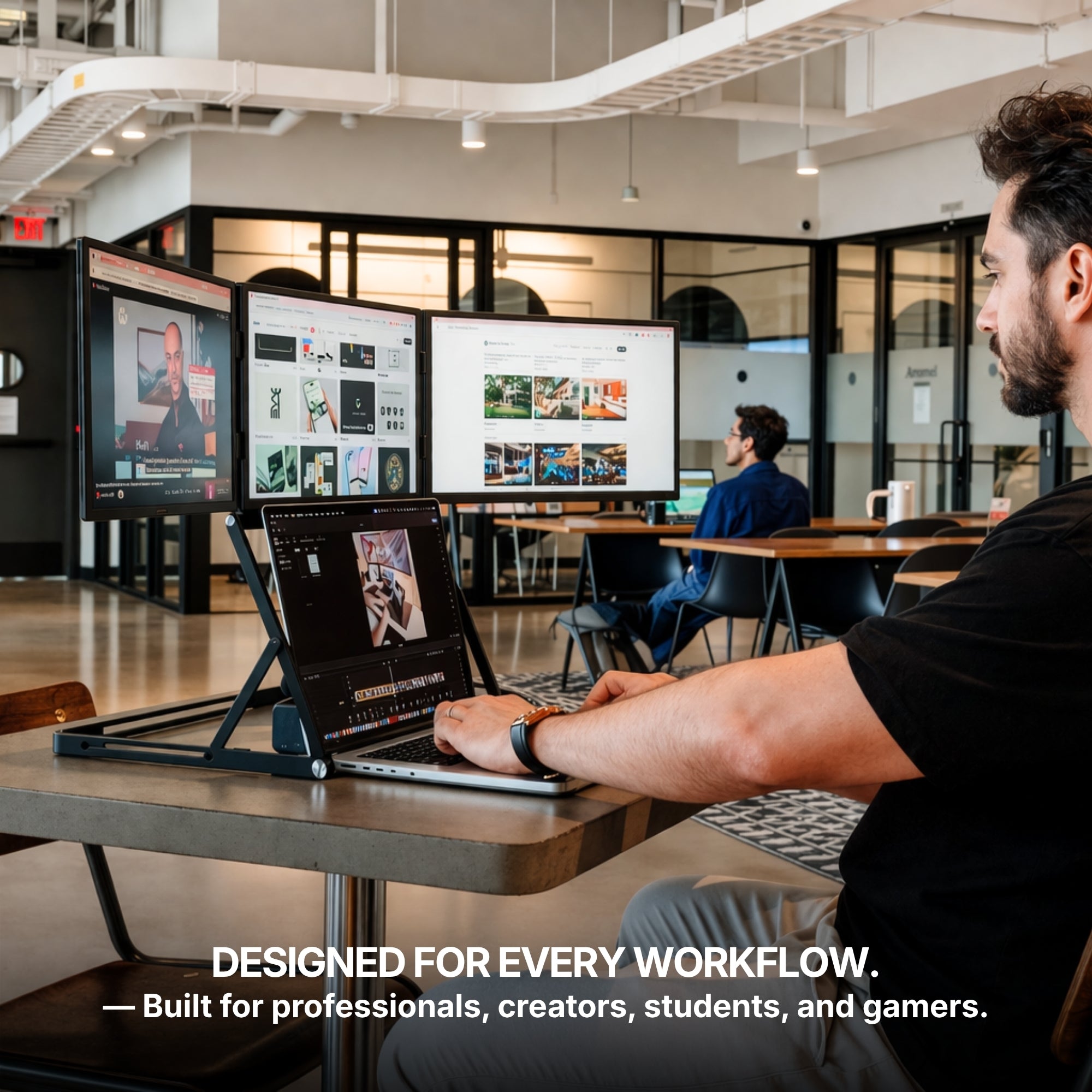
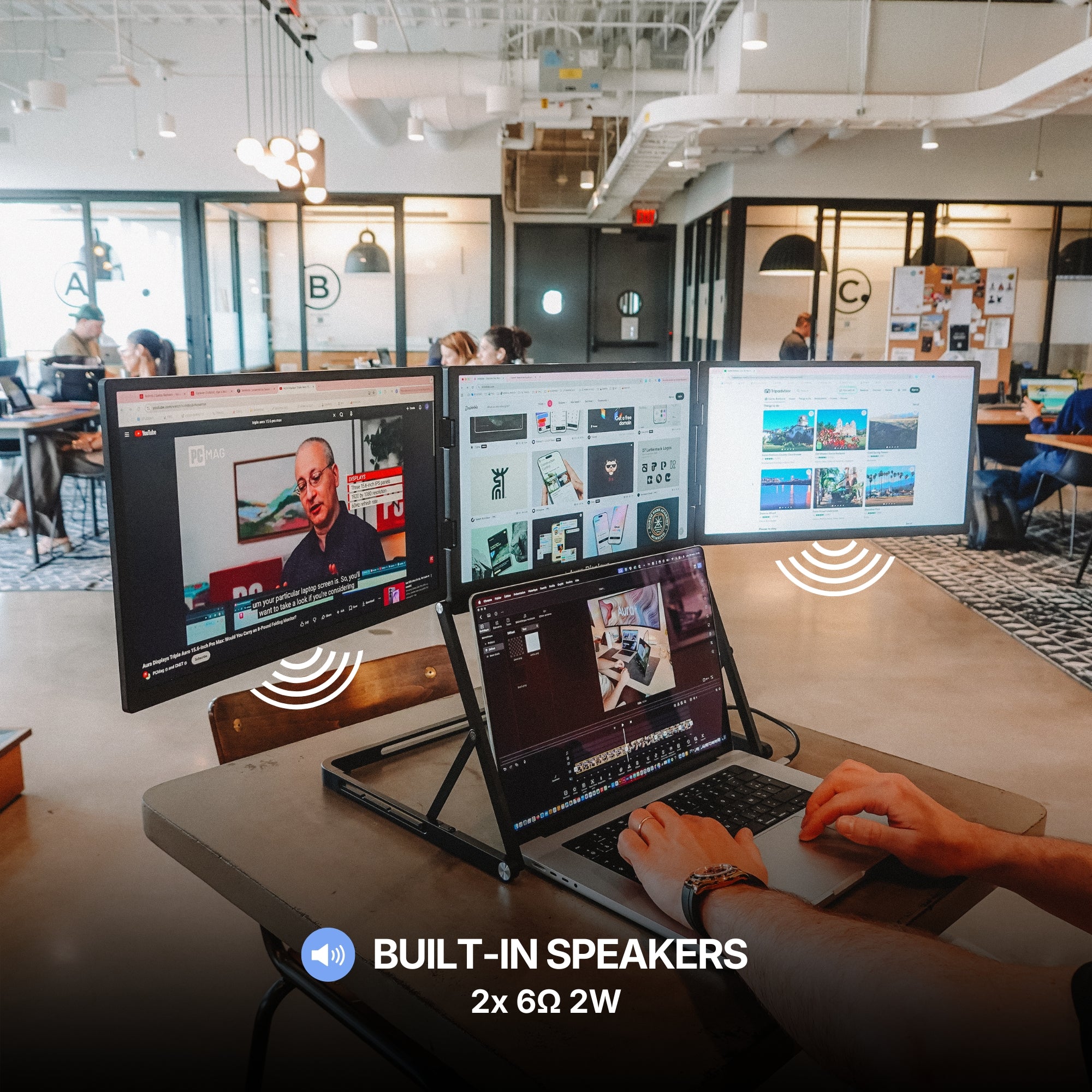
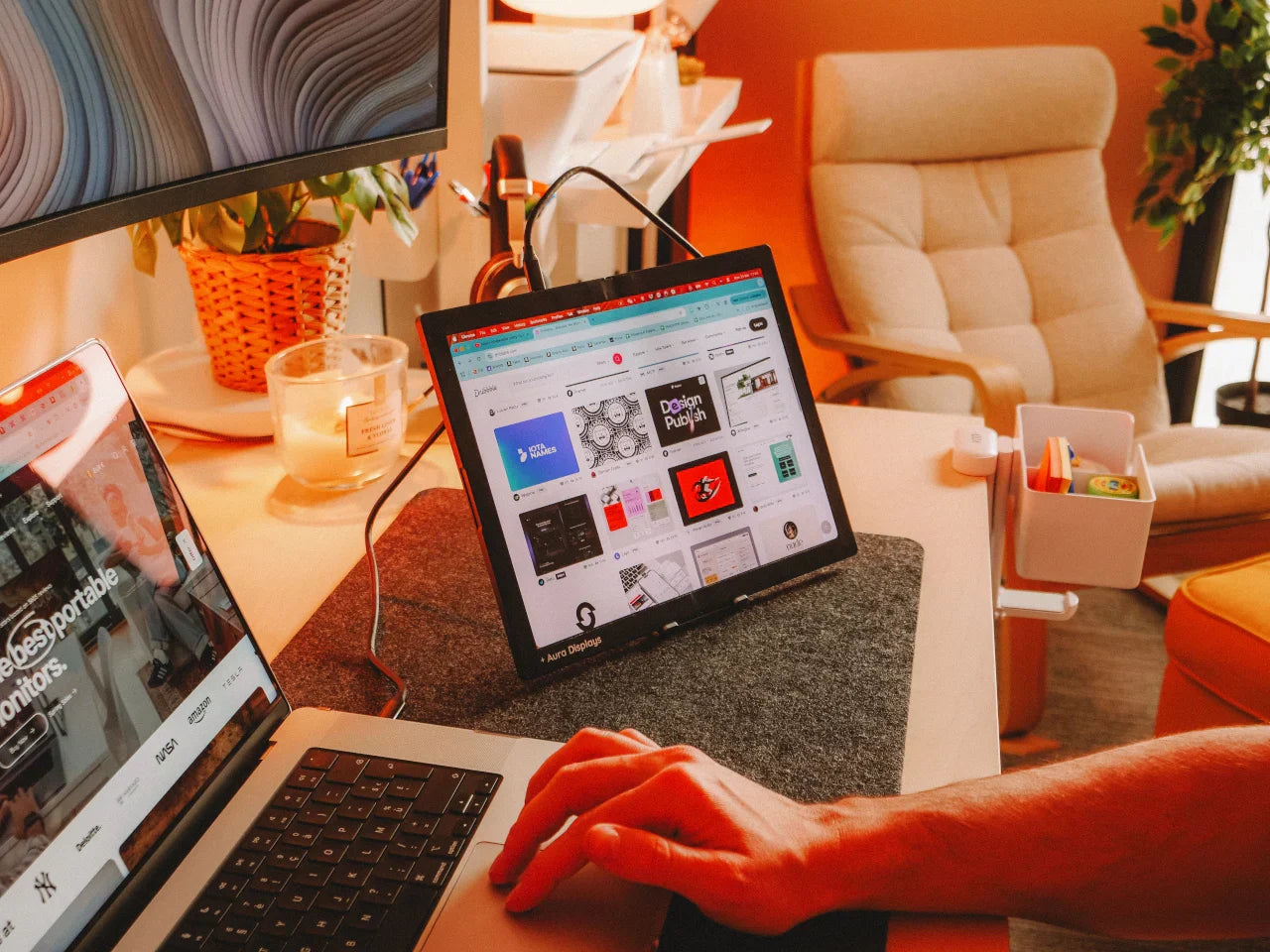
Photographers, videographers, and designers often need more than one screen to handle complex editing tasks. A portable monitor lets you view timelines, tools, and media previews simultaneously without cluttering your laptop screen.
Additionally, IPS panels with wide color gamuts ensure your creative work looks accurate and consistent, whether you’re editing in a studio or at a beachside café. For more info Click here
How to Set Up Your Portable Monitor Seamlessly
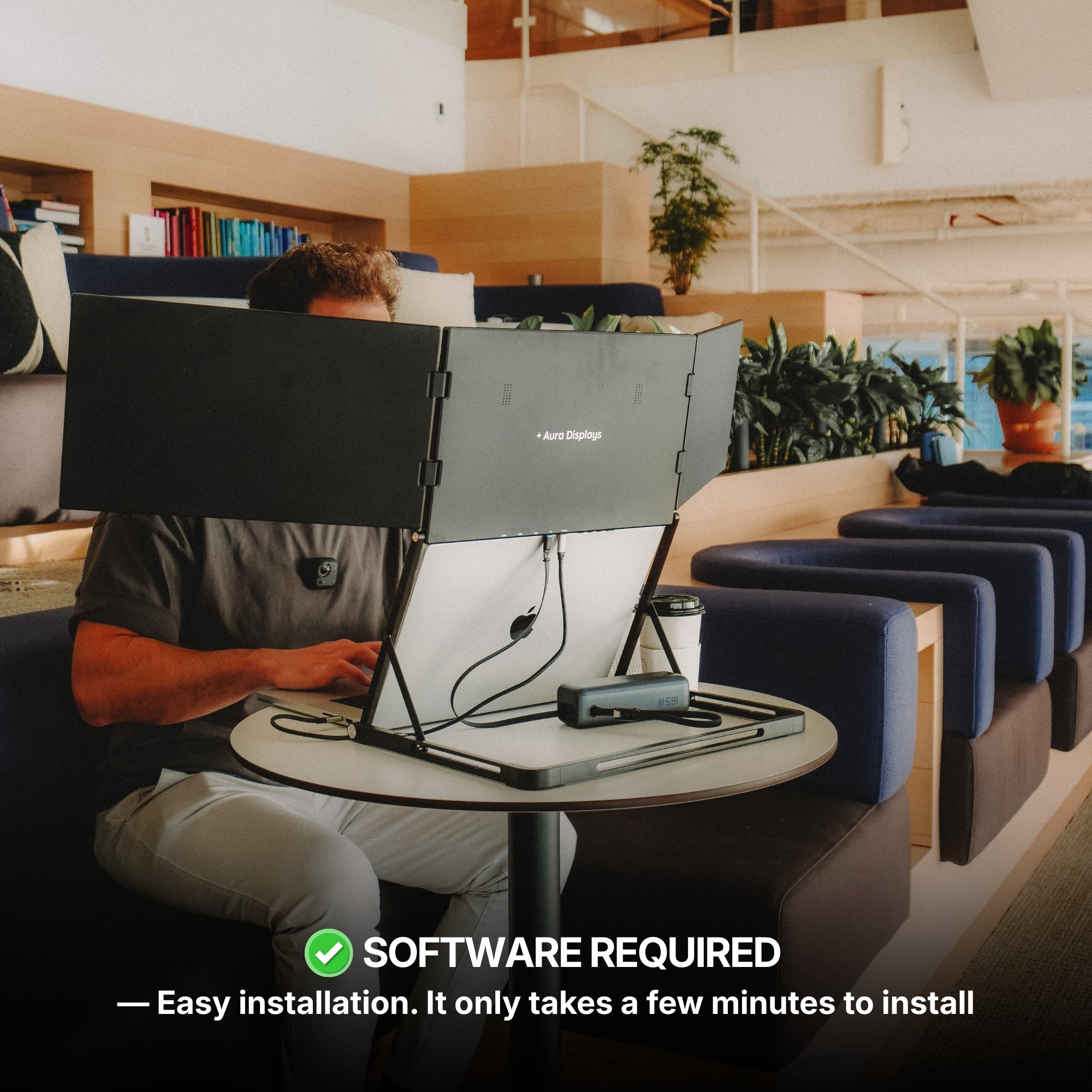
Once you have the right portable monitor in hand, setup is refreshingly simple.
Quick Steps to Connect
-
Plug the USB-C or HDMI cable into your laptop and the monitor.
-
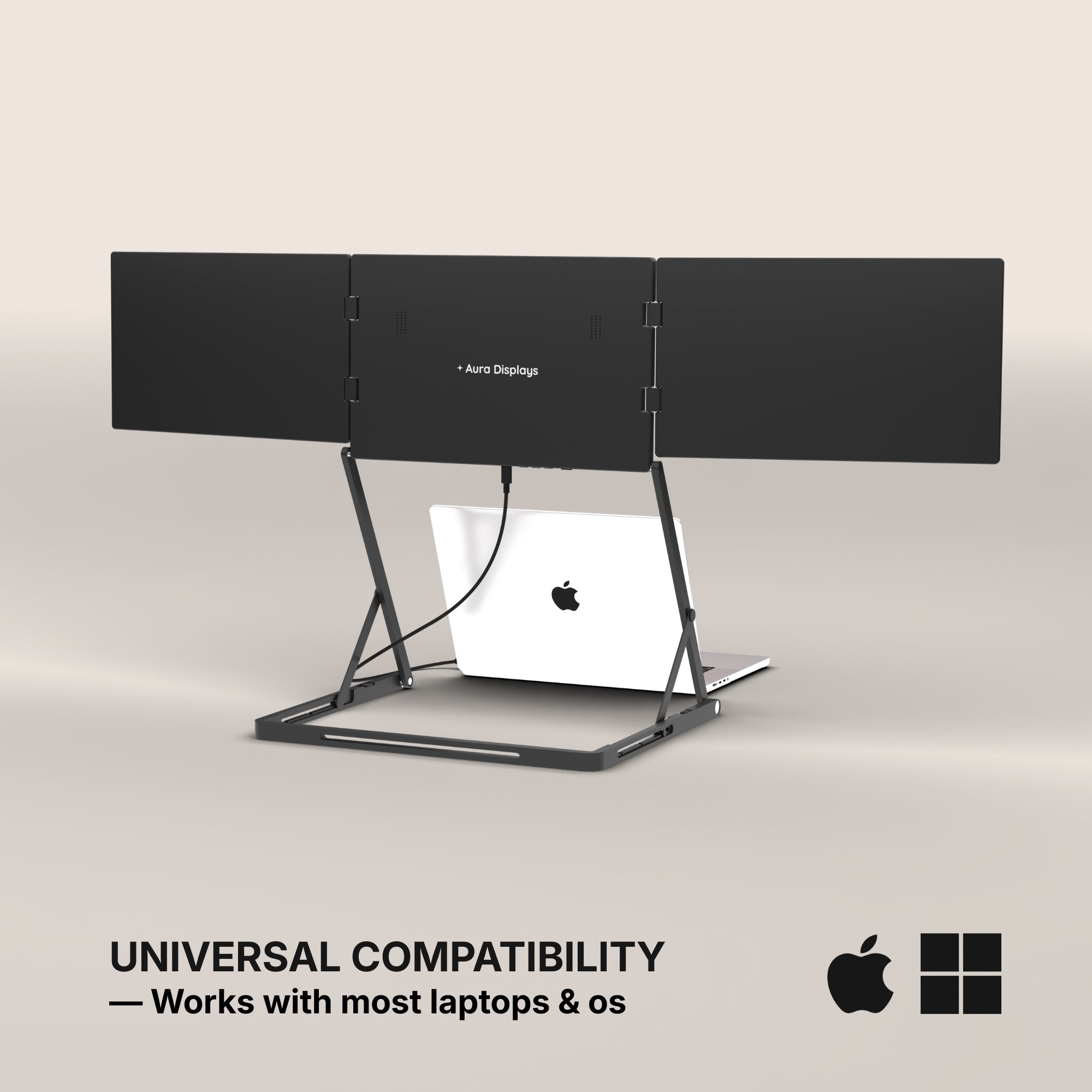
Adjust the display settings on your laptop (Windows or macOS) to either mirror or extend your desktop.
-
Set the new monitor as your primary or secondary screen depending on your preference.
Most modern portable monitors are plug-and-play, meaning no software installation is needed.
Best Practices for Daily Use
For optimal performance, keep a few tips in mind:
-
Adjust the brightness and contrast based on your ambient lighting to reduce eye strain.
-
Use a proper stand or case that offers sturdy support.
-
Always pack the monitor in a padded case when traveling to avoid accidental damage.
-
Regularly wipe the screen with a microfiber cloth to keep visuals clear and vibrant.
Why Aura Displays Is the Smart Choice
At Aura Displays, we understand that today’s users demand more from their devices — and we deliver. Our range of portable monitors combines premium visual quality, unbeatable portability, and sleek design for professionals, gamers, and creatives alike.
Every Aura display includes features like:
-
Wide color coverage for stunning visuals
-
Ultra-slim profiles for easy transport
-
Eye care technology to reduce blue light exposure
-
Multiple connectivity options including USB-C, HDMI, and DisplayPort
Plus, with durable build quality and thoughtful accessories, our monitors are ready to keep up with your fast-paced lifestyle.
Wherever your laptop goes, a portable monitor from Aura Displays makes sure you’re always ready to do more.










Share: