


The National Retail Federation's 2026 back-to-school survey, run with Prosper Insights & Analytics, puts K-12 spending at a record $43.3 billion, up from $39.4 billion last year. Back-to-college spending crosses $100 billion for the first time, at $103.5 billion. Electronics are the top spending category for college shoppers, and roughly a third of K-12 budgets go to devices and gear.
One number underneath the headline is more useful than the headline itself: 46% of shoppers who had not finished were waiting for better deals, and only 62% had started by early July, down from 67% a year earlier. Households are not buying less because they need less. They are pacing themselves, and they are looking hard at whether each purchase is actually necessary.
That is the right question to ask about the most expensive item on most lists.
The default upgrade is usually the wrong one
When a student says their laptop is not keeping up, the assumed fix is a new laptop. Sometimes that is correct: a machine that thermal-throttles during renders, or that cannot run required software, needs replacing.
But a large share of the complaint is not about processing power at all. It is about space. Writing an essay with three sources open. Following a lecture recording while taking notes. Debugging with documentation on one side and a terminal on the other. On a single 13- or 14-inch panel, all of that becomes a cycle of alt-tab, lose your place, alt-tab back.
A new laptop does not fix that. A bigger laptop barely fixes it, and costs $1,000 or more. More screen area fixes it directly, and does not require abandoning a machine that works.
What a screen extender actually changes
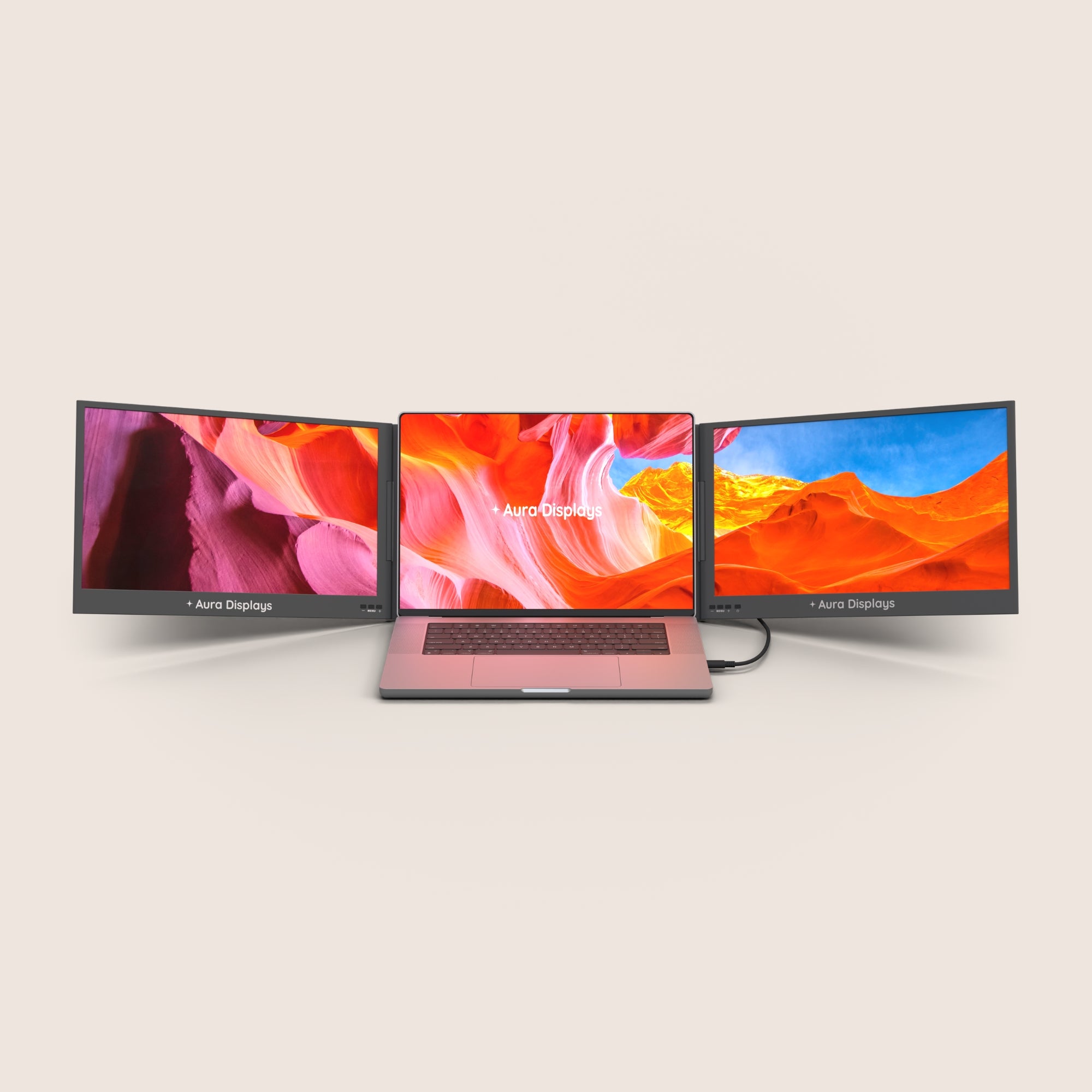
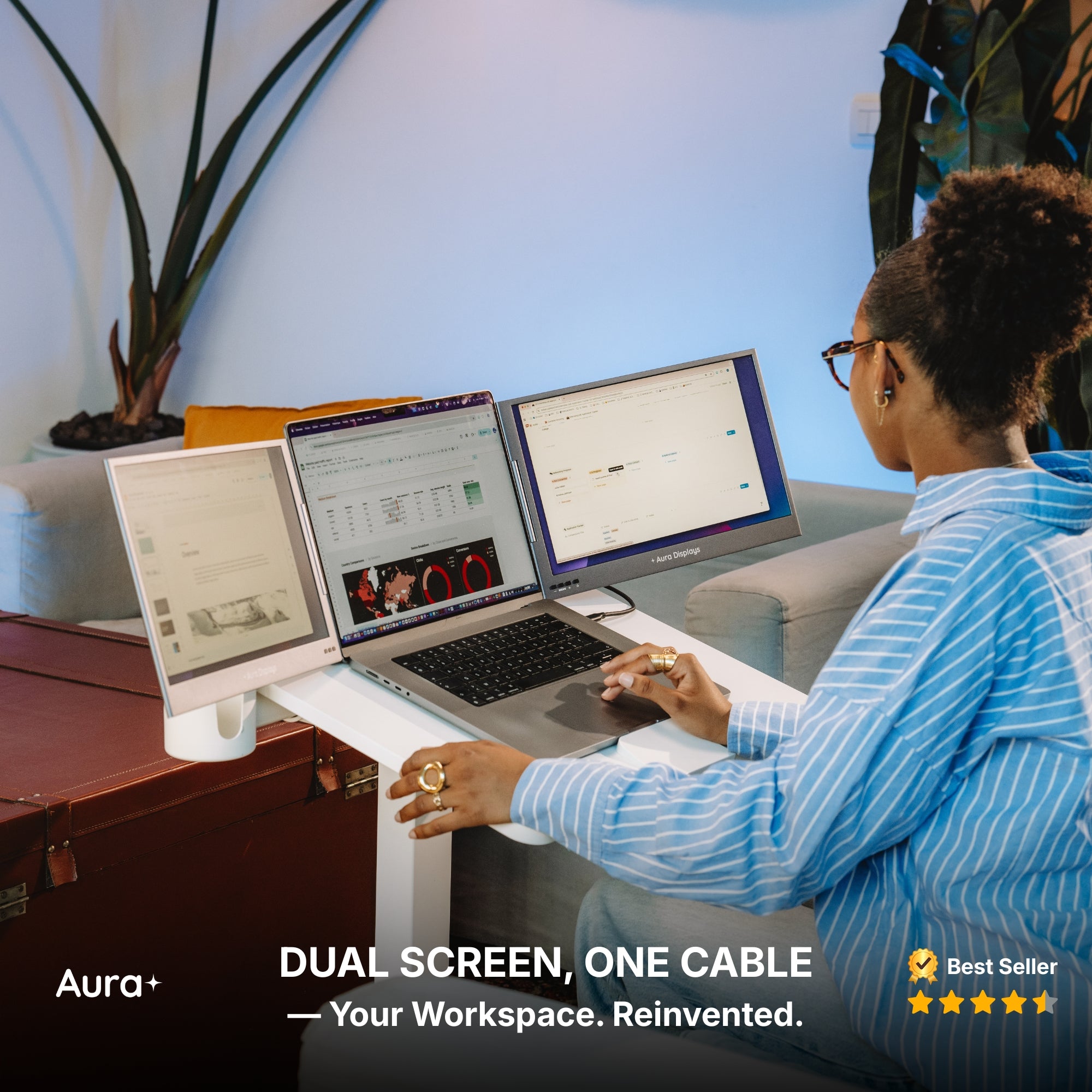
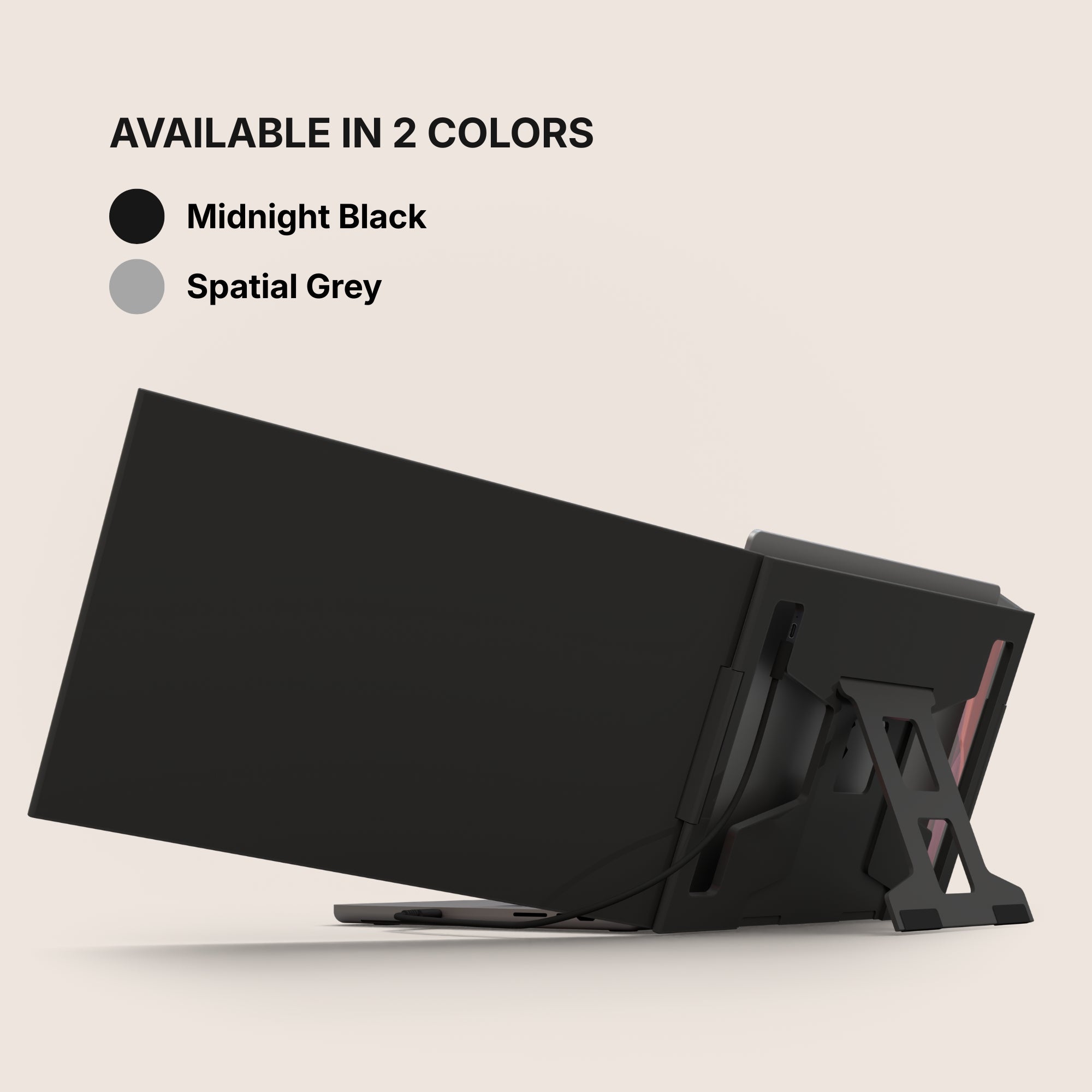
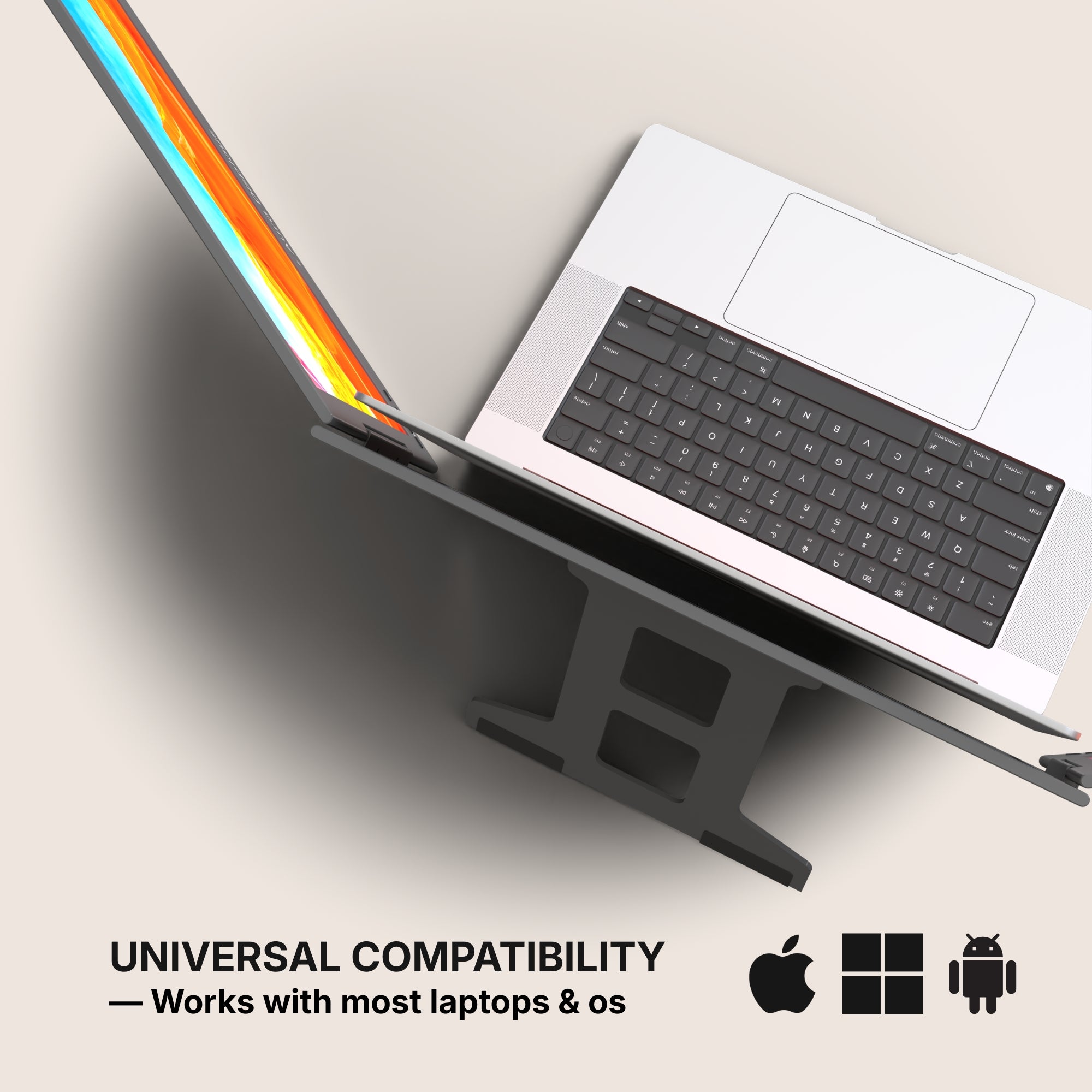
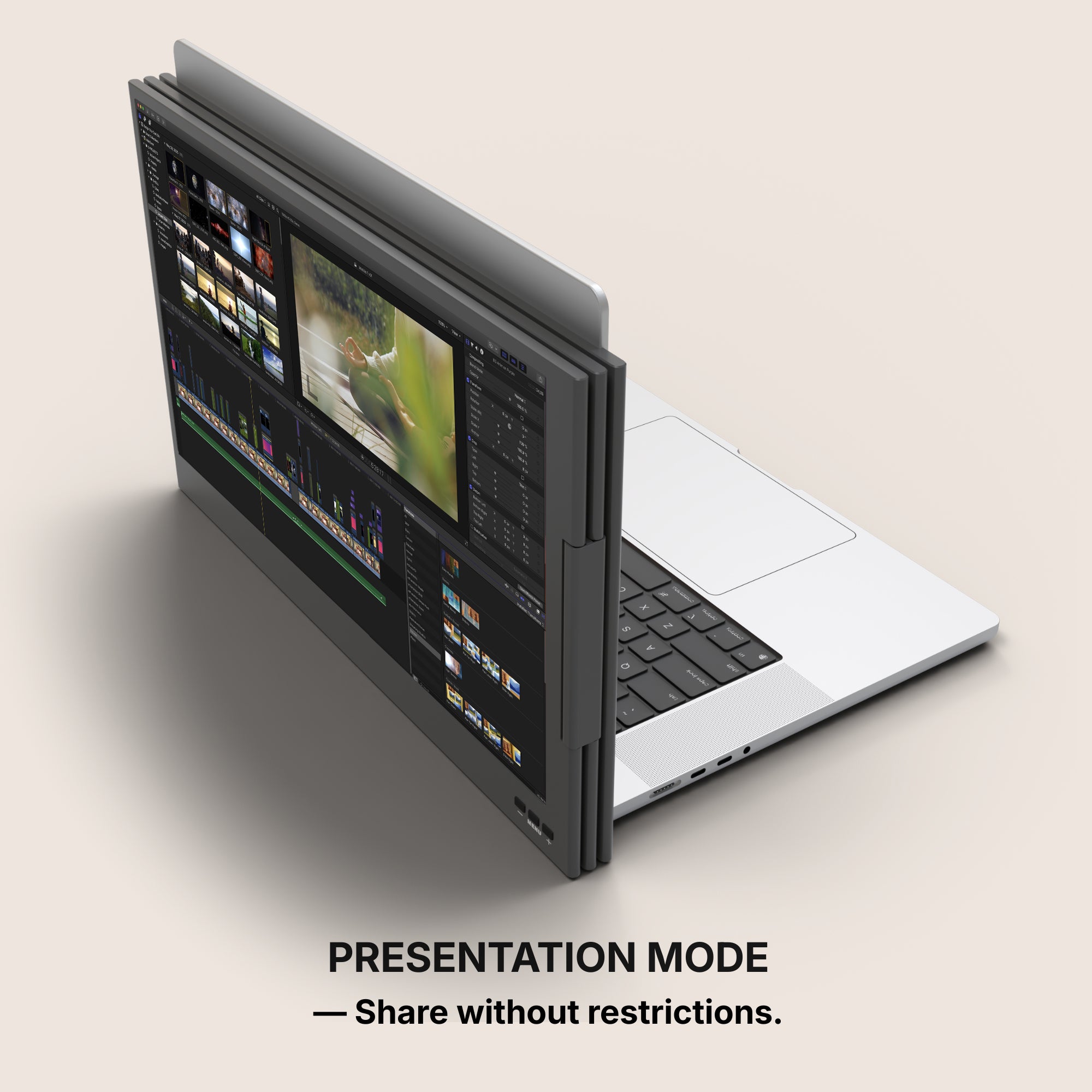
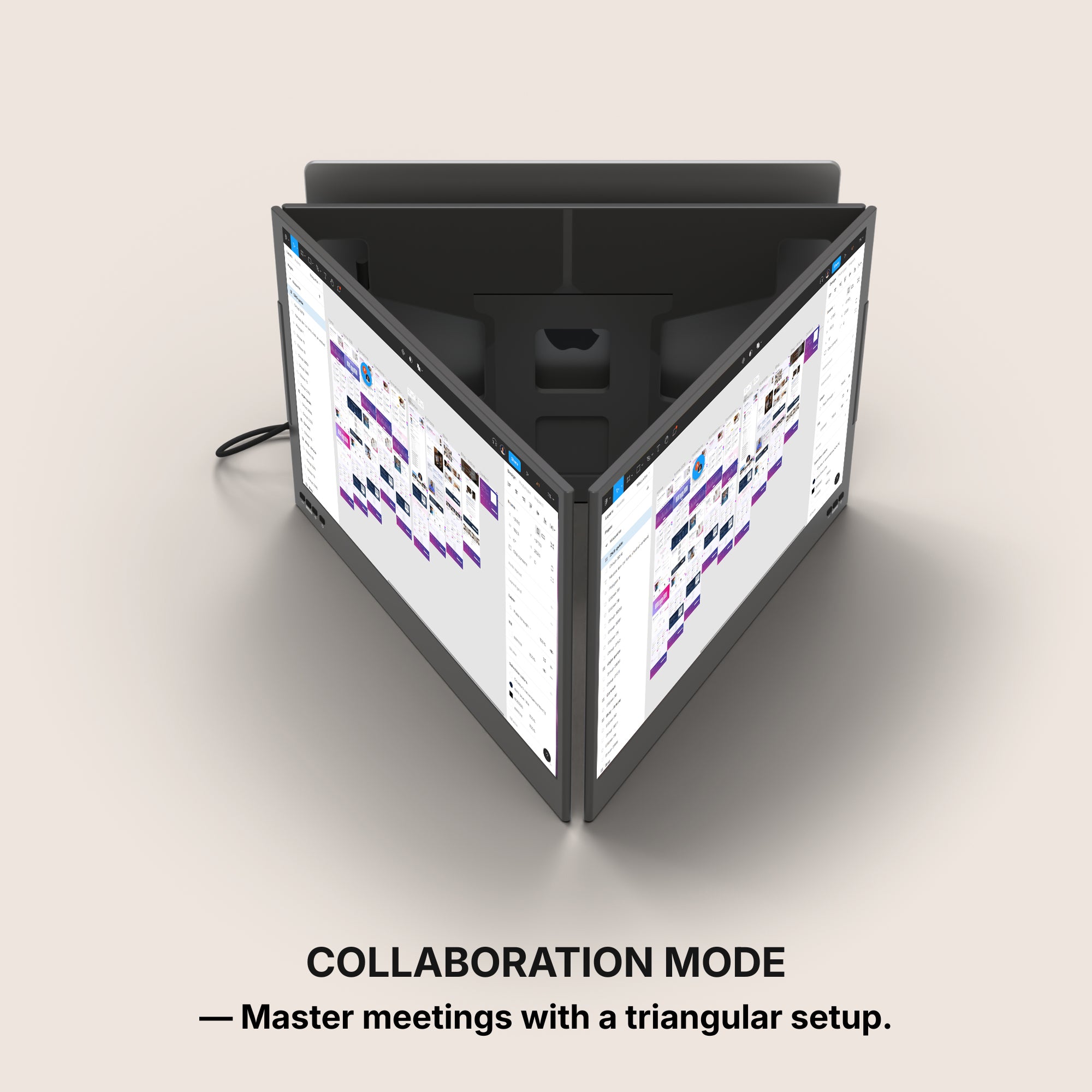
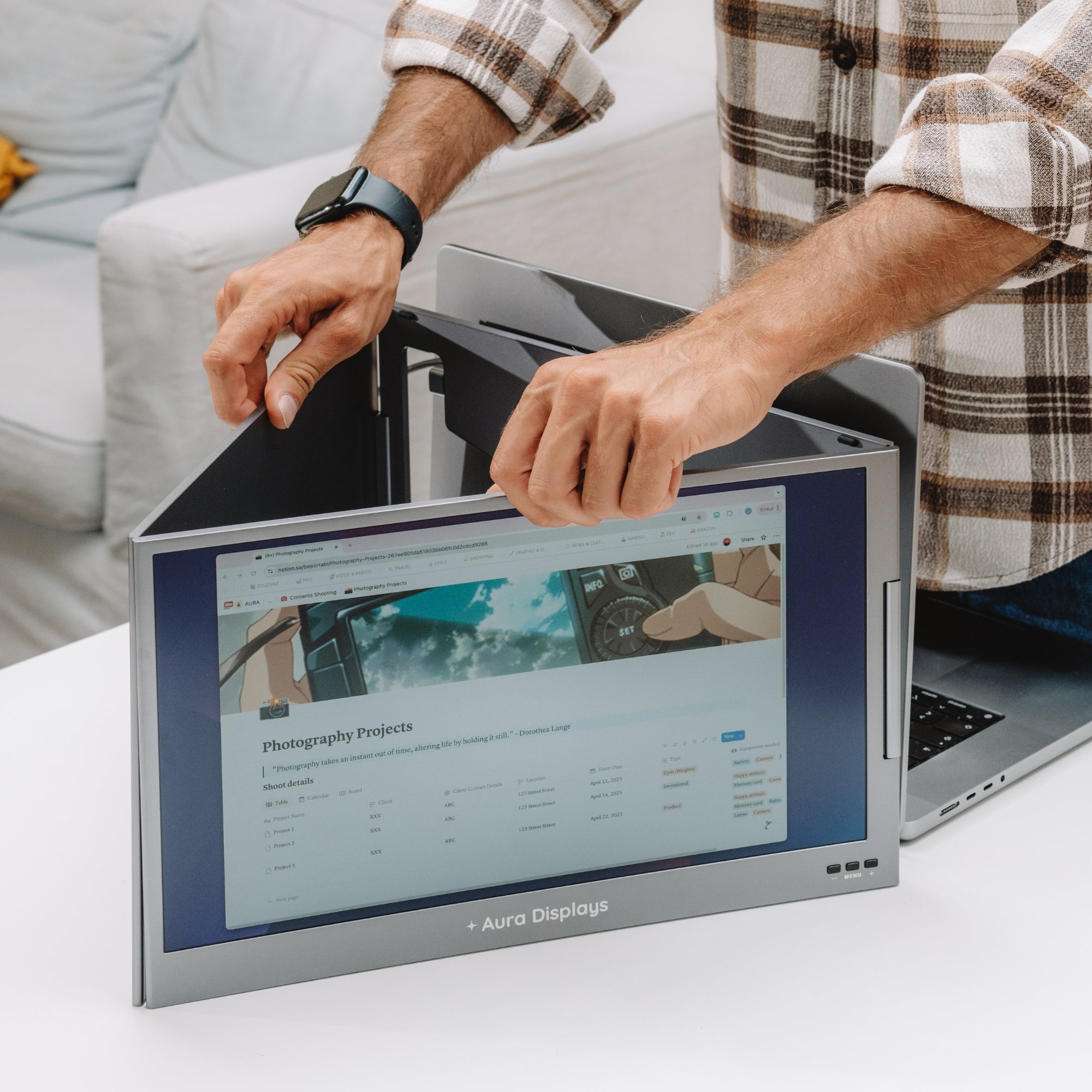
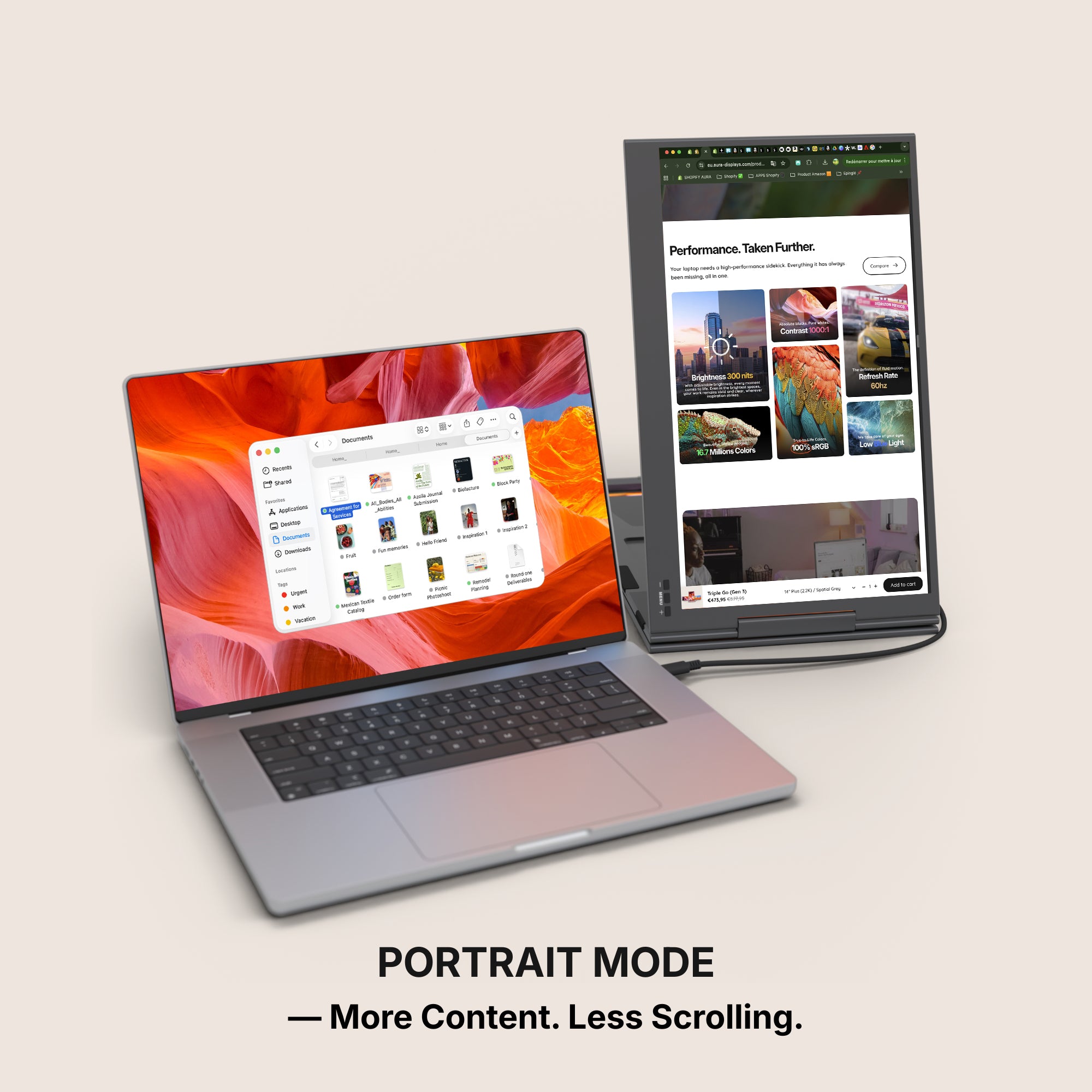
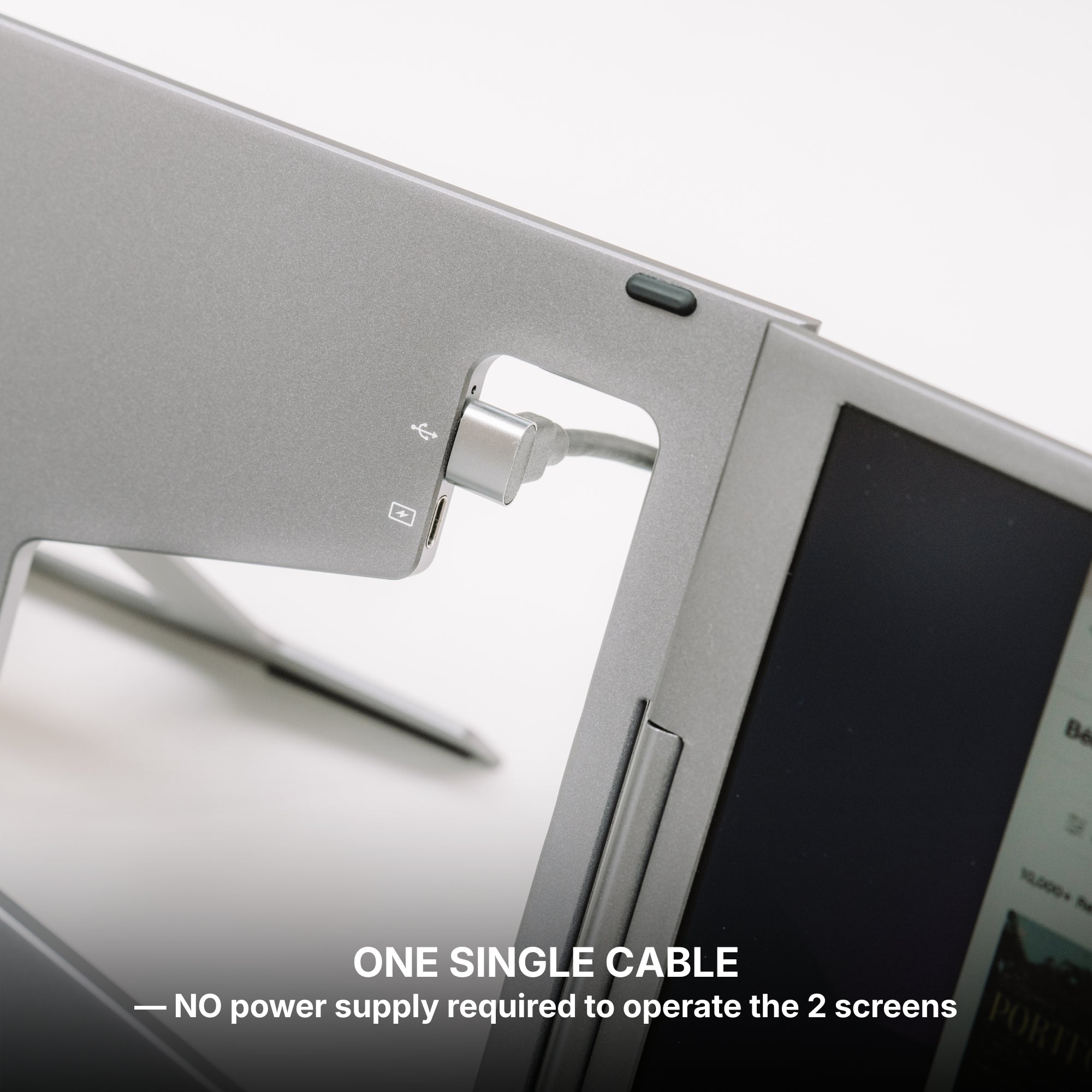
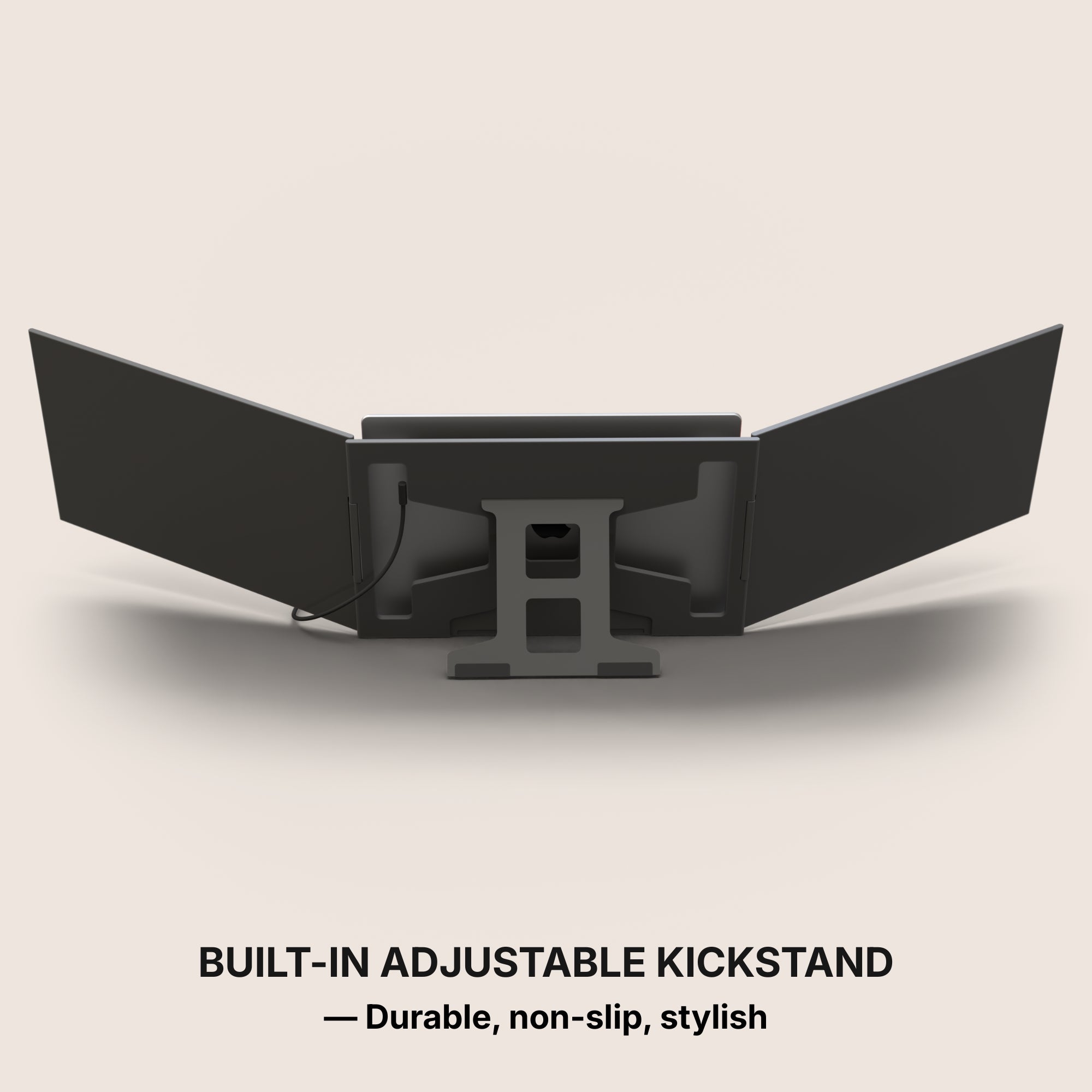
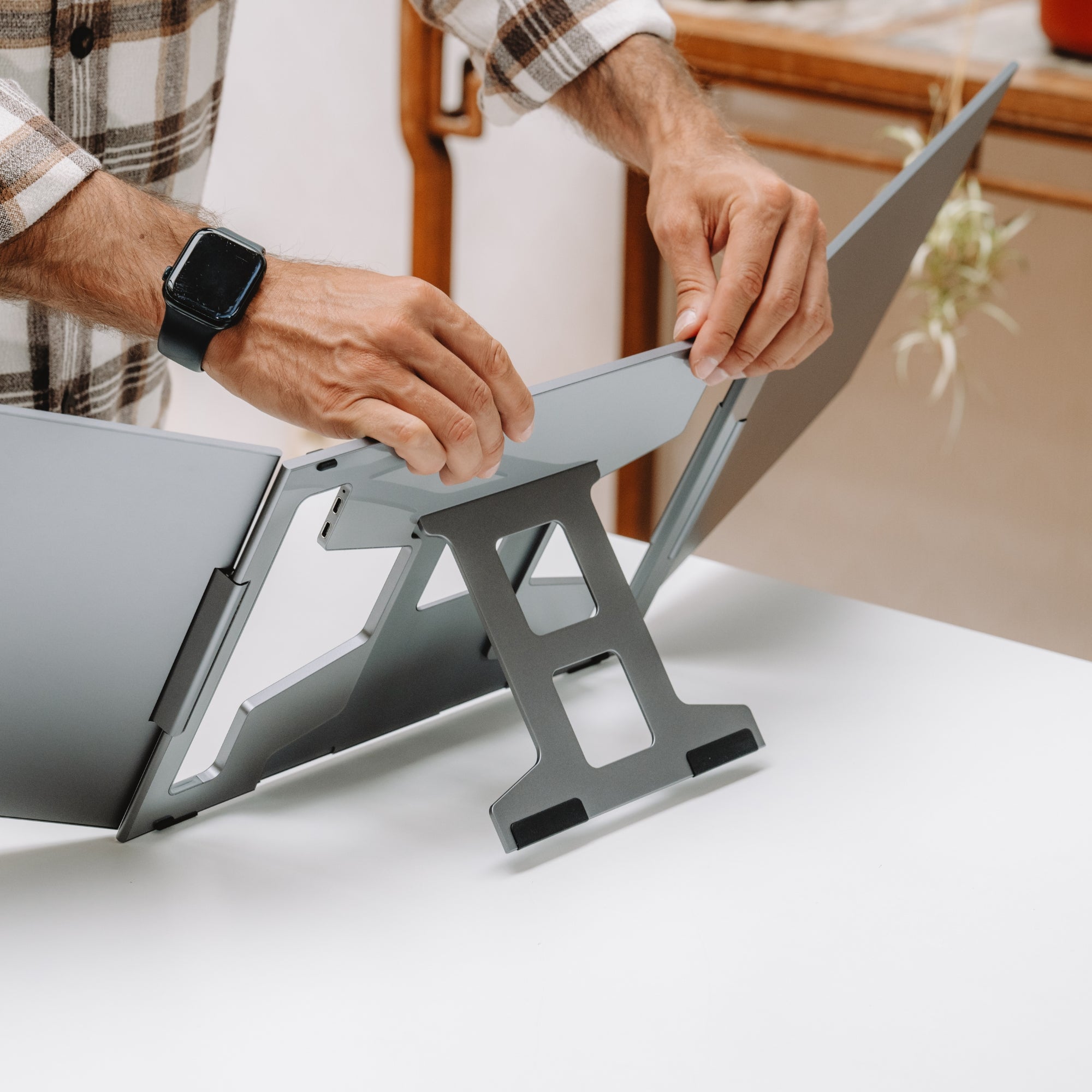
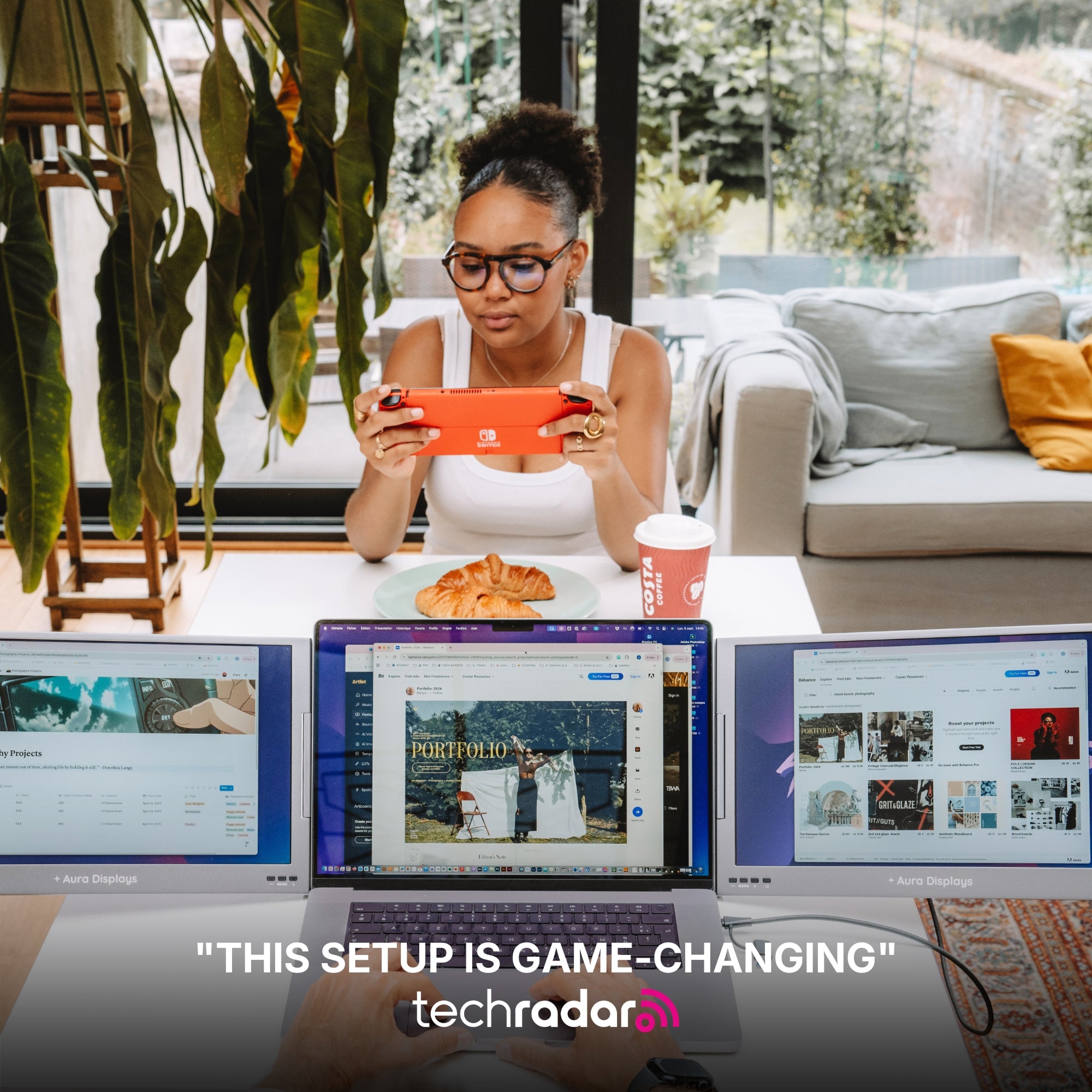
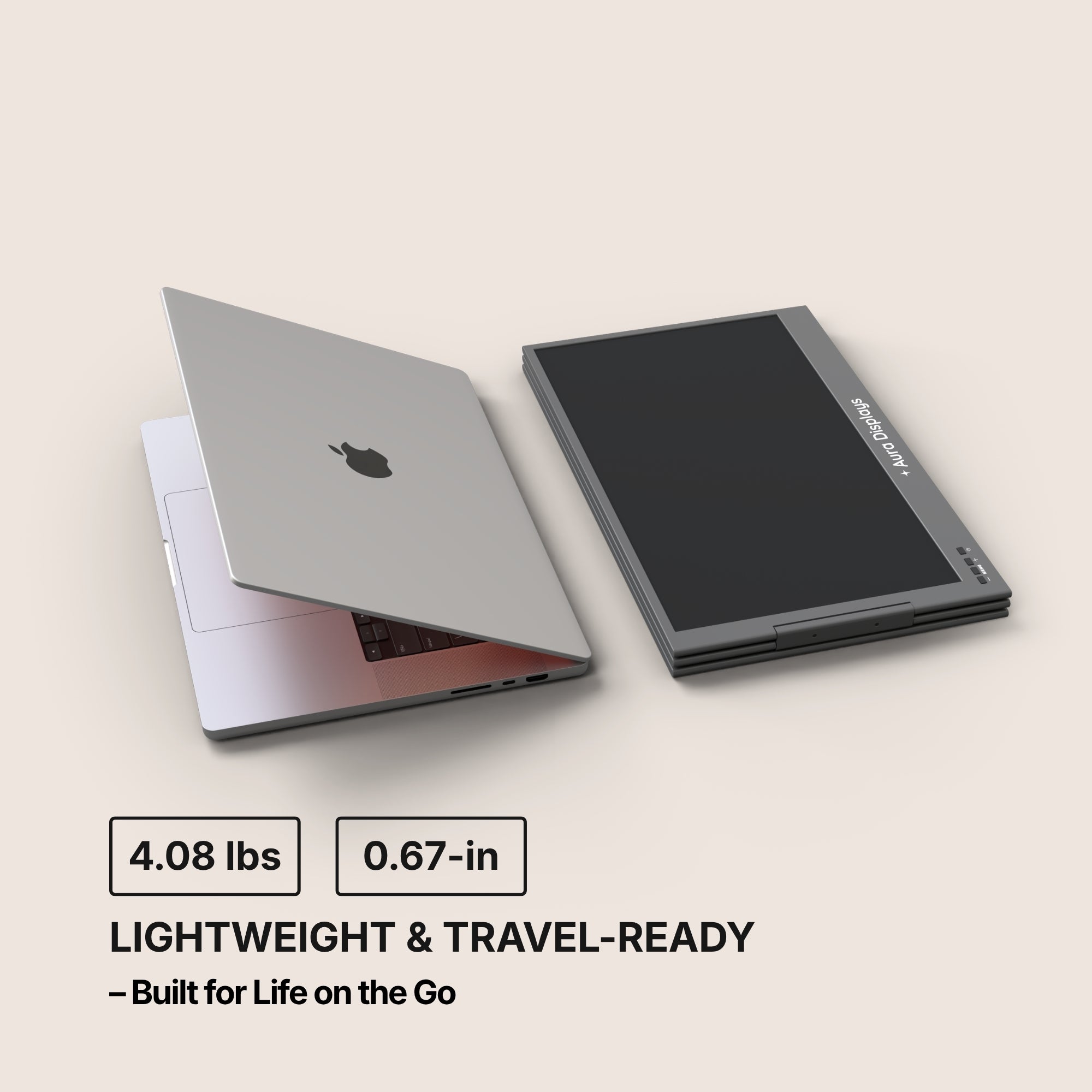
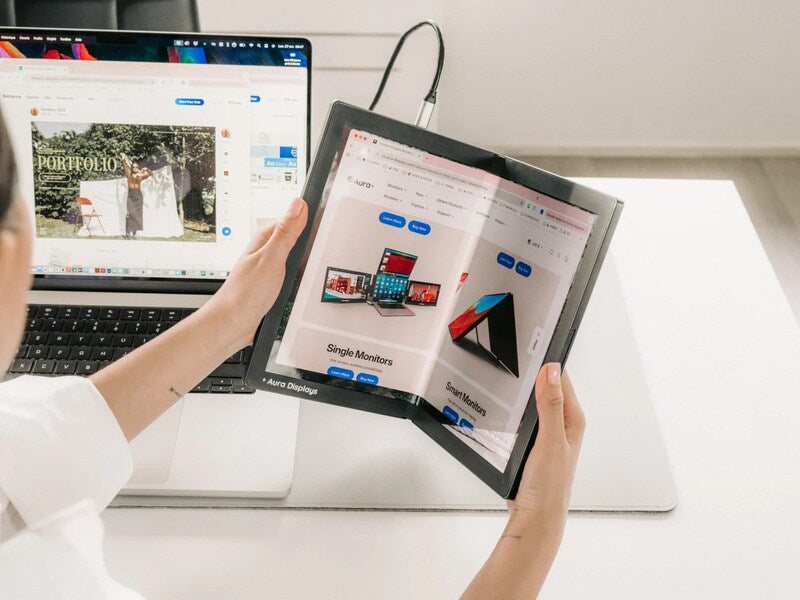
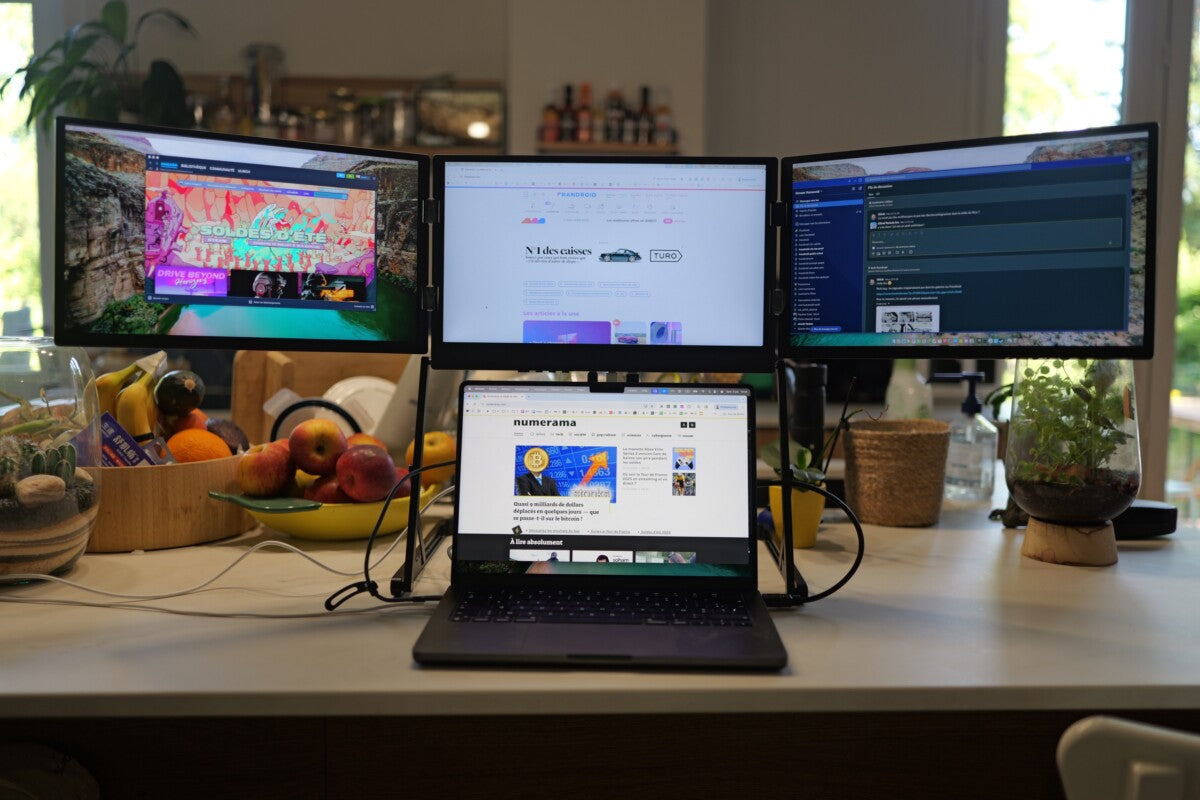
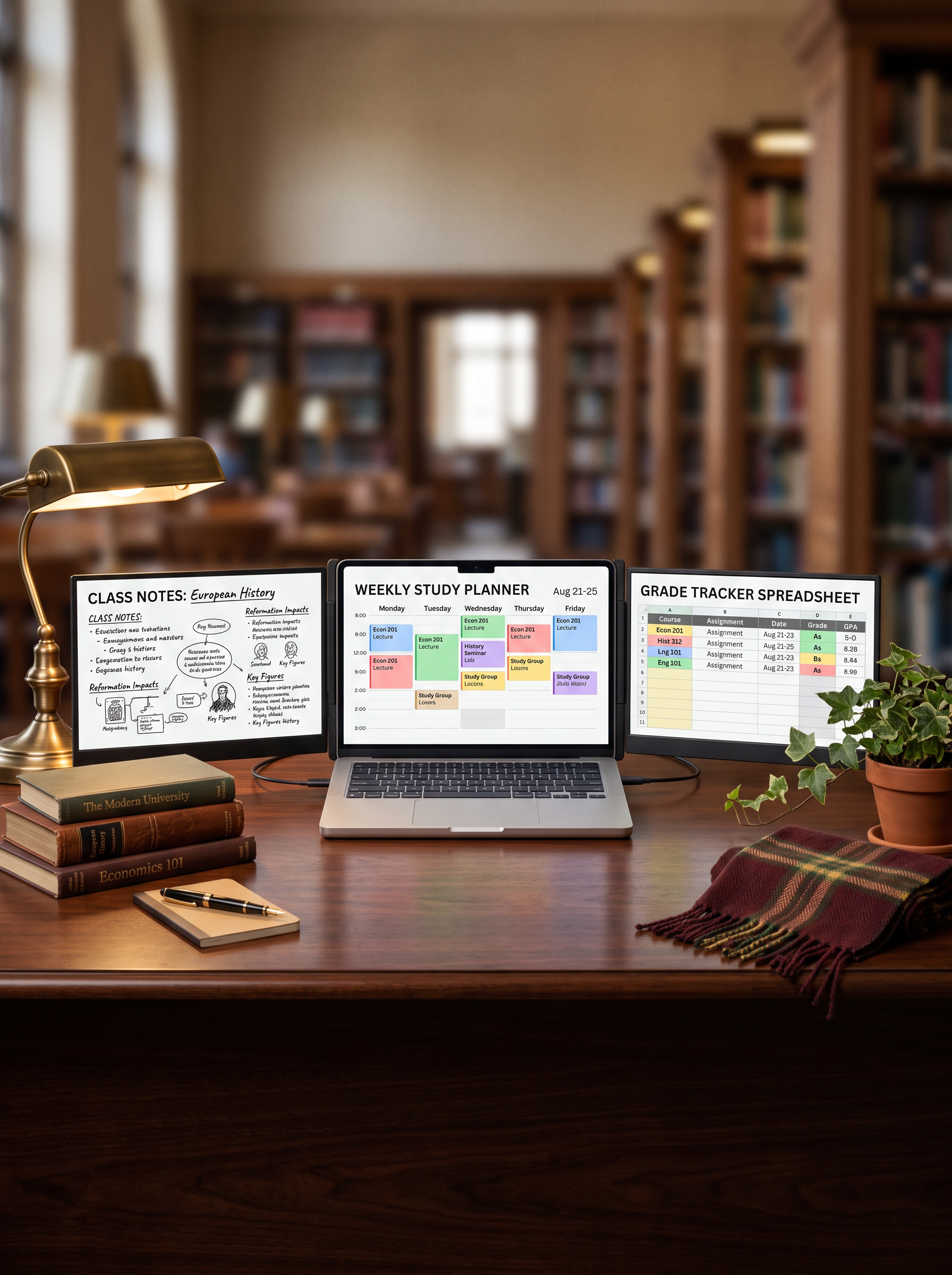
A laptop screen extender mounts to the back of the lid and unfolds into one, two, or three additional displays that travel with the laptop. Unlike a desktop monitor, it packs down and moves between a dorm desk, a library table and a shared apartment kitchen — which is where a lot of student work actually happens.
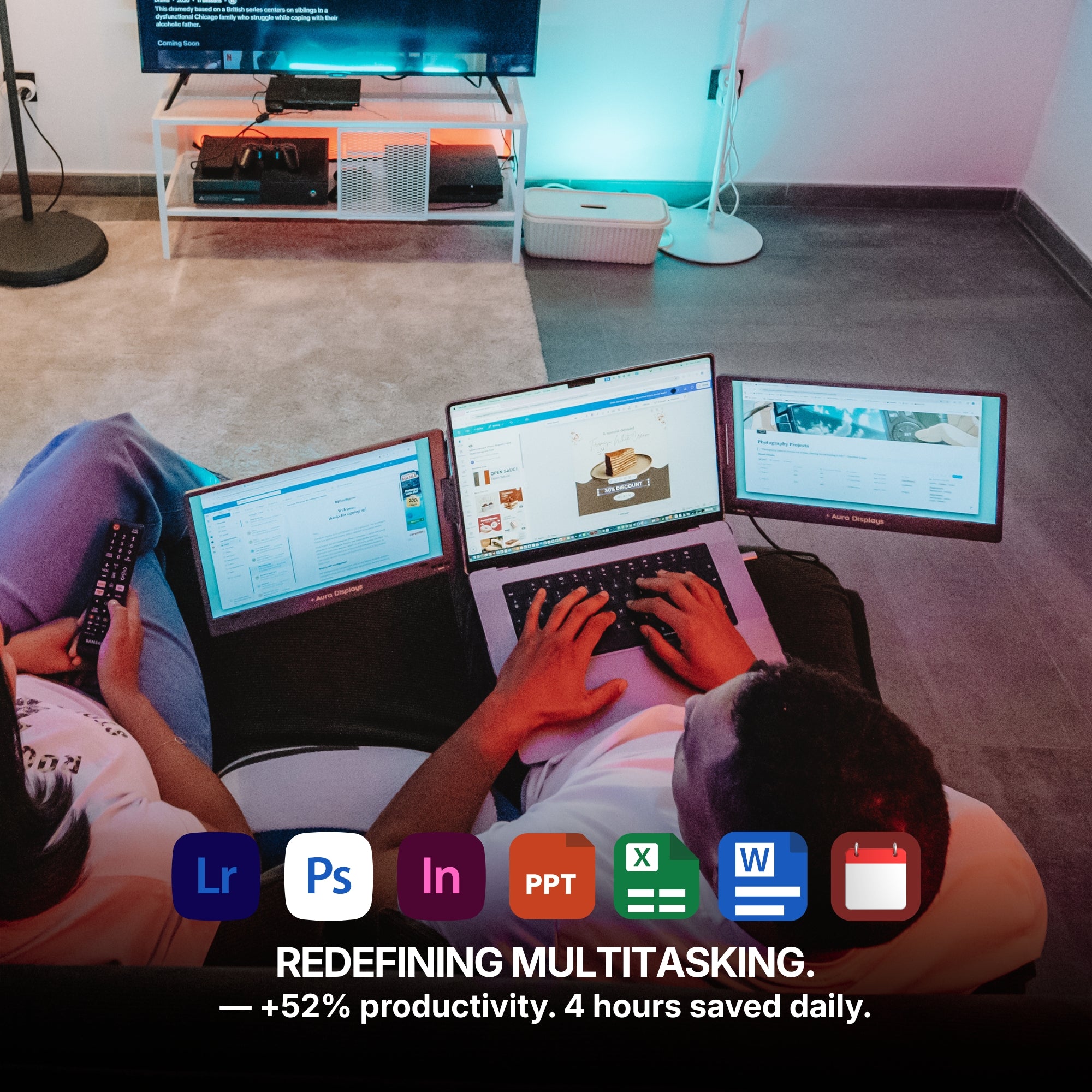
The practical effect is that reference material stops competing with the work. Source PDF on the left, draft in the middle, notes on the right. Nothing gets minimised, so nothing gets forgotten.
Three honest limitations
We would rather you buy the right thing than buy from us twice.
- Weight. An extender adds real weight to the laptop. If a student walks four kilometres a day across campus with the machine in a backpack, the smaller 14-inch models are the sensible choice, not the largest one.
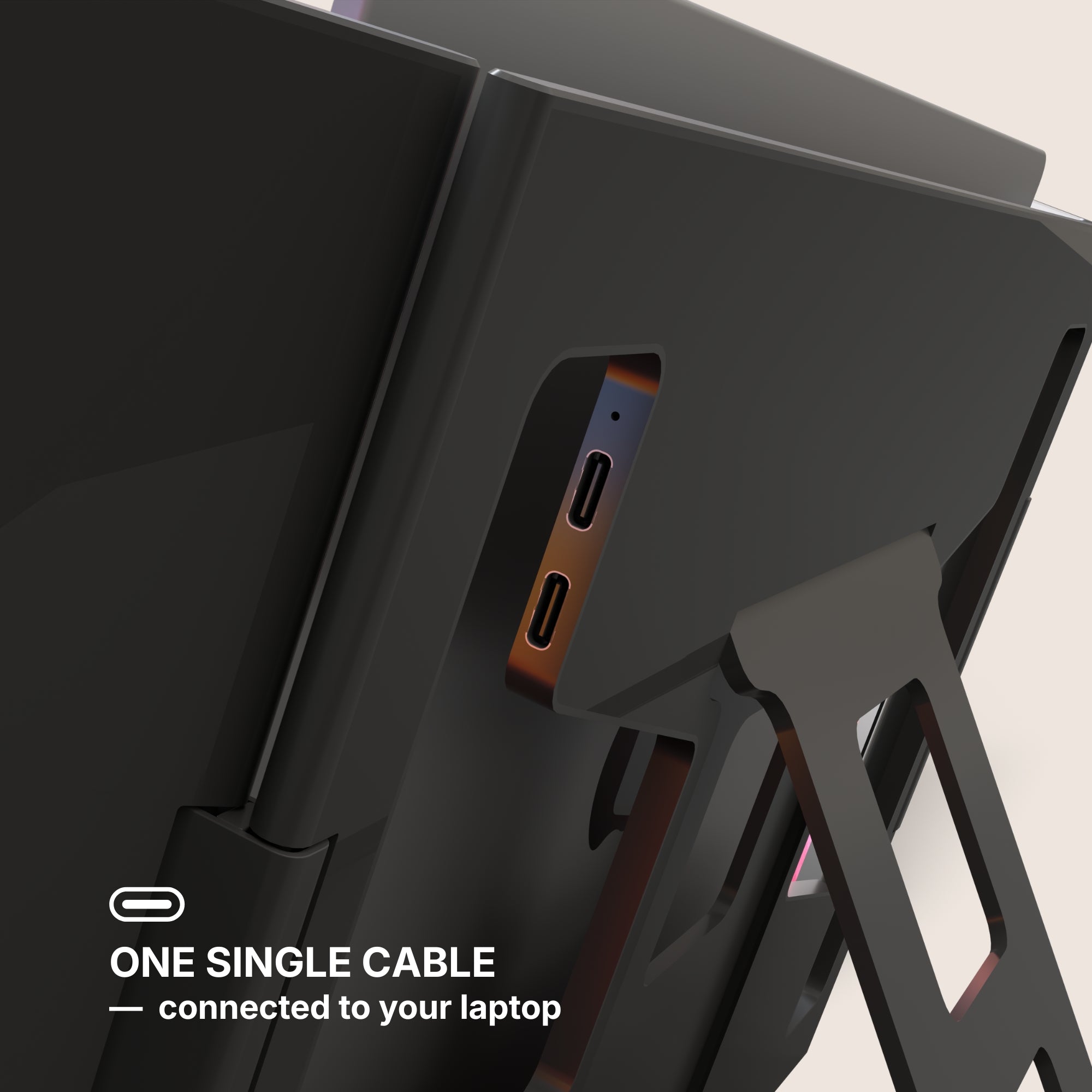
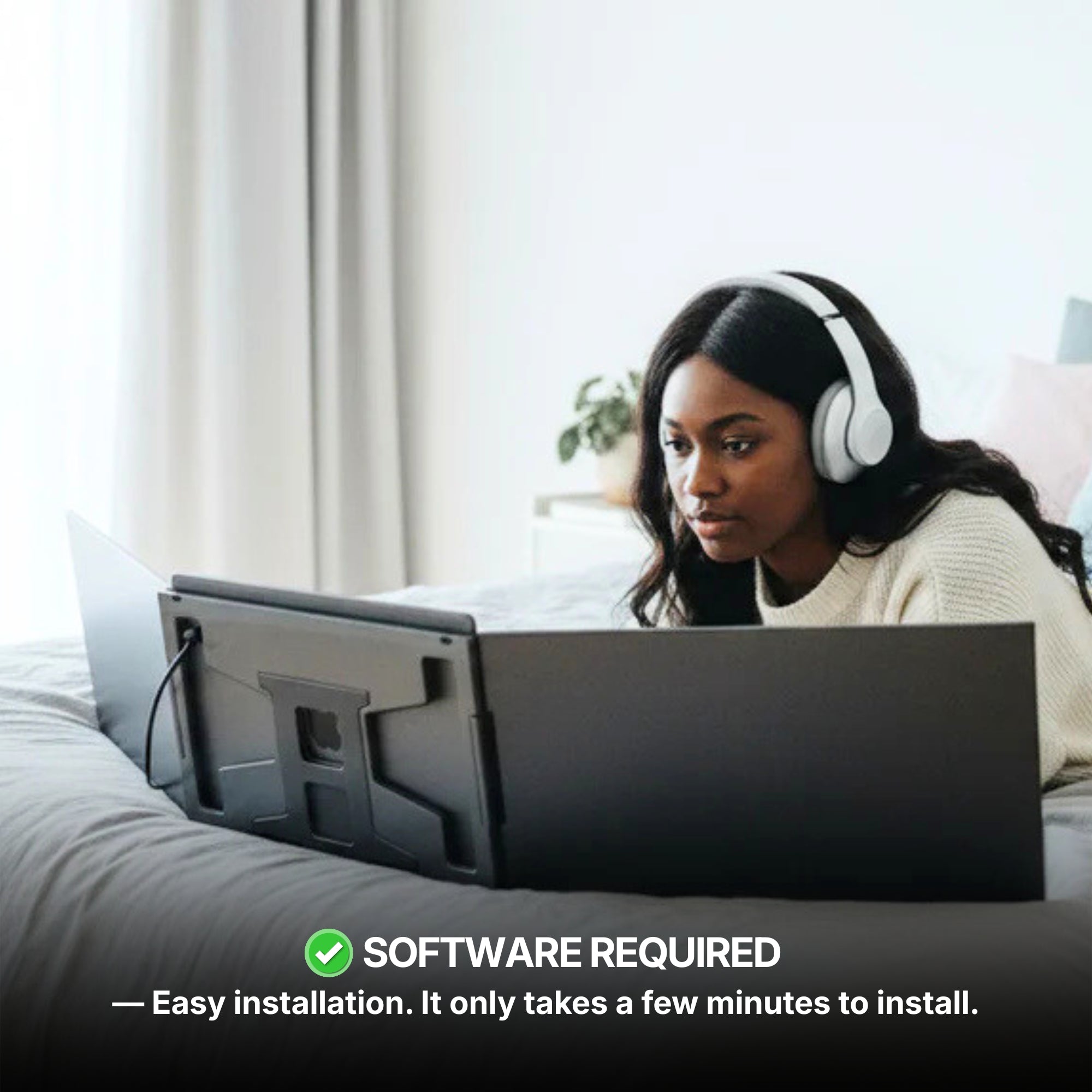
- Setup. Some Windows configurations require a display driver install before the extra panels are recognised. It is a one-time step, but it is a step.
- Battery. Driving two or three additional panels draws power from the laptop. For all-day use away from an outlet, plan on a charger being part of the kit.
Which setup for which student
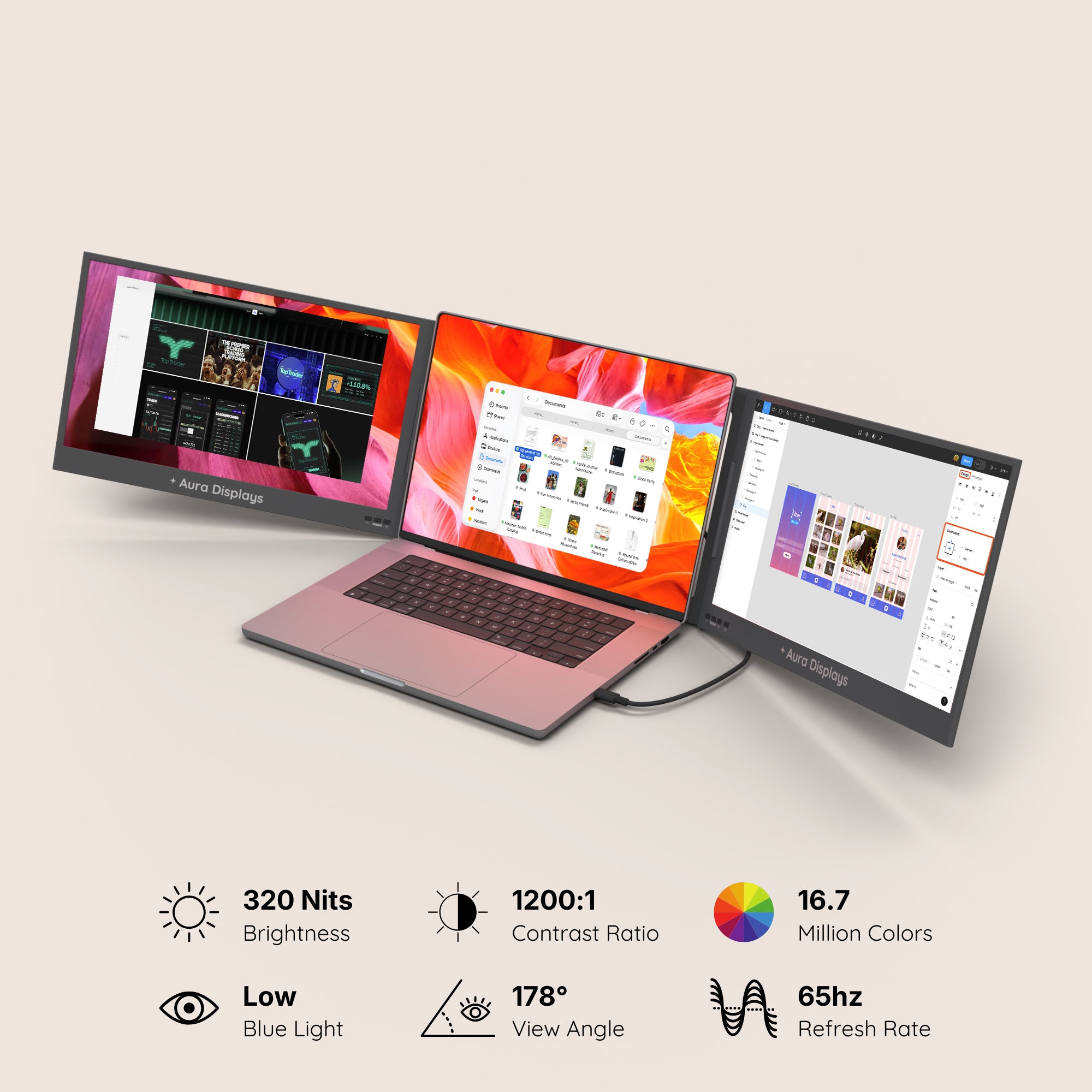
All prices in USD, all panels Full HD unless noted.
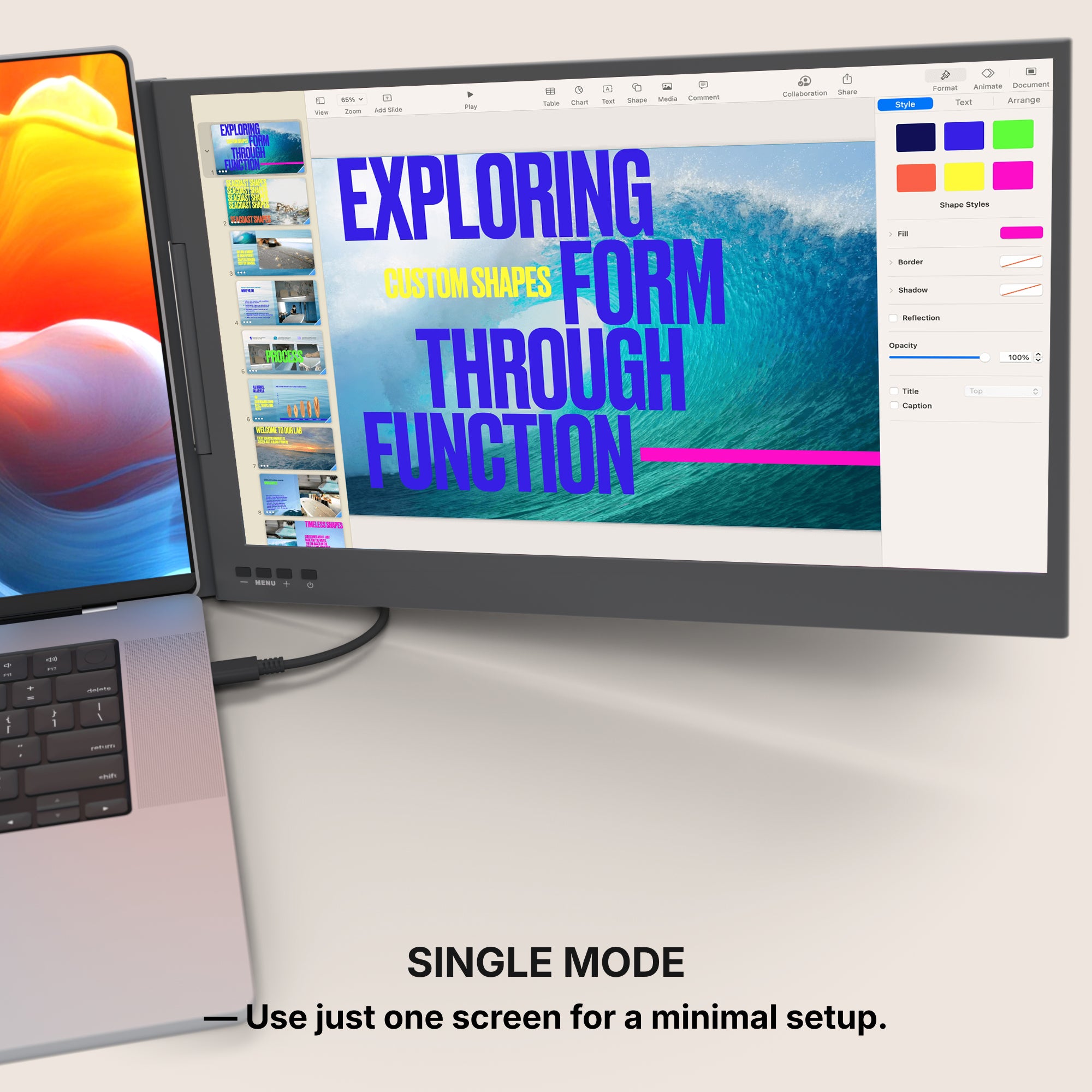
- Single Air 14" — $299. One extra 14-inch screen, the lightest option in the range. The right pick for a student who mostly needs a second window and carries their laptop everywhere.
- Dual Air 14" — $399. Two extra 14-inch screens without a large weight penalty. The best general-purpose choice for coursework.
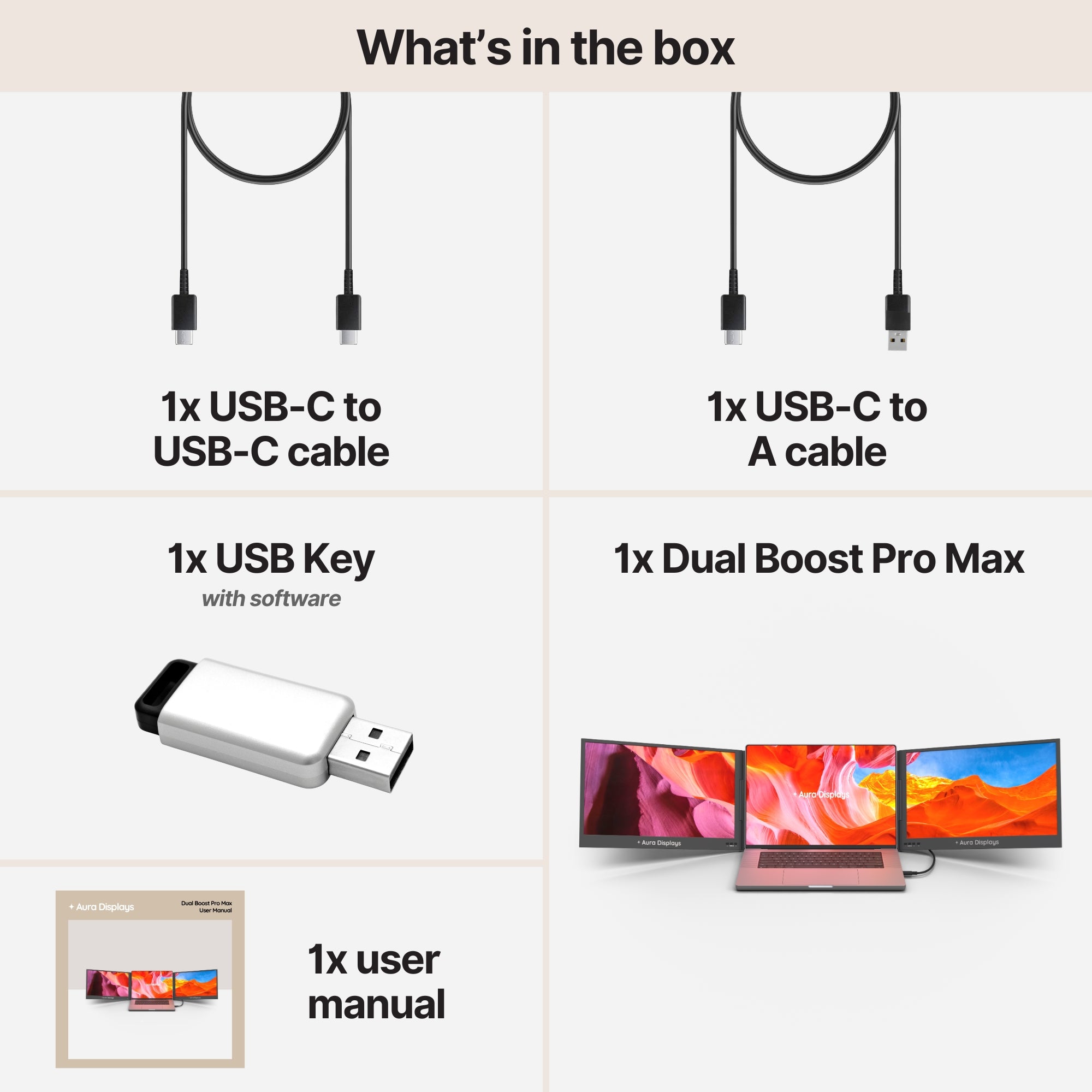
- Dual Boost Pro Max 15.6" — $469. Two 15.6-inch panels. Noticeably more usable area than the 14-inch models; better for design, spreadsheets and anything with a dense interface.
- Triple Boost Pro — from $499. Three extra screens. Genuine overkill for essay writing, genuinely useful for development, trading, video editing and multi-source research.
The honest recommendation
If the laptop is slow, replace the laptop. If the laptop is fine but the screen is full, add screens. The second problem is far more common than the first, and it costs a fraction as much to solve.
Our back-to-school window runs from 13 August to 2 September. If you want to hear about it first, the email list gets it before the site does.



















Share: