This site uses cookies for better user experience and analytics.
Memorial Day Sales until
May 28, 2026
Memorial Day Sales until
May 28, 2026
Memorial Day Sales until
May 28, 2026
Memorial Day Sales until
May 28, 2026
Memorial Day Sales until
May 28, 2026
Memorial Day Sales until
May 28, 2026
Memorial Day Sales until
May 28, 2026
Memorial Day Sales until
May 28, 2026
Memorial Day Sales until
May 28, 2026
Memorial Day Sales until
May 28, 2026
Memorial Day Sales until
May 28, 2026
Memorial Day Sales until
May 28, 2026
Memorial Day Sales until
May 28, 2026
Memorial Day Sales until
May 28, 2026
Memorial Day Sales until
May 28, 2026
Memorial Day Sales until
May 28, 2026
Memorial Day Sales until
May 28, 2026
Memorial Day Sales until
May 28, 2026
Memorial Day Sales until
May 28, 2026
Memorial Day Sales until
May 28, 2026
Memorial Day Sales until
May 28, 2026
Memorial Day Sales until
May 28, 2026
Memorial Day Sales until
May 28, 2026
Memorial Day Sales until
May 28, 2026
Memorial Day Sales until
May 28, 2026
Memorial Day Sales until
May 28, 2026
Memorial Day Sales until
May 28, 2026
In stock, ready to ship
262 reviews
Triple Boost Pro (Gen 2)
Save 31%
Sale price$449.00Regular price$649.00
Estimated Shipping Widget will be displayed here!
EMPTY DOM REMOVE PROTECTOR
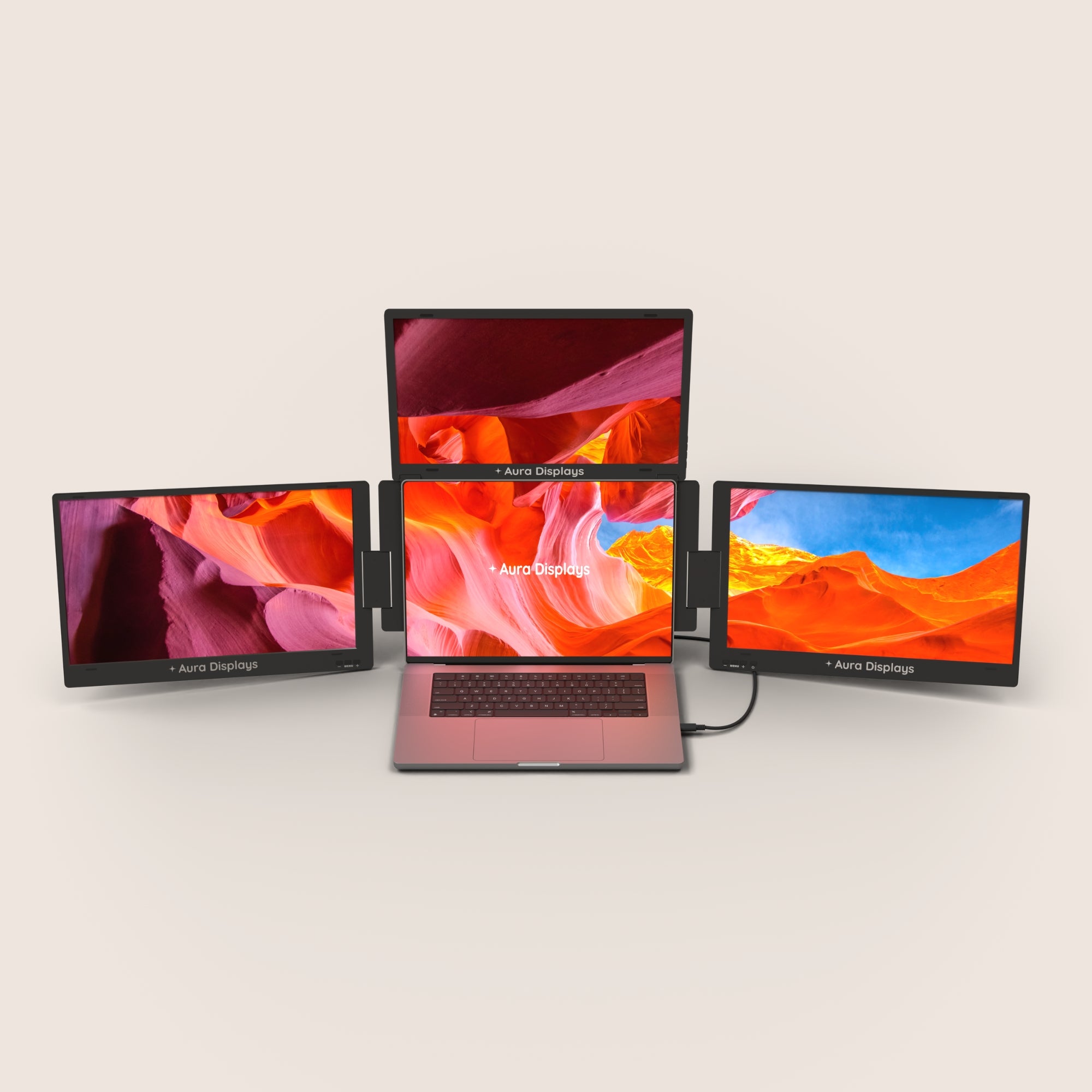
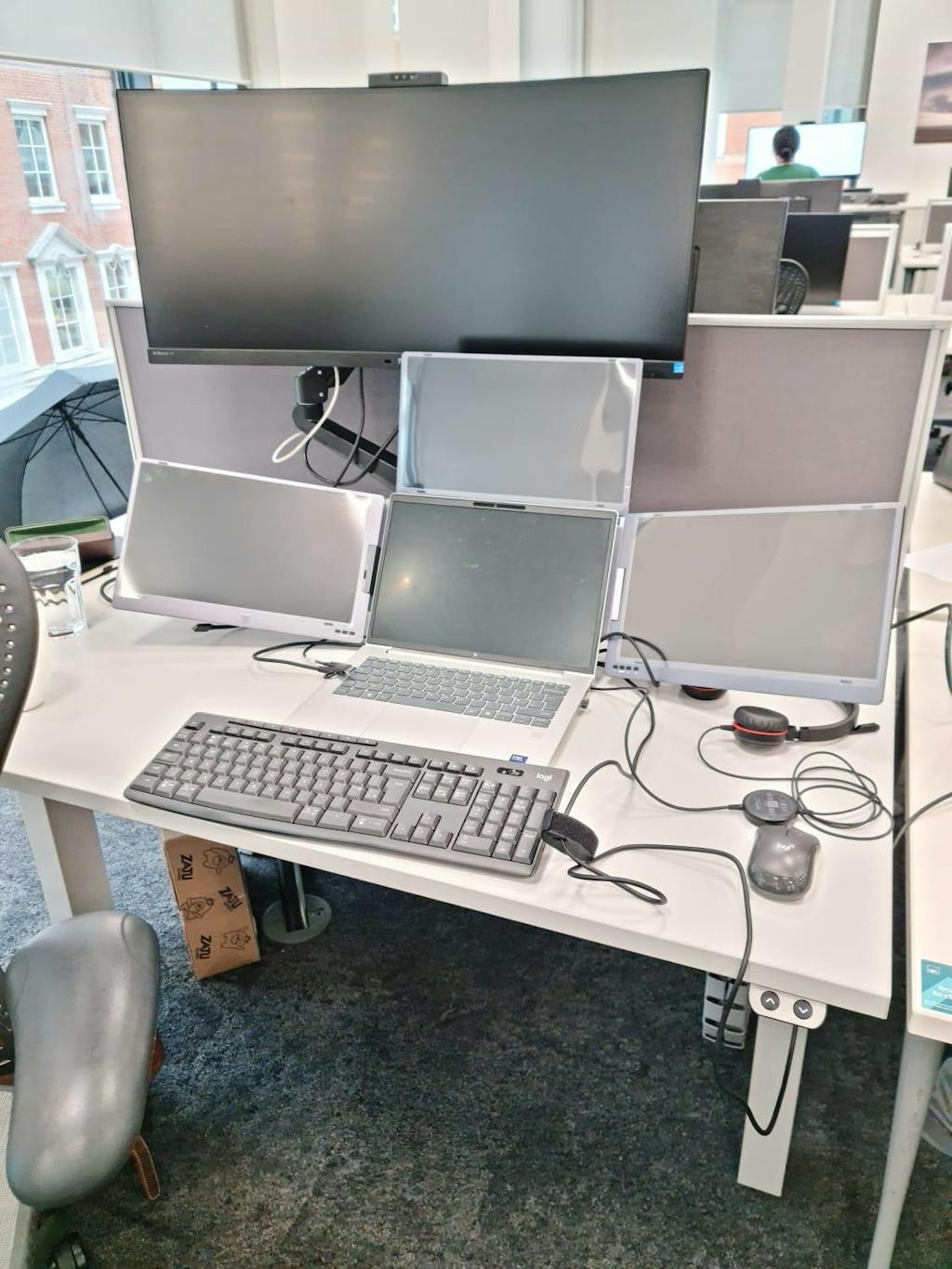
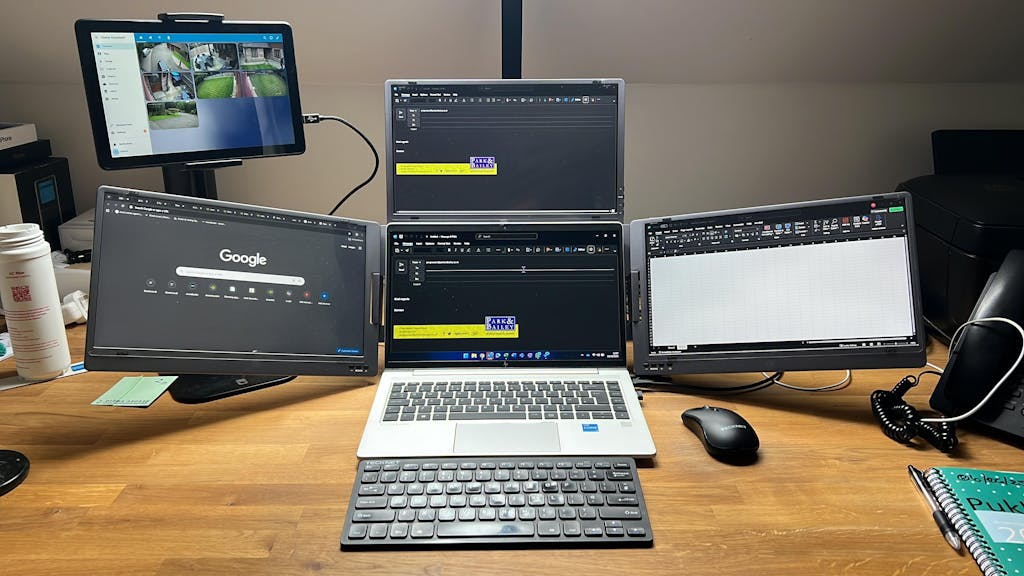
Introducing the Triple Boost Pro, the pinnacle of mobile productivity and the highest-quality triple screen extender ever built. Precision-engineered entirely from premium aluminum, it delivers a robust, immersive, professional feel. Featuring three stunning anti-glare monitors, the entire system connects seamlessly through a single, powerful USB-C connection. It is the essential, portable command center for elite performance, anywhere you work.
Display
Screen size: 3x 14" or 3x 15.6"
Resolution: 1920 x 1080 Full HD
Aspect ratio: 16:9
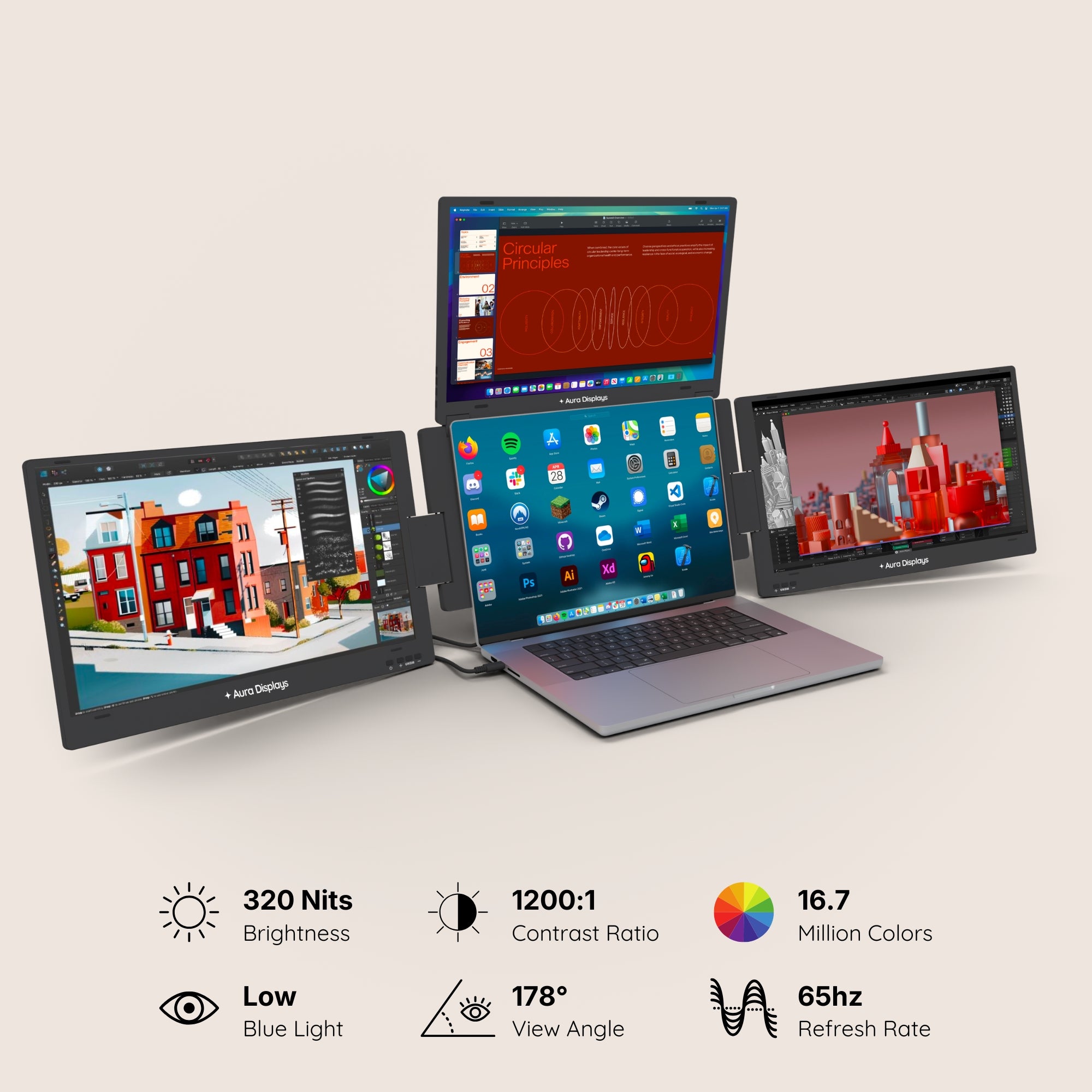
Brightness: 320 Nits
Contrast: 1200:1
Technology: LED IPS Matte
Colors: 16.7 millions colors 72% NTSC
Refresh Rate: 65hz
All technical specifications can be found at the bottom of the page or here.
Connectivity & Compatibility
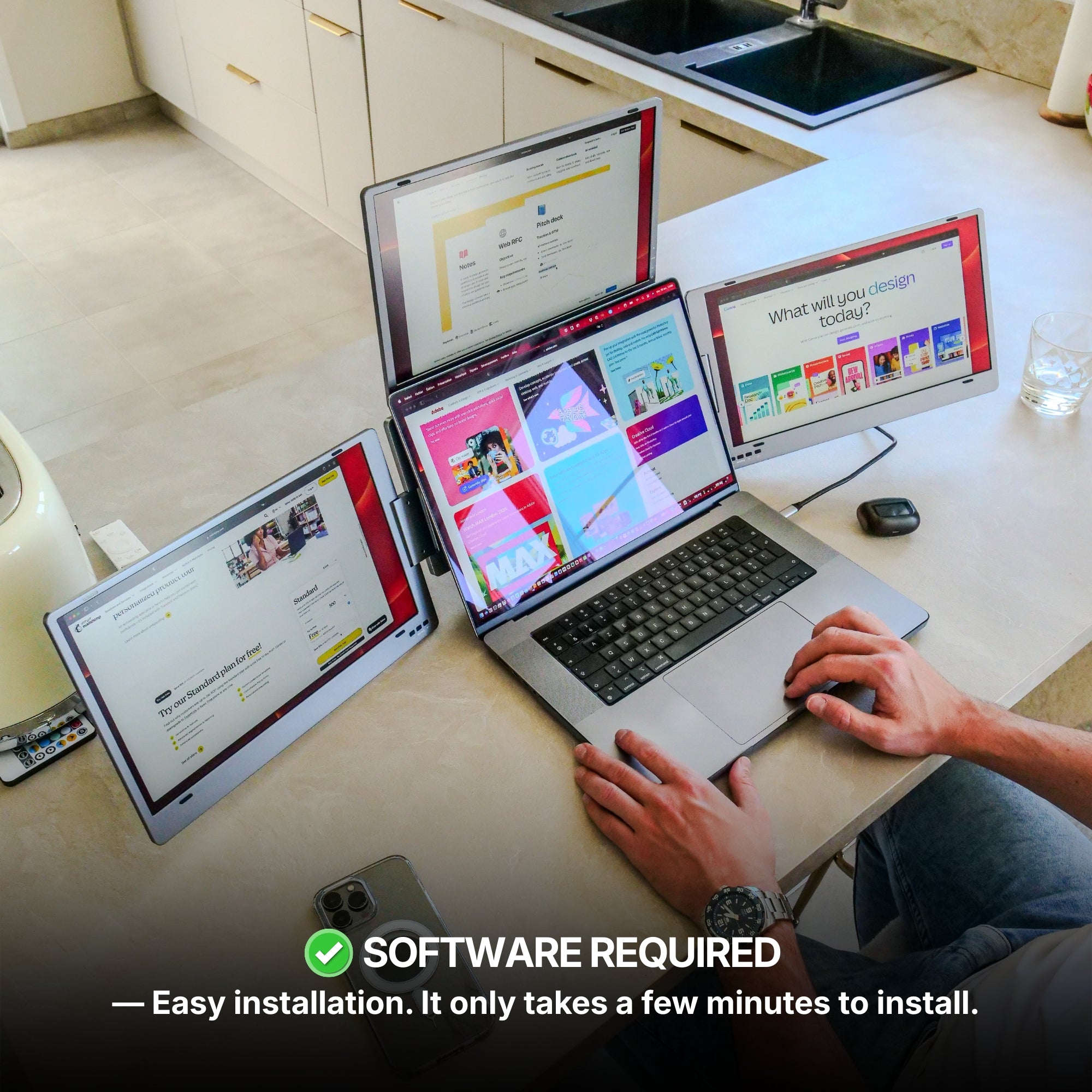
To operate the displays, a driver installation is required. The process is quick, simple, and completely safe — it only takes a few minutes to install and allows the monitors to function properly with your device.
Connectivity:
2x USB-C
It can work with 2 USB 3.0 ports
Only one USB-C port required
Triple Boost Pro 14": No external power source required but A 30W power adapter (not included) or a second USB cable can be used to run all three displays at 100% brightness.
Triple Boost Pro 15.6": A 30W power adapter (included) must be used to run all three displays at 100% brightness.
Operating systems:
MacOS
Windows
Android (Android 7.1 and above)
Ubuntu (Ubuntu 20.04,Ubuntu 22.04,Ubuntu 24.04)
Apple processor
Intel Processor
M1 / M1 PRO / M1 MAX
M2 / M2 PRO / M2 MAX
M3 / M3 PRO / M3 MAX
M4 / M4 PRO / M4 MAX
M5 and above
Windows version
Windows 11 and above
Windows 10
Windows 8.1
Windows 7
All technical specifications can be found at the bottom of the page or here.
Product Guide and Download
Learn how to to set up, use, and care for Triple Boost Pro, and get a comprehensive look at all the product’s features.
All technical specifications can be found at the bottom of the page or here.
Buy this product and receive free:
Pairs well with
Also available in our Refurbished Program
Our refurbished products are fully inspected, tested, and repackaged to perfection by our technical team, ensuring the same performance and reliability as a brand-new unit.
Enjoy up to 15% off while contributing to a more sustainable tech industry — because extending product life means reducing waste and protecting our planet.
Have questions? Our support team is ready to assist. Contact us anytime, and we’ll respond promptly. Chat available weekdays, 9am to 5pm (CET).
Shipping Information
We proudly ship worldwide to over 100 countries. Enjoy free shipping on orders over $100 during our current promotion.
Delivery typically takes 3-6 days. We partner with trusted carriers like DHL, FedEx, and UPS for a secure, tracked delivery experience.
Track my order
Once your order is dispatched, you’ll receive an email with a tracking number and link. You can track your package directly on the courier's website (DHL, FedEx, UPS, etc.). You’ll also receive a notification once your shipment is out for delivery. If you don’t see tracking details in your inbox, please check your spam folder.
Returns
For purchases made directly through our website, we offer a 14-day return policy from the delivery date. Accessories that come with your portable monitor can be returned, but separately purchased accessories are not included in this policy. If you purchased from another retailer, please contact them for return instructions.
If you decide the product is not for you, we’ll provide a full refund within 14 days, provided the product is unsealed and returned with all items from the original order. Refunds will be processed to the original payment method. Please note, our free return policy does not cover compatibility or driver issues if these were not verified prior to purchase.
Warranty
Every product we offer is backed by a one-year warranty, covering any manufacturing defects. Should you experience any issues within this period, simply reach out to our customer support team, and we’ll assist you with a repair or replacement.
Contact us
Have a question? Reach out via email through our contact form or chat directly with one of our agents.
262 reviews
Highlights.
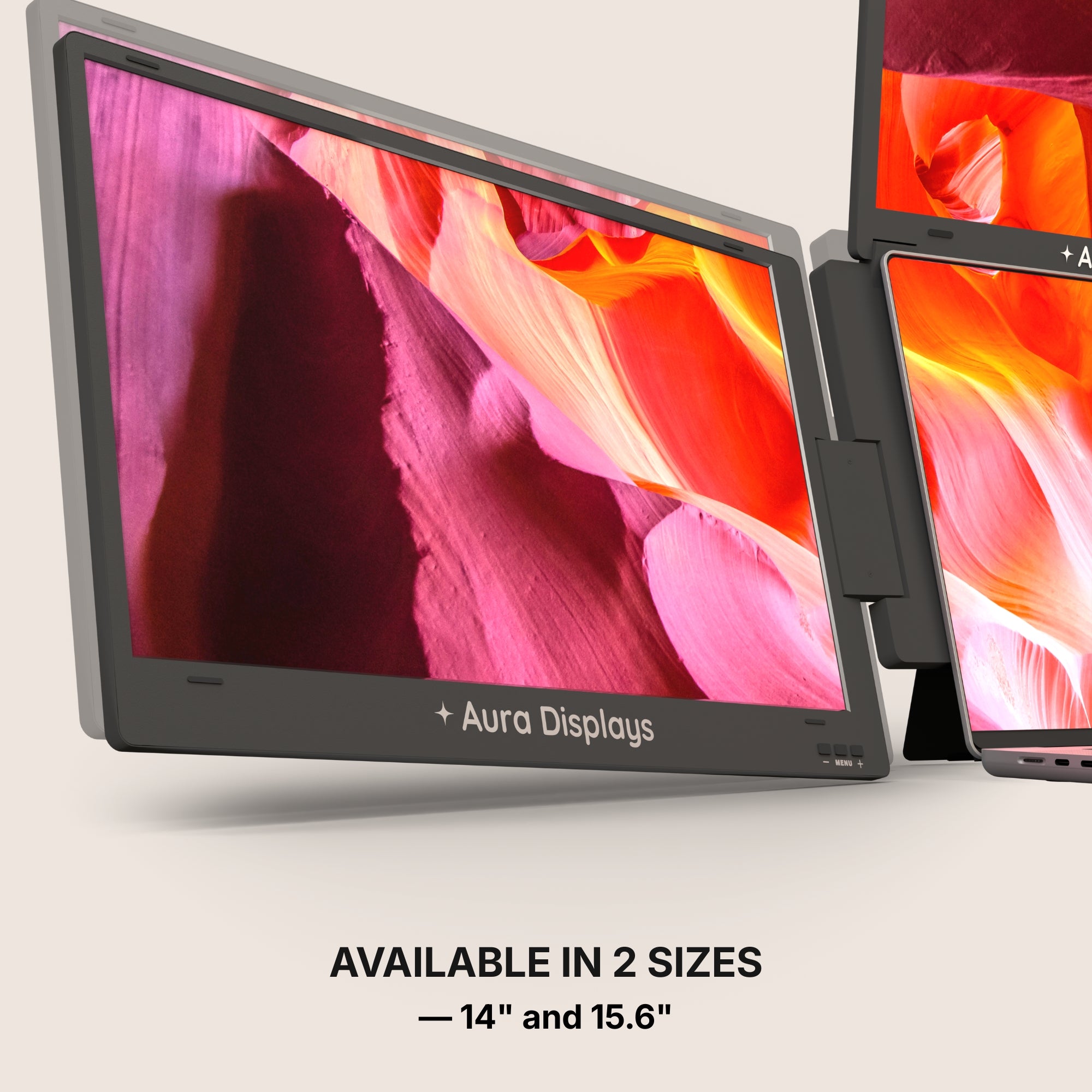
The Triple Boost Pro (Gen 2) is a remarkably immersive, laptop dedicated, portable monitor system, meticulously crafted by Aura Displays ✦
Discover the Triple Boost Pro (Gen 2) series, the monitor engineered to deliver productivity wherever you go.
One product,
Two models.
Discover the Triple Boost Pro (Gen 2) series, the monitor engineered to deliver productivity wherever you go.
NEW: Pro 15.6"
NEW: Pro 15.6"
Screen Size: 15.6"
Resolution: Full HD
Brightness: 320 nits
Aspect Ratio: 16:9
Laptop Match: 12" to 17.3"
A 30W power adapter (included) must be used to run all three displays at 100% brightness.
Pro 14"
Pro 14"
Screen Size: 14"
Resolution: Full HD
Brightness: 320 nits
Aspect Ratio: 16:9
Laptop Match: 12" to 16"
A 30W power adapter (not included) or a second USB cable can be used to run all three displays at 100% brightness.
Built to elevate your productivity
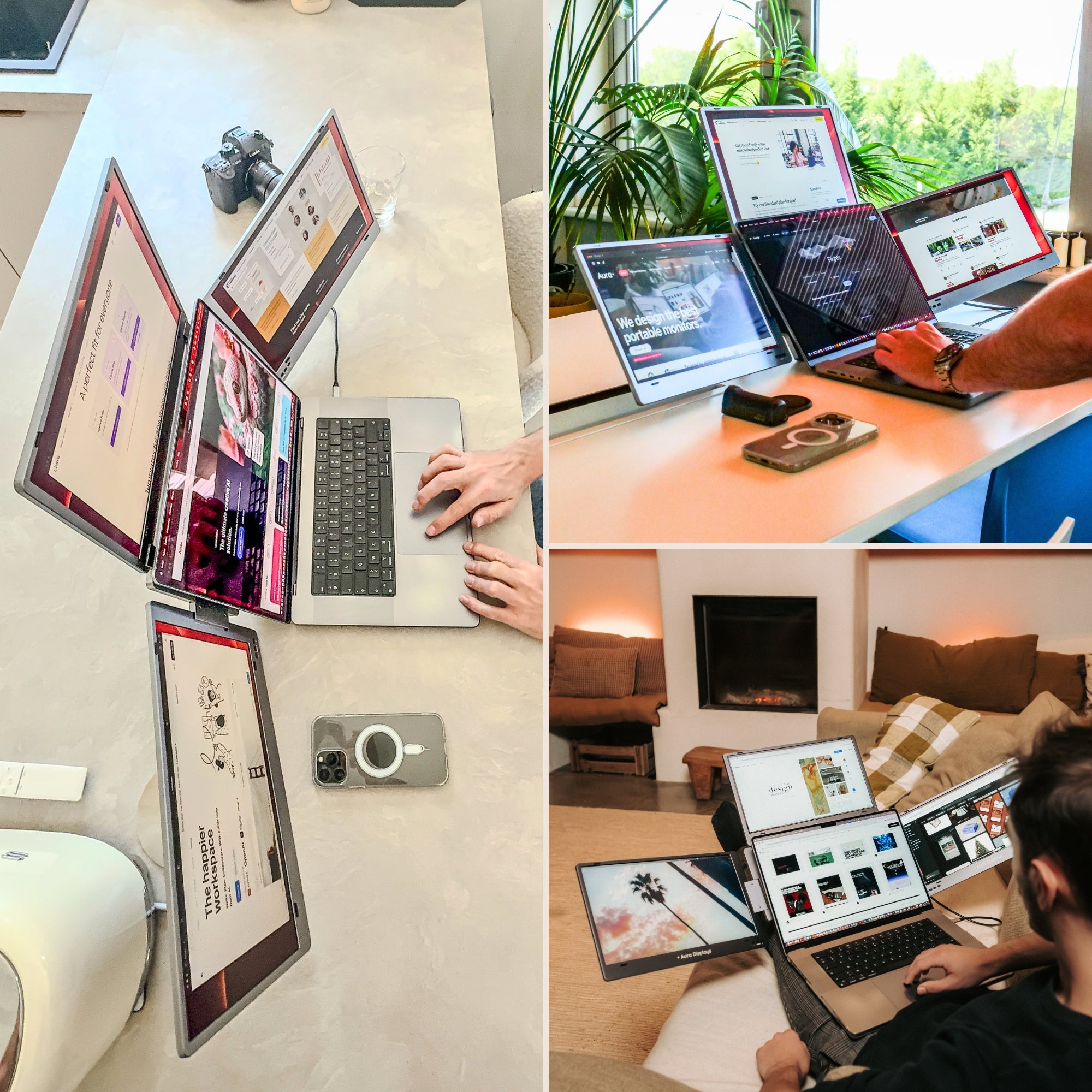
Landscape mode
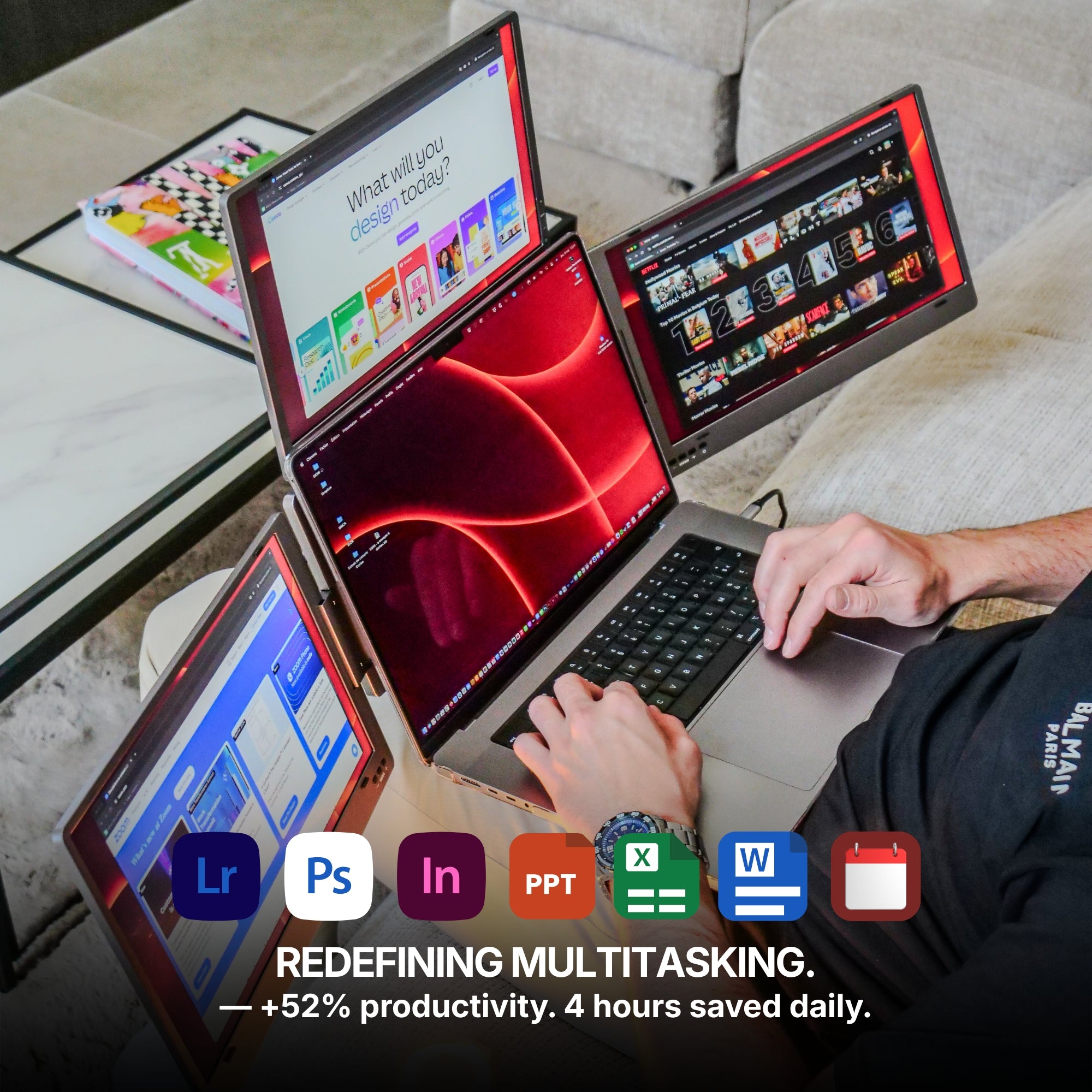
Lose yourself in an immersive view, unlocking expansive display space for maximum productivity, multitasking, and an elevated visual experience.
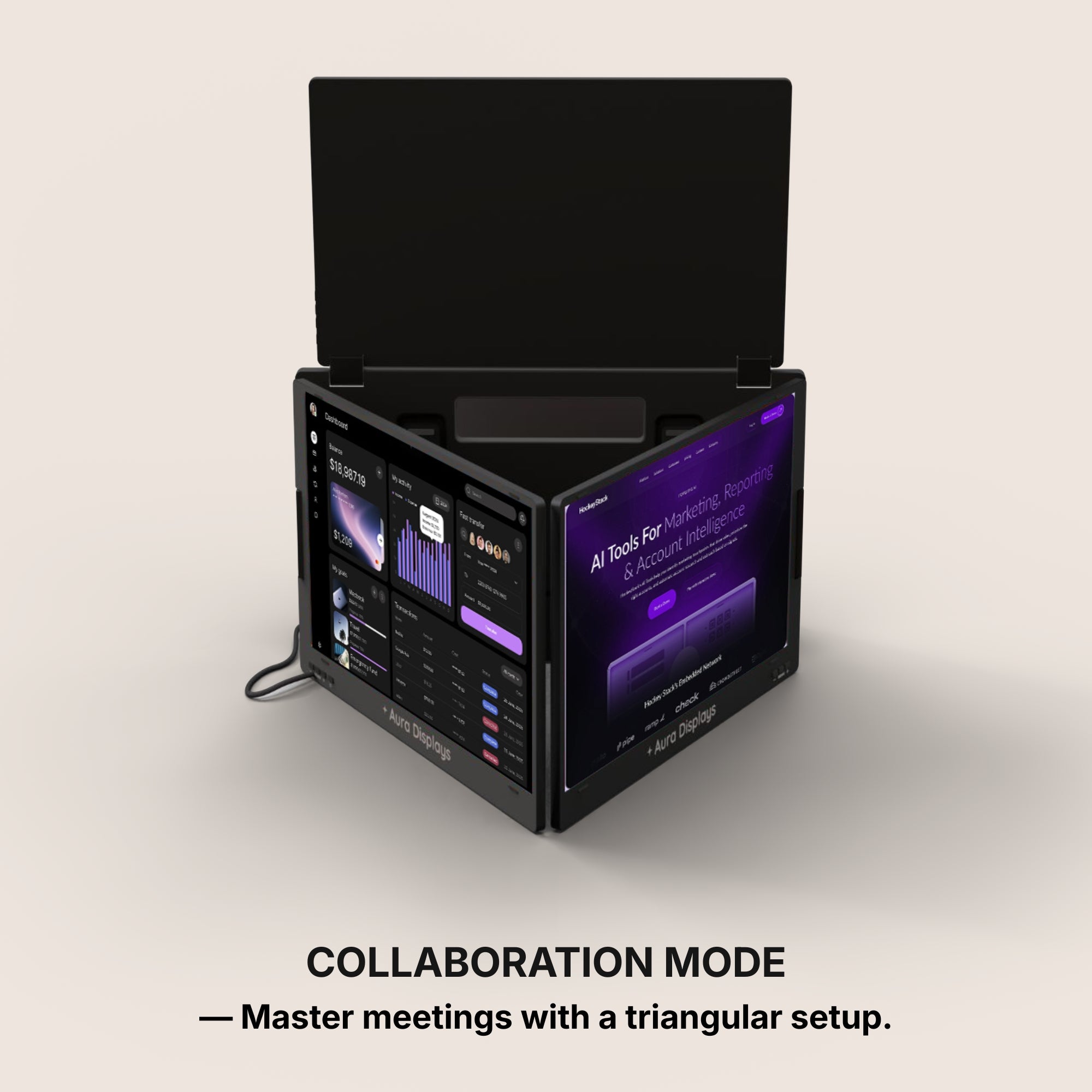
Made for collaboration.
Collaboration mode
Master meetings with a triangular setup. Effortlessly connect the screens for focused collaboration, bringing your displays together for perfect teamwork and enhanced productivity.
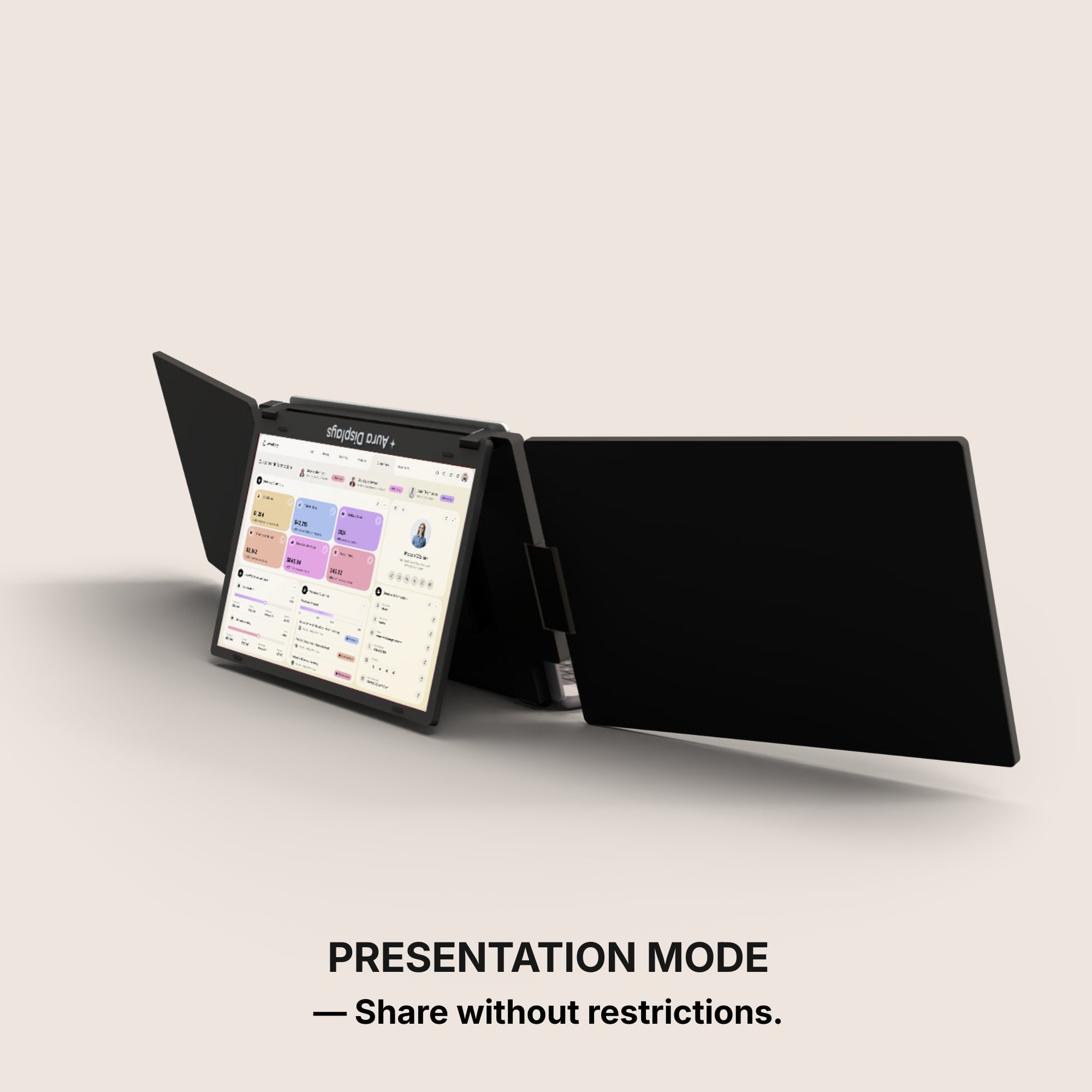
Share without restrictions.
Presentation mode
Own the conversation with a full 180° rotation. Effortlessly share your screen and adjust your display for flawless collaboration from any angle.
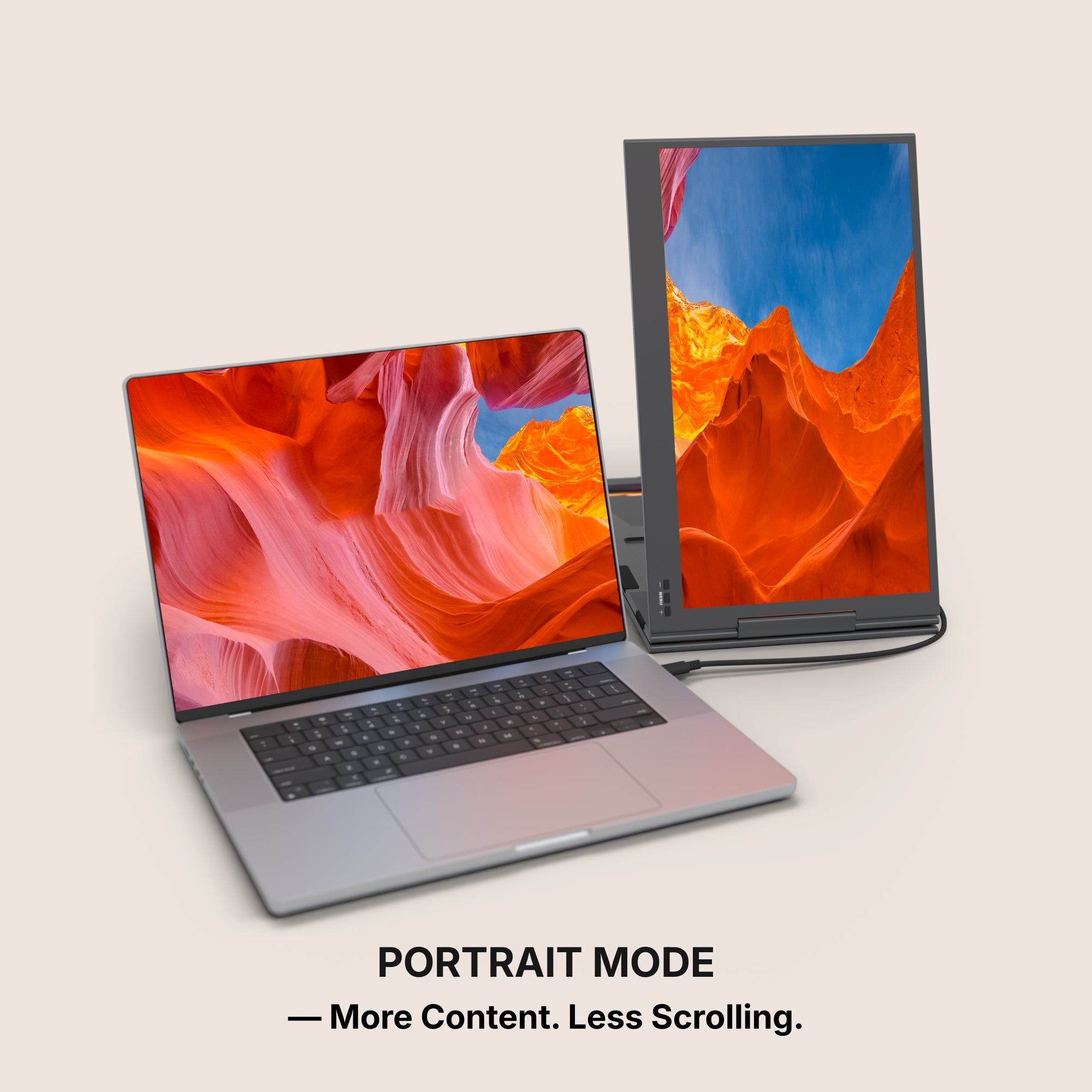
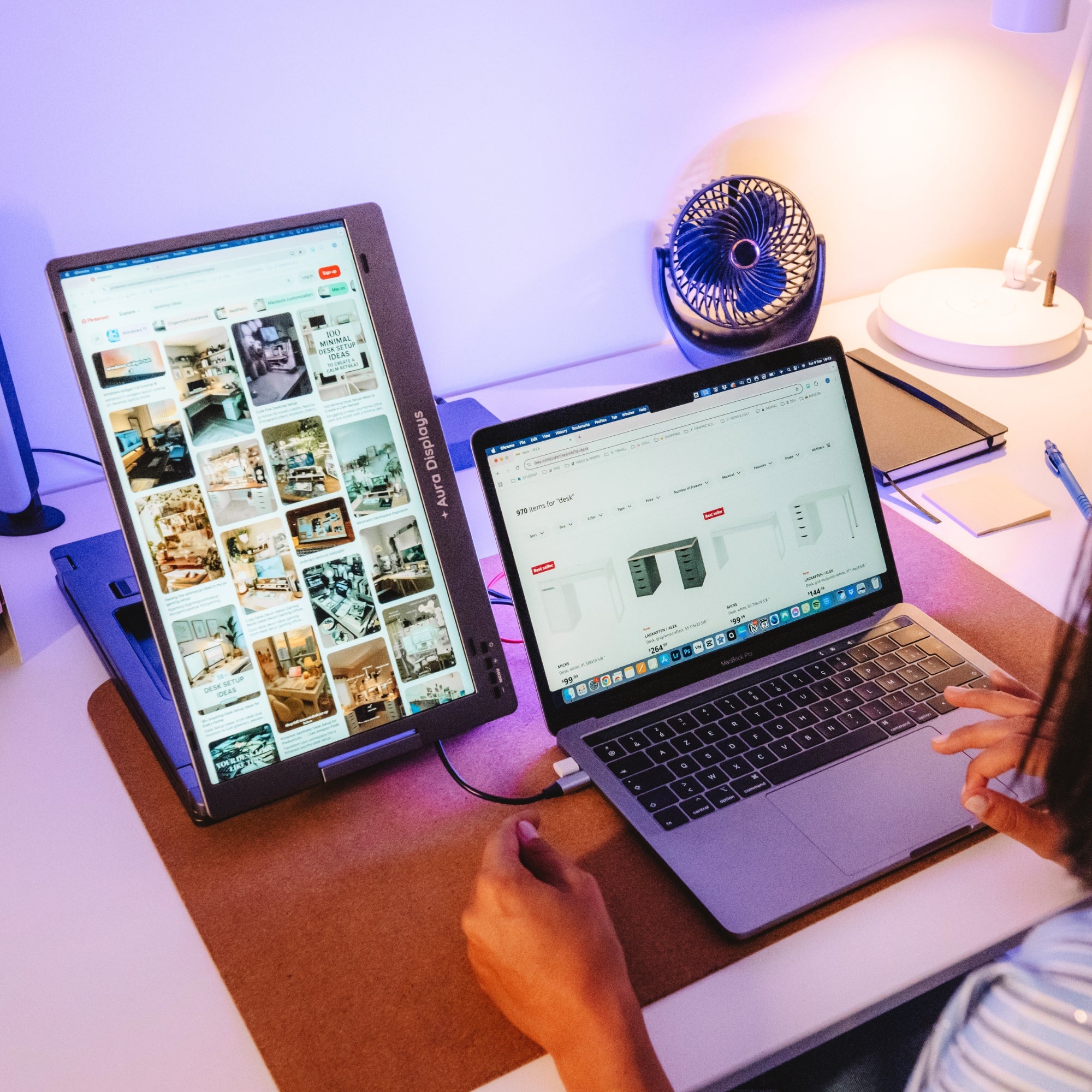
More Content. Less Scrolling.
Portrait mode
Switch to vertical mode for a taller display. Ideal for reading, coding, or viewing long documents, providing a fresh perspective on your workflow.
Work with one screen for simplicity
Single / Dual mode
Use just one or two screens for a minimal setup, or activate the second display to instantly expand your workspace.
Set up in seconds.
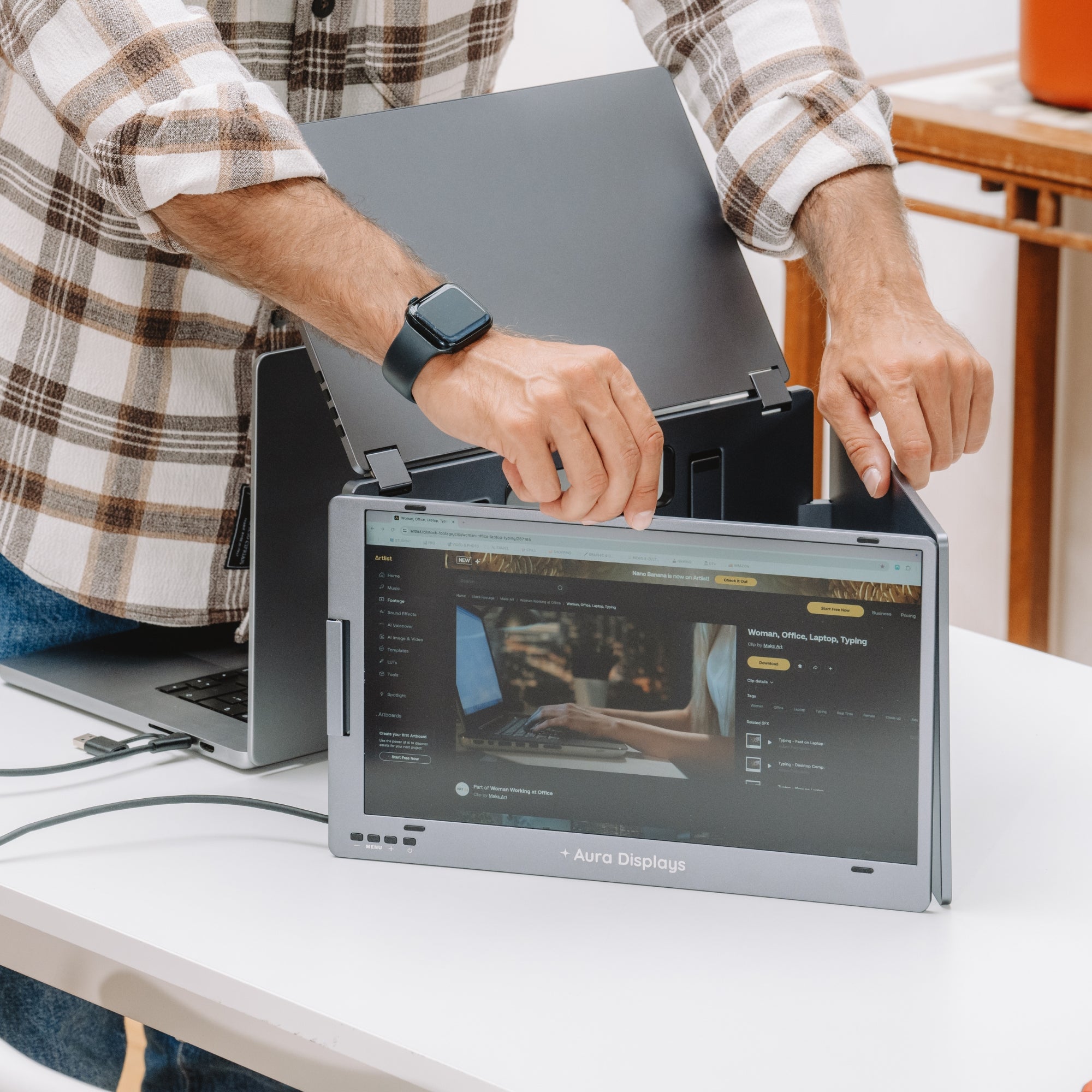
Unfold the stand
Open the screens
Connect it to your laptop via USB-C
You’re ready to work, play, and unwind.
Built to elevate your productivity
Landscape mode
Lose yourself in an immersive view, unlocking expansive display space for maximum productivity, multitasking, and an elevated visual experience.
Made for collaboration.
Collaboration mode
Master meetings with a triangular setup. Effortlessly connect the screens for focused collaboration, bringing your displays together for perfect teamwork and enhanced productivity.
Share without restrictions.
Presentation mode
Own the conversation with a full 180° rotation. Effortlessly share your screen and adjust your display for flawless collaboration from any angle.
More Content. Less Scrolling.
Portrait mode
Switch to vertical mode for a taller display. Ideal for reading, coding, or viewing long documents, providing a fresh perspective on your workflow.
Work with one screen for simplicity
Single / Dual mode
Use just one or two screens for a minimal setup, or activate the second display to instantly expand your workspace.
Set up in seconds.
Unfold the stand
Open the screens
Connect it to your laptop via USB-C
You’re ready to work, play, and unwind.
Designed to Do More.
Explore the features that make this monitor smarter, more versatile, and built to elevate the way you work and create.
Move Freely Across Screens
Instantly drag and transfer any window from one display to another for a smoother, faster multitasking experience.
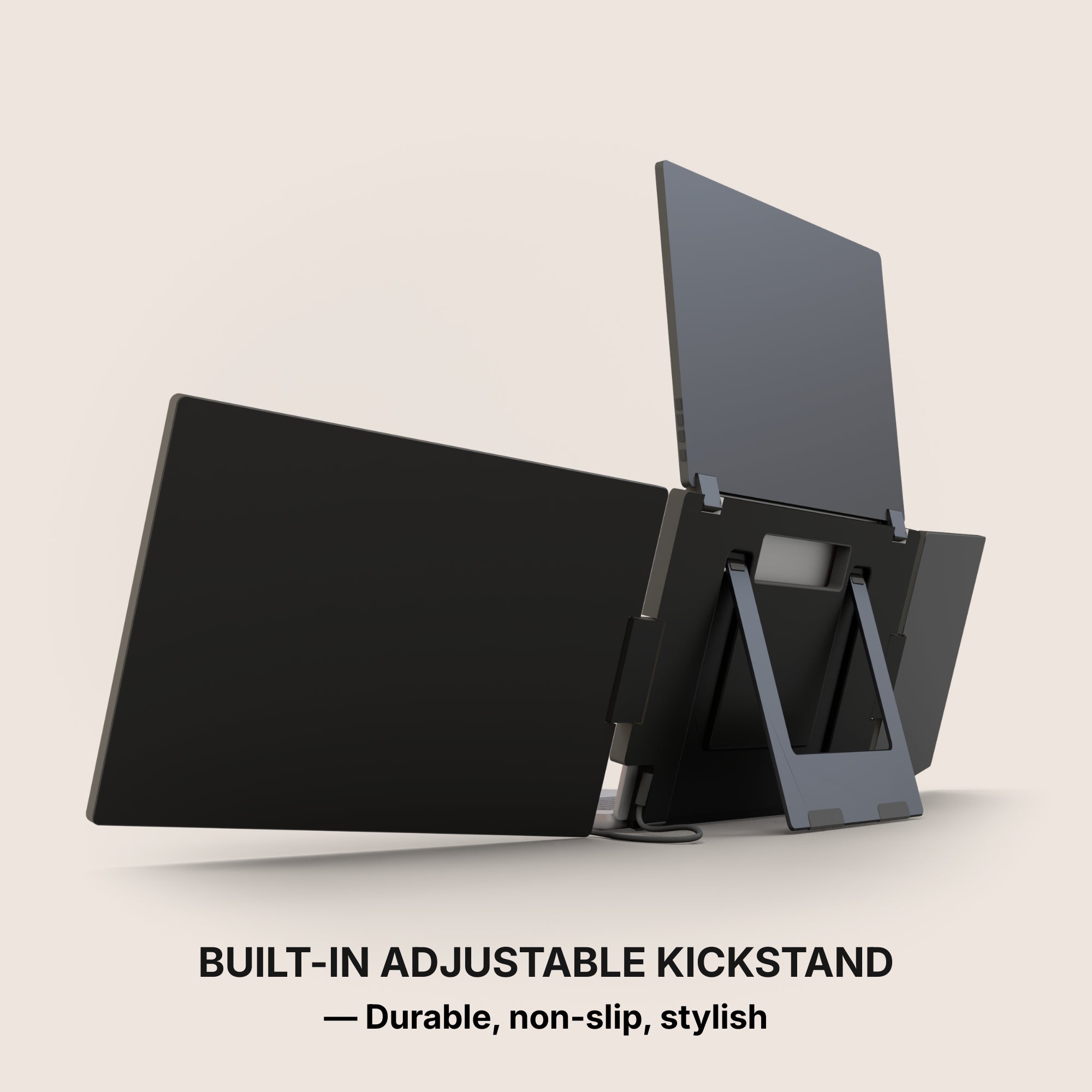
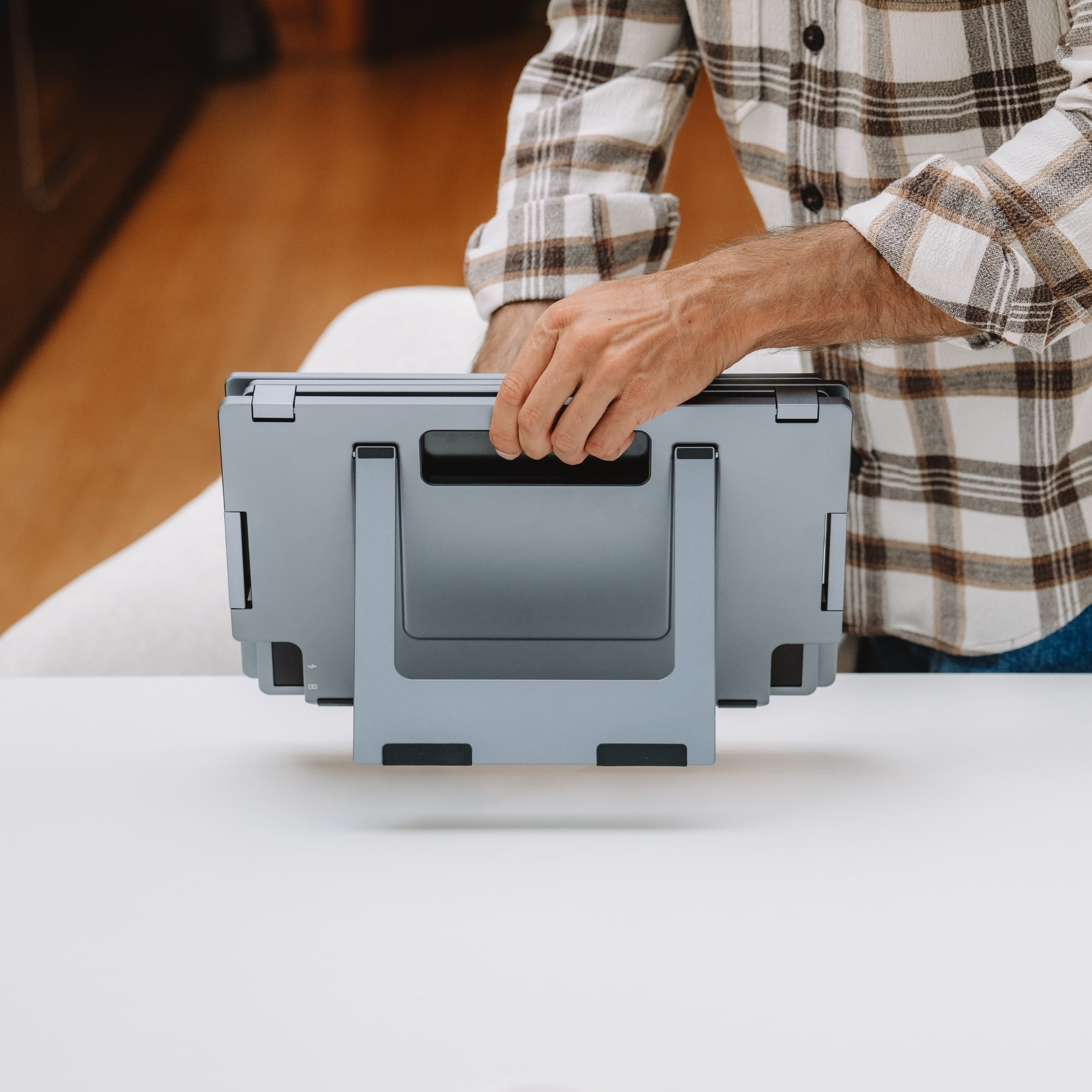
Integrated Stand
The monitor features a built-in stand, allowing you to position it easily and create a stable workspace anywhere. Its integrated design ensures quick setup and convenient use wherever you go.
Anti-Slip
The integrated anti-slip stand keeps your monitor securely in place, providing reliable stability on any desk or workspace.
Effortless Connection
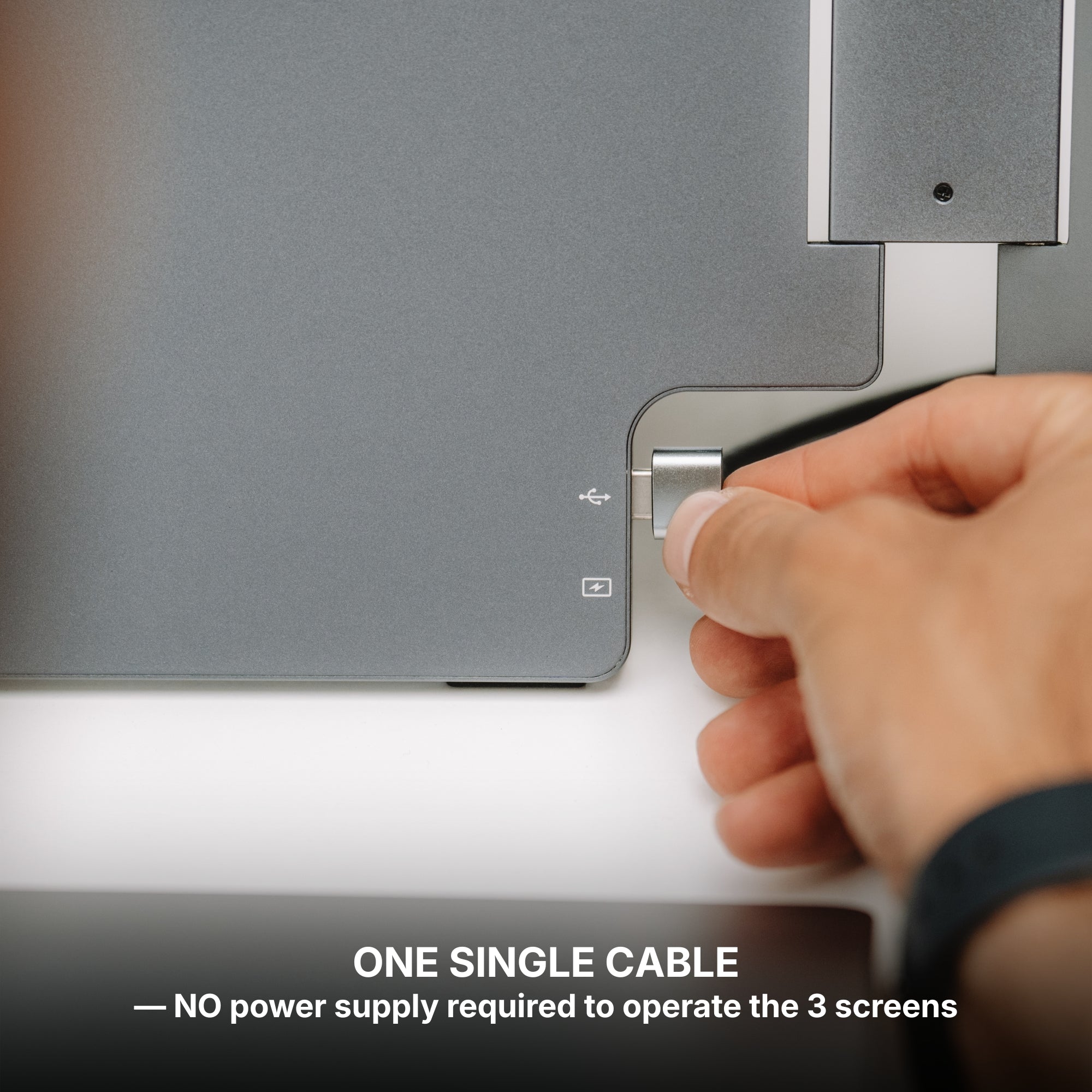
Designed for simplicity, connecting your displays takes just seconds. Plug the cable, power on, and start working immediately.
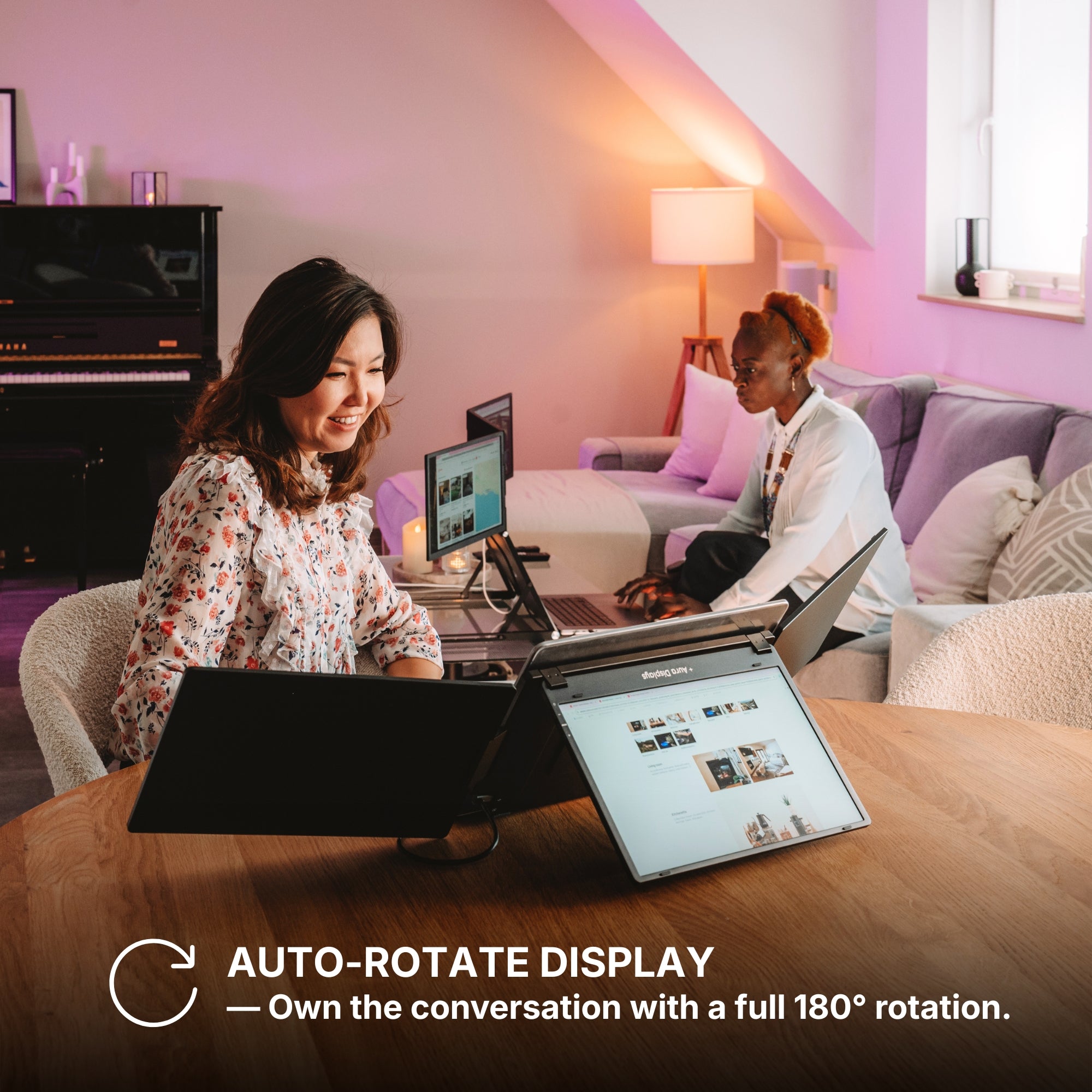
Auto-Rotate Display
When the upper screen is flipped to the back, the display automatically rotates to maintain the correct orientation. This smart feature ensures your content is always perfectly aligned, making it ideal for sharing your screen with others.
Protected When Closed
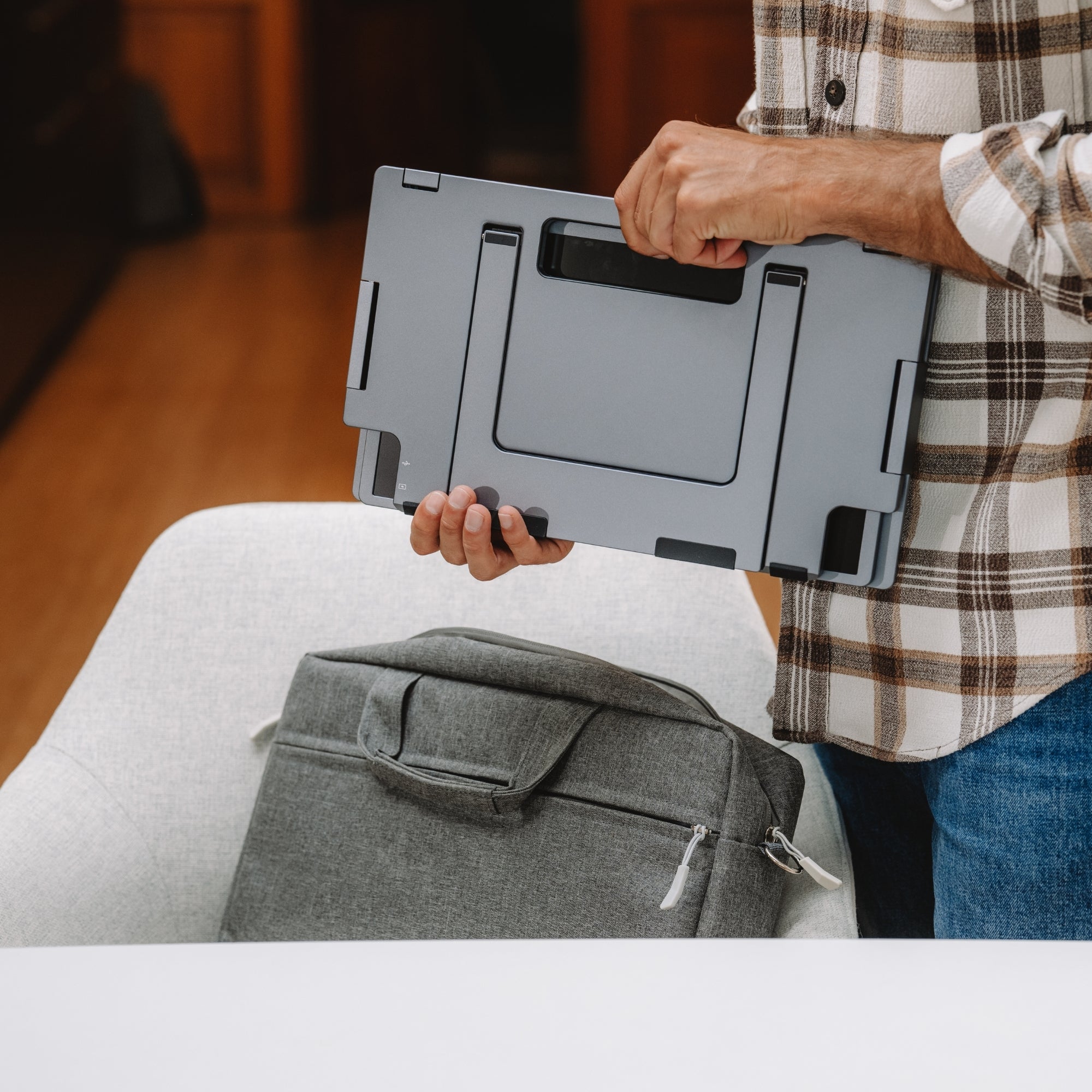
When the screens are folded back into their closed position, they are safely protected from scratches, dust, and everyday wear. This design helps keep your displays in perfect condition, especially when traveling or moving your setup.
Available in Full HD.
Brilliant visuals with spectacular clarity.
From bright outdoor spaces to dim studios — without missing a detail.
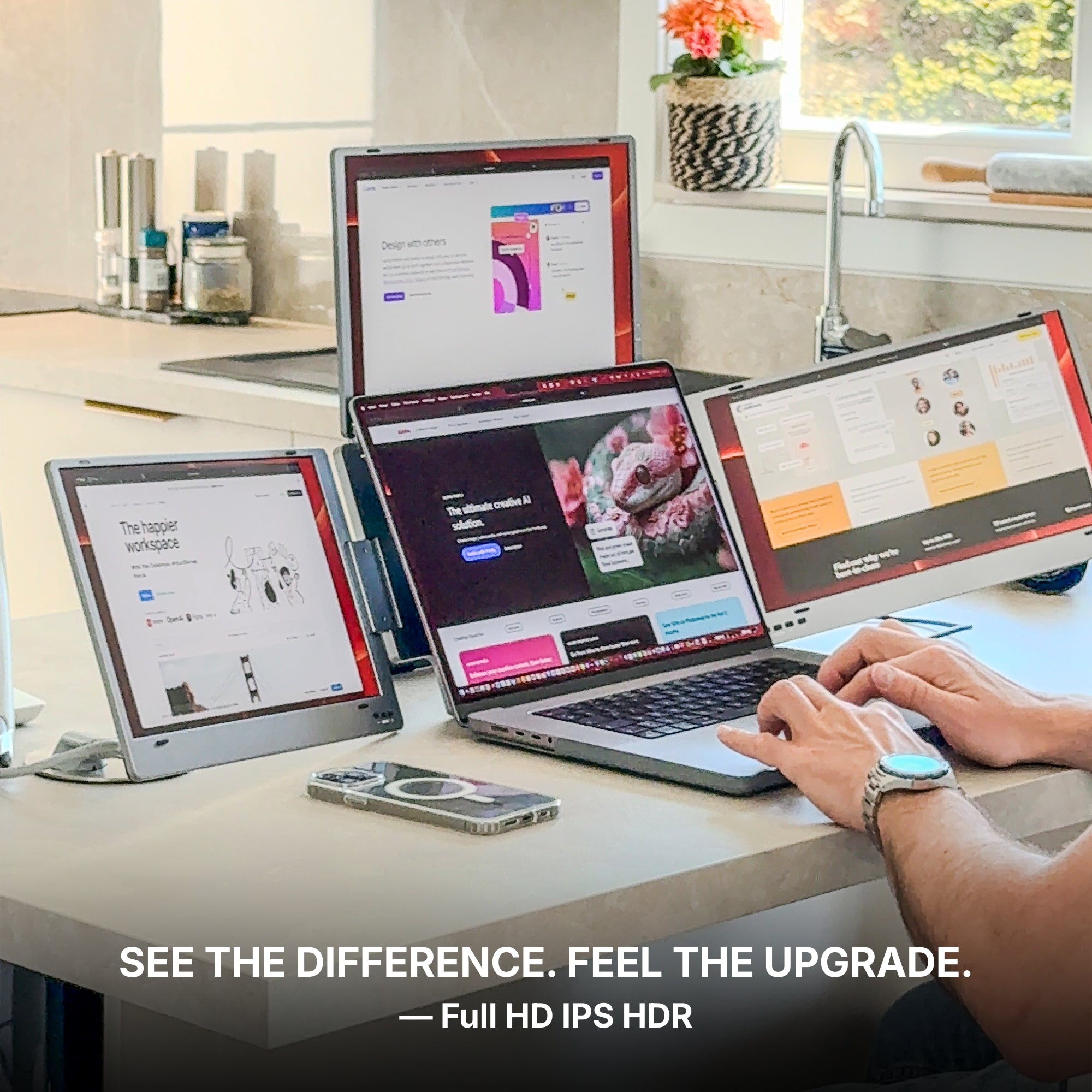
The stunning IPS HDR display of the Triple Boost Pro (Gen 2) delivers up to 320 nits of brightness for excellent visibility even in bright environments, along with a 1500:1 contrast ratio that enhances depth and clarity.
The result: a screen that remains sharp, vibrant, and perfectly readable in virtually any lighting condition.
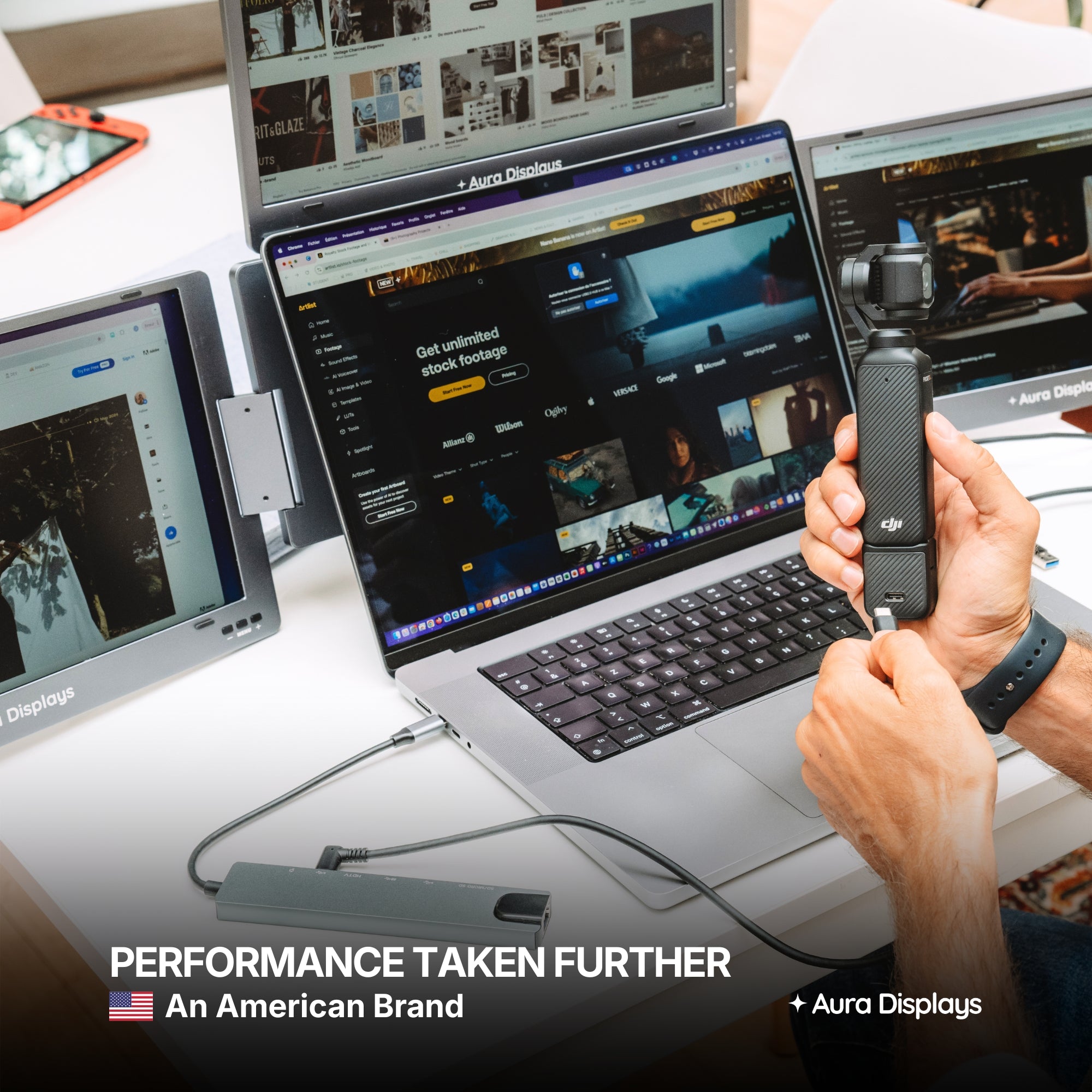
Performance. Taken Further.
Your laptop needs a high-performance sidekick. Everything it has always been missing, all in one.
Our displays integrate cutting-edge technologies such as HDR and Eye Care, delivering vibrant visuals while helping reduce eye strain during long working sessions.
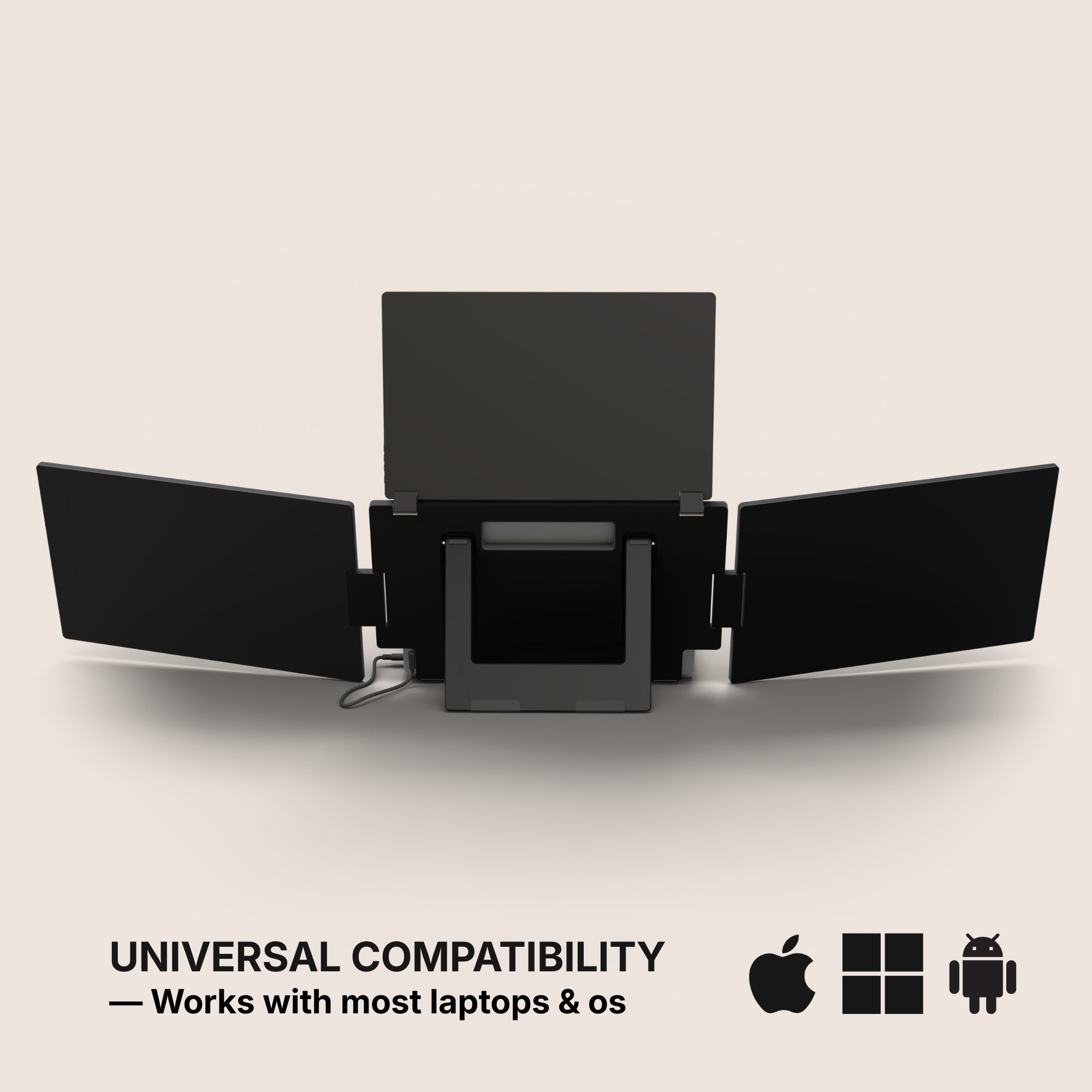
Our portable monitors are designed to work seamlessly with a wide range of devices. Built for flexibility and ease of use, they integrate effortlessly into your setup, making it simple to expand your workspace wherever you work.
macOS
macOS
MacOS version:
MacOS 26 Tahoe and above
MacOS 15 Sequoia
MacOS 14 Sonoma
MacOS 13 Ventura
MacOS 12 Monterey
MacOS 11 Big Sur
MacOS 10.15 Catalina
MacOS 10.14 Mojave
MacOS 10.13 High Sierra
MacOS 10.12 / 10.11 / 10.10
Apple processor:
Intel Processor
M1 / M1 PRO / M1 MAX
M2 / M2 PRO / M2 MAX
M3 / M3 PRO / M3 MAX
M4 / M4 PRO / M4 MAX
M5 and above
Windows
Windows
Windows 11 and above
Windows 10
Windows 8.1
Windows 7
Ubuntu
Ubuntu
Ubuntu 20.04
Ubuntu 22.04
Ubuntu 24.04
Android
Android
Android 7.1 and above
When connected to an Android smartphone, the monitor will display a mirrored view of your device’s screen. This means the same content shown on your phone will appear on the external display, allowing you to easily share, present, or view your screen on a larger display.
Our portable monitors work with Android devices equipped with a USB-C port that supports video output. Depending on the device, the monitor may also need to be connected to a power supply for proper operation.
Mac Mini
Mac Mini
Our portable monitors work seamlessly with the Mac mini. Simply connect the display using USB-C or HDMI to instantly expand your workspace and enjoy a larger, more productive setup.
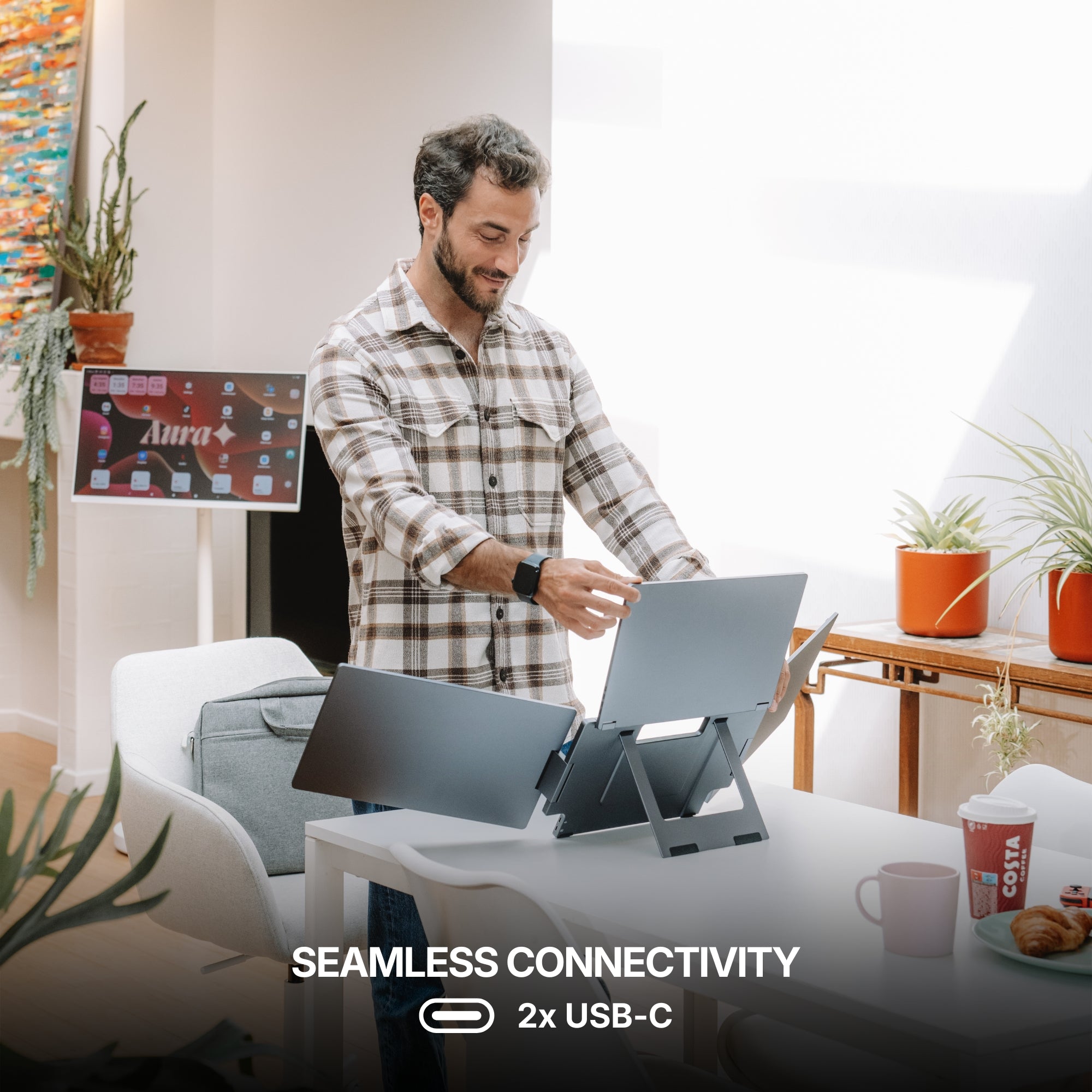
Seamless Connectivity
Powered by advanced connectivity technologies, our portable monitors integrate effortlessly with your devices for a smooth and reliable experience.
Seamless Connectivity
Powered by advanced connectivity technologies, our portable monitors integrate effortlessly with your devices for a smooth and reliable experience.
USB-C
USB-C
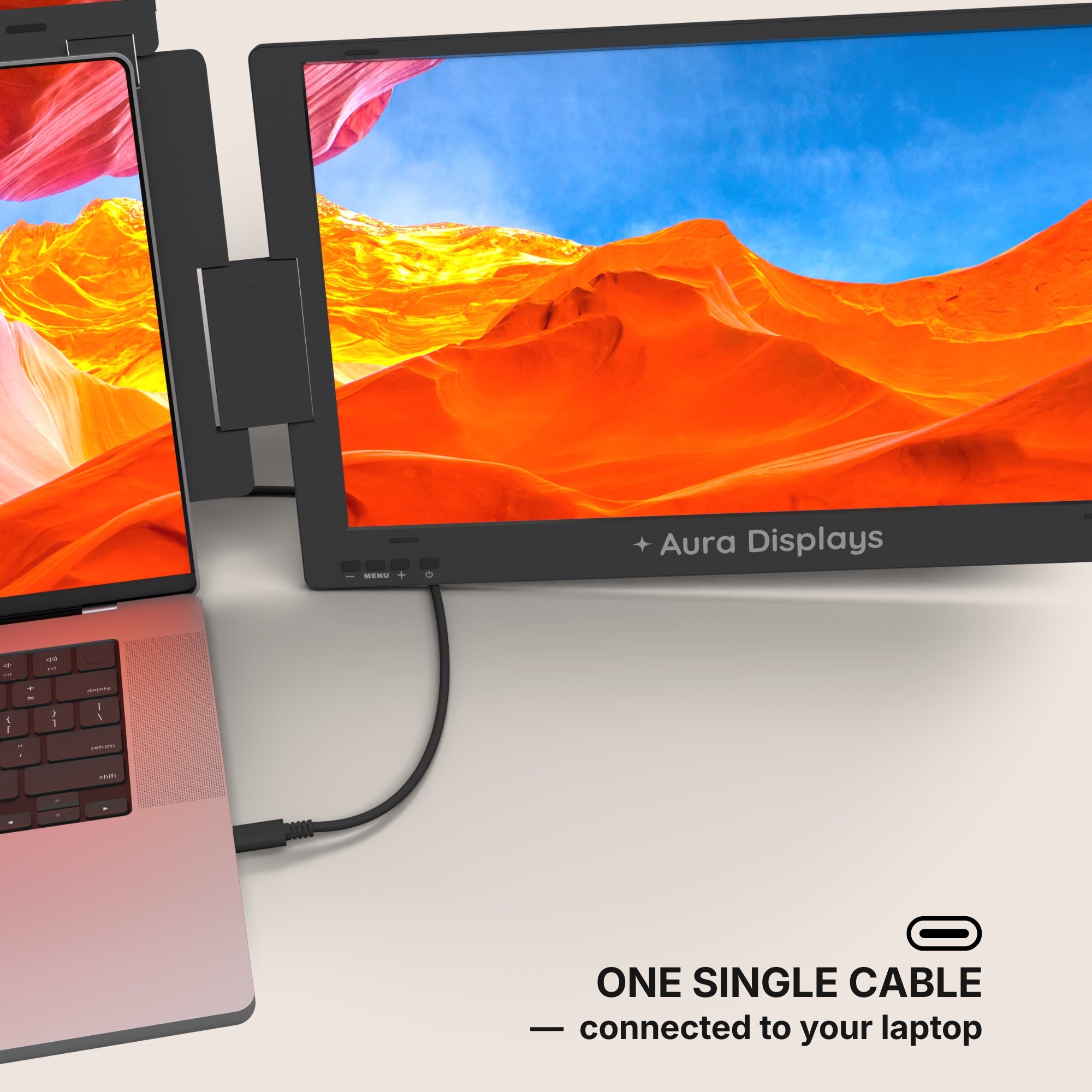
Single Cable. Full Flexibility.
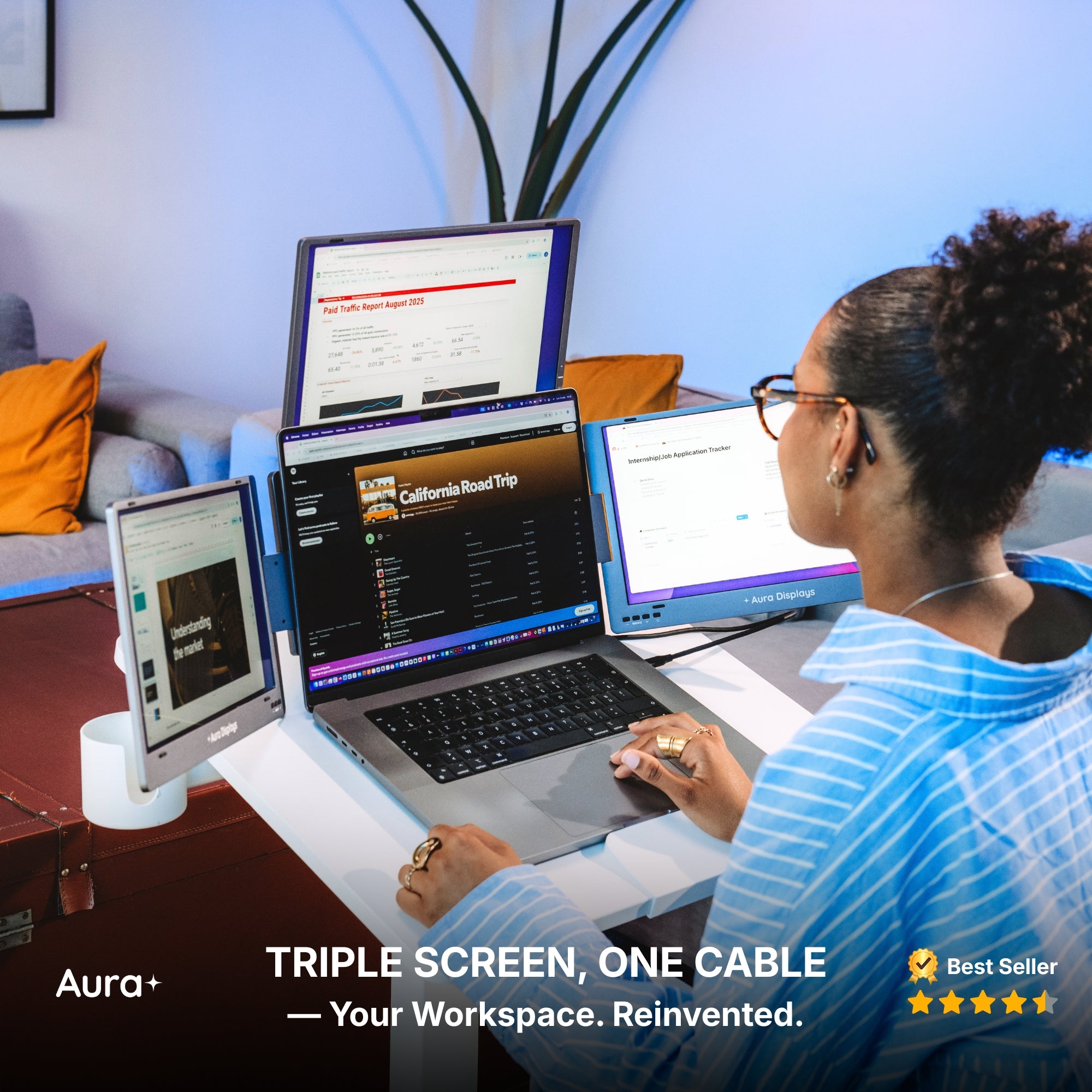
A single USB-C cable connected to your laptop is all it takes to power and run the displays. For everyday use, no additional power is required.
For the Triple Boost Pro 15.6": If you want to use the screens at 100% brightness, an external 30W power supply (included with Triple Boost Pro 15.6") can be connected. Up to 70% brightness, the monitors can operate directly from your laptop without any additional power source.
USB 3.0
USB 3.0
USB 3.0 Alternative Connection
If your laptop does not have a USB-C port, the monitors can also be connected using USB 3.0 cables. In this setup, one cable is used to transmit the data signal, while another provides the power needed to operate the screens, ensuring reliable performance even without USB-C.
For the Triple Boost Pro 15.6": If you want to use the screens at 100% brightness, an external 30W power supply (included with Triple Boost Pro 15.6") can be connected. Up to 70% brightness, the monitors can operate directly from your laptop without any additional power source.
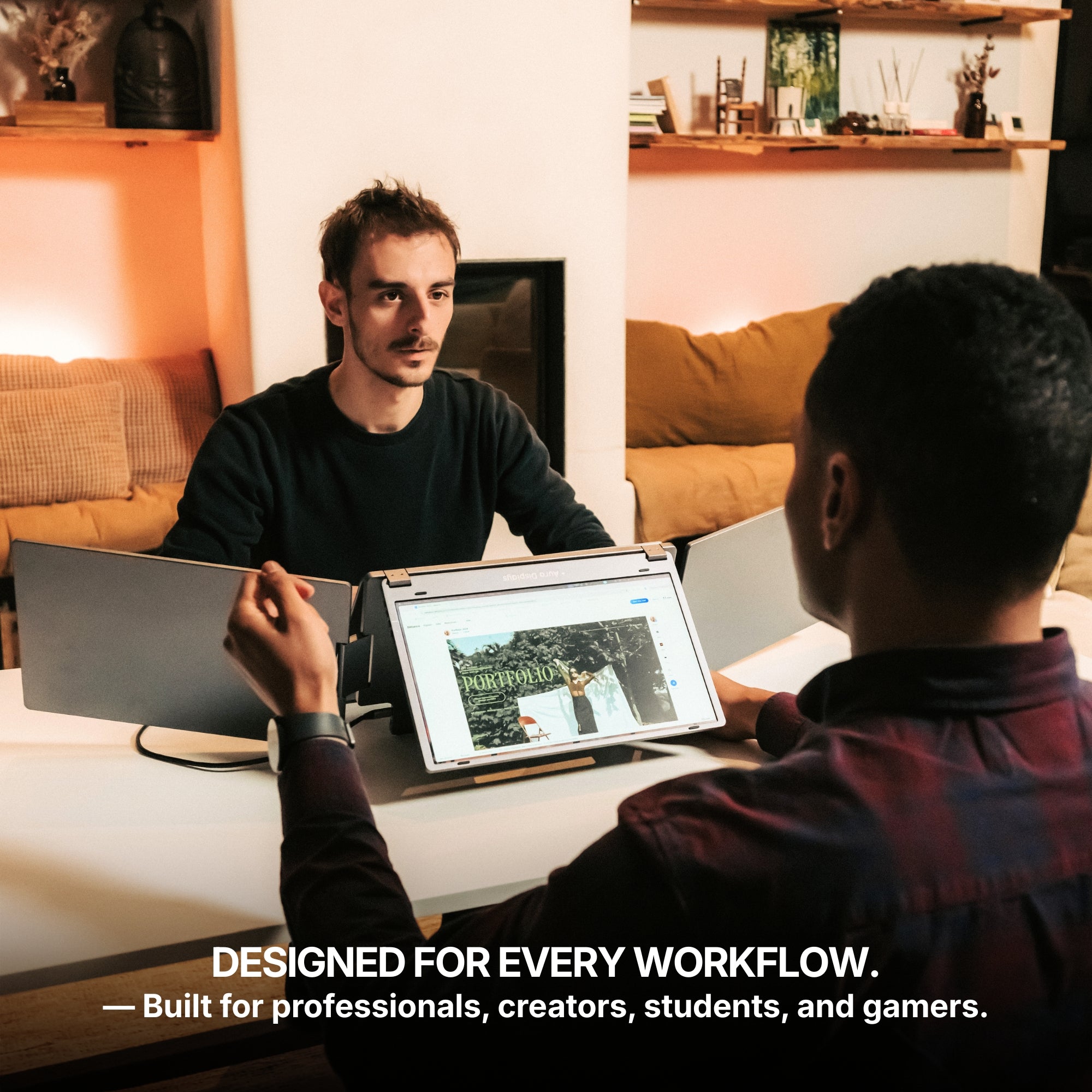
Designed for every workflow.
Whether you're a professional, creator, student, or gamer, this monitor adapts to your needs. Built for versatility and everyday productivity, it fits naturally into any workflow.
With multiple displays working together, your workspace expands so you can manage more tasks, more ideas, and more productivity at the same time. Enjoy up to a 52% boost in productivity, save up to 4 hours each day, and experience 100% working comfort with a workspace designed to help you stay focused, efficient, and organized.
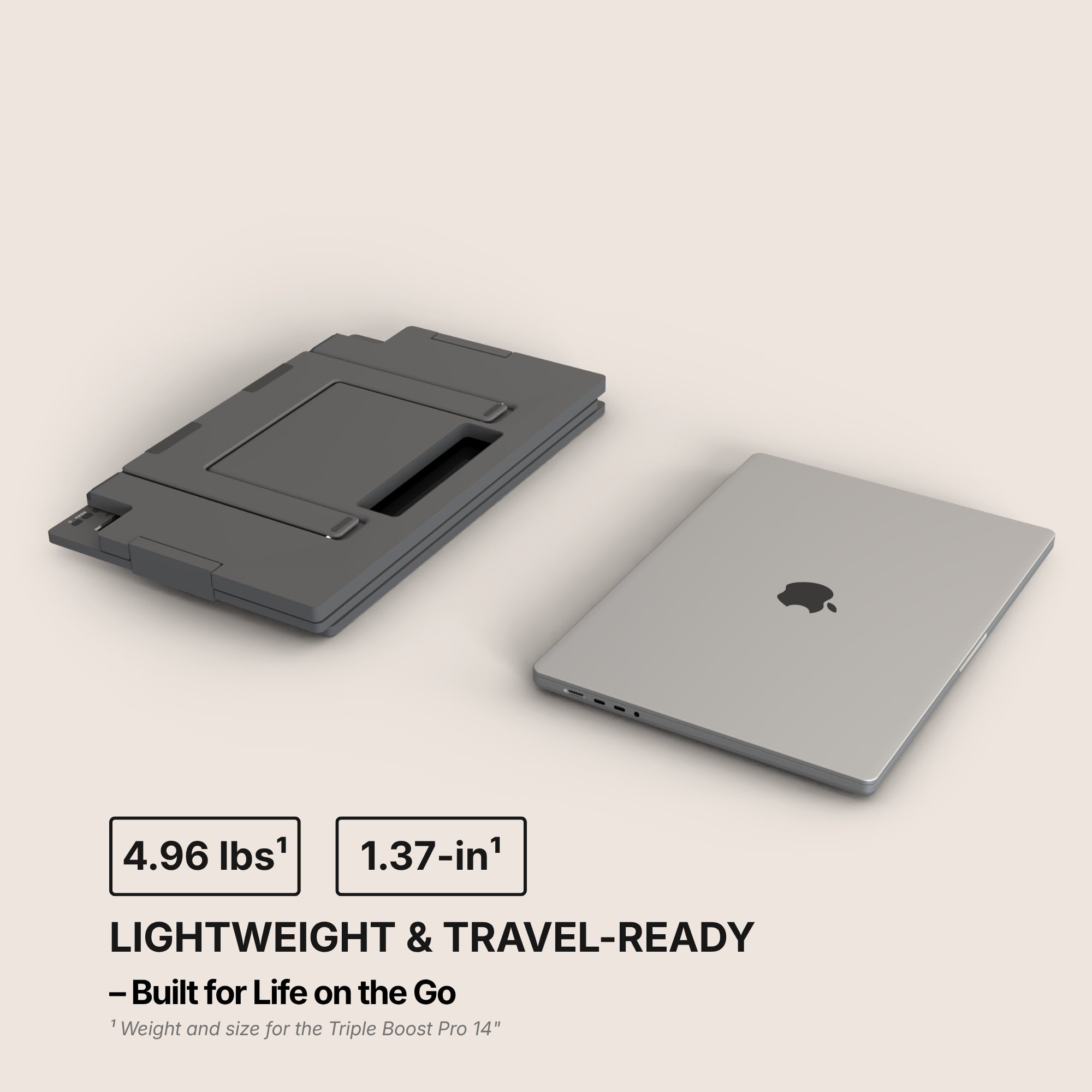
Ultra-Slim Design
Designed to be incredibly thin and lightweight, this monitor fits effortlessly into your workspace and your bag.
With a thickness of just 1.37 inches¹ when closed and a weight of only 4.96 lbs¹, this monitor is designed to travel effortlessly with you — making it easy to take powerful screen space wherever you go.
¹ Weight and size for the Triple Boost Pro 14".
Closer up.
Seen up close, our monitor is a mechanical and technological work of art. It is in the details that we see the expertise of the Aura Displays engineering team.
Multi-level Adjustable Foot
Multi-level Adjustable Foot
Durable Pro-Grade Hinges
Durable Pro-Grade Hinges
Premium Aluminum Design
Premium Aluminum Design
Built to last
Built to last
Designed with the planet in mind.
At Aura Displays, we believe innovation should move forward without leaving the planet behind. That’s why our products are thoughtfully engineered to reduce their environmental impact. From responsibly sourced materials to smarter packaging designed to minimize waste and improve recyclability, every detail is considered with sustainability in mind. Because building better technology also means building a better future.
Introducing the Triple Boost Pro, the pinnacle of mobile productivity and the highest-quality triple screen extender ever built. Precision-engineered entirely from premium aluminum, it delivers a robust, immersive, professional feel. Featuring three stunning anti-glare monitors, the entire system connects seamlessly through a single, powerful USB-C connection. It is the essential, portable command center for elite performance, anywhere you work.
Product information
Rated 4.5/5 ★★★★★ based on 262 verified reviews. Real people, real results. Explore authentic testimonials from those who have benefited from Triple Boost Pro (Gen 2).
Estimated delivery: 5 to 8 days
Product category
Triple monitor
Portable monitor
USB monitor
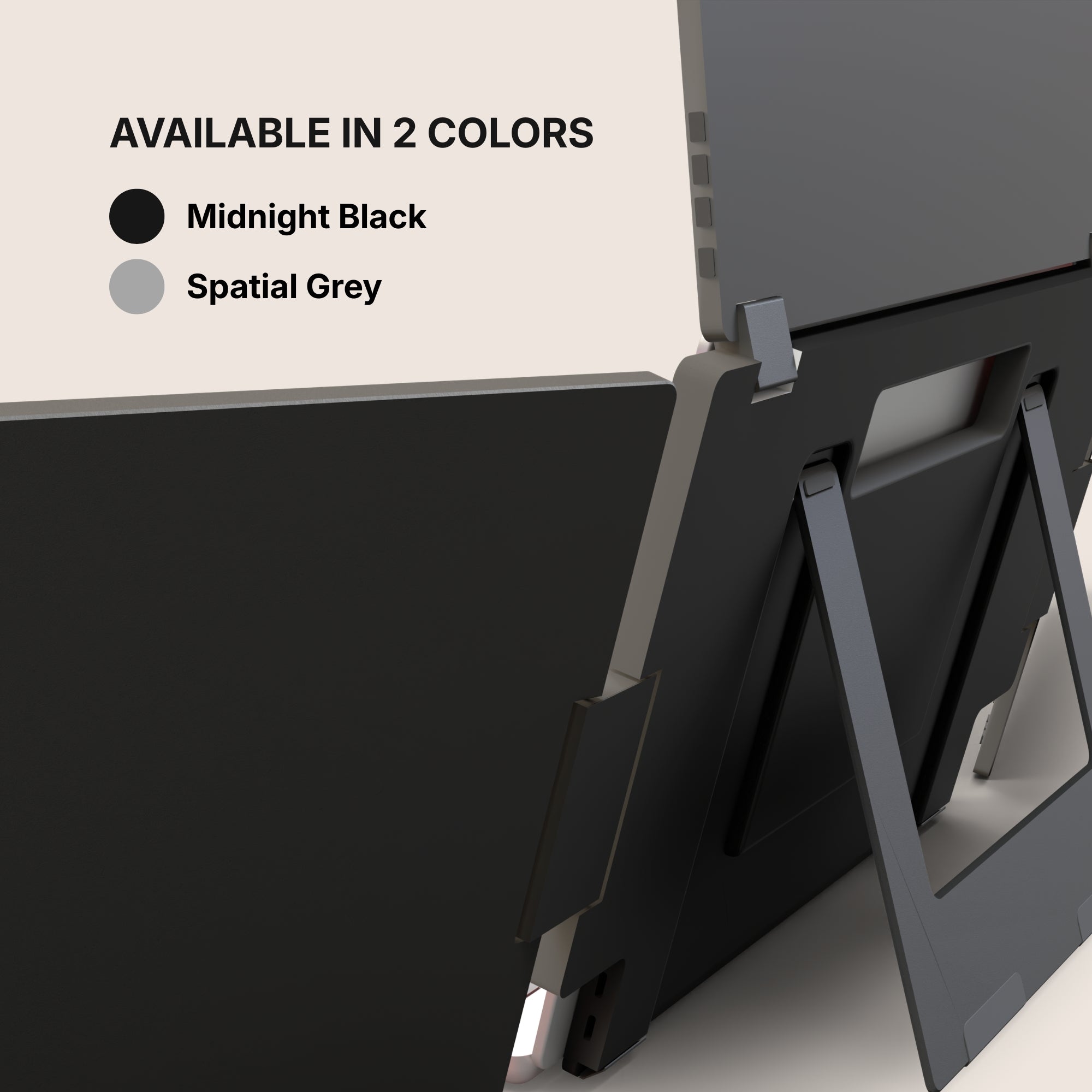
Available color(s)
Spatial Grey
Midnight Black
Materials
Aluminum
Laptop Match
Triple Boost Pro 14": 12" to 16"
Triple Boost Pro 15.6": 12" to 17.3"
Vesa system
No
Speaker(s)
No
Product size unfolded
Triple Boost Pro 14":
13.89 x 8.18 x 1.37 inch
353 x 208 x 35 mm
Triple Boost Pro 15.6":
15.27 x 8.93 x 1.37 inch
388 x 227 x 35 mm
Product size folded
Product weight
Triple Boost Pro 14": 4.96 LBS / 2.25 KG
Triple Boost Pro 15.6": 5.62 LBS / 2.55 KG
Battery
No built-in battery
Autonomy: /
Software
Software required
Quick and easy installation
To operate the displays, a driver installation is required. The process is quick, simple, and completely safe — it only takes a few minutes to install and allows the monitors to function properly with your device.
Certifications
Consumer Electronic (CE)
Federal Communications Commission (FCC)
Restriction of Hazardous Substances in Electrical and Electronic Equipment (ROHS)
Energy Label (A)
Display
Display size
Triple Boost Pro 14": 3x 14"
Triple Boost Pro 15.6": 3x 15.6"
Display type
Matte
IPS
LED
Resolution
Full HD 1920 x 1080
Brightness
320 Nits
Contrast
1500:1
Colors
16.7 millions colors
72% NTSC
Refresh rate
65hz
Aspect ratio
16/9
Eye care mode
Yes
Visual angle
178°
Display rotation
Panoramic
Triangle (Meeting)
Rotated (180°)
Portrait
Auto Sensing
No
Compatible Operating System
Triple Boost Pro (Gen 2) is compatible with virtually any laptop that has a USB port.
Operating systems
MacOS
Windows
Android (Android 7.1 and above)
Ubuntu (Ubuntu 20.04,Ubuntu 22.04,Ubuntu 24.04)
Macos version
MacOS 26 Tahoe and above
MacOS 15 Sequoia
MacOS 14 Sonoma
MacOS 13 Ventura
MacOS 12 Monterey
MacOS 11 Big Sur
MacOS 10.15 Catalina
MacOS 10.14 Mojave
MacOS 10.13 High Sierra
MacOS 10.12 / 10.11 / 10.10
Apple processor
Intel Processor
M1 / M1 PRO / M1 MAX
M2 / M2 PRO / M2 MAX
M3 / M3 PRO / M3 MAX
M4 / M4 PRO / M4 MAX
M5 and above
Windows version
Windows 11 and above
Windows 10
Windows 8.1
Windows 7
Connectivity
2x USB-C ports
Single Cable. Full Flexibility.
A single USB-C cable connected to your laptop is all it takes to power and run the displays. For everyday use, no additional power is required¹.
¹ For the Triple Boost Pro 15.6": If you want to use the screens at 100% brightness, an external 30W power supply (included with Triple Boost Pro 15.6") can be connected. Up to 70% brightness, the monitors can operate directly from your laptop without any additional power source.
Power Delivery
Only one USB-C port required to your laptop
It can work with 2 USB 3.0 ports
Triple Boost Pro 14": No external power source required but A 30W power adapter (not included) or a second USB cable can be used to run all three displays at 100% brightness.
Triple Boost Pro 15.6": A 30W power adapter (included) must be used to run all three displays at 100% brightness.
If you want to use the screens at 100% brightness, an external power supply (included with Triple Boost Pro 15.6") can be connected. Up to 70% brightness, the monitors can operate directly from your laptop without any additional power source.
Setup & Requirements.
Easy installation (Driver required)
To operate the displays, a driver installation is required. The process is quick, simple, and completely safe — it only takes a few minutes to install and allows the monitors to function properly with your device.
Power Supply required (Triple Boost Pro 15.6")
If you want to use the screens at 100% brightness, an external power supply (included with Triple Boost Pro 15.6") can be connected. Up to 70% brightness, the monitors can operate directly from your laptop without any additional power source.
Plug & Play Collection
Discover all our Plug & Play monitors in this category. Designed for instant setup, these models work without any driver installation — simply connect your device and start using your expanded workspace in seconds.
OSD Menu
OSD menu features
Adjustable color
Adjustable brightness
Low Blue Light
Language
Eco-mode
DCR
Source
Timer
Sharpness
Product Guide and Download
Learn how to to set up, use, and care for Triple Boost Pro (Gen 2), and get a comprehensive look at all the product’s features.
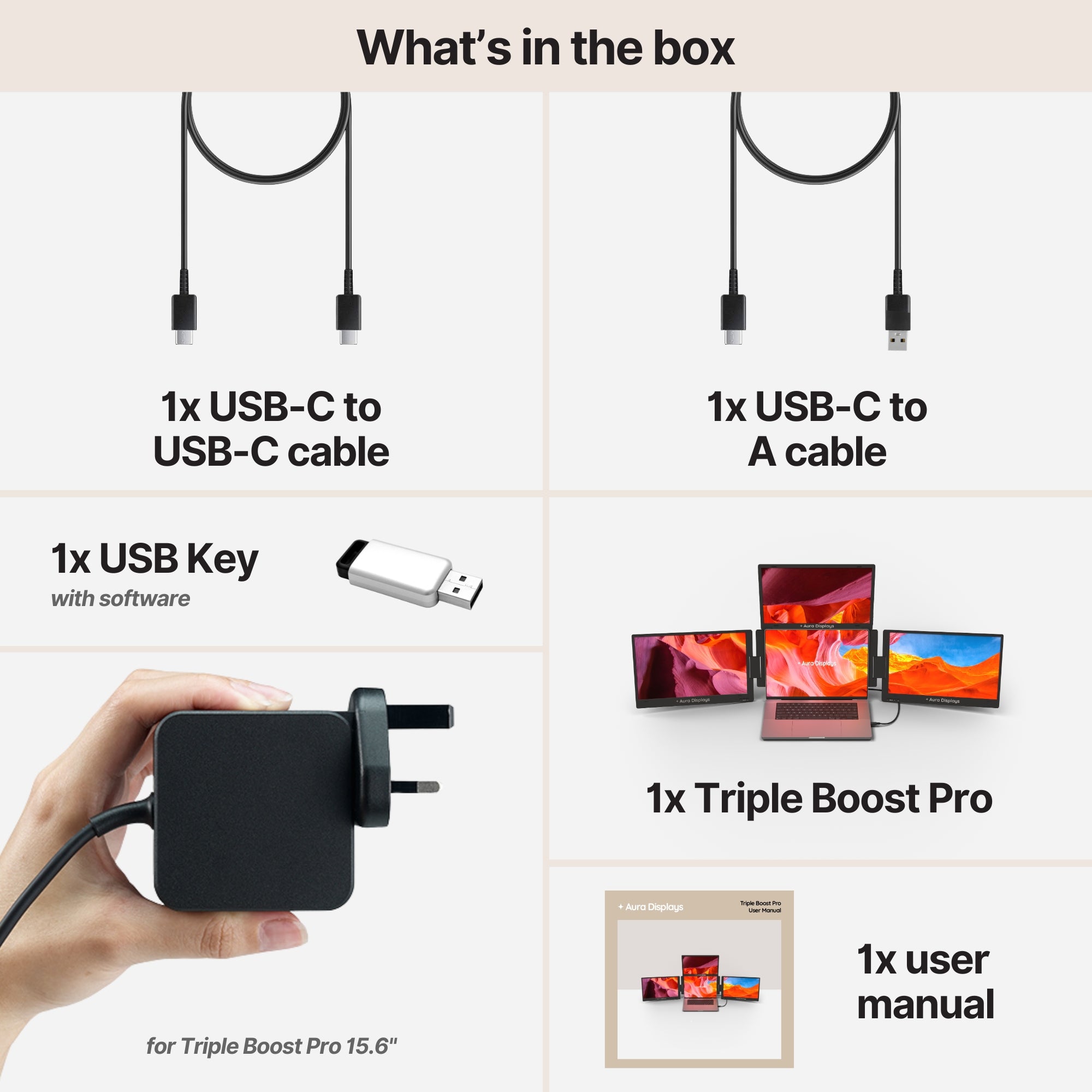
1x PD power charger 30W (included with Triple Boost Pro 15.6")
1x User Manual
Setup & Requirements.
Everything you need to know to get the most out of your device. From setup to connectivity, discover how our monitors are designed to integrate seamlessly into your workspace and deliver a smooth experience from the very first use.
To operate the displays, a driver installation is required. The process is quick, simple, and completely safe — it only takes a few minutes to install and allows the monitors to function properly with your device.
Power Supply required (Triple Boost Pro 15.6")
If you want to use the screens at 100% brightness, an external power supply (included with Triple Boost Pro 15.6") can be connected. Up to 70% brightness, the monitors can operate directly from your laptop without any additional power source.
Plug & Play Collection
Discover all our Plug & Play monitors in this category. Designed for instant setup, these models work without any driver installation — simply connect your device and start using your expanded workspace in seconds.
Unit worked as described. Great for traveling to have four monitors available. Still learning the total use of the unit. One thing I would suggest is a bit more diagrams on hooking up the unit with Laptop power supply and the monitors so all work in unison. Over all I will enjoy the unit.
Hi Gardner! Thanks for taking the time to leave a review for our Triple Boost Pro (Gen 2). We're thrilled to hear that the unit provided enhanced production for you and that it worked as described. We understand that there may be a learning curve for utilizing all of the features, and we appreciate your suggestion for providing more diagrams for setup. We'll definitely keep that in mind for future improvements. We hope you continue to enjoy the convenience of having four monitors while traveling. Thank you for choosing our product!
N
Nathaniel S.
Greatest investment in productivity of all time!
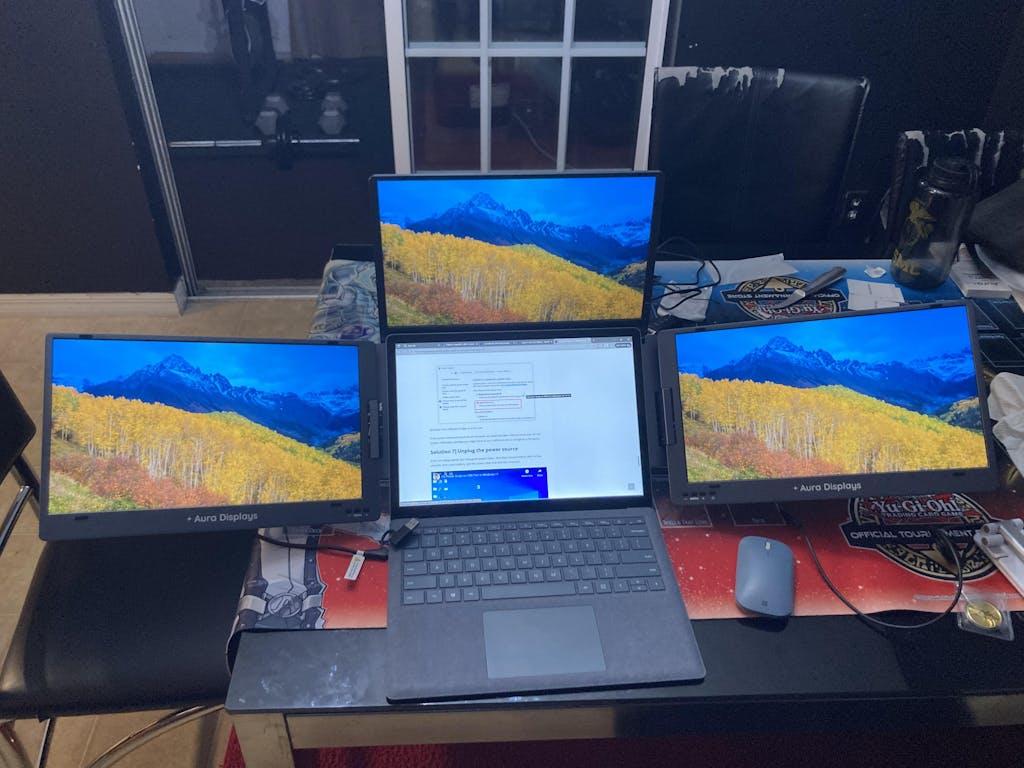
If you want to become a true Excel spreadsheet wizard handling multiple spreadsheets while scanning through your emails between sips of delicious coffee and skimming your latest financial report in Word all at the same time, have I got news for you! This is THE ULTIMATE PURCHASE for all things productive! Not only are all of the adjustable screens crystal clear in their displays, but the set-up is also the easiest thing you'll ever experience in your life (IKEA should take notes). I have them hooked up to my Microsoft Surface laptop and I cannot praise these monitors enough! What used to be so time consuming flipping from one open document to the next is now a simple multi-monitor split. If you're on the fence about getting one, here's a review letting you know it's 100% worth it.
Hi Nathaniel! Wow, thank you so much for taking the time to leave such a positive review for our Triple Boost Pro (Gen 2). We are thrilled to hear that it has been the greatest investment in productivity for you. It sounds like you have truly become an Excel wizard while enjoying your coffee and managing multiple tasks effortlessly. We are also happy to hear that the set-up was easy and the screens are crystal clear. We take pride in creating a user-friendly and efficient product. Thank you for choosing us and for recommending it to others. Happy multitasking!
L
L.M.
Triple Boost 14” Pro
Working with the Tripple Boost setup for a while now and very much like it! It’s a great addition to productivity and easy to fold when the use is not required. Why not 5 stars? The driver installment is a pain, in my mind a pc, mac AND other mobile devices need to be able to work with the monitors seamlessly. Unfortunately my Ipad Pro (at the moment) cannot work with the monitors.
Hi Lenno, thank you for your review of our Triple Boost 14” Pro! We're thrilled to hear that it has been a great addition to your productivity and easy to fold when not in use. We apologize for any inconvenience with the driver installation and we appreciate your feedback about making it compatible with more devices. We will definitely take this into consideration for future updates. Thank you for choosing our product and for your support!
M
M.A.G.
Top Quality - Everything I Wanted
Does exactly what it says on the tin. Build quality is exceptional. Utility is off the scale. Unlike with my previous traditional set up I can clear this away at the end end of every day, which has certainly pleased my wife. Shipping was fast. You do need to install a driver though, so if you can't do that (locked down corporate laptop, say, and your service desk won't allow it), it's not for you.
Hi there! Thank you for taking the time to leave us a review for our Triple Boost 14' Pro. We are thrilled to hear that the product has met your expectations and that you are satisfied with its build quality and utility. We understand the importance of being able to easily clear away equipment, and we are glad that our product has helped with that. Our team works hard to ensure fast shipping, so we are happy to hear that you received your product quickly. We appreciate your feedback about the driver installation and will take that into consideration for future improvements. Thank you for choosing our product and we hope you continue to enjoy it!
D
Damien
Best IT purchase in years.
It has transformed working from home as I can now relocate anywhere and set up in minutes. Before this purchase I had 2 additional screens, a hub, 7 cables and 2 power packs, now I have 1 power pack and 1 cable, bliss! I cannot recommend these guys enough. Handy hint - I have spent a while looking for a suitable rucksack that was airline small bag compliant, I finally found a 24L three peaks rucksack that you would have thought was built for the job.
Hi Damien! Thank you for taking the time to leave such a positive review for our Triple Boost 14 Pro. We are thrilled to hear that it has made such a positive impact on your work from home setup. We strive to make our products convenient and efficient for our customers, so we are glad to hear that it has exceeded your expectations. Thank you for the handy hint about the 24L three peaks rucksack, we will definitely keep that in mind for our future customers. Thank you again for choosing our product and for your recommendation. Have a great day!
Choosing a selection results in a full page refresh.
Opens in a new window.
chlee235
i struggling with using two additional individual screens connect to my laptop
i struggling with using two additional individual screens connect to my laptop. i faced challenges to sync my views and also it takes up a lot of deck space. With the Aura Dual Boost Pro, it makes it so much easier for me to connect my laptop to it and it frees up a lot of deckspace, making it more spacious for me.
Dual Boost Pro (Gen 4)
Lena G.
just Get it. It’s amazing.
This is well made. Aura has thought of everything. Best extended screens I’ve ever used and owned. Don’t hesitate buy!! They also give you a screen protector which helps. the height ,functionality of this and sharpness on screen is stellar.
Triple Aero Pro Max (Gen 2)
P G.
Brilliant Product
I was apprehensive about buying this product cause I had been scammed prior to this purchase.
Your product is absolutely fantastic for & what you said it can do is spot on!! The quality is truly amazing too!!
We use it all the time as we are on the road travelling full time. So setting up with our Apple Mac Mini is extremely easy.
We all purchase a folding keyboard with a mouse in its own case which works like a dream with theses monitors and for our constant set up and pack up.
I would highly recommend the Triple Aero Pro Max and the your single monitor as this combination is perfect to everyone anywhere.
Triple Aero Pro Max (Gen 2)
Anonymous
I think they are great
I think they are great. I am having an issue when I open my laptop, the display configuration is always different...
Refurbished Triple Aero Pro Max (Gen 2)
Steve B.
These screens are superb
These screens are superb. Very good quality. Excellent for travelling. The pass through power cable means just one wall plug. Excellent product.