











Triple Go 14" (Full HD+)
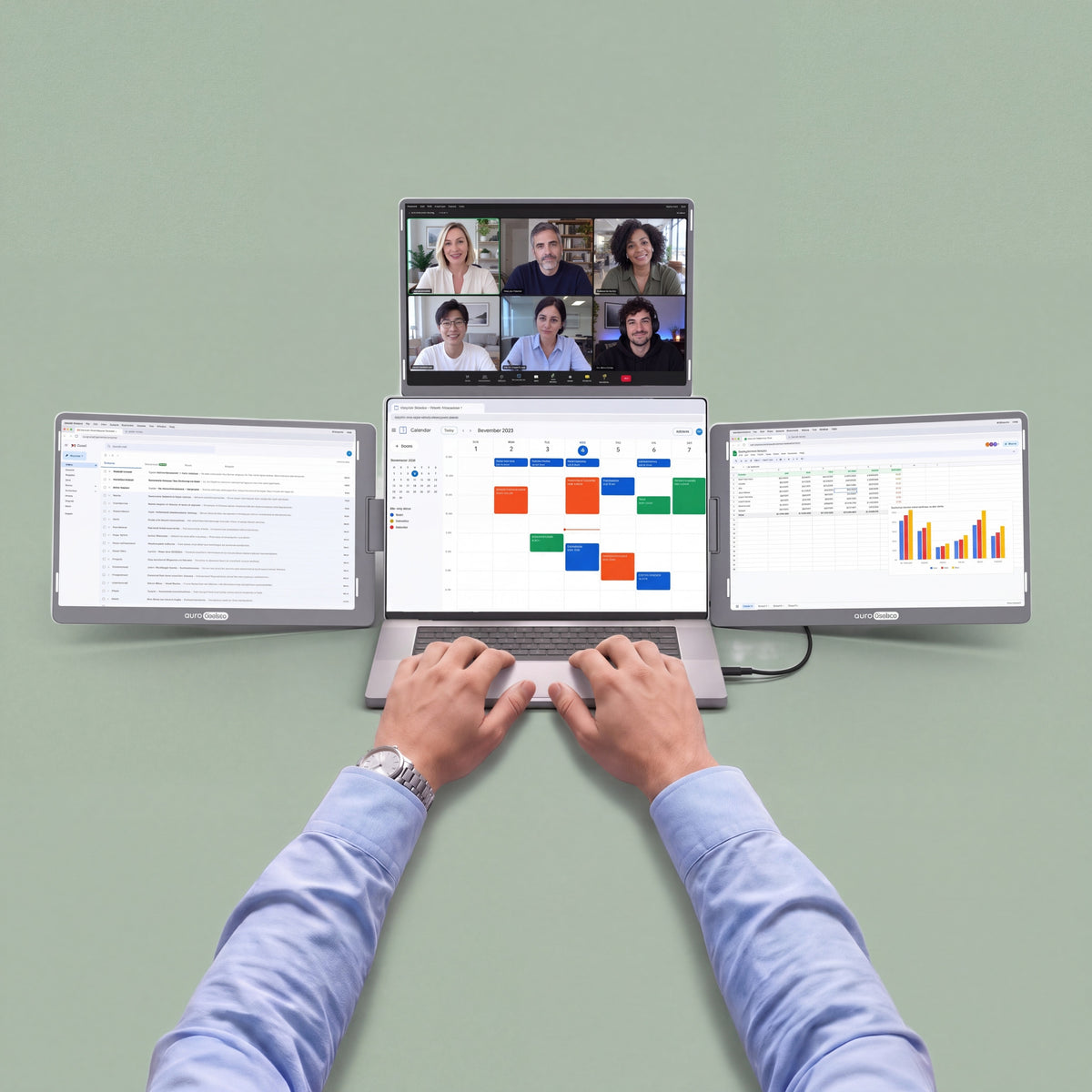
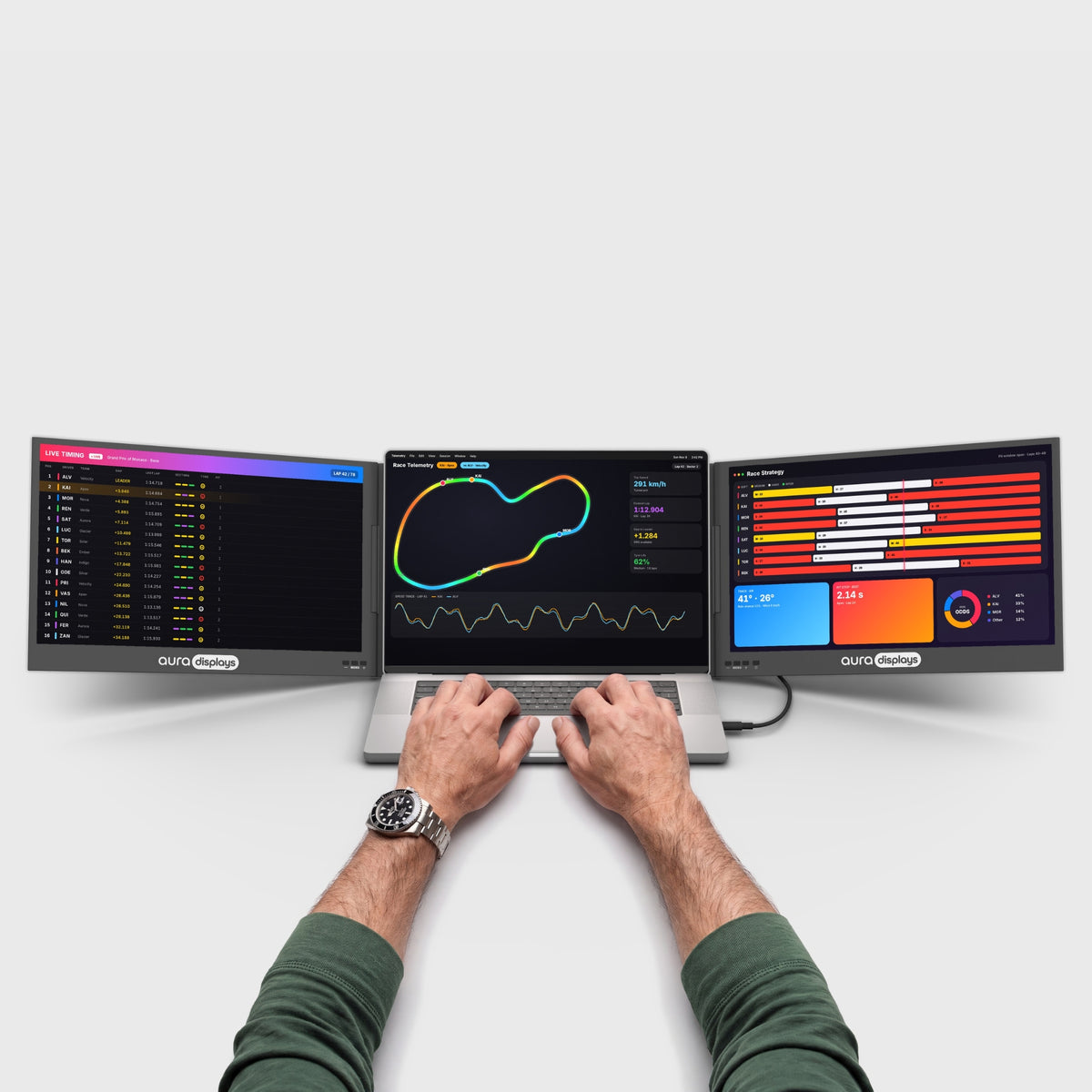
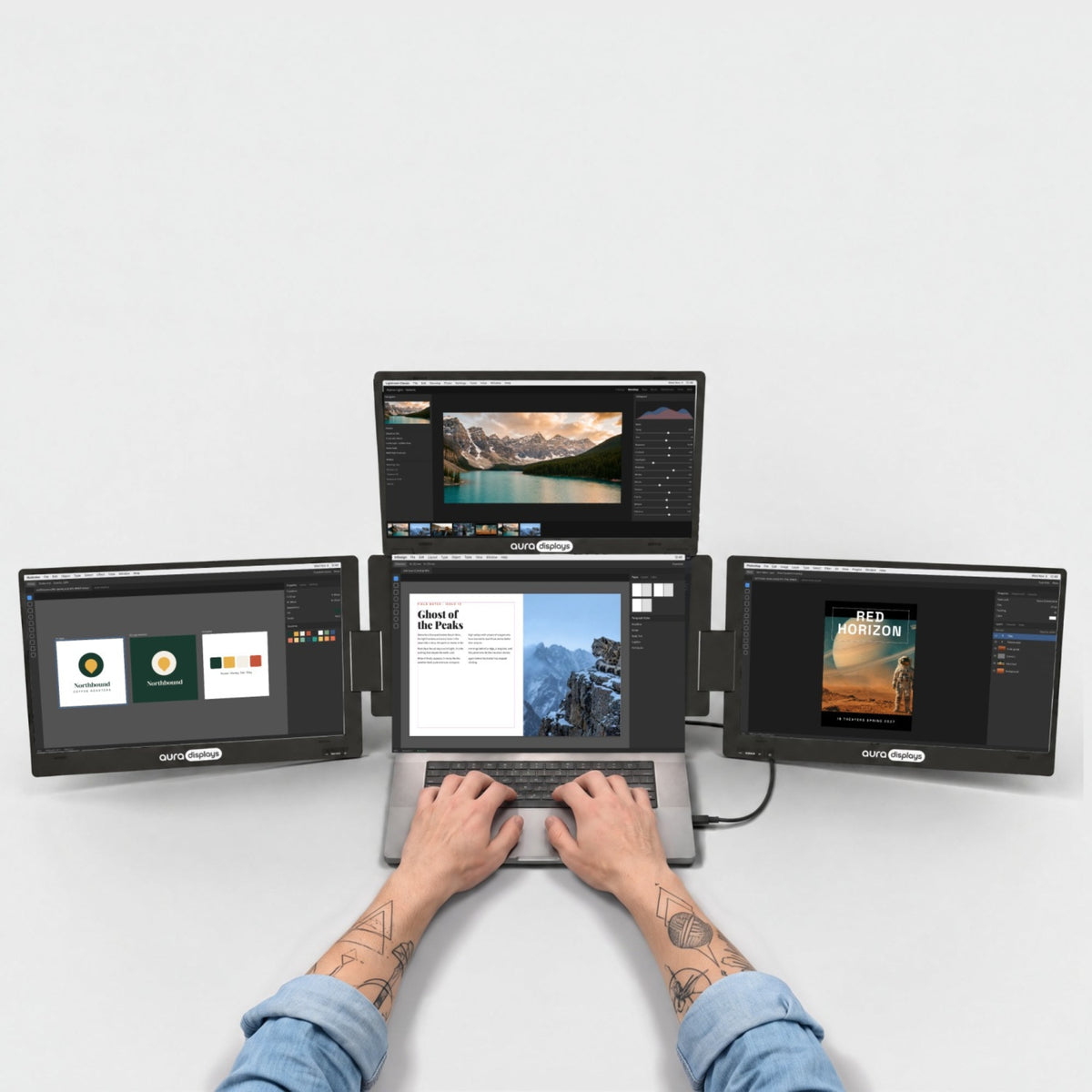
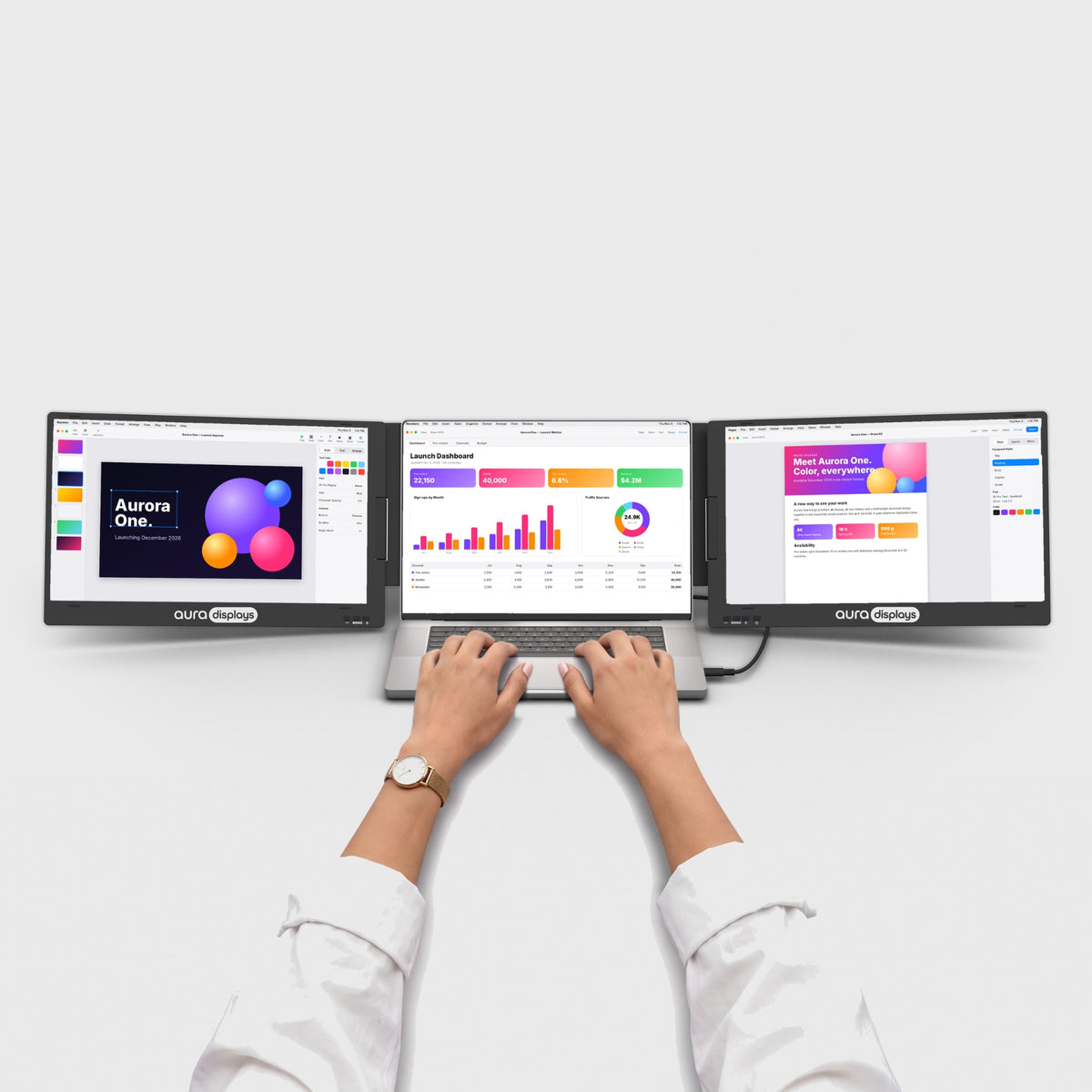
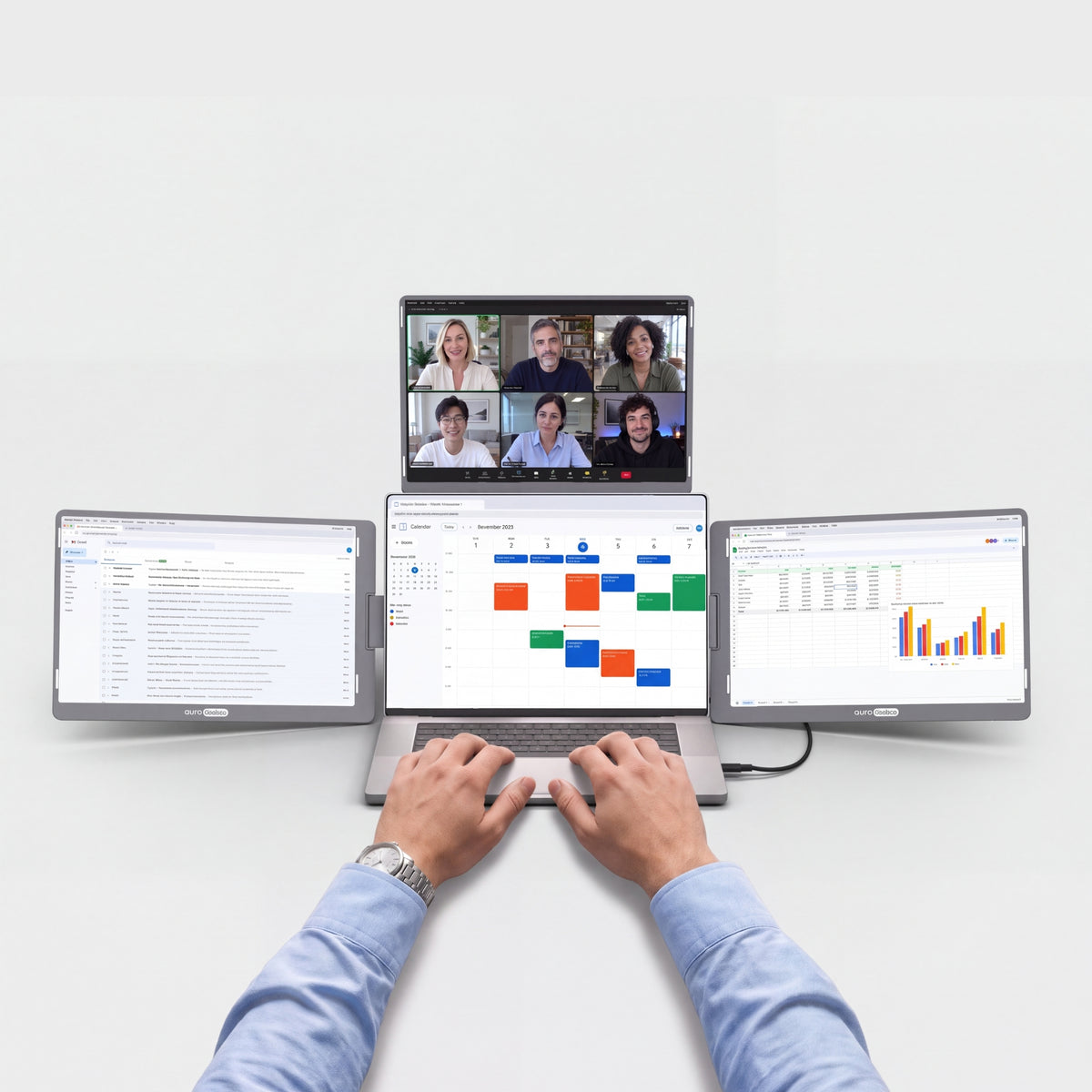
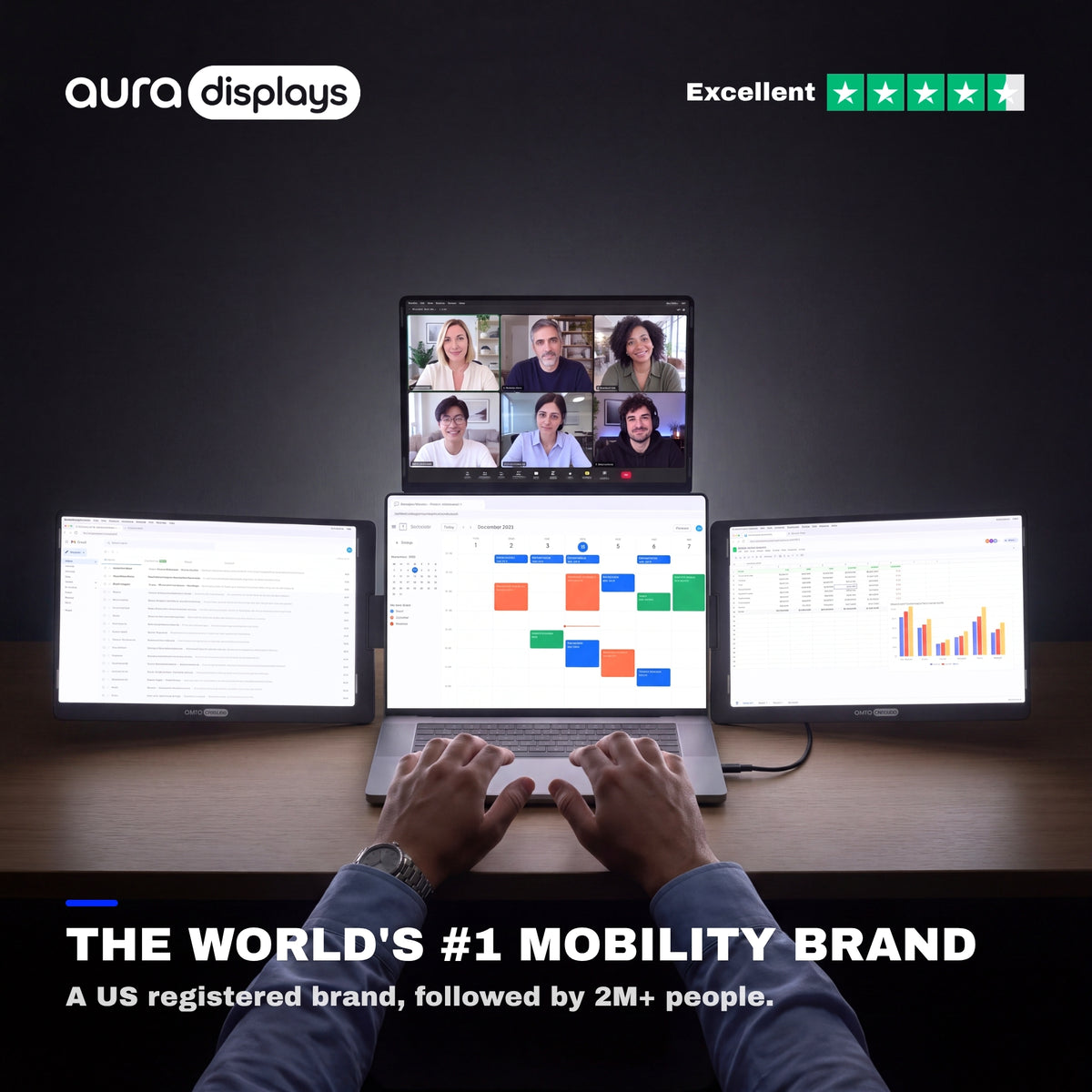
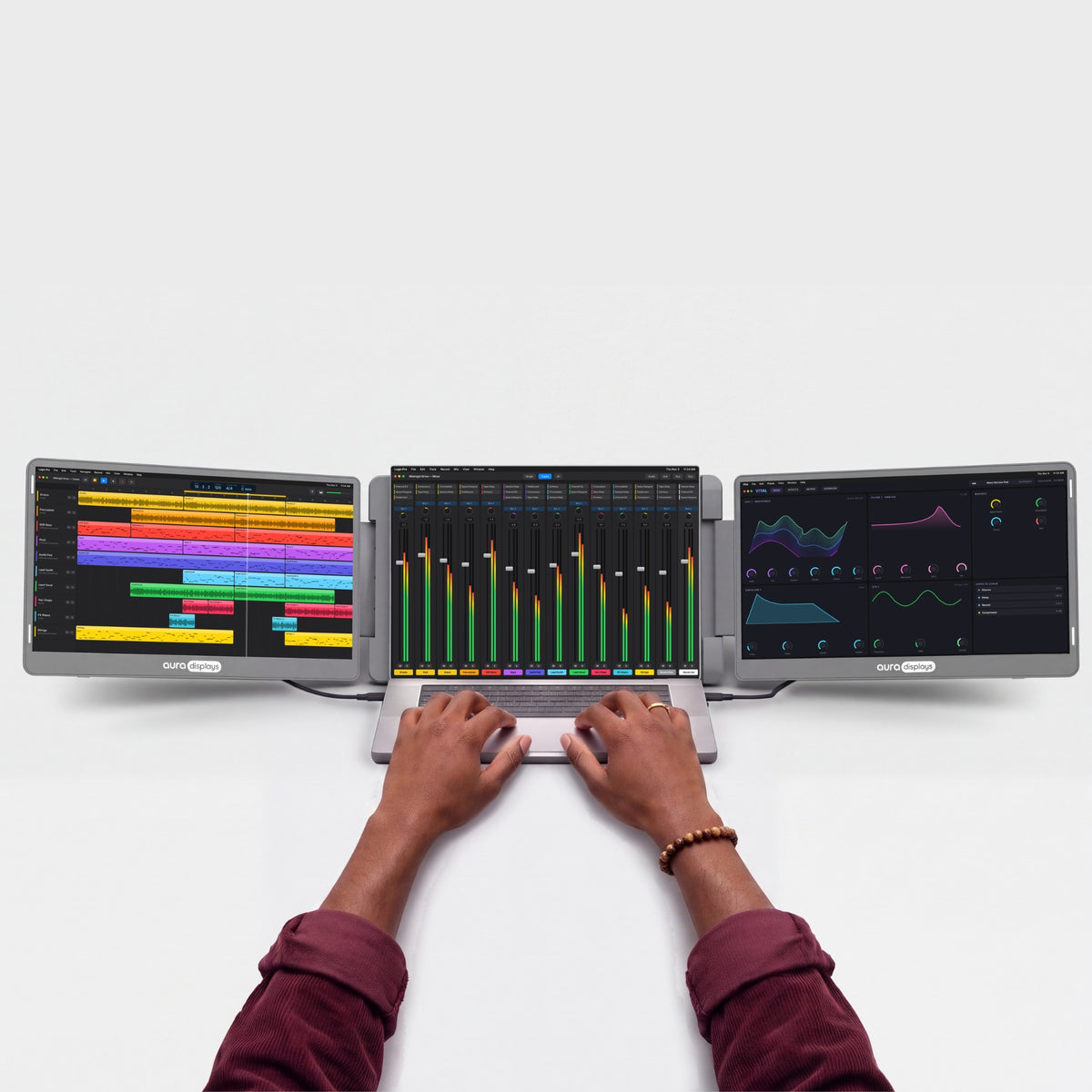
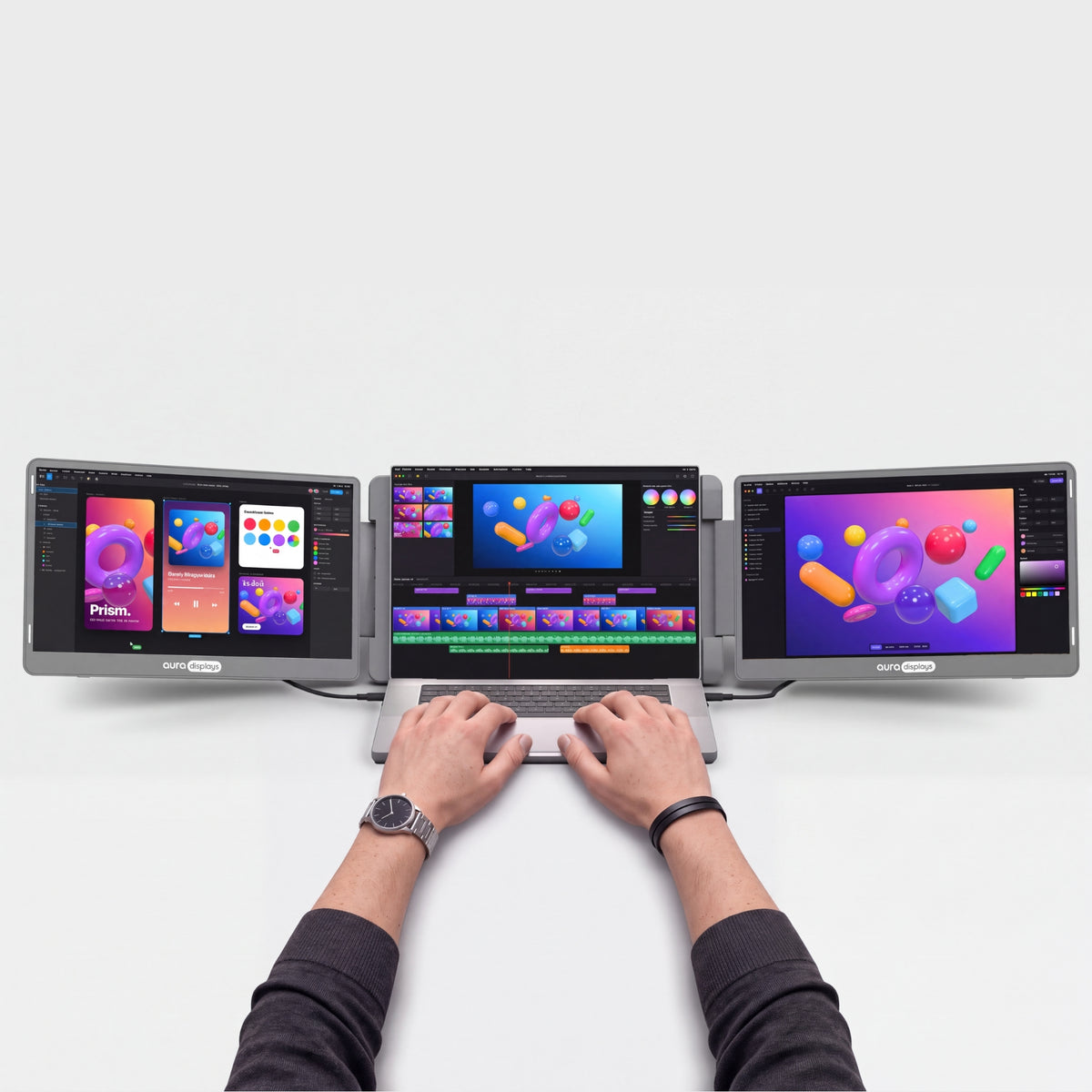
ノートPCの上と横に、3枚の14"画面。
ご購入前に
- ドライバーのインストールが必要管理者権限が必要です。会社のノートPCの場合はIT部門にご確認ください。Plug & Playモデルを見る →
- コンセントが必要30Wの電源アダプターが付属します。アダプター不要のモデルを見る →
- 12"〜17.3"のノートPCに対応Windows and macOSに対応。30秒で互換性をチェック →
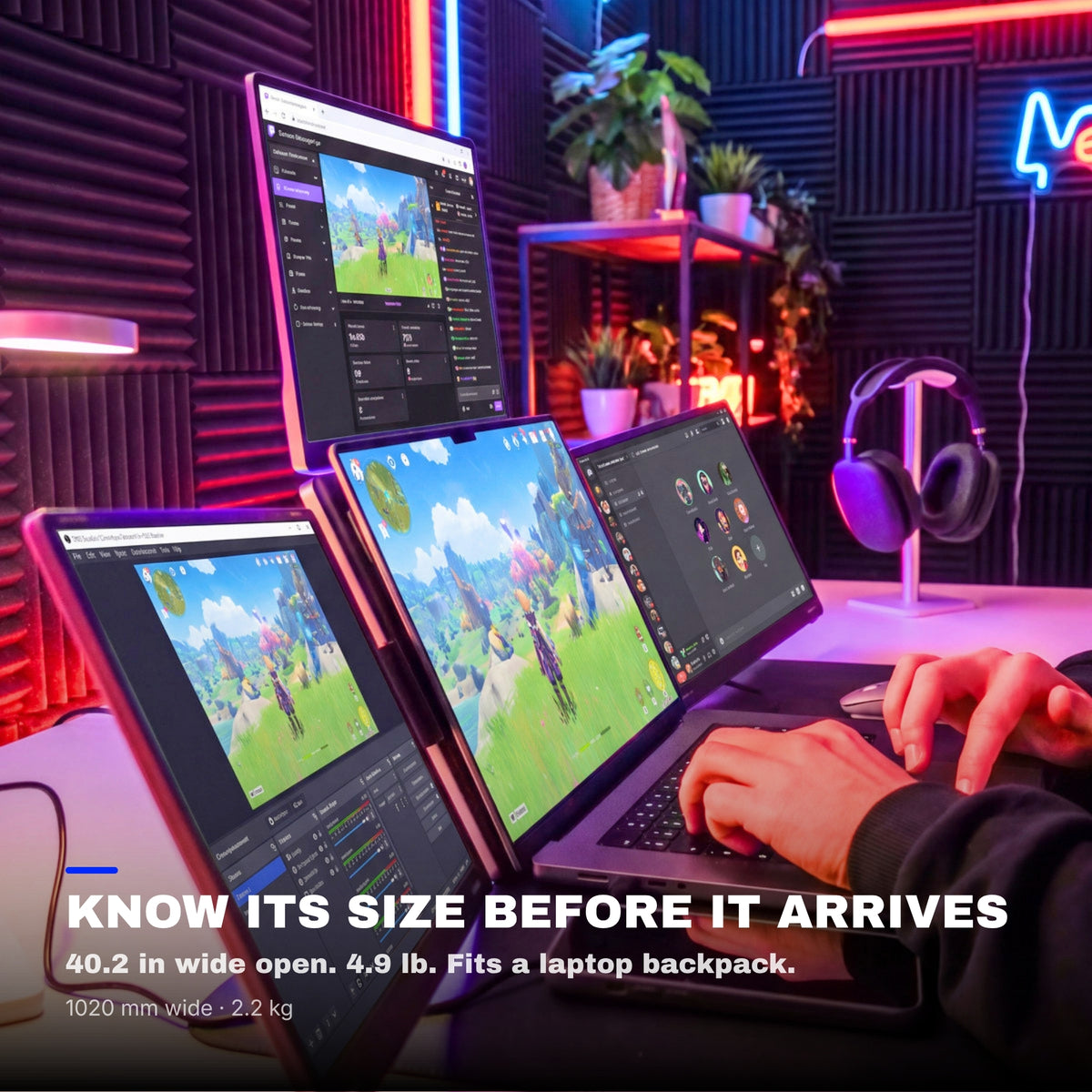
- 重量2.2 kg(4.85 lb)折りたたみ時:339 × 226 × 39 mm(13.35 × 8.9 × 1.54 in)。 standard laptop backpackに収まります。より軽いモデルを見る →


ご注文に無料で付属
$114.97お得-
 Tempered Glass Screen Protector4x 14" / 16:10
$0.00
$69.98 -
 Hub USB 8-in-1 87W PD
$0.00
$44.99


モニターと一緒に自動でカートに追加されます。
当サイトが最もお得:当サイトなら価格がより安く、14日間の無料返品も可能です。
概要
概要
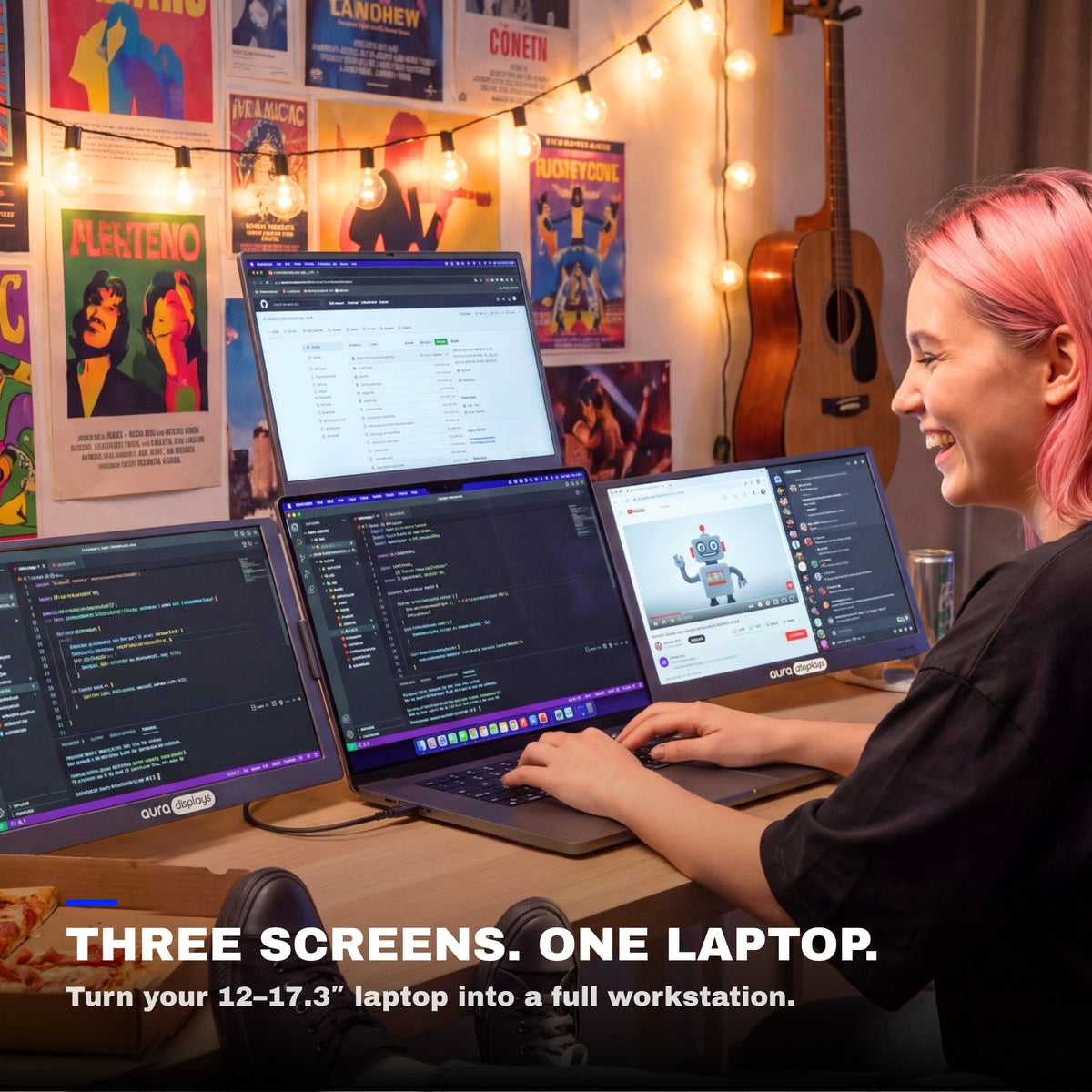
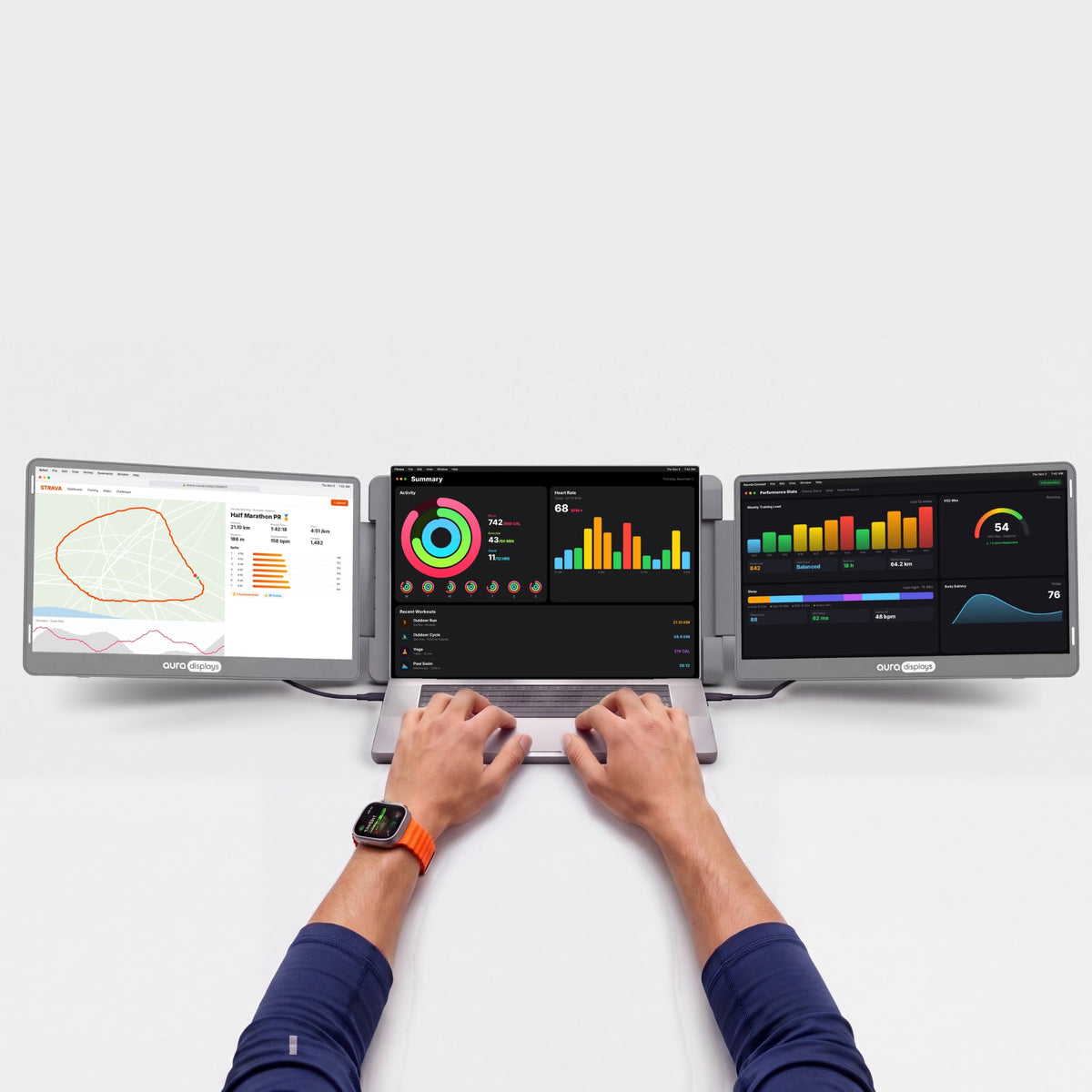
ノートPCを囲む3枚の14" Full HD+画面。左右に1枚ずつ、上に1枚を配置し、本格的なパノラマワークスペースを実現します。16:10パネルは標準的な画面よりも縦方向に広い表示領域を確保し、マット仕上げが映り込みを抑えます。12"から17.3"のノートPCに対応。USB-Cで接続し(ノートPCには映像出力対応のUSB-Cポートが必要です)、付属の30W電源アダプターで3つの画面すべてを駆動。30W以上のUSB-C PD対応充電器やモバイルバッテリーも使えます。左右の画面は360°回転するので、向かいの人に画面を向けて見せることもでき、上の画面は最大300°まで開きます。折りたたむと画面が内側を向いて保護され、セット全体が標準的なノートPC用リュックに収まります。初回にドライバーを一度インストールするだけで、あとは毎回すぐに使えます。macOSとWindowsに対応。
同梱品
同梱品
- Triple Go 14" (Full HD+) ×1
- Type-C - Type-Cケーブル ×2
- USB-C - USB Aケーブル ×2
- ソフトウェア入りUSBメモリ ×1
- PD AC充電器 30W ×1
- 取扱説明書 ×1
ドライバーとユーザーガイド
ドライバーとユーザーガイド
ドライバーが必要です。 追加の画面は小さなディスプレイドライバーで動作します。インストールは一度だけ、約2分で完了します。会社が管理するノートPCでは、IT部門の承認が必要な場合があります。
ドライバー:RacerUSB。
配送・返品・保証
配送・返品・保証
配送。ご注文は1〜3営業日以内に倉庫から発送され、平均5〜8日でお届けします。在庫状況やお届け先によって異なる場合があります。この製品の最新のお届け予定日は、常にこのページの「カートに追加」ボタンのすぐ上に表示されています。$100以上のご注文で送料無料。米国、EU、英国、オーストラリアでは税金と関税が含まれているため、受け取り時のお支払いはありません。表示されるお届け日数は、これまでの発送実績と現在の在庫に基づく目安です。
ご注文はどこですか?ご注文番号とメールアドレスで、配送状況をリアルタイムで追跡できます。
14日間の無料返品。合わなかった場合は、お届けから14日以内なら返品・交換は無料です。箱を開けて試し、元のパッケージにすべて入れて、プリペイドラベルで返送してください。運送業者がお荷物をスキャンした時点で返金します。詳しい条件は返品ポリシーをご覧ください。
1年保証。モニターに不具合がある場合は、写真または動画をお送りください。無償で修理または交換します。EUのお客様は、2年間の法定保証も受けられます。返品ポリシーの保証の項目をご覧ください。
ご購入前後のご質問は:hello@aura-displays.com · +1 (213) 845-0774 · 毎日9 am〜4 pm ET(米国東部時間)、スタッフが直接対応します。
画像について:3Dレンダリングはイメージであり、実際の製品とは若干異なる場合があります。確認済みの詳細はすべて、このページ下部の技術仕様に記載しています。

選ばれる理由。


ビフォー


アフター


3つの画面。1つの広いワークスペース。
Triple Go 14"をノートPCの周りに広げます。上に1画面、左右に1画面ずつ。プレゼンテーションでは、横の画面を180°回転させるか、上の画面を後ろに倒してテーブルの向かいの相手に向けられます。


ノートPCは、本来ひとりで働くためのものではありません。
画面が3つ増えれば、どんなデスクも本格的なワークスペースに変わります。

仕事が終われば画面を折りたたんで、テーブルはまたいつものテーブルに戻ります。

メモもチームチャットもビデオ通話も、すべてを一度に表示。タブを切り替える必要はもうありません。本当にはかどる朝を。

横の画面を180°回転させるか、上の画面を後ろに倒せば、テーブルの向かいの相手に作業内容を見せられます。ノートPCの向きを変えることなく、デザインを確認したり、写真を一緒に見たりできます。
シャープで明るく、リアルな表示。
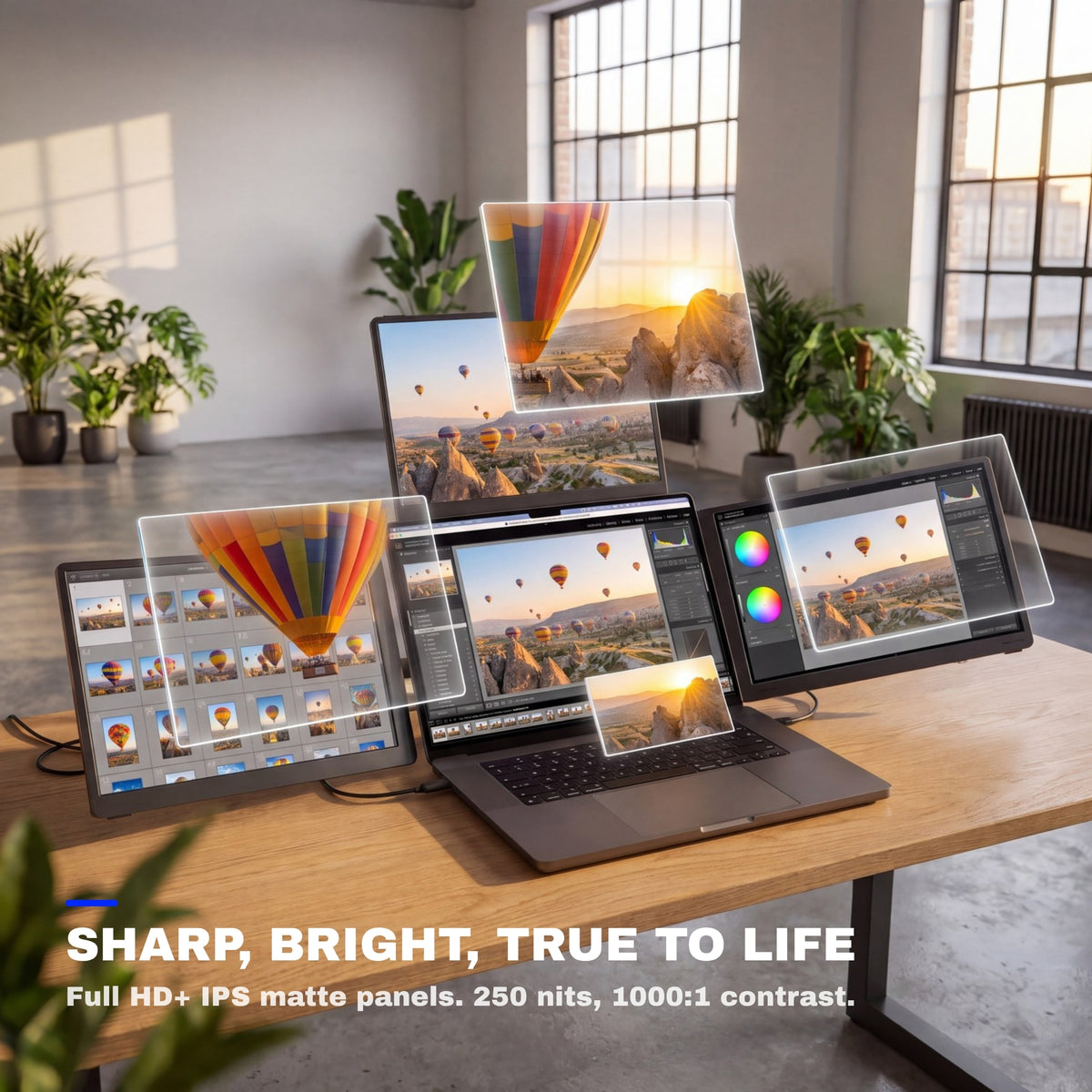
コードの1行、写真の1枚、スプレッドシートの1つ1つまで鮮明に。正確な色、目にやさしい明るさ、なめらかな動きで、朝の最初のメールから一日の最後の編集まで快適です。


マットディスプレイ
天井の照明を反射させずに拡散する、映り込みの少ない表面です。

178°の視野角
横から見ても色とコントラストが変わらないため、デスクを囲む全員が同じ映像を見られます。

16:10
標準的なワイドスクリーン比率。映画も通話もタイムラインも、黒帯なしで画面いっぱいに表示されます。
あなたの働き方に合わせて。
ホームオフィスからホテルの部屋まで、Auraでより多くの成果を上げている人々の使い方をご覧ください。


お手持ちのデバイスで使えます。
MacBook with M1 to M5 chips, Pro and Max included and Windows laptops.


デスクがあれば、どこでもいつものセットアップ。
折りたたんで、バッグに入れ、次のデスクでまた広げるだけ。自宅でも、オフィスでも、ホテルの部屋でも、いつも同じマルチスクリーンのワークスペースが使えます。

4.85 lb · 2.2 kg
デスクからデスクへ気軽に移動できる軽さです。

12" – 17.3"
お使いのノートPCの画面サイズに合わせた設計です。

Standard laptop backpack
フラットに折りたためて、旅行にも最適です。

複合素材
何度でも開閉できるように作られた金属製ヒンジ。

ポートと電源。
どこに何をつなぐのか、そしてノートPCに何が必要なのかをご紹介します。

モニター側:2x USB-C
ノートPC側:映像出力対応USB-C ×1が必要。

30Wの電源アダプター付属
コンセントからの給電が必要です。電源タップではなく、壁のコンセントに直接差し込んでください。

ドライバーが必要
一度インストールして再起動すれば、すべての画面が点灯します。

会社のノートPCの場合は、まずIT部門にご確認を
管理されたノートPCでは、ドライバーのインストールがブロックされることがよくあります。ドライバー不要のモデルを探す。
もっとできるように設計。
働き方とクリエイティブをレベルアップする、よりスマートで多彩なこのモニターの機能をご覧ください。

各画面の解像度は1920 × 1200。コードの行数も、表の行数も、ページの表示範囲も広がります。

画面は内側に向けて折りたたまれるので、バッグの中でもしっかり保護されます。

スタンドを内蔵し、ノートPCのすぐ後ろに設置できます。組み立て不要で、余分な荷物もありません。

ノートPCのウインドウを、どの画面へも自由にドラッグして行き来できます。4つの画面すべてにデスクトップを拡張することも、1つの画面をミラーリングして同じ内容を表示することもできます。

ノートPCは上の画面の下、左右の画面の間に置きます。12〜17.3インチのノートPCに対応し、16インチのMacBook Proにも対応します。


Goシリーズ。出かけるためにつくられました。Go Seriesは、より軽量なマルチスクリーンのラインアップ。新しい場所で働く日も、持ち物が少なくて済みます。各画面は180°回転するので、ノートPCを動かさずに向かいの人へ画面を向けられます。




生産性計算ツール
画面が増えると、何が取り戻せるのかを確かめましょう。
ウインドウのやりくりを減らし、本来の仕事にもっと時間を。数値をあなたの1週間に合わせて調整してください。
ドキュメント間のコピー、比較、メモを見ながらの通話、プレビューを見ながらのコーディングなど。
あくまで推定値です。公表された研究による効率向上を、複数のウインドウを使って作業する時間の割合に適用し、控えめに節約時間へ換算しています(18%効率的に行える作業は、所要時間が約15%短くなります)。実際の結果はお仕事の内容によって異なります。
出典:Wichita State University SURL / IDC for Dell(2015年)、Fraunhofer IAO OFFICE 21 for Fujitsu Siemens、Jon Peddie Research Multi-Monitor Study(2017年、自己申告)、University of Utah for NEC(2008年)、Microsoft Research, Czerwinski et al.(2003年)、Harvard Business Review(2022年)。


あなたに合っていますか?
Triple Go 14"はあなたに合っていますか?
こんな方におすすめ
- コンセントのあるデスク、ホームオフィス、ホテルの部屋で作業する
- ノートPCにソフトウェアをインストールできる
- ノートPCのサイズが12"〜17.3"
- 持ち運べる範囲で、できるだけ広い画面スペースがほしい
こんな方は別のモデルを
- 会社のノートPCでソフトウェアのインストールがブロックされている — Plug & Playモデル
- コンセントがない場所で作業する必要がある — Air Series
- 主にゲーム機でゲームをする — モデルを比較
Display
Connectivity & power
Size & weight
Design & features
Warranty & certifications
Your laptop
Operating systems
Other devices
- Triple Go 14" (Full HD+) ×1
- Type-C - Type-Cケーブル ×2
- USB-C - USB Aケーブル ×2
- ソフトウェア入りUSBメモリ ×1
- PD AC充電器 30W ×1
- 取扱説明書 ×1
ドライバーが必要
How to connect
USB-Cケーブル1本+電源アダプター。
- Driver install requiredNeeds admin rights. Check with IT on a work laptop.See Plug & Play models →
- Needs a power outlet30W adapter included.See models without adapter →
- Fits laptops 12"–17.3"Works with Windows and macOS.Check compatibility in 30 s →
- Weighs 4.85 lb (2.2 kg)Folded: 13.35 × 8.9 × 1.54 in (339 × 226 × 39 mm). Fits in a standard laptop backpack.See lighter models →
I love the Gen 3 triple monitor system!! It was a solution to having to bring along extra monitors in our camper as we traveled full time. Easy to set up, sturdy, and great resolution. I wish I had bought these sooner, now everything can be packed into my backpack for easy storage and saving room. I would buy these again in a heartbeat!

Hi Michael, we're thrilled to hear you're enjoying the Gen 3 triple monitor system! It's great to know they make travel and storage so much easier for you. Thanks for sharing your experience!
I always need to be running multiple tabs and this makes things so much more streamlined for me, no more hunting for that tab I had a moment ago. Love it.
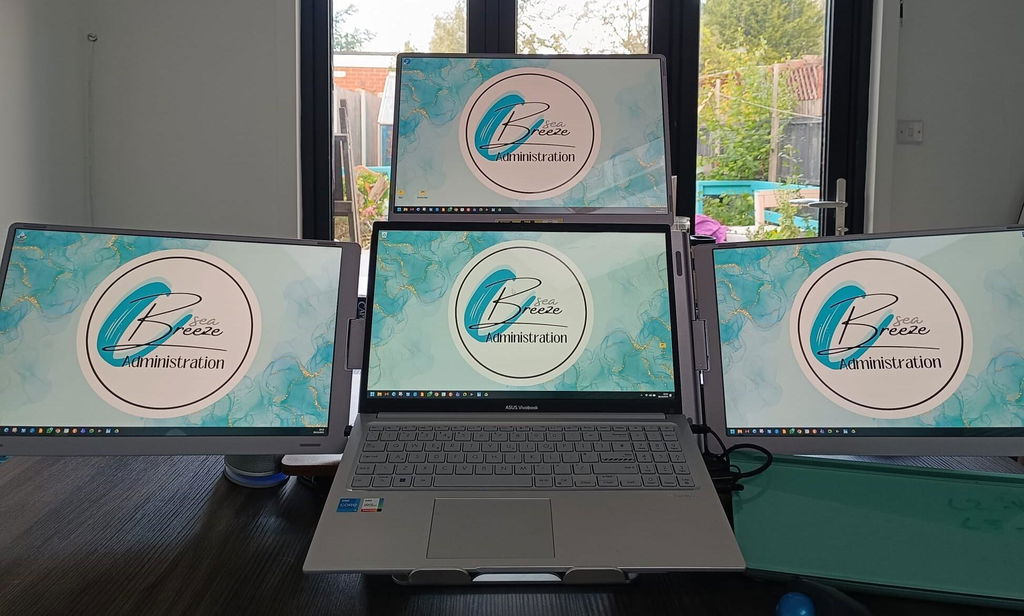
Hi there! Thank you for taking the time to share your positive experience with our Triple Go 14' (Full HD+). We're thrilled to hear that it has helped level up your workspace and make multitasking easier. We're all about streamlining tasks and we're glad it's making a difference for you. Keep enjoying the convenience and thank you for choosing our product!
I keep my notes on one side and the main task in the middle. A good fit for my daily routine.
Deixo as notas de um lado e a tarefa principal no centro. Ajuda a manter a mesa organizada.
It feels sturdy for the price. It's been reliable since the first day.
Text stays crisp on all three panels, even at small sizes. Overall I'm very happy with it.
It packs down flat, so it's easy to put away. It's been reliable since the first day.
Der Aufbau dauerte nur wenige Minuten. Ich bin insgesamt sehr zufrieden.
Great quality - super easy installation -works like a dream
Hi John, we're thrilled to hear you're happy with the Triple Go 14' (Full HD+)! Thanks for sharing your positive experience. Enjoy your product!
great product, fits description and works perectly
Hi Reza, we're thrilled to hear you love the Triple Go 14' (Full HD+)! Thanks for sharing your positive experience. Enjoy using it!
I used to jump between Slack, dashboards, email and internal tools constantly. Now everything stays visible. First setup took a little patience with the driver and power supply, but after that it became normal.
I use the 14 Plus version because I still wanted something I could carry. It gives me three extra displays without feeling as crazy as the bigger one. For writing proposals and checking references, it’s been worth it.
Before this I was constantly switching windows. Now I can leave Slack, dashboards and my main browser visible. First setup took some patience because of the driver, but after that it became part of my routine.
Before this I was constantly alt-tabbing. Now I can keep Slack, dashboards and the main browser visible at once. Setup took a bit the first day because of the driver, then it became routine.
I used to jump between Slack, dashboards, email and browser tabs all day. With this setup everything stays visible. First setup took a little patience because of the driver, then it became routine.
Non lo apro per controllare due email, ma quando devo fare lavoro serio è fantastico. Tengo HubSpot, calendario e preventivi separati. Dopo il software iniziale non ho avuto problemi.
I don’t open it for quick emails, but for deep work it’s excellent. The composite frame feels rigid and the 100% sRGB panels are nicer than I expected for a portable triple monitor.
Xero, a PDF viewer and our approval tool can stay visible at once. That’s all I wanted. The frame feels rigid and the top display stayed stable after I connected the included power supply.
I messed up one protector and got dust under it. Annoying, but not the monitor’s fault. Once I slowed down and cleaned the panel properly, the screens looked great and the 14 Plus size fits my backpack better than I expected.
Quand je l’ai sorti à la bibliothèque, deux personnes ont demandé ce que c’était. Ça prend de la place, oui, mais pour mon mémoire avec Mendeley, Word et des scans ouverts en même temps, c’est le jour et la nuit.
Lo uso con un MacBook per report e fatture. Dopo aver installato il software, i tre schermi funzionano bene. Tengo email a sinistra, Excel al centro e documenti a destra.
I made bubbles when applying the tempered glass and had to redo one side. Not the end of the world, just annoying. The actual monitors are good and the 14 Plus size is easier to carry than I expected.
I use After Effects in the center, asset folders on one side and client notes on the other. It is not my studio setup, but for quick changes while traveling, the extra screens make it way less annoying.
Je l’ai amené une fois au bureau et tout le monde est venu voir. Le style cockpit est assez unique. Pour moi qui travaille souvent avec CRM, devis et emails, les trois écrans sont vraiment utiles.
出張中にホテルで使っています。メール、資料、ブラウザを分けて表示できるので便利です。少し大きいけど、仕事用なら持って行く価値があります。
ホテルで使うと本当に作業が楽です。メール、資料、ブラウザを3つの画面に分けられます。少し大きいですが、仕事用ならかなり便利です。
ホテルで使うと本当に作業しやすいです。3つの画面にメール、資料、ブラウザを分けられます。少し大きいですが、仕事用なら便利です。
El monitor funciona bien, pero tuve que leer la guía porque esperaba algo totalmente plug and play. Después de instalar el driver, pude usar las tres pantallas con mi Lenovo sin problema.
I edit product photos while traveling, and this setup is weirdly helpful. Lightroom goes on one screen, file browser on another, and the client brief stays visible instead of buried behind windows. It takes more space than a normal monitor, but it saves my patience.
Con il mio MacBook uso Trello su uno schermo, il gestionale ordini su un altro e il browser al centro. Pensavo fosse complicato, invece dopo il software iniziale è diventato abbastanza semplice.
Lo uso con un MacBook per fatture e report. Dopo aver installato il software, i tre monitor funzionano bene. Email a sinistra, fogli al centro e documenti a destra.
セットアップとサポート
初めての接続から、何かがおかしいと感じた日まで、当社チームによく寄せられる質問をまとめました。
お探しの質問が見つからない場合はご連絡ください。
スタッフが直接お返事します。
一部の画面しか映らない、または画面が黒いまま
一部の画面しか映らない、または画面が黒いまま
Triple Goの3画面はすべてドライバー経由で映像を受け取ります。
- RacerUSBアプリが起動していることを確認し、ノートPCを再起動してください。
- 電源アダプターを接続してください。3画面すべてに必要です。
- 付属のUSB-C to USB-Cケーブルで、映像出力に対応したノートPCのUSB-Cポートにモニターを直接接続してください。ハブやドックは使用しないでください。
- 映らない画面が拡張ディスプレイとして設定されているか確認してください(画面の並び順に関する質問を参照)。
それでも1画面が映らない場合はお問い合わせください。保証の対象となります。
すべての画面が真っ暗なまま/電源が入らない
すべての画面が真っ暗なまま/電源が入らない
- 付属の電源アダプターを壁のコンセントに直接(電源タップではなく)差し込み、モニターのPD(電源)ポートに接続してください。
- モニターをノートPCに直接接続してください。ハブやドックは使用しないでください。
- USBケーブルを抜き差しし、ドライバーアプリが起動していることを確認してください。
- ほかにUSB-C PD充電器(30 W以上)をお持ちの場合は、そちらもお試しください。
それでも何も映らない場合は、セットアップの短い動画を添えてお問い合わせください。製造上の欠陥は1年間保証されます。
ノートPCとはどのように接続しますか?
ノートPCとはどのように接続しますか?
必ず最初に電源アダプターを接続してください。Triple Goには30 Wの電源(付属のアダプター、または30 W以上のUSB-C PD充電器やモバイルバッテリー)が必要です。次に、付属のUSB-C to USB-Cケーブルを映像出力に対応したノートPCのUSB-Cポート(すべてのMacBook、最近のほとんどのWindowsノートPC)に接続し、ドライバーをインストールしてください(質問4を参照)。
HDMI入力はないため、ノートPCには映像出力対応のUSB-Cポートが必要です。初回のセットアップでは、ハブやドックの使用は避けてください。
ドライバーは必要ですか?どのドライバーですか?
ドライバーは必要ですか?どのドライバーですか?
はい。ドライバーがないと、どの画面も点灯しません。
RacerUSBドライバーをインストールしてください。同梱のUSBメモリに収録されており、MacとWindows向けの最新版は当社のドライバーページにあります。インストール後、再起動してください。Macでは、確認画面で画面収録を許可し、ログイン時に開くように設定してください。設定しないと、再起動後に画面が復帰しません。
MacBookで使えますか?ベースモデルのM1、M2、M3でも使えますか?
MacBookで使えますか?ベースモデルのM1、M2、M3でも使えますか?
はい。MacBookの画面とTriple Goの3画面すべてが使えます。通常は外部ディスプレイを1台しかサポートしないMチップ搭載のMacBook Airベースモデルでも、ドライバーが対応します。macOS 12 Monterey以降が必要です。
会社のノートPCにソフトウェアをインストールできません
会社のノートPCにソフトウェアをインストールできません
3画面すべてがドライバー経由で動作するため、ドライバーがないとどの画面も点灯しません。IT部門にインストールを依頼してください(質問4を参照)。それが難しい場合は、ドライバー不要のPlug & Playモデルをお選びください。
持ち運べますか?重さはどれくらいですか?
持ち運べますか?重さはどれくらいですか?
はい。画面を内側に向けて折りたたむと一体になり、重さは約4.85 lb / 2.2 kgで、標準的なノートPC用リュックに収まります。持ち運ぶ際はスリーブに入れてください。シェルはほかのモデルより傷がつきやすくなっています。
ヒンジを傷めずに折りたたむにはどうすればよいですか?
ヒンジを傷めずに折りたたむにはどうすればよいですか?
画面は1枚ずつ開閉し、ヒンジをストッパーより先に無理に動かさないでください。マグネットはないため、持ち運ぶ際はスリーブやバッグに入れてください。
画面保護フィルムはどこにありますか?
画面保護フィルムはどこにありますか?
このモデルでは、あらかじめ貼られていません。強化ガラス保護フィルムはご注文に無料で付属しており、お好きなときに貼ることができます。
ノートPCは上の画面の下に収まりますか?
ノートPCは上の画面の下に収まりますか?
はい。12"から17.3"までのノートPCに対応し、16"のMacBook Proにも対応します。ノートPCは上の画面の下、左右の画面の間に置きます。
画面の並び順が違う、または1画面がぼやける/小さく見える
画面の並び順が違う、または1画面がぼやける/小さく見える
- Mac:システム設定 › ディスプレイ › 配置。Windows:設定 › システム › ディスプレイ。
- 画面を実際の位置に合わせてドラッグします。
- Triple Goの各画面をネイティブ解像度(1920 × 1200)に設定し、拡大縮小も同じ値にそろえます。
Netflixなどの動画配信サービスは見られますか?
Netflixなどの動画配信サービスは見られますか?
Triple Goの画面では視聴できません。保護された動画(Netflix、Disney+、Apple TVなど)は、USBディスプレイドライバー経由で接続した画面では黒いままです。代わりにノートPCの画面で再生してください。