


In the realm of productivity and efficiency, your workspace setup plays a crucial role. One significant upgrade that can transform your work experience is the addition of multiple monitors. While dual-monitor setups are common, opting for three monitors can bring even more substantial benefits. Here’s a detailed look at the advantages of working with three monitors.
1. Enhanced Productivity
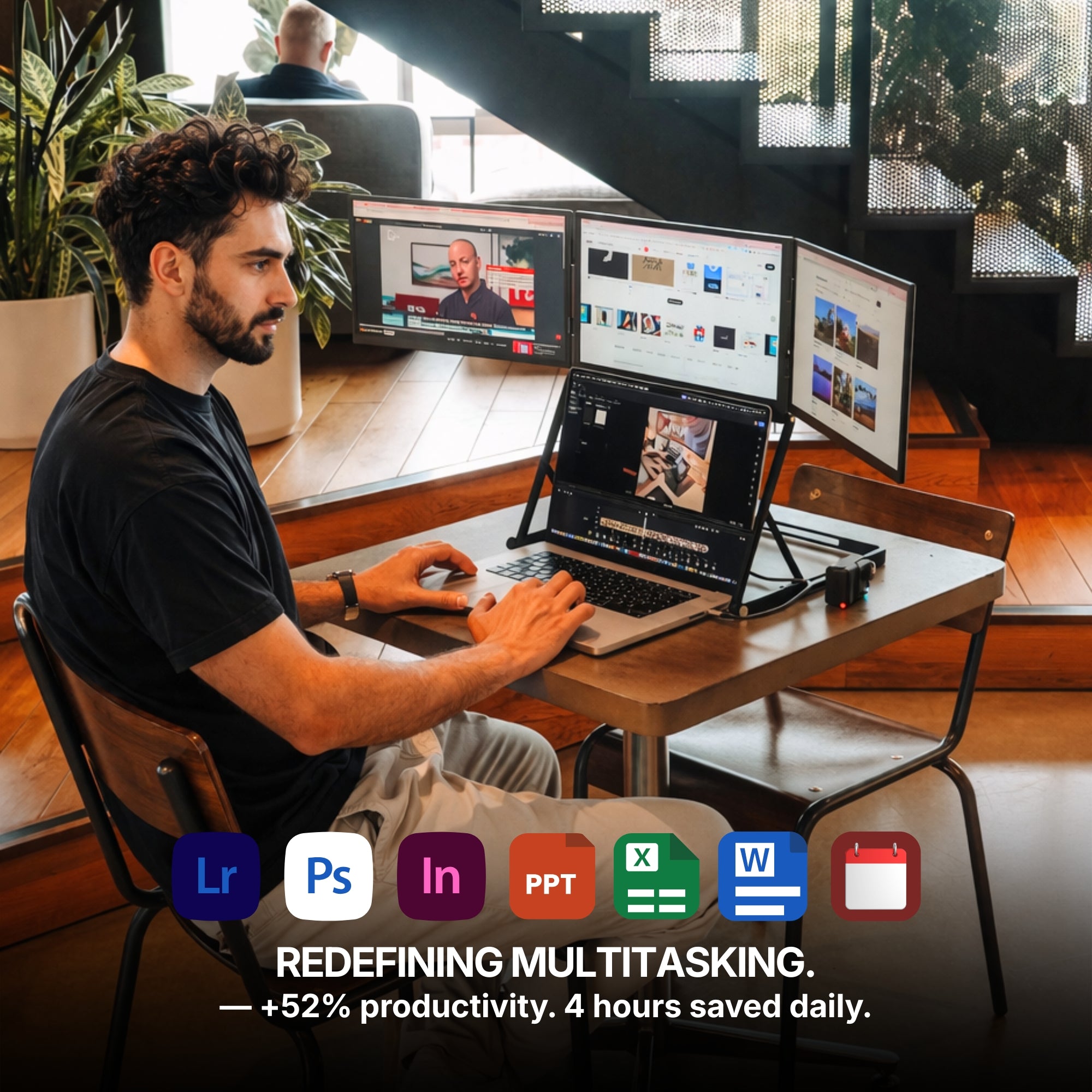
The most significant benefit of using three monitors is the boost in productivity. With more screen real estate, you can manage multiple tasks simultaneously without constantly switching between tabs or windows. Studies have shown that multi-monitor setups can increase productivity by up to 50%. You can dedicate each monitor to specific tasks, such as one for your primary work, one for reference materials, and one for communication tools.
2. Improved Multitasking
Three monitors enable you to multitask more efficiently. For example, you can keep your email or messaging app open on one screen, have your main work document on another, and use the third screen for research or additional resources. This setup minimizes disruptions and allows you to handle several tasks concurrently, enhancing your workflow.
3. Streamlined Workflow
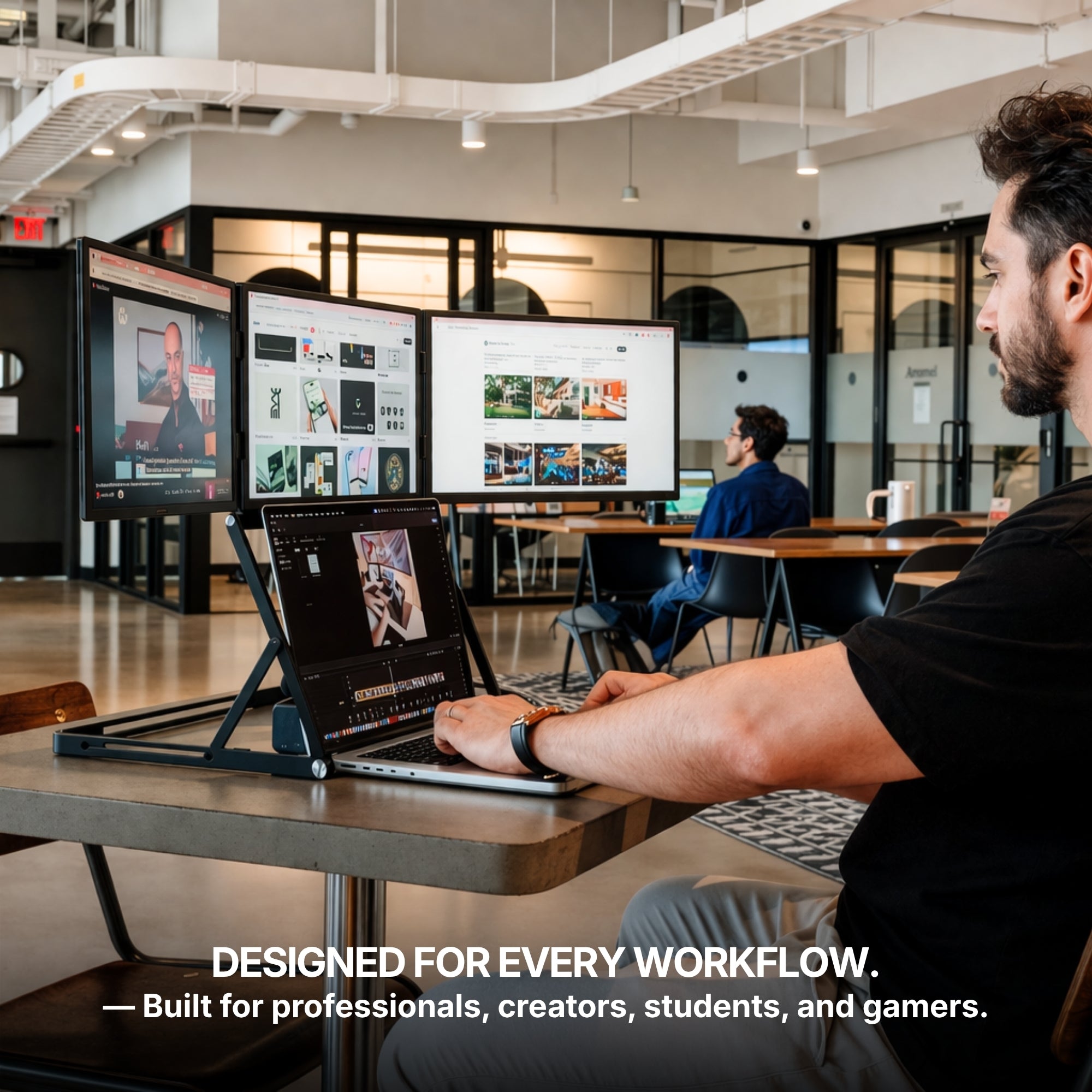
A triple monitor setup helps in creating a more streamlined workflow. You can spread out your applications and documents across the screens, which reduces the need to minimize and maximize windows. This organization is particularly beneficial for professions that require the use of multiple software applications simultaneously, such as graphic design, video editing, programming, and financial trading.
4. Enhanced Focus and Reduced Cognitive Load
By organizing your workspace across three monitors, you can reduce cognitive load. Having dedicated screens for different types of tasks or information means you can focus more easily on the task at hand without being distracted by other open applications. This setup helps in maintaining better focus and reducing mental fatigue.
5. Better Collaboration and Communication
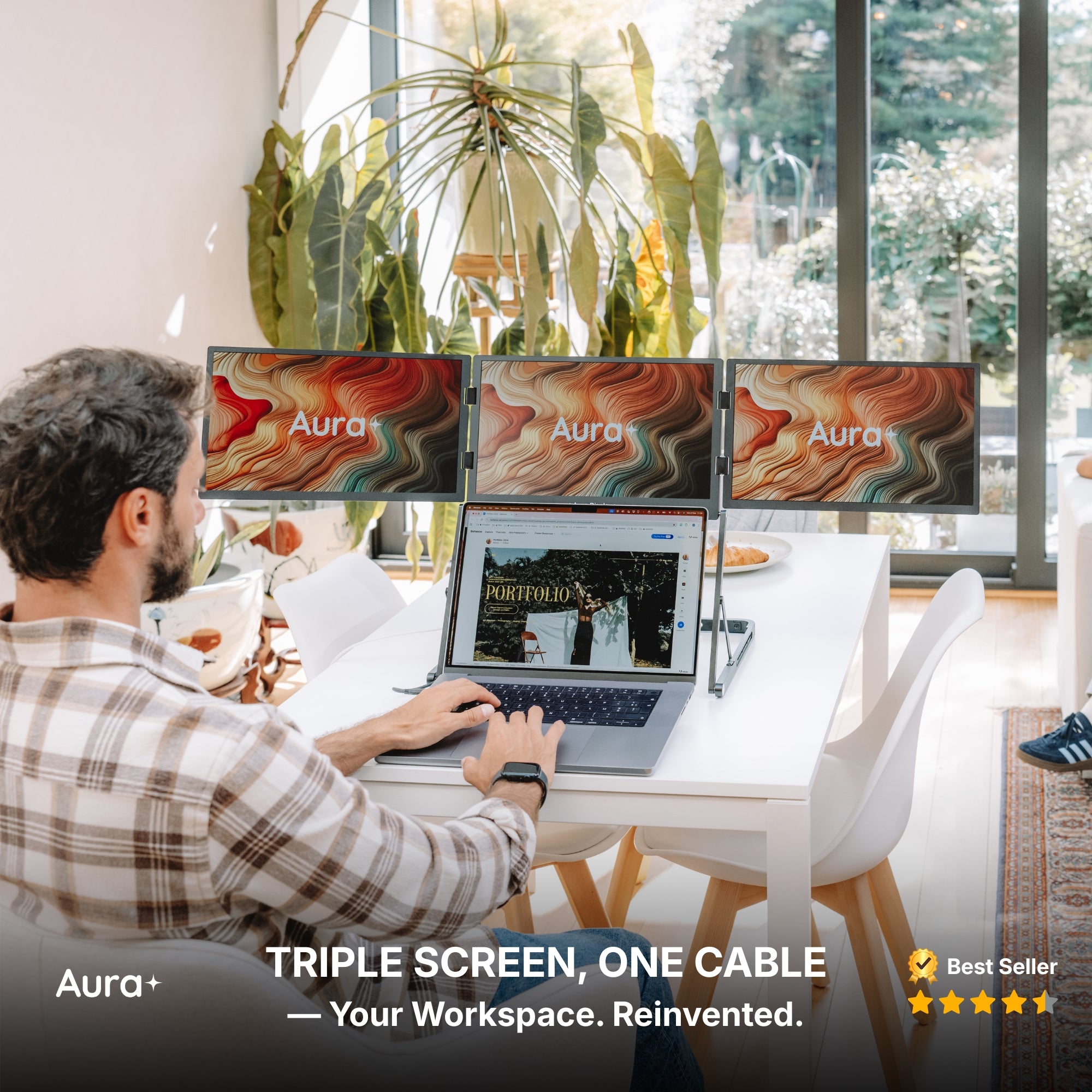
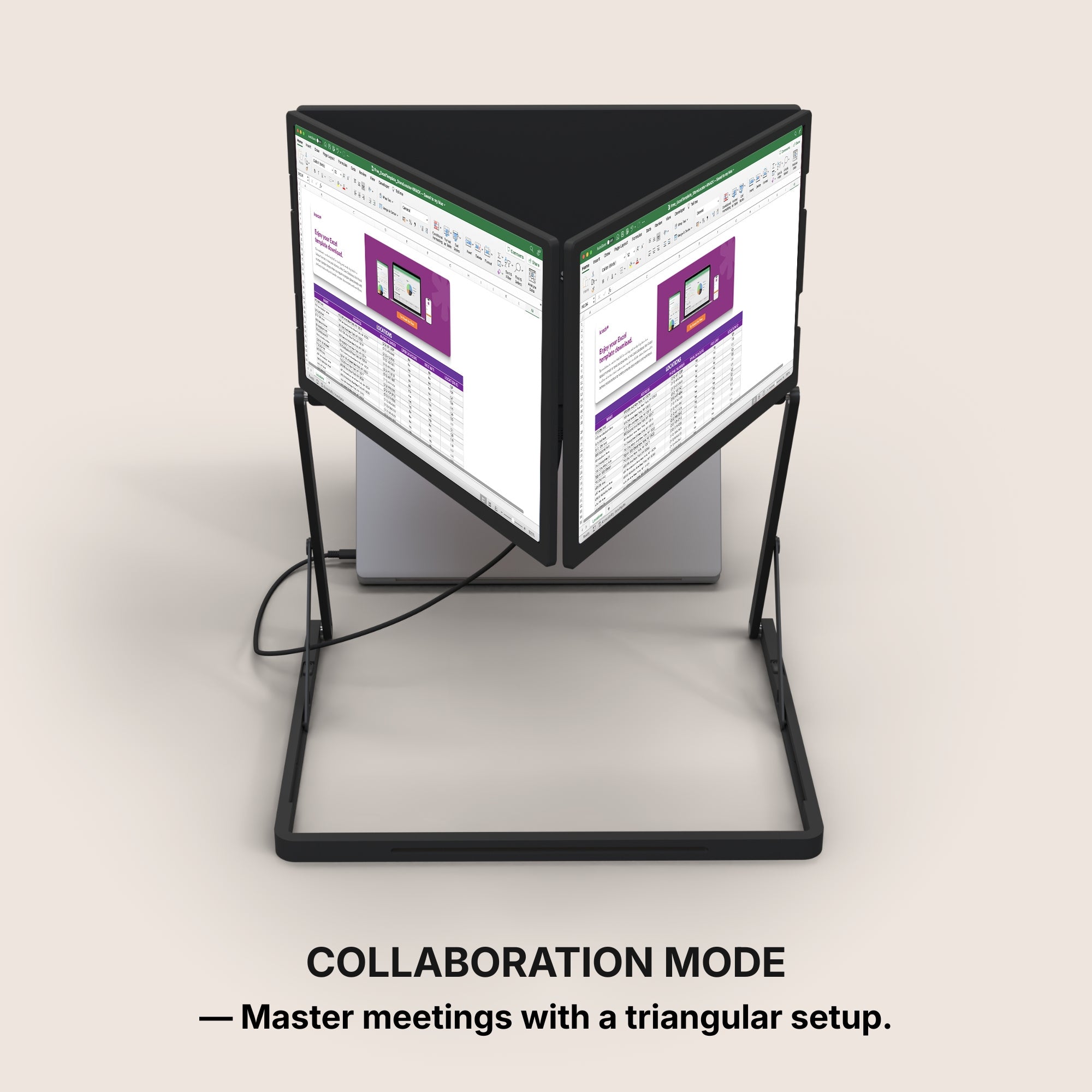
Three monitors can significantly improve collaboration and communication, especially in remote work scenarios. You can have a video call on one screen, view shared documents on another, and continue working on your project on the third. This setup makes it easier to communicate with colleagues and participate in virtual meetings without losing track of your ongoing tasks.
6. Improved Data Analysis
For data analysts and researchers, having three monitors is invaluable. You can display large datasets, complex graphs, and multiple analysis tools simultaneously. This setup allows for easier comparison and analysis of data, helping you make more informed decisions quickly.
7. Enhanced Creativity
Creative professionals, such as designers and video editors, benefit greatly from a three-monitor setup. They can have their main editing software on one screen, asset libraries and tools on the second, and preview their work on the third. This arrangement provides a comprehensive view of their projects, making the creative process more efficient and enjoyable.
8. Gaming and Entertainment
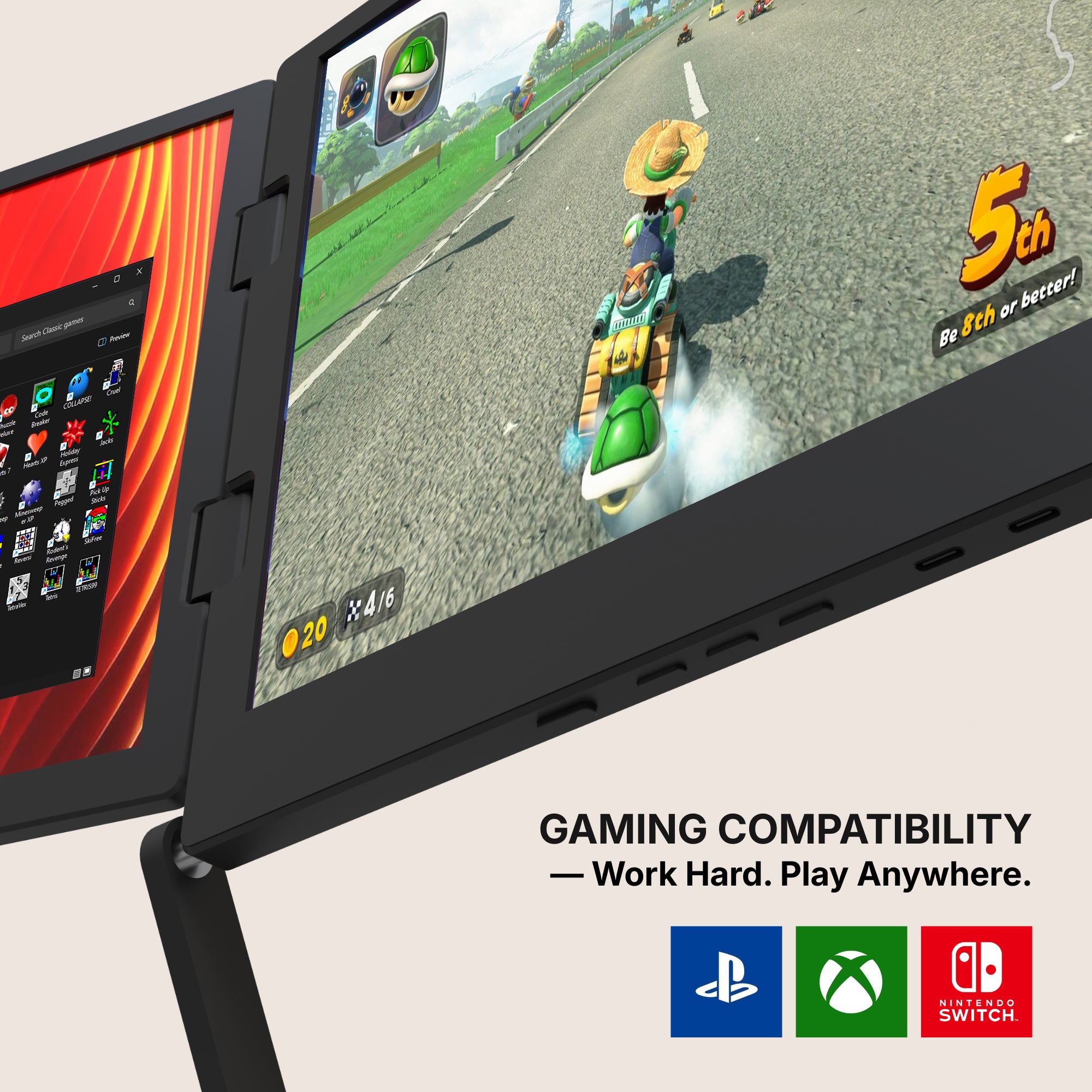
While primarily beneficial for work, three monitors can also enhance gaming and entertainment experiences. Gamers can enjoy a more immersive experience with a wider field of view, while those who use their setup for entertainment can multitask more effectively, watching videos on one screen while browsing the web or using social media on the others.
Conclusion
Investing in a three-monitor setup can revolutionize the way you work, significantly enhancing your productivity, efficiency, and overall work experience. By providing ample screen real estate, improving multitasking, and streamlining your workflow, three monitors can help you stay organized, focused, and engaged in your tasks. Whether you are a professional seeking to optimize your work environment or someone looking to enhance your digital experience, a triple monitor setup is a worthwhile consideration.
Start exploring the possibilities of working with three monitors today and experience the transformative benefits for yourself.
Additional Tips for Setting Up Your Three Monitors
Choose the Right Monitors: Ensure that all three monitors are of the same size and resolution for a consistent viewing experience.
Ergonomic Placement: Arrange your monitors ergonomically to avoid neck and eye strain. The central monitor should be directly in front of you.
Use Monitor Stands or Mounts: Consider using monitor stands or mounts to save desk space and achieve the ideal height and angle.
Optimize Your Settings: Calibrate your monitors for brightness, contrast, and color accuracy to reduce eye strain and improve visual comfort.
Leverage Software Tools: Utilize software tools that help manage your multi-monitor setup, such as DisplayFusion, to enhance your workflow further.
By implementing these tips, you can create an optimal three-monitor setup that maximizes comfort, efficiency, and productivity.
Prime Big Deal Days until
October 09, 2026
Prime Big Deal Days until
October 09, 2026

Prime Big Deal Days until
October 09, 2026
Prime Big Deal Days until
October 09, 2026
Prime Big Deal Days until
October 09, 2026
Prime Big Deal Days until
October 09, 2026
Prime Big Deal Days until
October 09, 2026
Prime Big Deal Days until
October 09, 2026
Prime Big Deal Days until
October 09, 2026
Prime Big Deal Days until
October 09, 2026
Prime Big Deal Days until
October 09, 2026
Prime Big Deal Days until
October 09, 2026
Prime Big Deal Days until
October 09, 2026
Prime Big Deal Days until
October 09, 2026

Prime Big Deal Days until
October 09, 2026
Prime Big Deal Days until
October 09, 2026
Prime Big Deal Days until
October 09, 2026
Prime Big Deal Days until
October 09, 2026
Prime Big Deal Days until
October 09, 2026
Prime Big Deal Days until
October 09, 2026
Prime Big Deal Days until
October 09, 2026
Prime Big Deal Days until
October 09, 2026
Prime Big Deal Days until
October 09, 2026
Prime Big Deal Days until
October 09, 2026
Prime Big Deal Days until
October 09, 2026
Prime Big Deal Days until
October 09, 2026
Prime Big Deal Days until
October 09, 2026
Prime Big Deal Days until
October 09, 2026
Prime Big Deal Days until
October 09, 2026
Prime Big Deal Days until
October 09, 2026


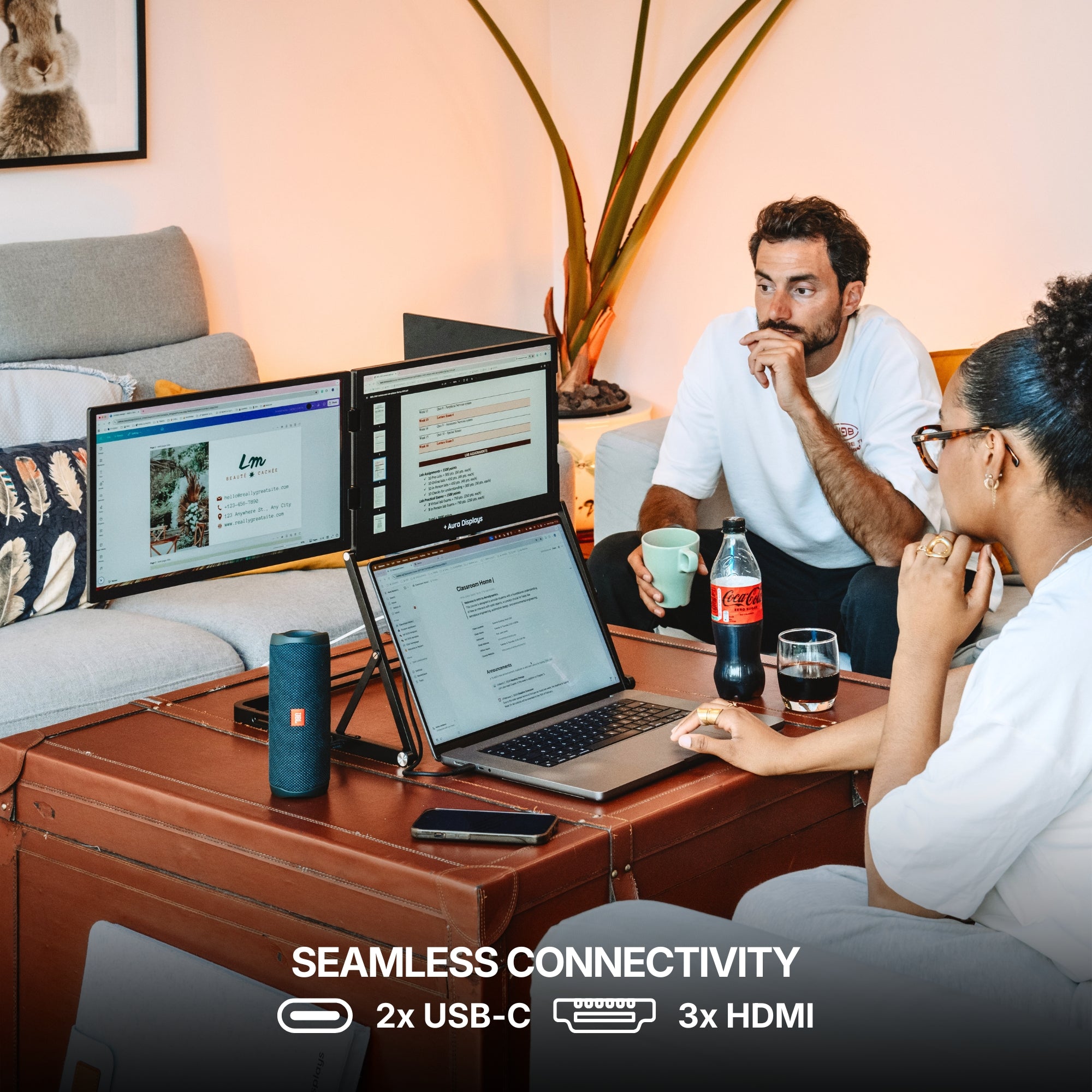
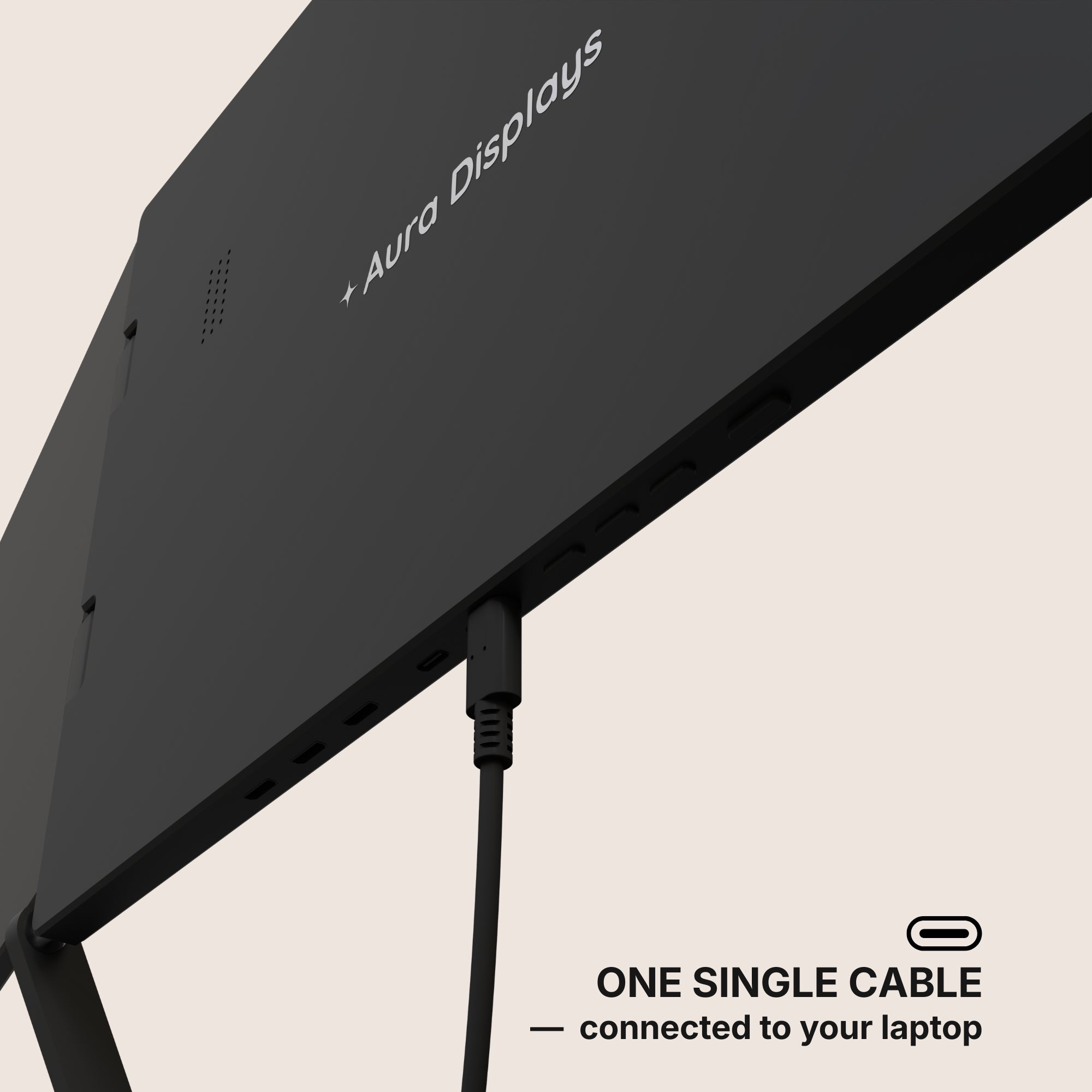
1 USB-C cable required
Connected to your laptop

From 14" to 18.5"
Display Size

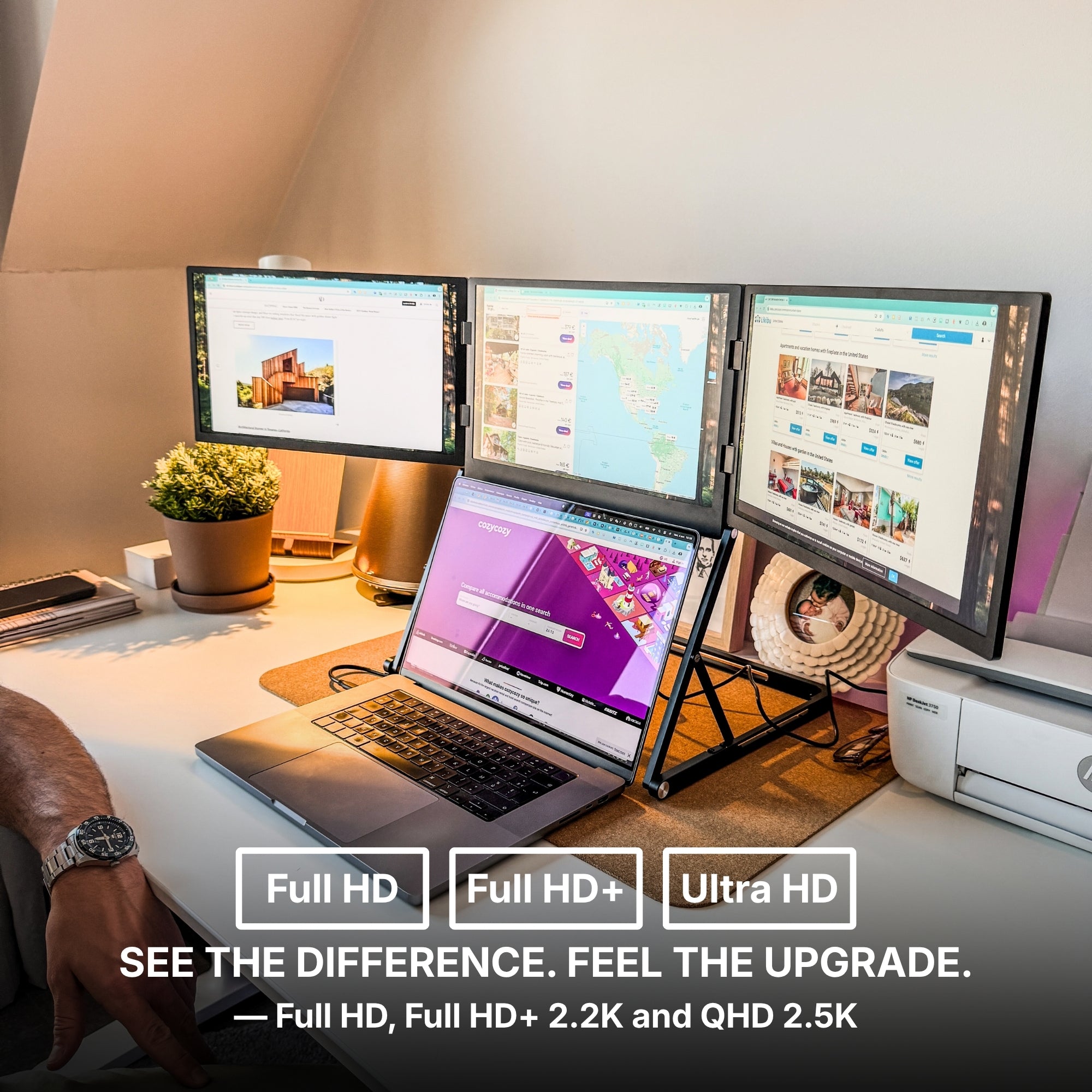
From Full HD to 2.5K
Resolution

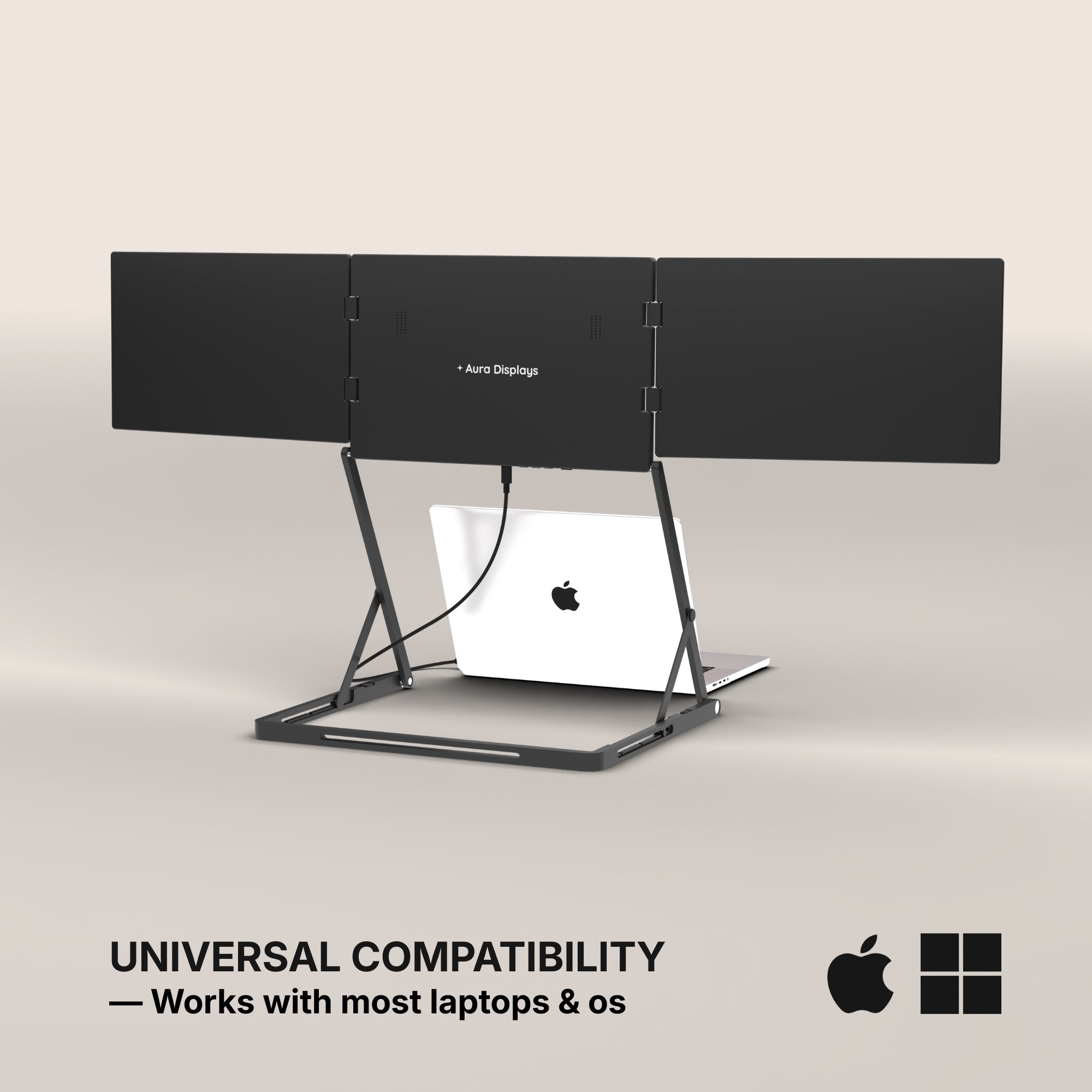
MacOS, Windows
+ Game consoles

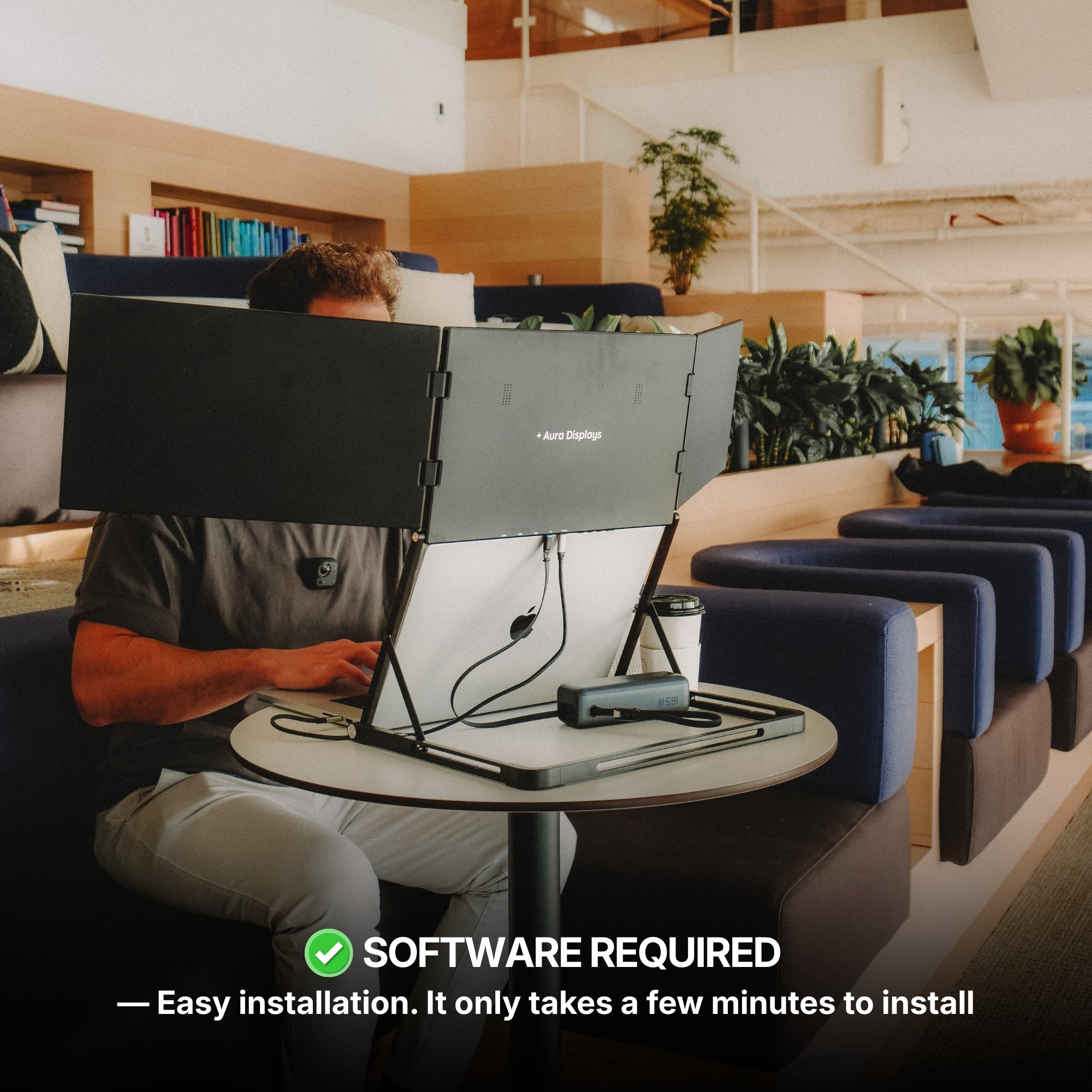
Software required
Quick and easy installation

Full Aluminum
Materials
Low stock
Example product
$549.00
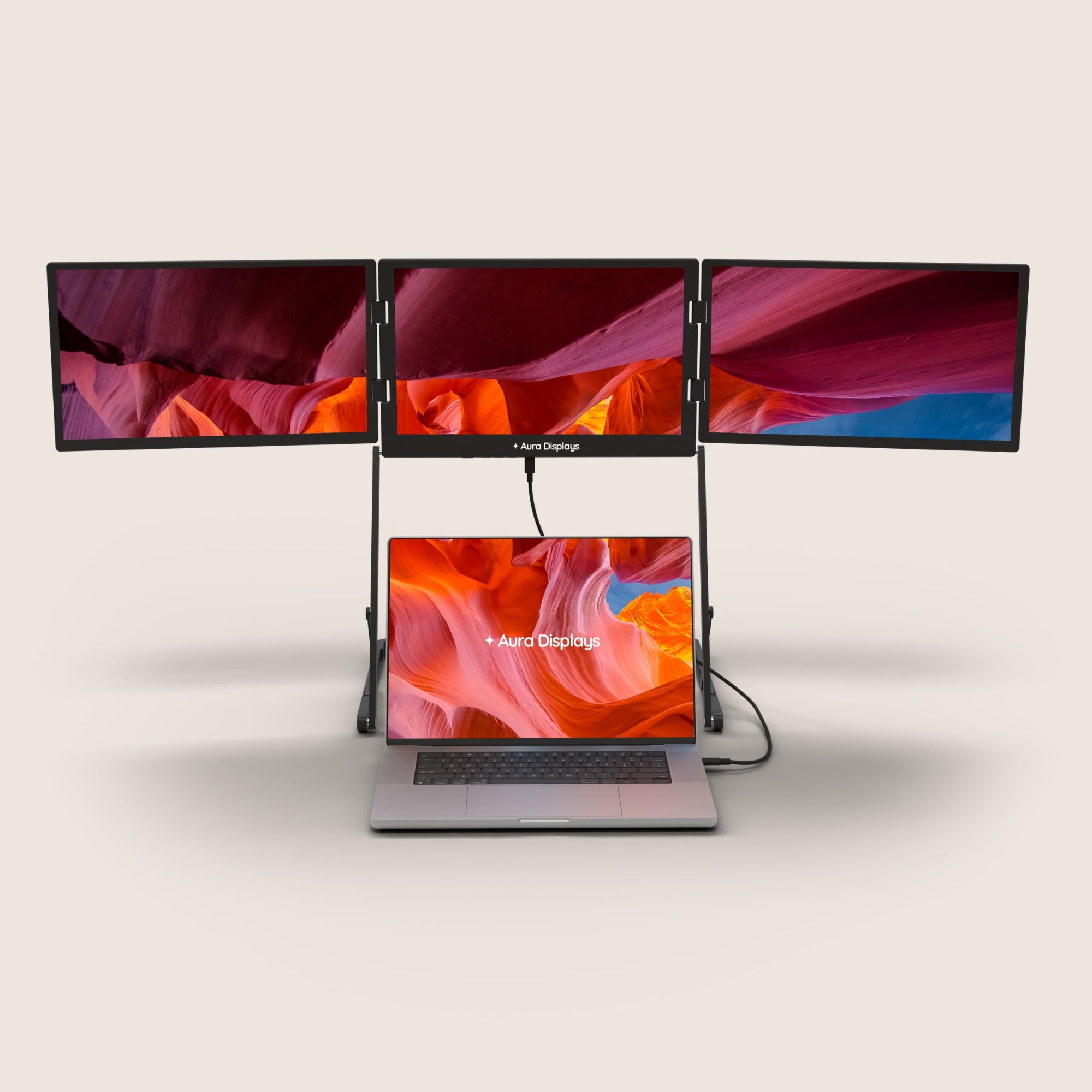
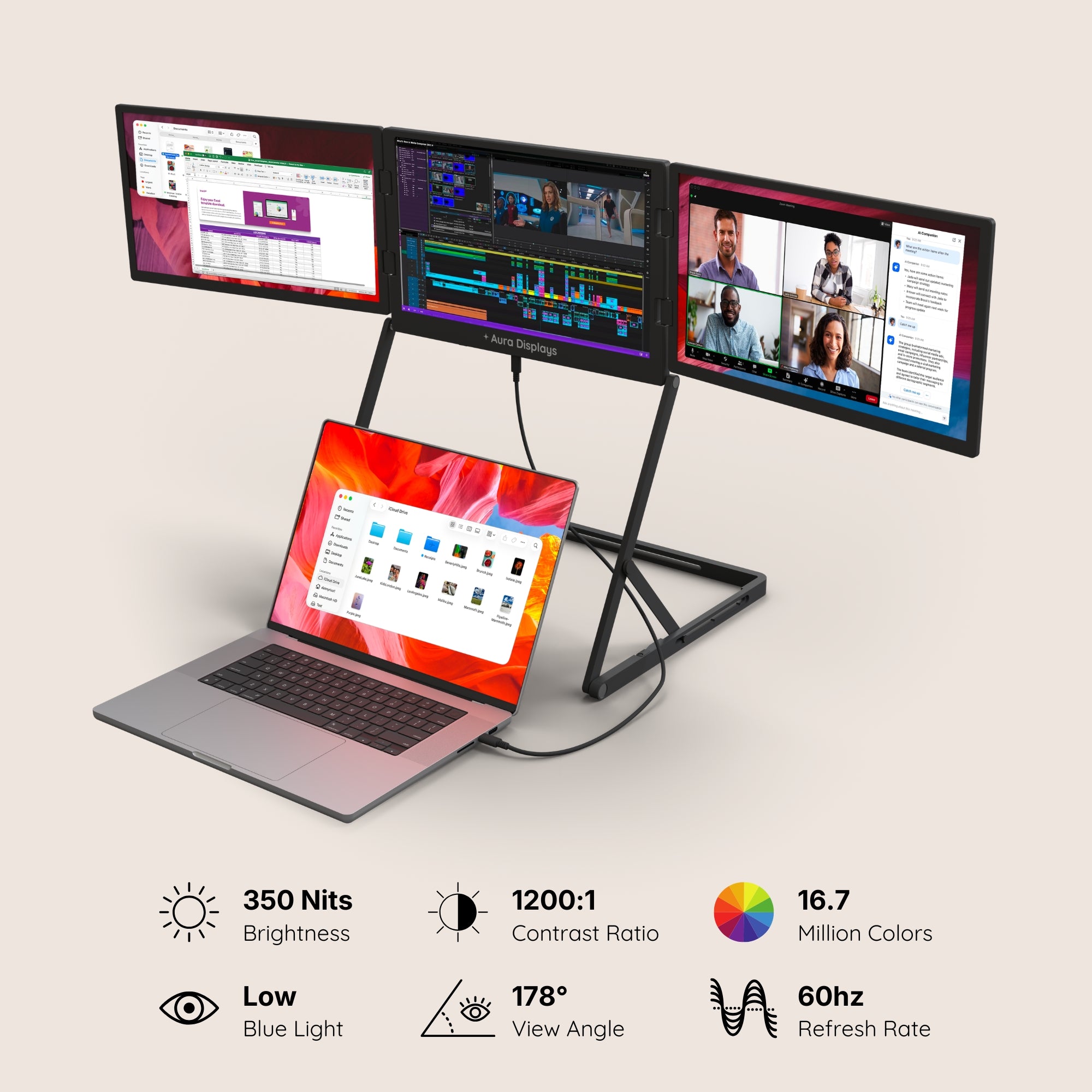
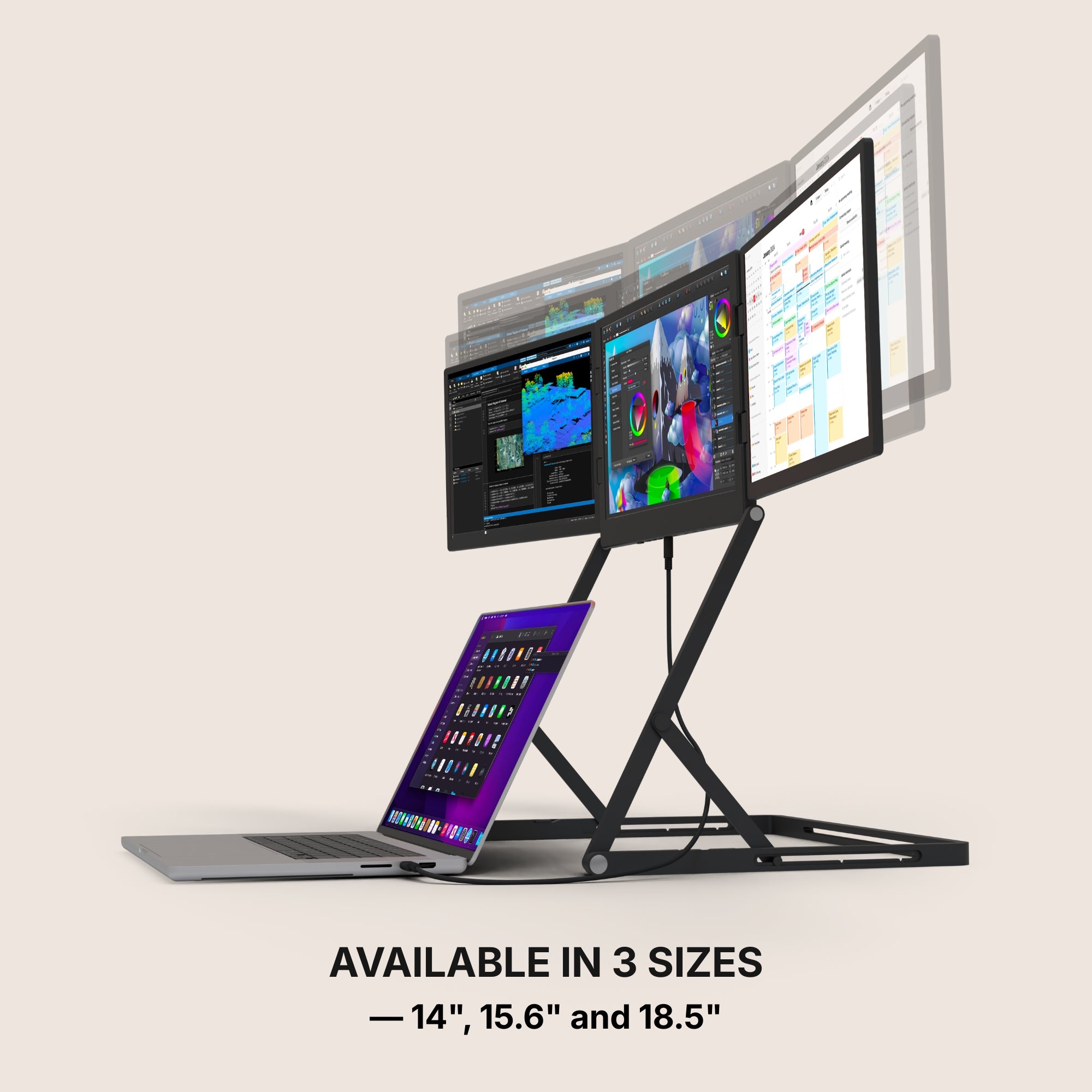
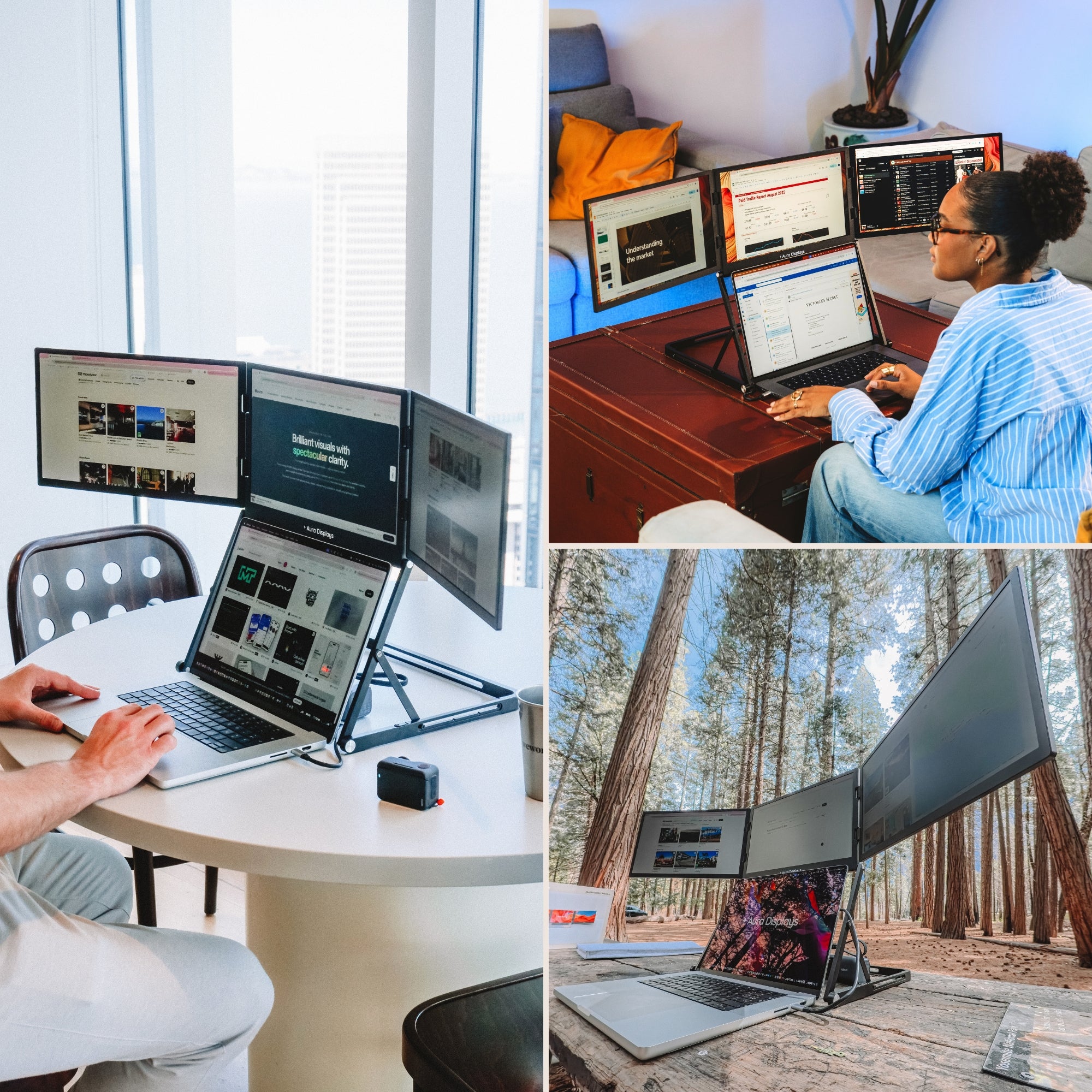
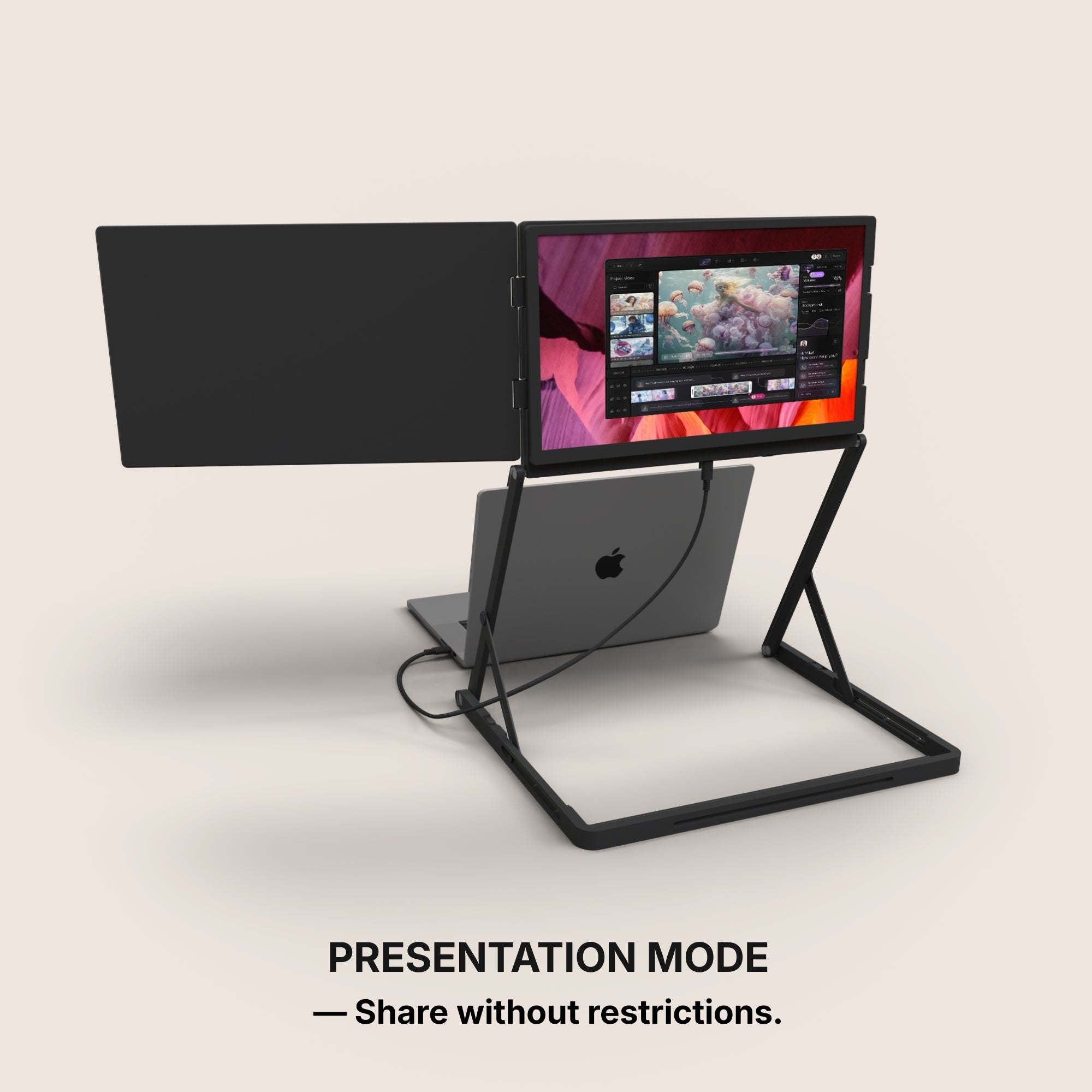
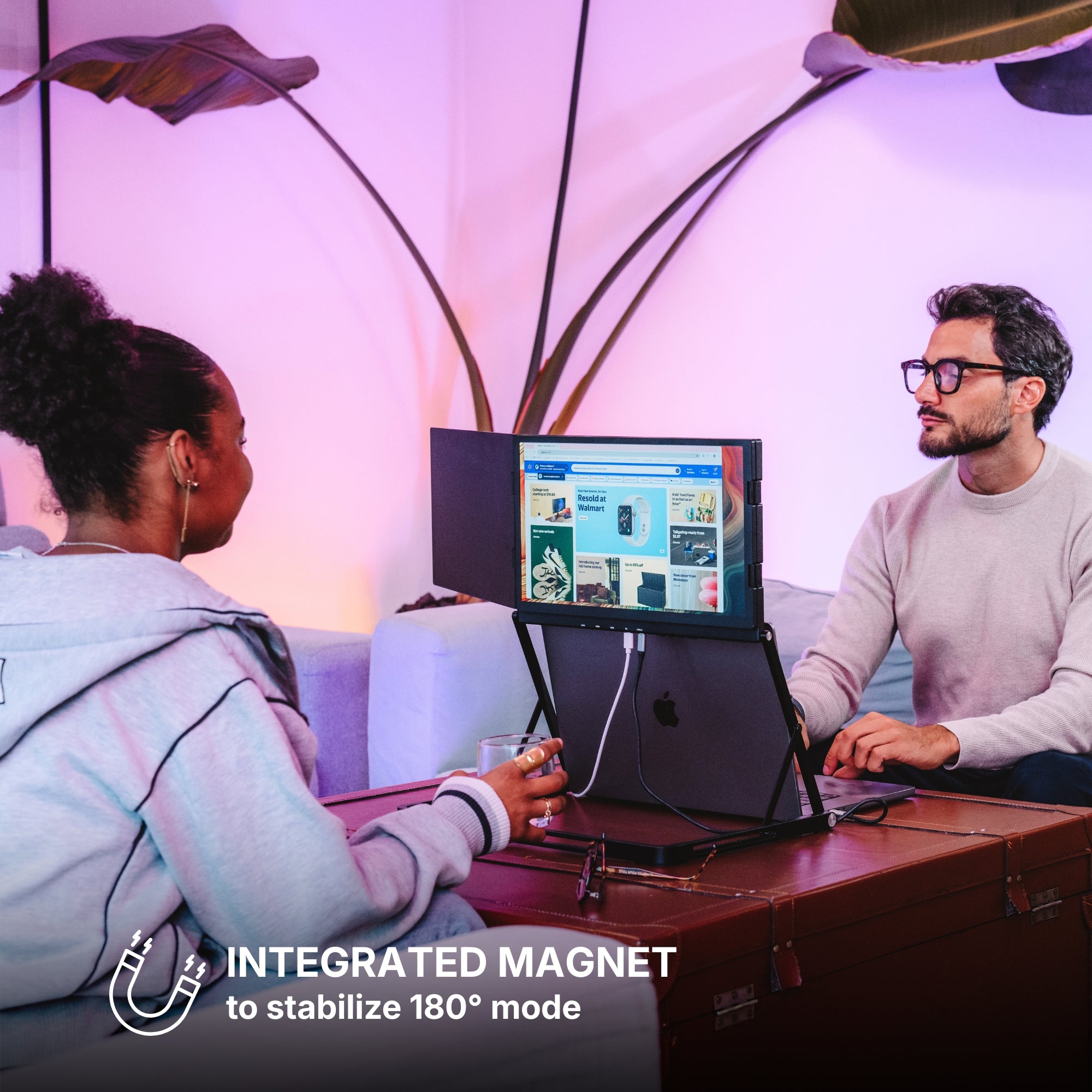
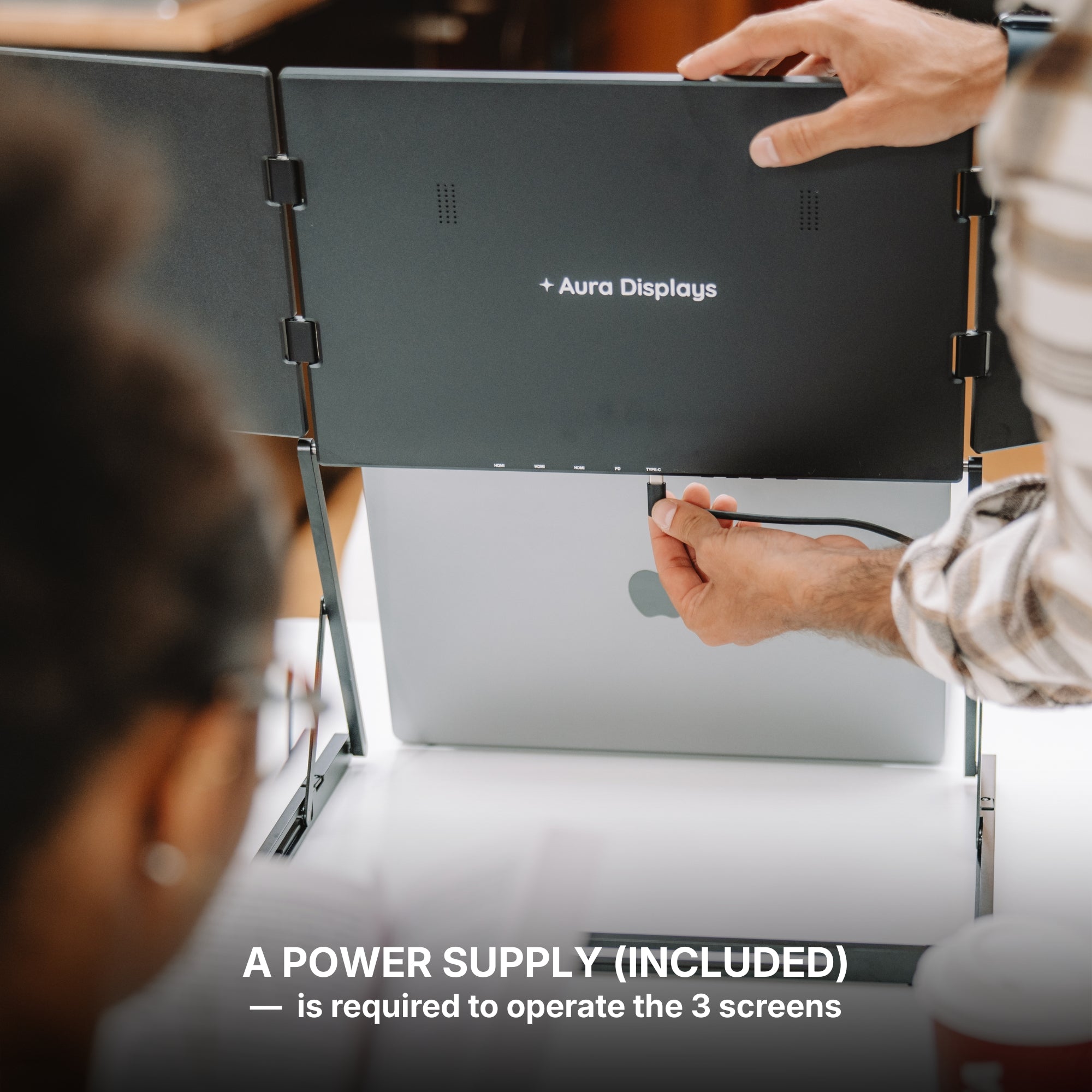
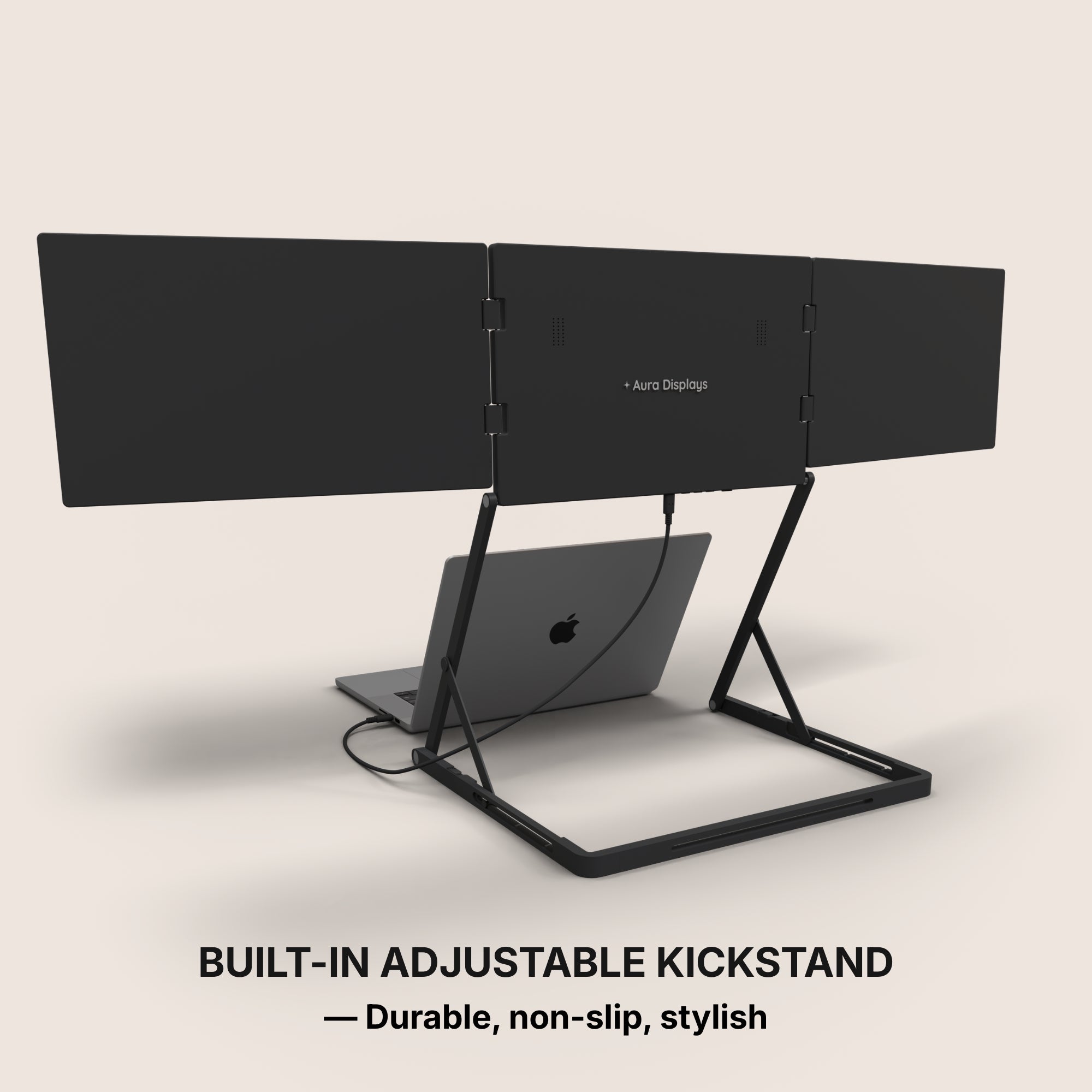
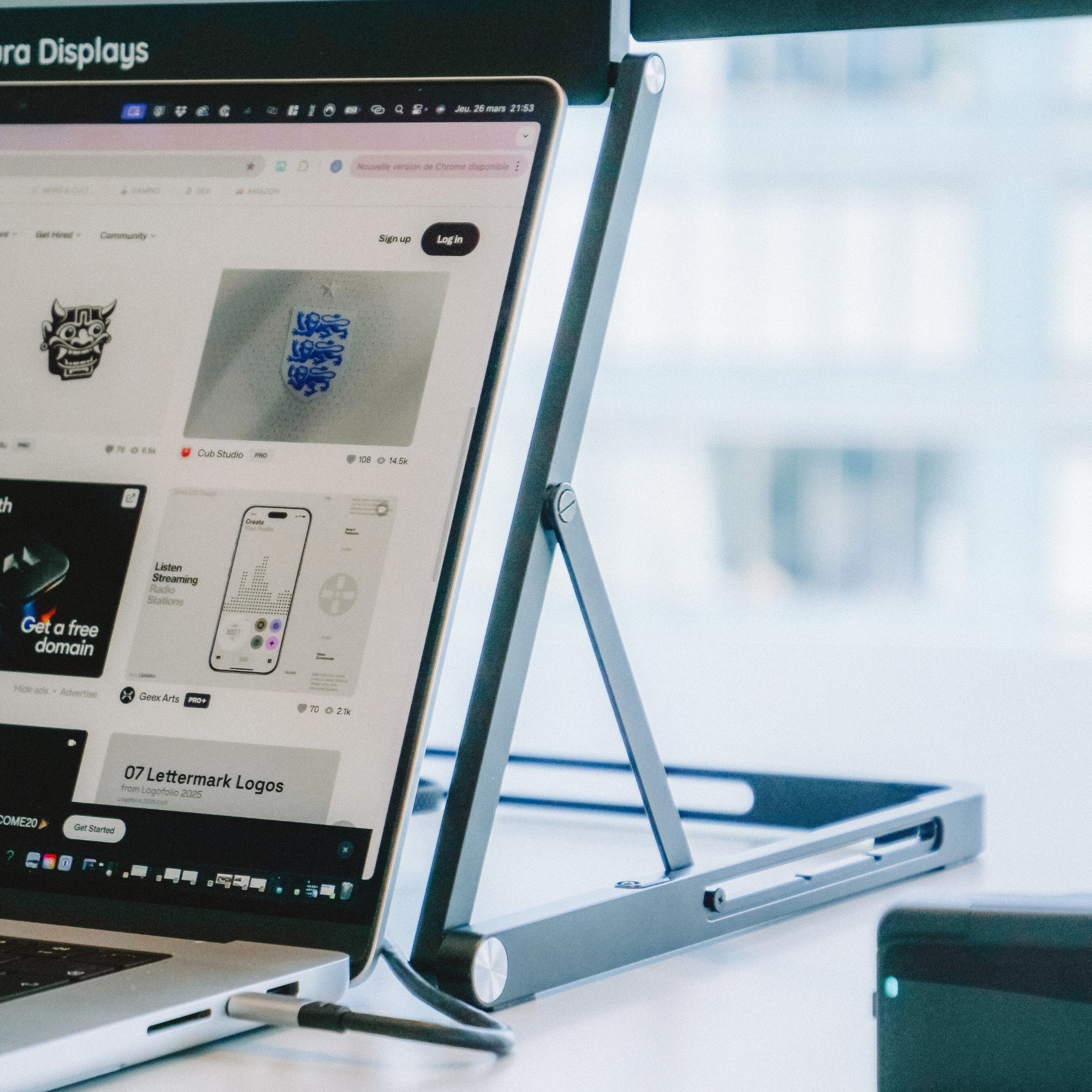
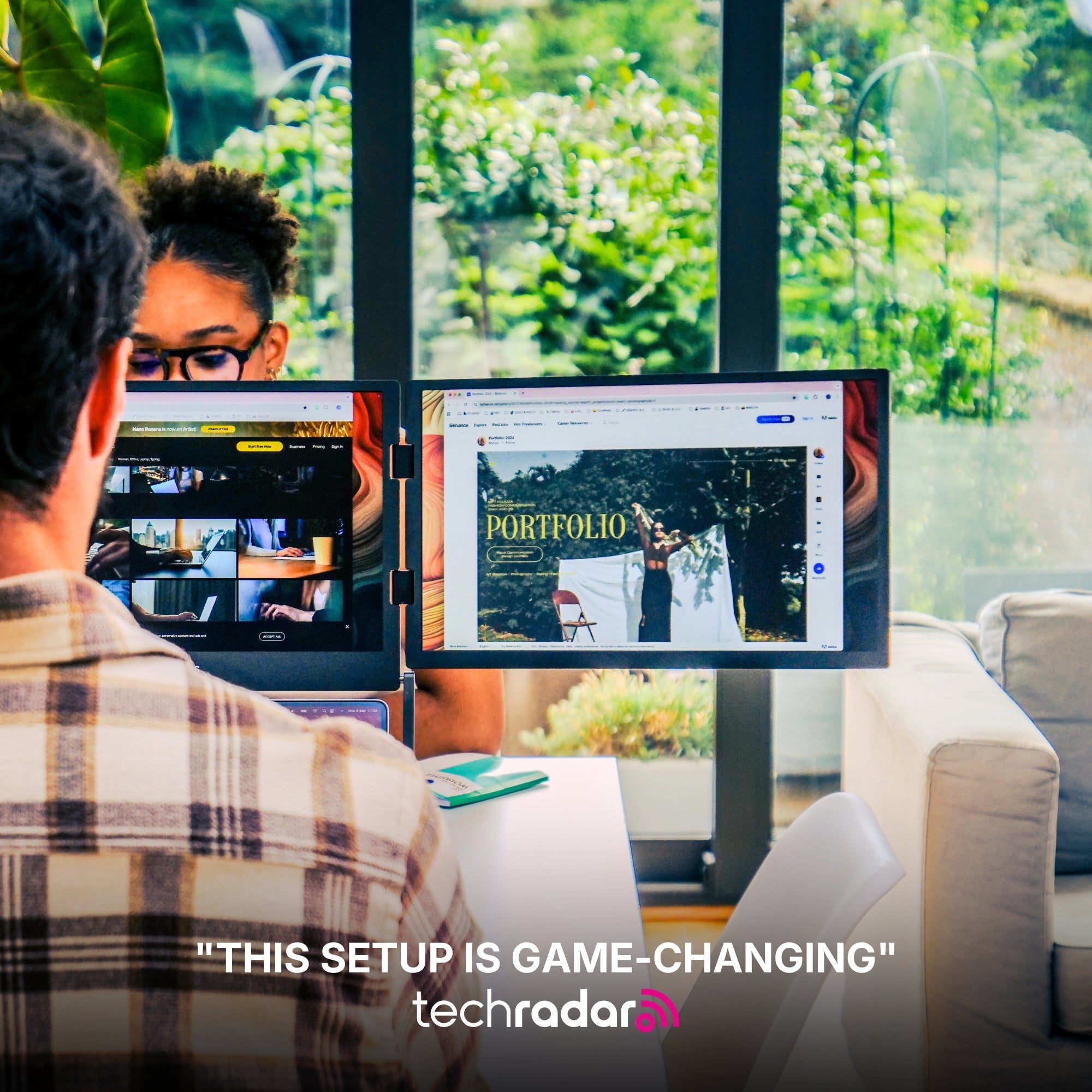
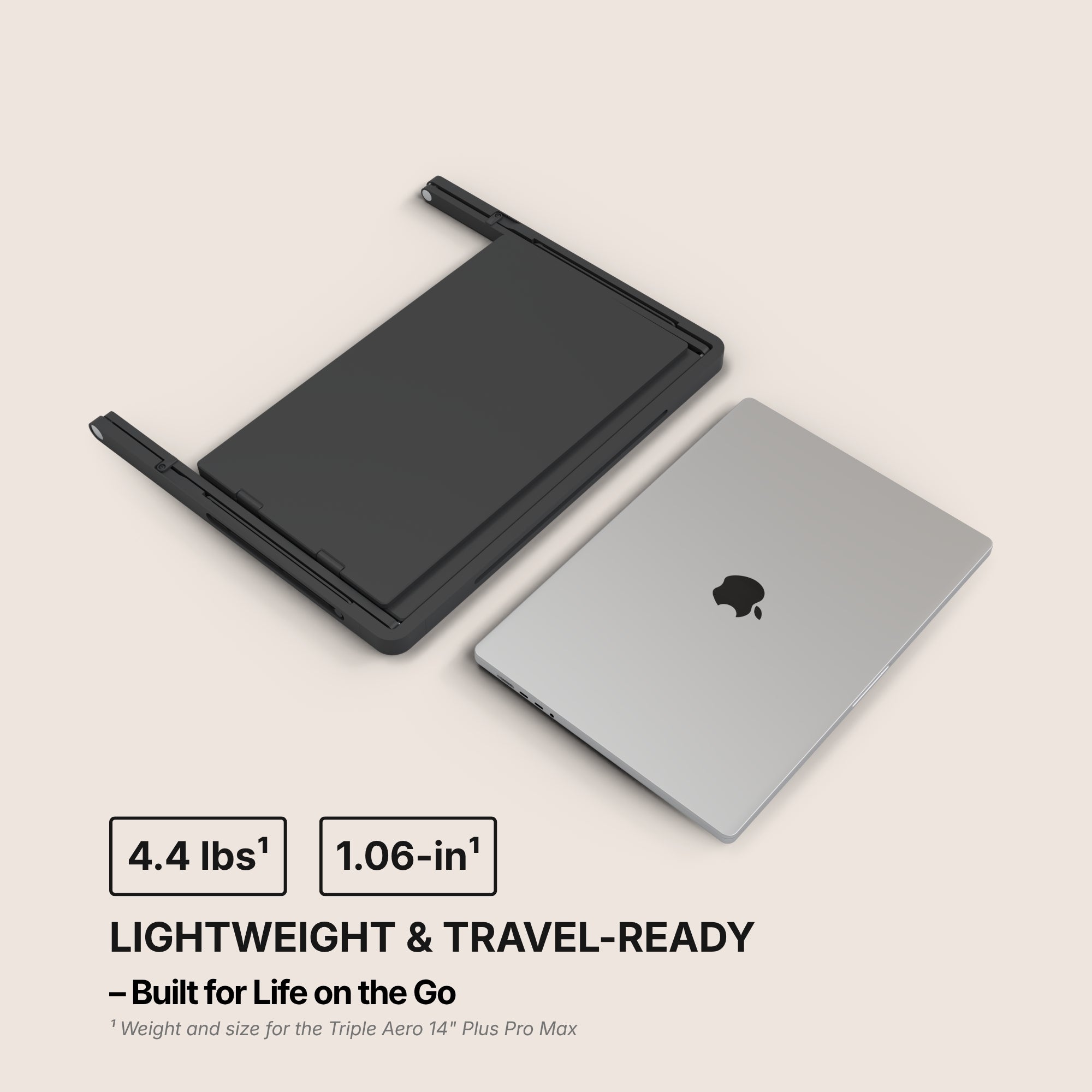
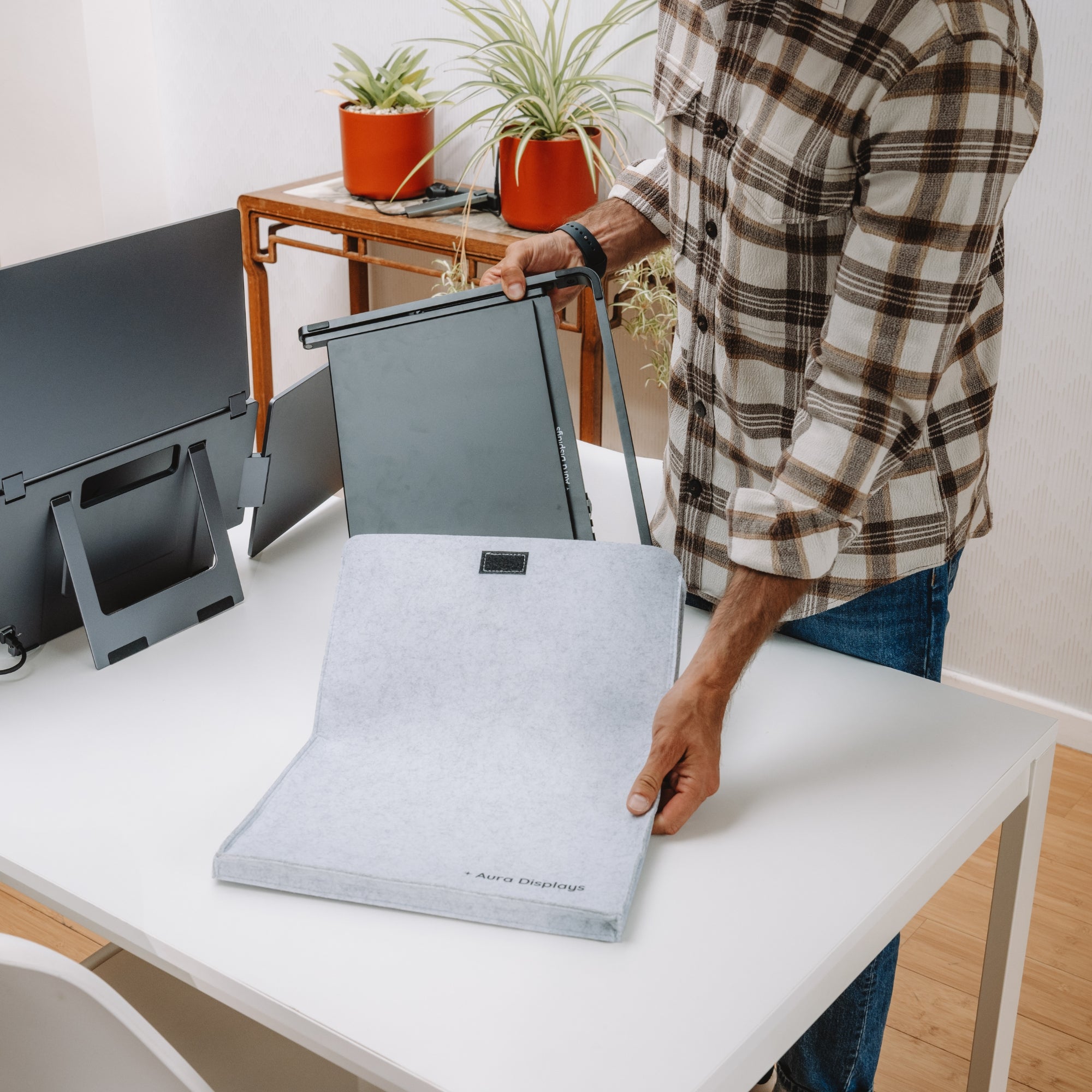
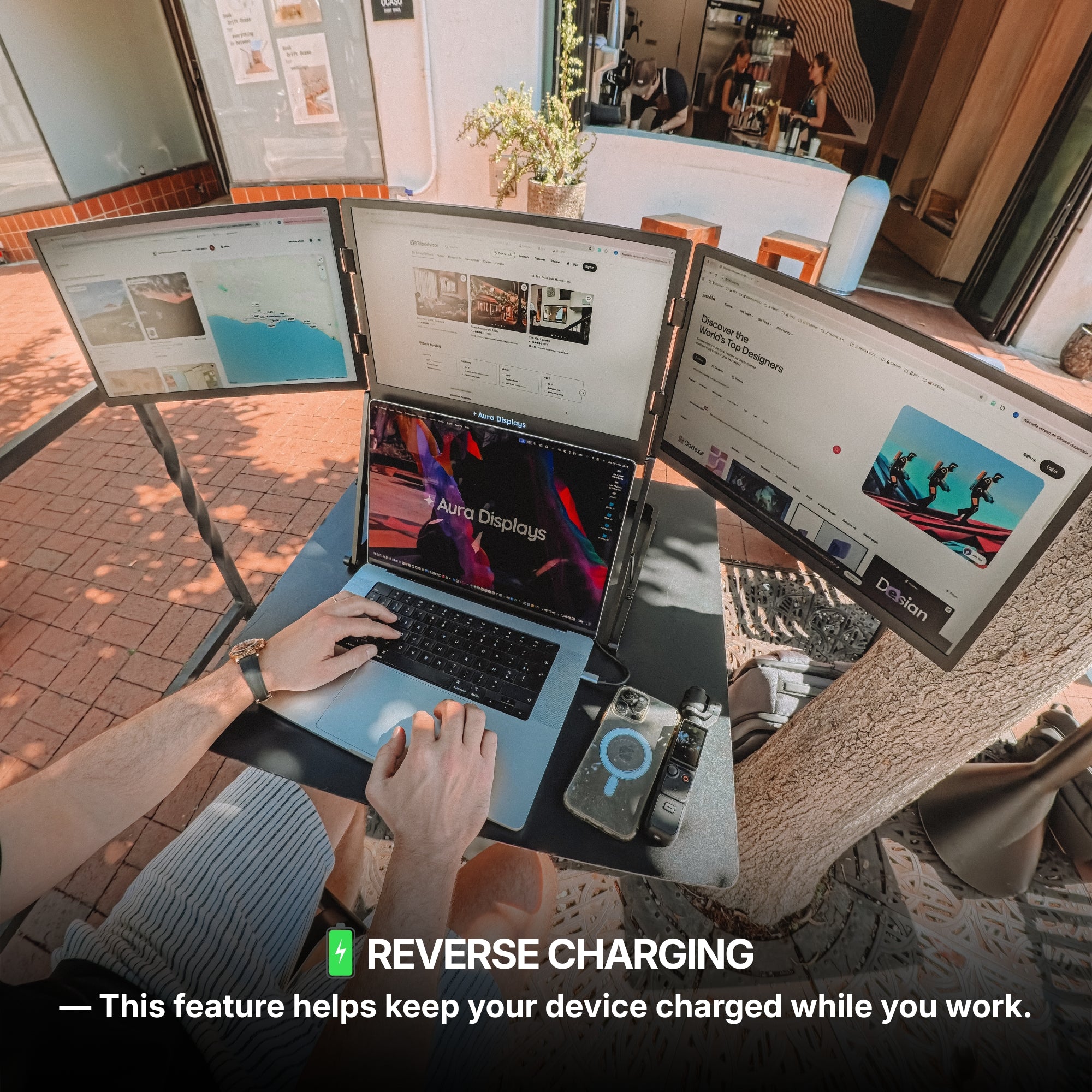
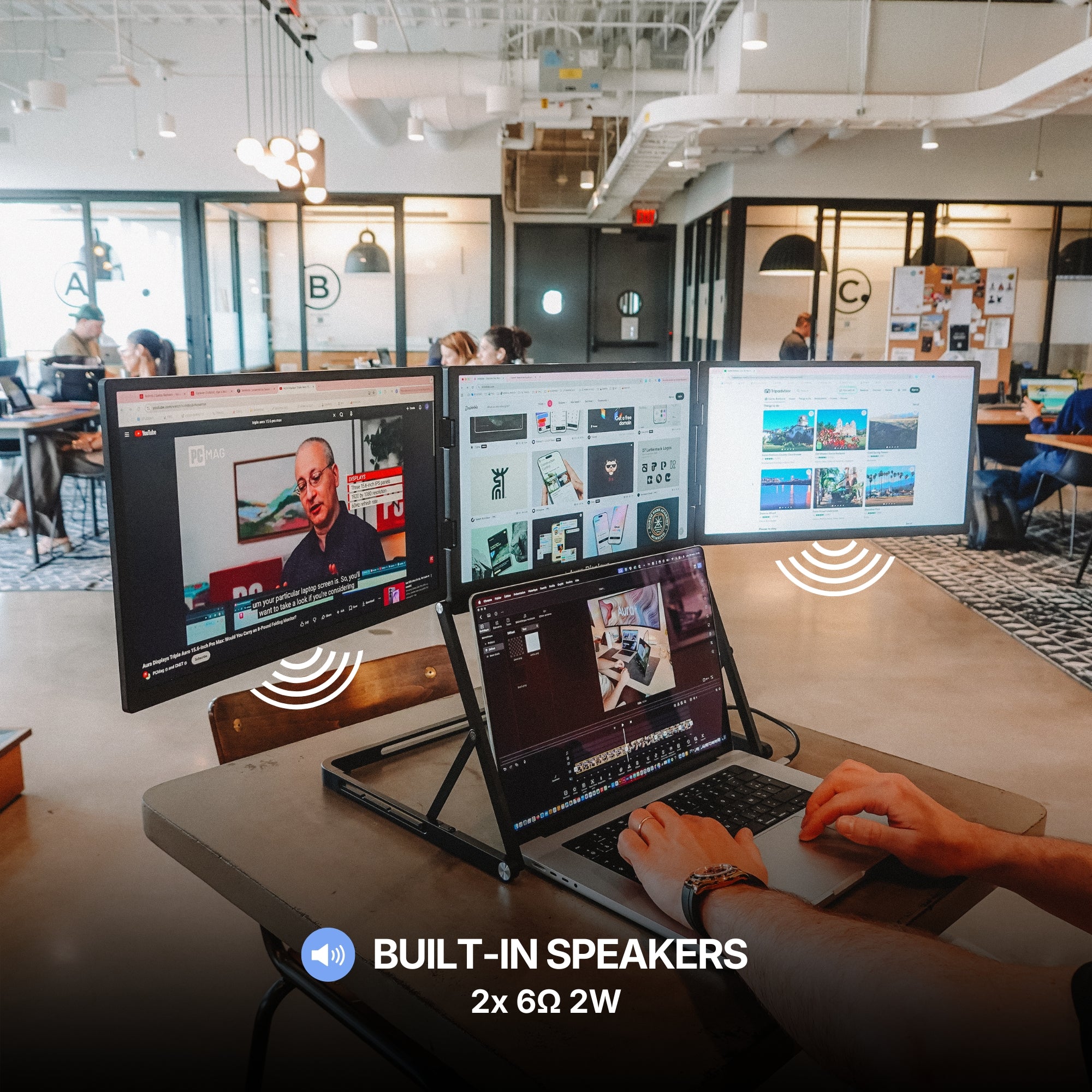
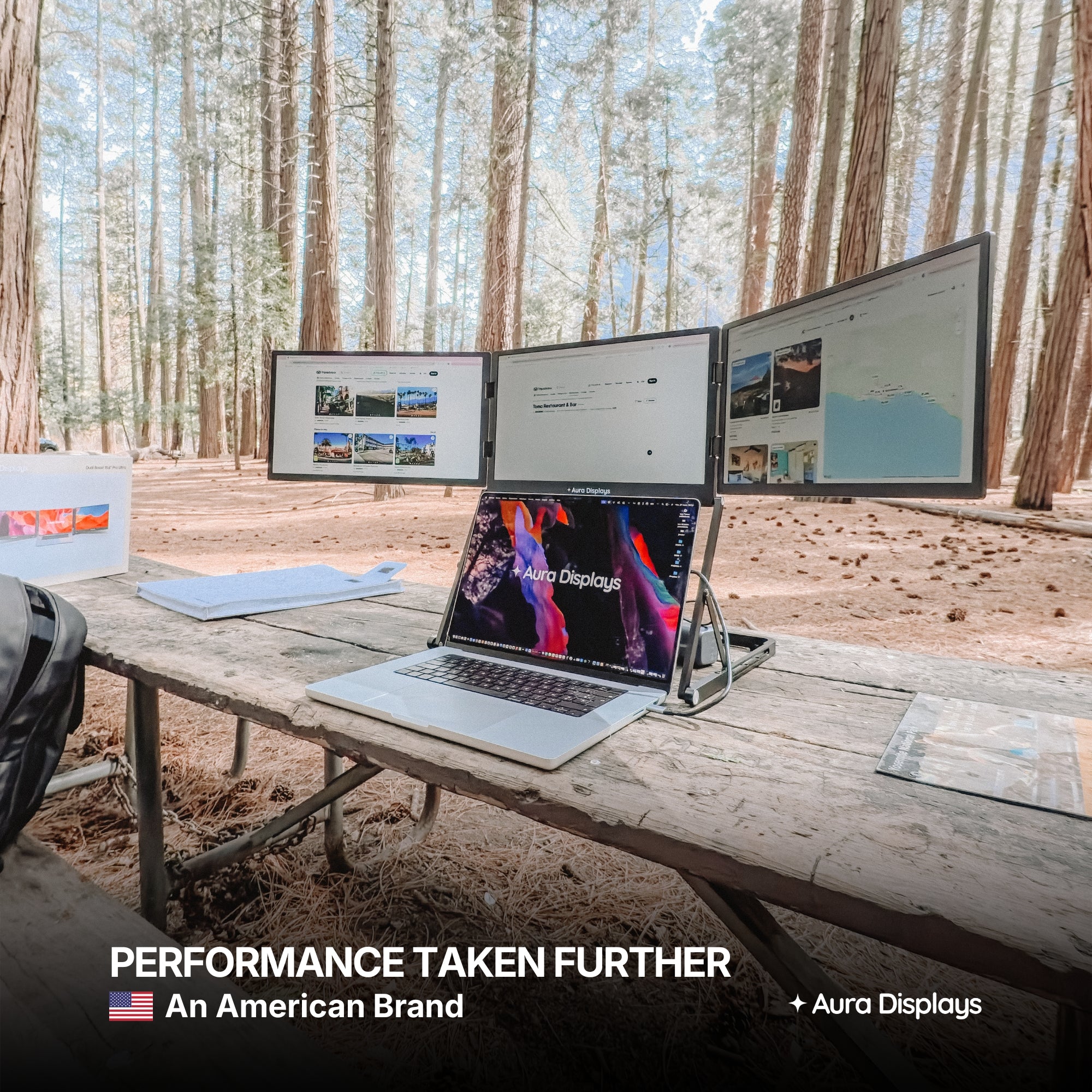
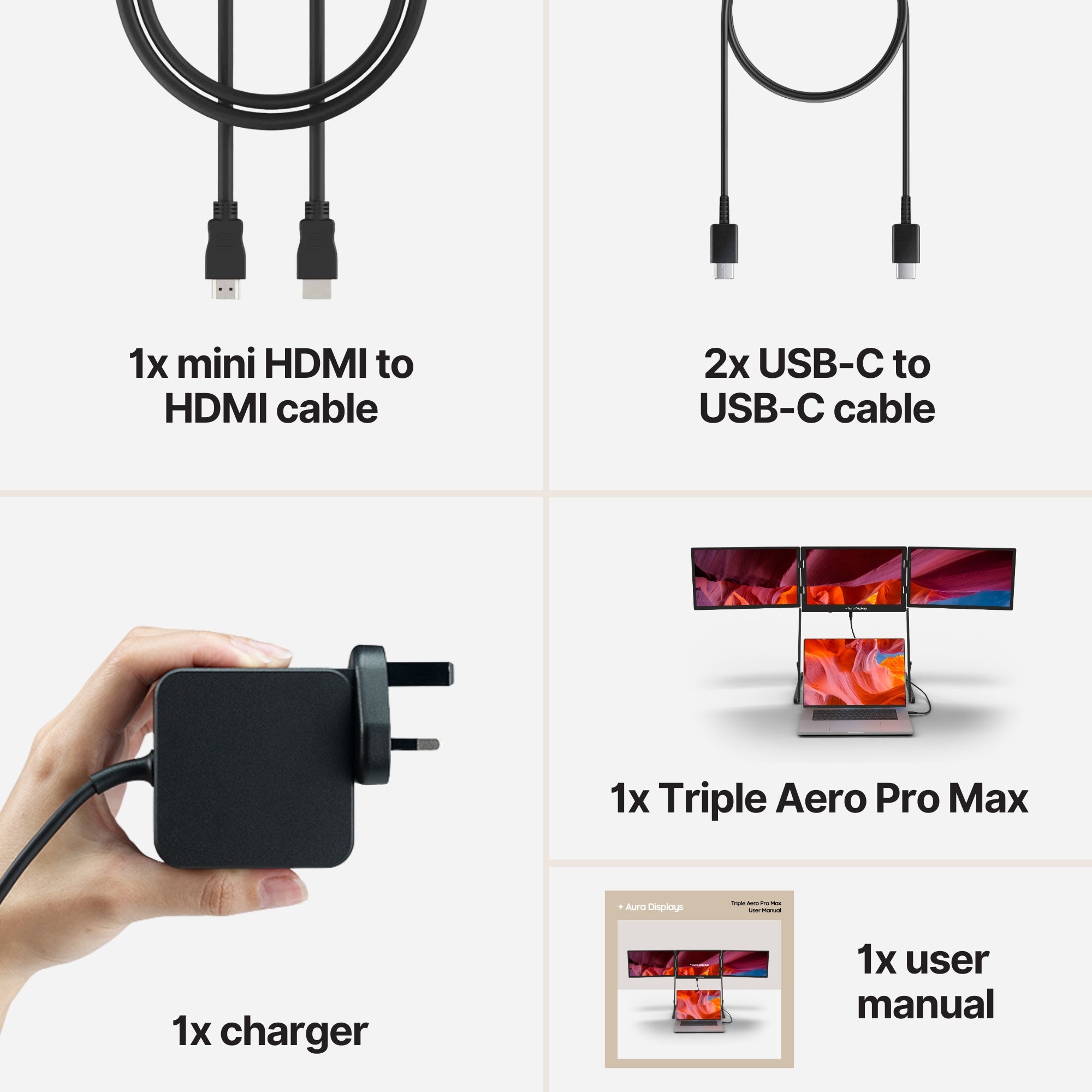
Introducing the Triple Aero, the definitive cockpit-style productivity booster for elite professionals. Crafted entirely from premium aluminum, it features three anti-glare monitors precisely aligned to create an unrivaled, immersive horizon above your laptop. It connects seamlessly via USB-C to your laptop, creating a powerful workstation. To operate all three stunning displays, a dedicated power supply (included) is utilized, ensuring stable, maximum performance. The Triple Aero is the essential upgrade for professionals who demand maximum screen real estate on the move.
1 USB-C cable required
Connected to your laptop
From 14" to 18.5"
Display Size
From Full HD to 2.5K
Resolution
MacOS, Windows
+ Game consoles
Software required
Quick and easy installation
Full Aluminum
Materials
Latest Press Releases
- 4.9
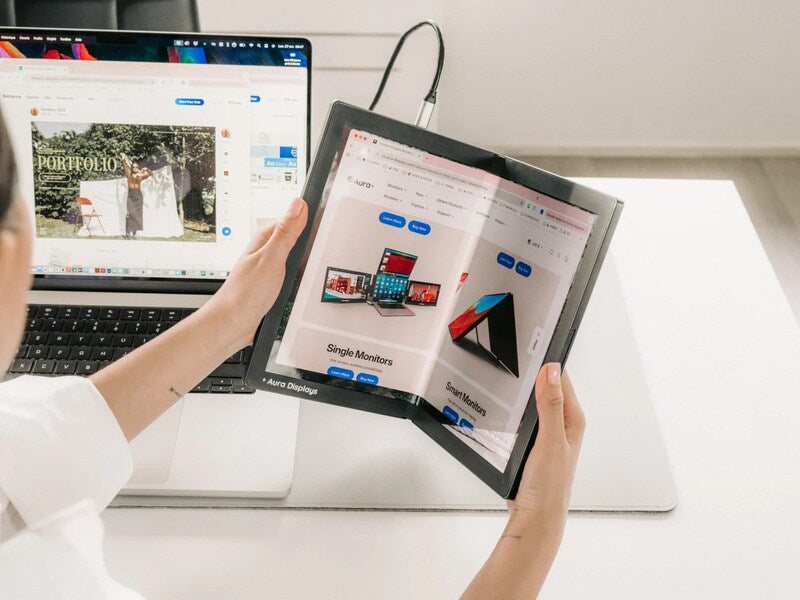
TrendHunter Highlights the Single Flex Pro: The Future of Portable Monitors Is Flexible
Innovation in the display industry often arrives in small steps. Every once in a while, however, a product comes along that introduces an entirely new category. That's exactly why the Single Flex Pro has recently attracted attention from TrendHunter, one...
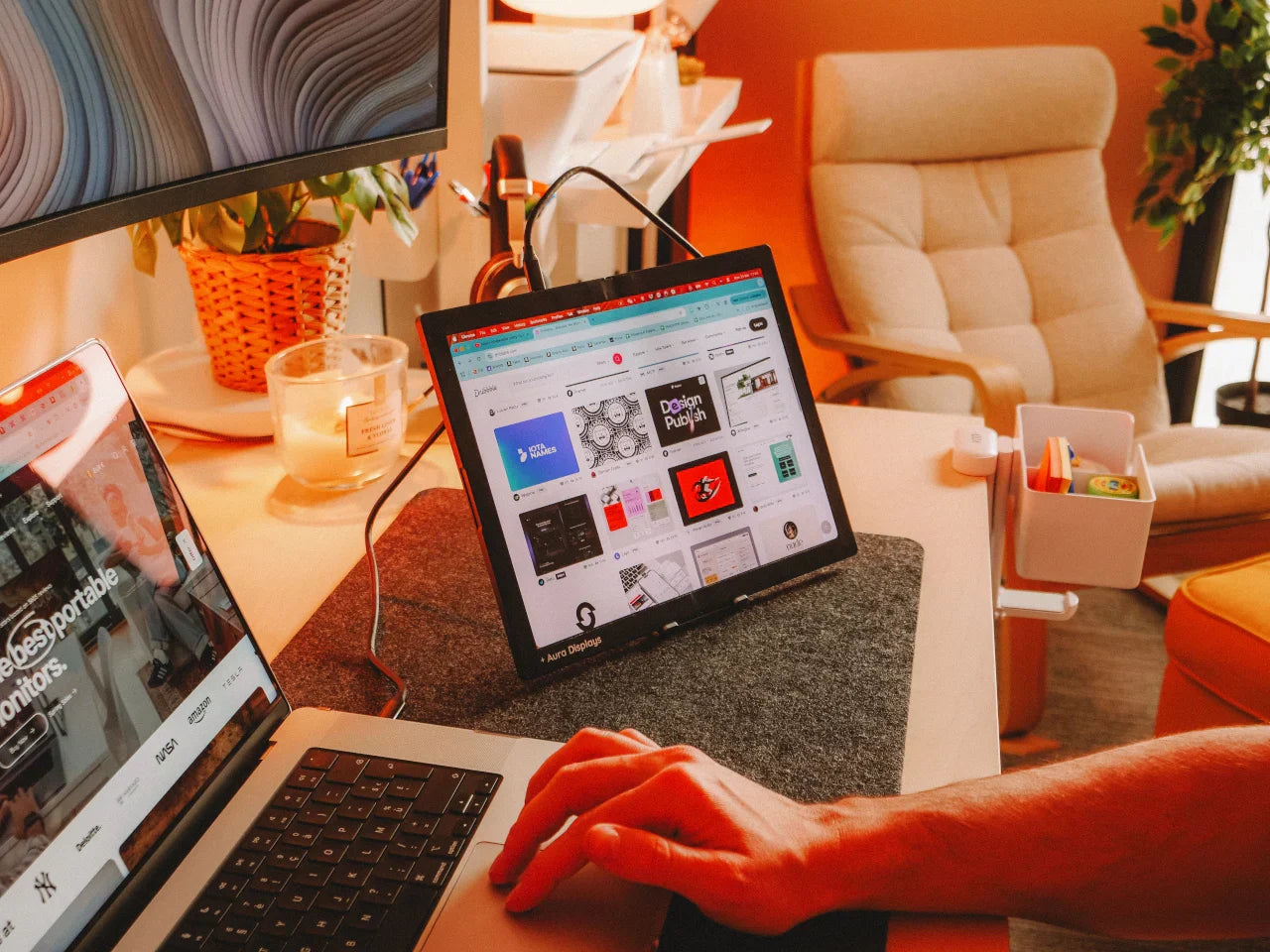
Yanko Design Spotlights the Single Flex Pro: A Portable Monitor That Actually Folds
Portable monitors have become an essential tool for modern professionals. Yet despite countless improvements in resolution, brightness, and connectivity, most portable displays still follow the same basic formula: a rigid screen, a built-in stand, and a fixed form factor. That's...
Read moreabout Yanko Design Spotlights the Single Flex Pro: A Portable Monitor That Actually Folds
- 4.0
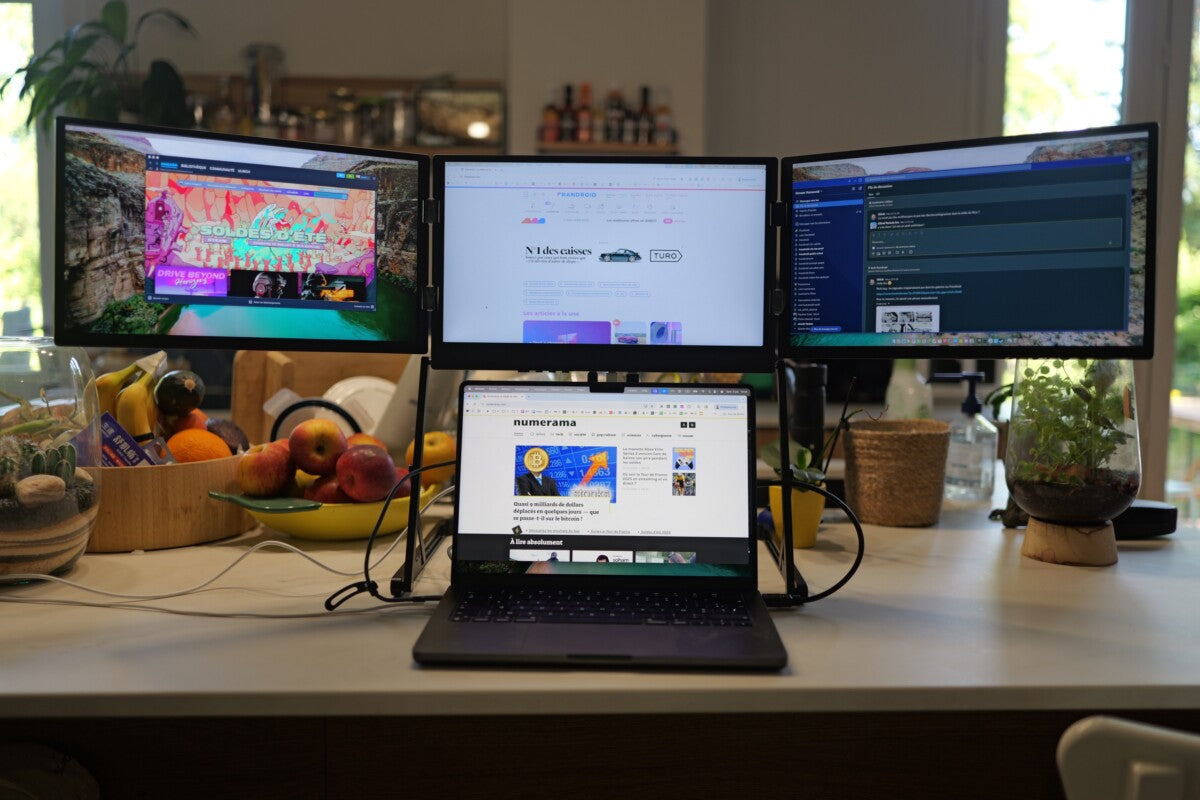
Frandroid Reviews the Triple Aero Pro Max: Three Screens to Triple Your Productivity
Whenever a major tech publication puts one of our products to the test, we're always eager to hear their verdict. Recently, Frandroid published an in-depth review of the Triple Aero Pro Max, our portable triple-monitor solution designed to transform any...
Read moreabout Frandroid Reviews the Triple Aero Pro Max: Three Screens to Triple Your Productivity

- 3.5
Tom’s Hardware Reviews the Aura Displays Triple Aero 15.6″ Pro Max — A True Portable Powerhouse
Tom’s Hardware praises the Aura Displays Triple Aero 15.6″ Pro Max as “an impressive piece of hardware” delivering a full 43″-style triple-screen workspace with premium aluminum design and true on-the-go power.

- 4.5
Tom’s Guide Reviews the Aura Displays Triple Aero 15.6″ Pro Max: “A Home Office in Your Backpack”
Tom’s Guide calls the Aura Displays Triple Aero 15.6″ Pro Max “a home office in your backpack,” praising its premium triple-screen design and the seamless productivity it brings anywhere.
- 3.5
PCMag Australia Spotlights the Aura Displays Triple Aero 15.6″ Pro Max
Aura Displays is proud to be featured in PCMag Australia! The Triple Aero 15.6″ Pro Max impressed reviewers with its foldable triple-screen design, premium aluminum build, and unmatched productivity potential.
Read moreabout PCMag Australia Spotlights the Aura Displays Triple Aero 15.6″ Pro Max



Share: